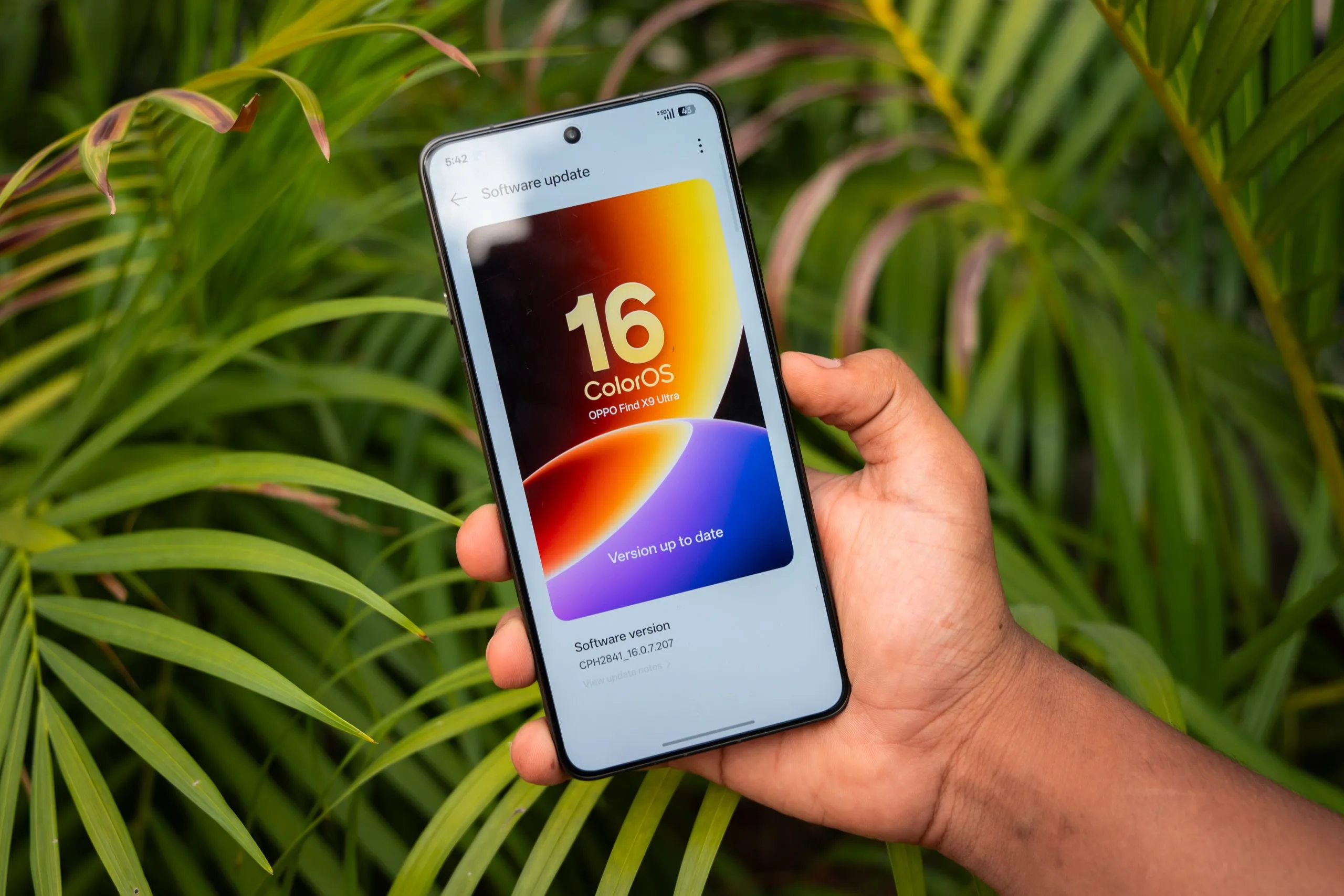
TL; DR
- ColorOS 16 July update adds new fingerprint unlock animations and icon style combinations for personalization.
- Two new camera filters: Primrose and Bold B&W, arrive natively in the Camera app.
- Face Unlock now supports a backup face profile; rollout covers Find X9 and Reno14/15 series devices.
Oppo India has begun rolling out the ColorOS 16 July update to eligible smartphones. It adds a fresh set of personalization tools, camera enhancements, and performance refinements that should benefit all types of users. The rollout is being pushed in phases throughout July.
Also Read: Dreame D30 Ultra Robot Vacuum Cleaner Launched In India: Check Features & Price Here

ColorOS 16 Eligible Devices
- Oppo Find X9 Ultra (review)
- Find X9s
- Find X9 Pro
- Find X9 (review)
- Reno 15 Pro 5G
- Reno 15 5G (review)
- Reno 14 Pro 5G (review)
- Reno 14 5G
Also Read: OnePlus N6x India Launch Confirmed for July 31

What’s New: Personalization And Camera
The headline addition is fingerprint unlock customization. Users can now choose from a new set of unlock animations and icon styles, along with mix-and-match combinations. This makes what is typically a mundane interaction feel more personal. I’d say that it’s a small touch, but one that lands well on a platform where users unlock their phones multiple times a day.
On the camera side, the update brings two new native filters: Primrose with a warm-toned option suited to portraits and a Bold B&W with a high-contrast monochrome mode for dramatic shots. Both are available directly within the Camera app. You won’t need any third-party editing tool.

Also Read: Moto Edge 70 Max Review: 5 Reasons to Buy & 5 Reasons to Think Twice
A Contact Poster preview feature also arrives with this build, letting users see and adjust how their contact card appears to others before assigning it. It is a visual control that was previously unavailable.
| Feature | What It Does |
| Fingerprint Unlock Animations | New animation styles and icon combos for lock screen personalization |
| Primrose Filter | Warm-toned camera filter for portrait photography |
| Bold B&W Filter | High-contrast monochrome filter for dramatic shots |
| Contact Poster Preview | Preview and edit your contact card before assigning it |
| Recent Tasks Animations | Smoother transitions when switching between open apps |
| Backup Face Profile | Register a secondary face for more reliable Face Unlock |
| System Refinements | General stability and performance improvements |
Also Read: Apple Is Squeezing Its Display Suppliers For A 20% Price Cut On The iPhone 18 Pro Max

Performance And Face Unlock refinements
The update also improves transition animations across the Recent Tasks screen, making app switching feel more fluid during heavy multitasking. On the Face Unlock front, users can now register a backup face profile, which could be very useful in situations where lighting conditions, glasses, or makeup might otherwise cause recognition to fail.
The setting is accessible under Settings > Security & Privacy > Device Unlock > Face & Fingerprint Unlock > Face > Add Backup Face. General stability and system responsiveness improvements are also included.
Also Read: OnePlus 16 To Debut At Its Usual Launch Windows In October

You can follow Smartprix on Twitter, Facebook, Instagram, and Google News. Visit smartprix.com for the latest tech and auto news, reviews, and guides.