TL; DR
- ColorOS 16 now lets users change photo timestamps, hide customised albums and favourite multiple photos at once.
- The Photos app gets a new Scan Text feature for extracting text and cleaning up document photos.
- Users can switch between Immersive and By Date views, while Private Safe and photo selection also get improvements.
OPPO has started rolling out a new ColorOS 16 September update focused on photo management and customization. The update adds several small but useful changes to the Photos app, giving users more control over how their pictures are organised and viewed.
The update includes tools for changing photo timestamps, hiding customised albums, managing favourites in batches and switching between different photo browsing layouts.

More Control Over Your Photo Library
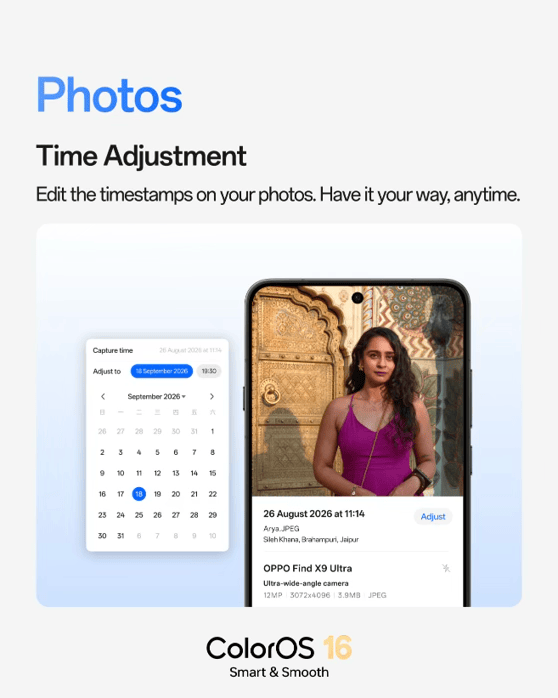
ColorOS 16 now lets users change the date and time attached to a photo directly from the Photos app. This can be useful when a picture has the wrong timestamp or when older photos need to be reorganised chronologically.
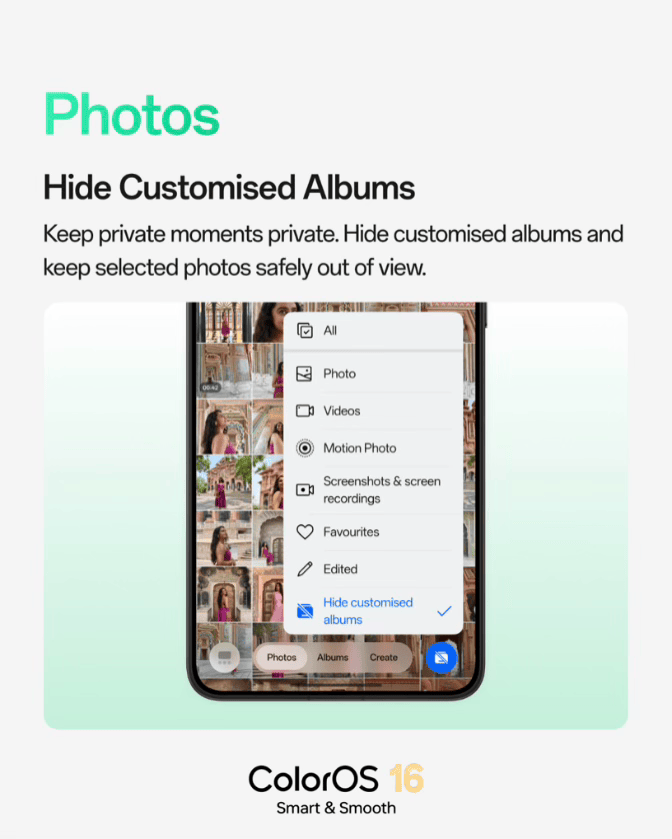
OPPO is also adding the option to hide customized albums from the main Photos view. This keeps selected albums out of the regular photo library interface without requiring users to delete or move their contents.
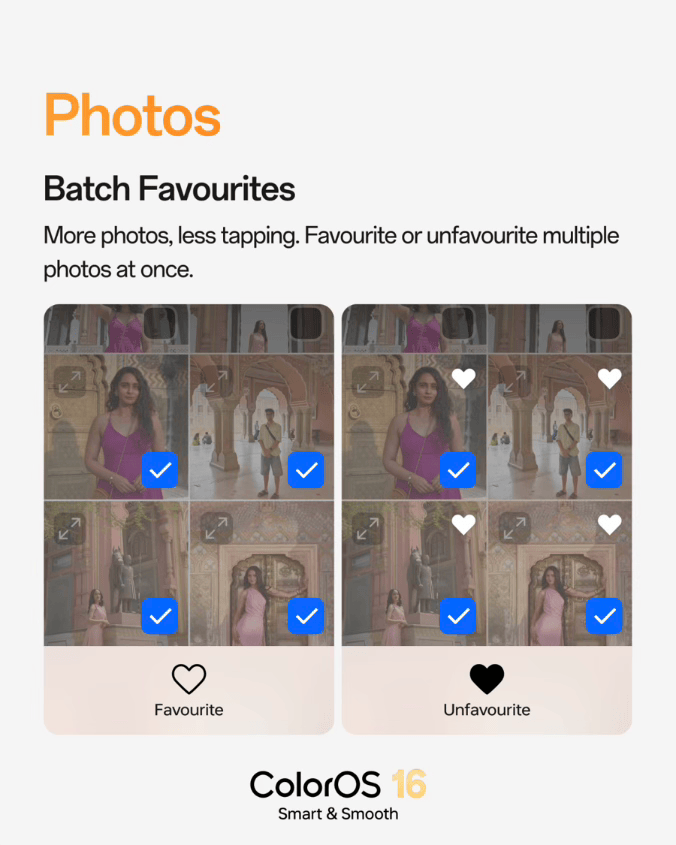
Managing favourites is getting quicker too. Users can now select multiple photos and add them to favourites at once, rather than doing it individually.
Scan Text From Photos
The update also adds Scan Text, which can extract text from a photo with a single tap. The extracted content can then be copied, edited or shared.
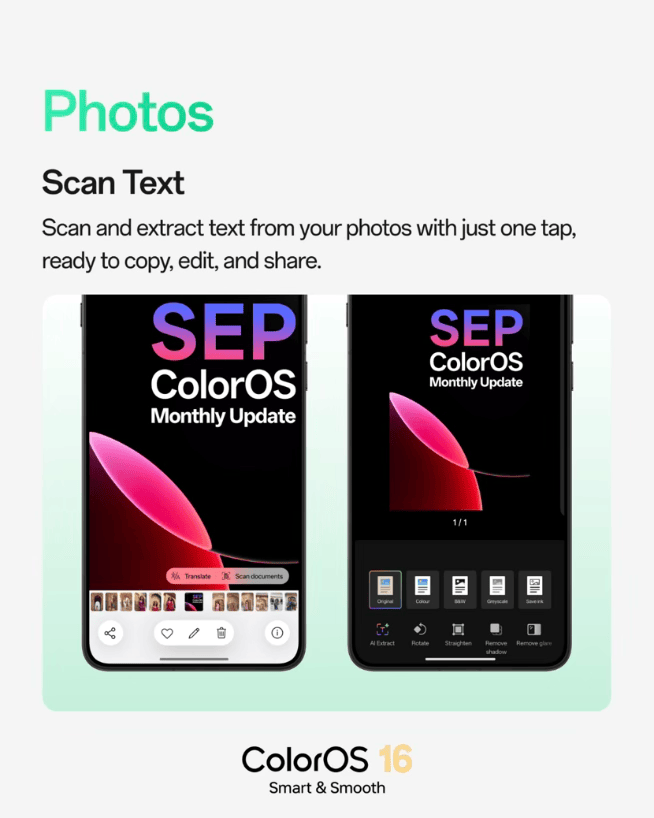
For documents, the tool also includes options to rotate and straighten images, along with tools for removing glare and shadows. This can make photographed documents easier to read and turn into cleaner digital copies.
Two Ways to Browse Photos
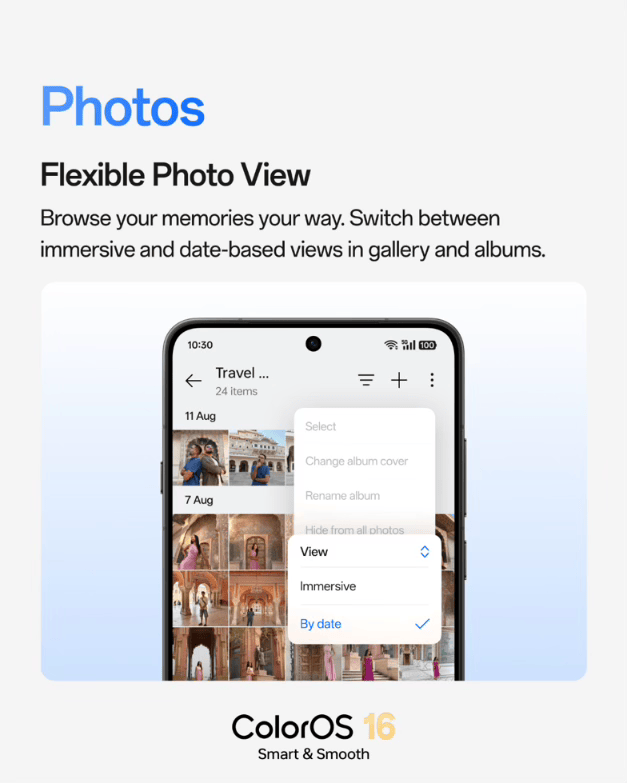
ColorOS 16 now lets users switch between Immersive and By Date views in Photos and Albums.
Immersive view focuses more on browsing photos visually, while By Date organises them around when they were captured. Users can switch between the two depending on how they want to find or revisit their photos.
The September update also includes improvements to Private Safe and photo selection, including easier file organisation across different formats and fewer accidental selections while browsing.
ColorOS 16 September Update: Compatible Devices and Timeline
OPPO says the latest ColorOS 16 update will roll out in phases between September 1 and September 30. The update is scheduled for the following devices:
- OPPO Find X9 Ultra
- OPPO Find X9 Pro
- OPPO Find X9s
- OPPO Find X9
- OPPO Find X8 Pro
- OPPO Find X8
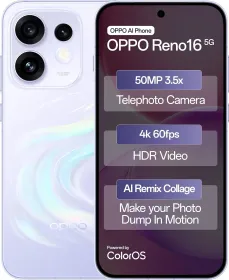
- OPPO Reno16 5G
- OPPO Reno15 Pro 5G
- OPPO Reno15 5G

You can follow Smartprix on Twitter, Facebook, Instagram, and Google News. Visit smartprix.com for the latest tech and auto news, reviews, and guides.