TL; DR
- ColorOS 17 introduces a new “Fluid Fusion” design with floating navigation, redesigned icons, blur effects and smoother animations.
- The Control Center, notifications, lock screen and system apps all get visual changes.
- OPPO is also adding new personalization options, widgets, wallpapers and interaction effects.
- The rollout starts with flagship devices before expanding to OnePlus, realme and older OPPO phones.
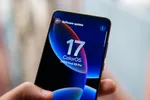
OPPO has officially revealed ColorOS 17, its Android 17-based software update. The new version focuses heavily on the visual side, with a redesigned interface, new animations, updated system components and more ways to customize the look of the phone.
The update also continues OPPO’s push toward a more fluid interface. Several parts of the system now use floating elements, translucent backgrounds and blur effects, while animations have been reworked to make transitions feel more connected. Let’s take a close look.
A Major Visual Change
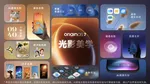
The biggest change in ColorOS 17 is the new Fluid Fusion design language. OPPO has redesigned navigation across several system apps, replacing some of the traditional layouts with floating elements that react to gestures.

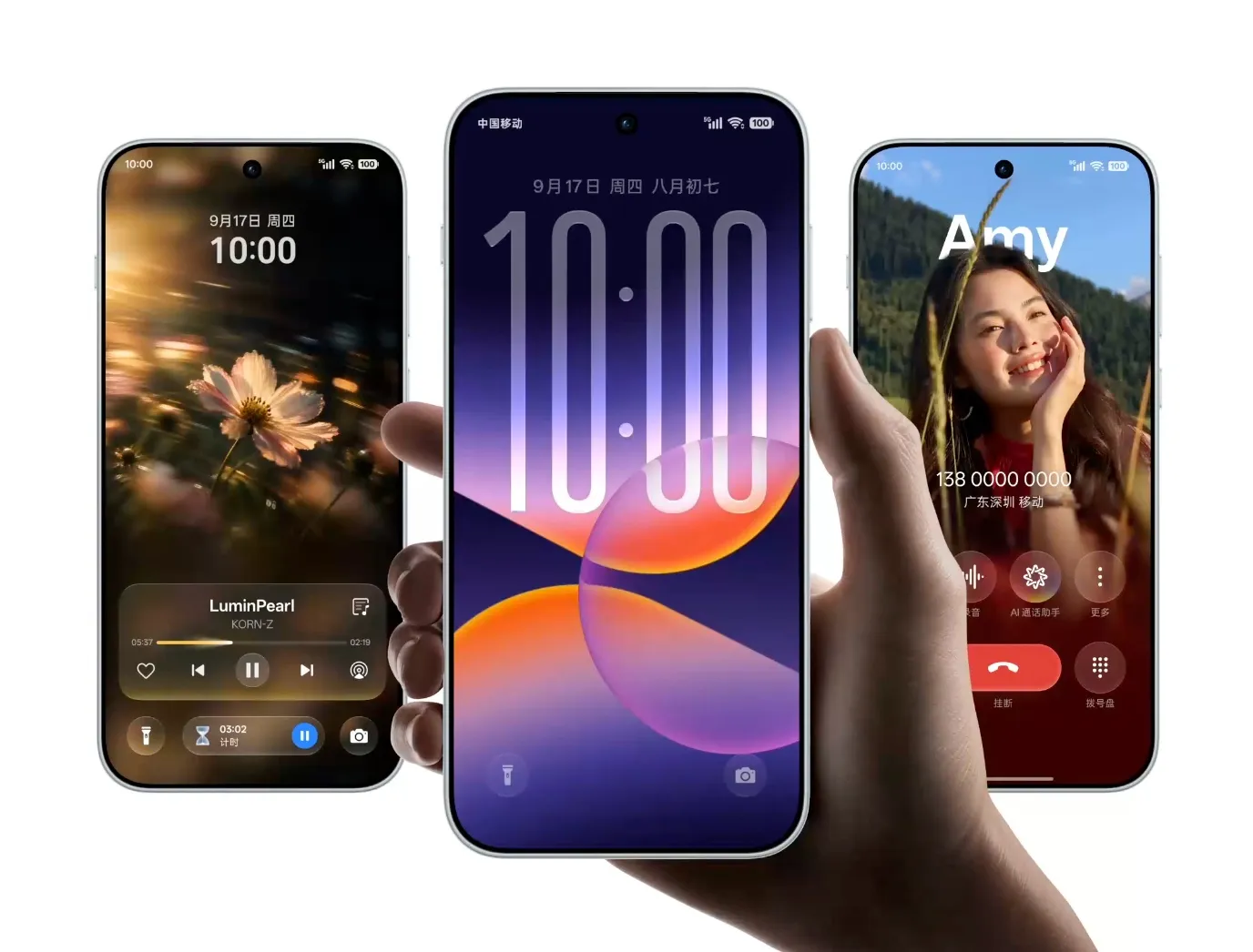
The Control Center gets redesigned controls with rounded shapes, while notifications and other system panels use more transparency and blur. The lock screen and Home Screen transitions have also been reworked, with animations following the movement of your gestures instead of simply switching from one screen to another.
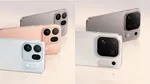
System icons have been updated as well, with a new visual treatment that fits the redesigned interface. OPPO is also using progressive blur and glow effects across parts of the UI. All system apps have been updated to use a floating navigation bar, making the software more consistent.
The Fluid Cloud (Live Alerts) also gets a visual overhaul with the same effects seen across the entire system.
The overall direction is very familiar if you’ve followed recent iOS updates. A lot of ColorOS 17’s visual language looks heavily inspired by Apple’s Liquid Glass, particularly the translucent panels, blurred backgrounds, floating elements and glass-like icons. However, it’s still not entirely Liquid Glass like vivo—OPPO uses a frosted glass effect to differentiate.
ALSO READ: MediaTek Dimensity 9600M Is Basically the Dimensity 9500 With New AI Features
Notifications Get a New Look
Notifications have also been redesigned in ColorOS 17. Instead of simply dropping down from the top, incoming notifications now appear from the bottom of the screen, while the lock-screen clock dynamically resizes to make room for them.
The notification cards use a frosted-glass effect, with the wallpaper showing through underneath. Combined with the dynamic clock and fluid animations, the whole interaction looks very beautiful.
More Lock Screen and Home Screen Customization
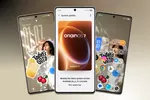
ColorOS 17 adds several new ways to personalize the lock screen and Home Screen. New clock styles can be placed on the lock screen, while users can add stickers and other decorative elements around their wallpapers. OPPO is also expanding its collection of dynamic themes, including themes that react to movement and interaction.
There are also new wallpaper effects that can turn personal photos into more interactive lock-screen backgrounds. Some themes respond when you move or unlock the phone, while others react to music and on-screen activity. For example, the clock from the lock screen seamlessly transitions to the one on the home screen.
The system’s new dynamic light effects extend beyond wallpapers too. Buttons, notifications and other interactions can trigger lighting effects that follow the action on screen.
Additionally, the lock screen media player, the expanded view media player in the control center, and the lock screen shortcut animation have also been updated to look more in line with the new design language.
ALSO READ: OriginOS 7 Officially Revealed: vivo’s Android 17 Skin Gets a Major Visual Overhaul
Smoother Animations and Haptics
OPPO has also worked on how ColorOS 17 responds to touch. The new interaction system ties animations more closely to gestures, so elements can stretch, move and settle into place as you swipe. The company is also changing vibration feedback to better match what’s happening on screen.
For gaming, ColorOS 17 includes a new game eye-protection mode that OPPO says can improve visual comfort by 29% by reducing gaming-related visual strain.
Another small but useful addition is dual-path audio. A phone can play audio through its own speakers while a connected Bluetooth device plays another audio source, making it possible to use both outputs simultaneously in supported scenarios.
ColorOS 17 India Beta
ColorOS 17 closed beta testing is already active in India for a selection of devices, including the Find X9 Pro, Reno 15 Pro, Reno 15 Pro Mini, OnePlus 15, OnePlus 15R and realme GT 8 Pro.
An open beta is expected to begin very soon, followed by the stable rollout from October onwards.

You can follow Smartprix on Twitter, Facebook, Instagram, and Google News. Visit smartprix.com for the latest tech and auto news, reviews, and guides.