TL; DR
- The MacBook Pro with PROLED XDR adds a Touch Display section in System Settings for gesture controls, while the option to disable touch entirely sits under Accessibility.
- Steve Jobs called vertical touchscreens on laptops “ergonomically terrible” in 2010.
- Early hands-on reports mention some screen wobble when pressed and lingering fingerprint concerns, despite Apple’s redesigned hinge and display coatings.
- Some users question why they should pay a $400/₹50,000 premium for touchscreen hardware they may never use, while others argue that the feature can simply be turned off.
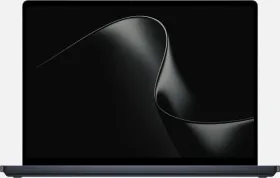
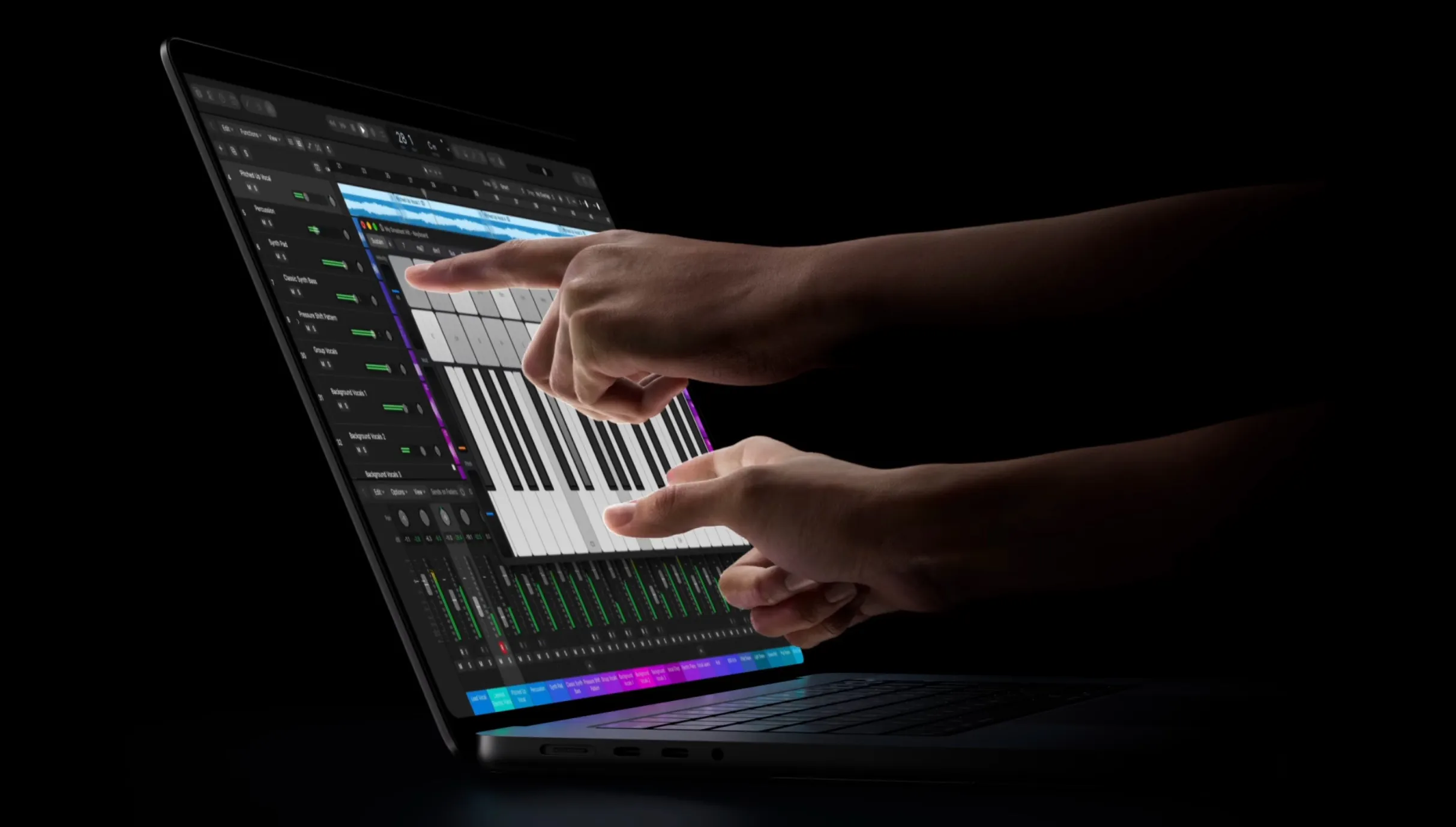
The new MacBook Pro with PROLED XDR Display includes a dedicated Touch Display section in System Settings. It lets users configure common gestures, including swiping between pages, Mission Control, App Exposé, Notification Center, Show Apps, and Show Desktop. Most of these mirror existing trackpad gestures and can be enabled or disabled individually.
There’s also an option to turn off touch input entirely, but you’ll find it under Accessibility rather than the main Touch Display menu. Once disabled, the screen stops registering finger input, while the keyboard and trackpad continue to work as usual. Apple has also added a Display Zoom preference in the same area, allowing users to pinch to enlarge parts of the interface.
Steve Jobs Had His Reservations About Touchscreen Macs
Apple spent more than a decade publicly rejecting the idea of a touchscreen Mac. At the company’s “Back to the Mac” event in October 2010, Steve Jobs addressed the subject directly.
“We’ve done tons of user testing on this, and it turns out it doesn’t work,” he said. “Touch surfaces don’t want to be vertical. It gives a great demo, but after a short period of time you start to fatigue, and after an extended period of time your arm wants to fall off. It doesn’t work. It’s ergonomically terrible.”
Jobs argued that multitouch belonged on horizontal surfaces, such as trackpads. Apple stuck to that position for years, with executives repeatedly describing the Mac as an indirect-input device built around the keyboard and trackpad, while the iPad handled direct touch.
Apple Has Changed Its Approach With PROLED XDR
Apple has now reversed that stance with the PROLED XDR models. The company says the touch sensor is built directly into the OLED panel instead of being layered on top, reducing latency. A redesigned hinge is meant to improve stability when users press the screen, while a new thermal layout keeps the display cooler during use.

The laptops ship with macOS 27, which translates touches into clicks so existing apps can respond without requiring updates. Pre-orders opened on October 28, with the first units arriving on November 6.
Screen Wobble and Fingerprints Remain Concerns
Early hands-on feedback has been mixed on the practical side. Some reviewers found that the screen still wobbles when touched, even with the stiffer hinge. After all, physics still limits how rigid a laptop lid can be while remaining easy to open and close. Fingerprints are another concern for users who dislike marks on the glass.
Other comments online have returned to the ergonomic concerns Jobs raised years ago. Reaching up to a vertical screen means lifting a hand away from the keyboard or trackpad, even for routine tasks. Some buyers have also said they would prefer the OLED display without the touch layer, while the huge $400/₹50,000 price gap over the non-touch models has also drawn attention.
Touchscreen MacBook Has Users Divided
The Accessibility toggle gives users who don’t want touch input a direct way to switch it off. The keyboard and trackpad remain fully functional, so disabling the touchscreen doesn’t prevent users from operating the MacBook Pro as usual.
This has sparked a debate over whether users should have to pay extra for hardware they may never use. Some argue that Apple is charging them for additional R&D and components that offer little value if they prefer using the keyboard and trackpad. Others believe the solution is simple: if you don’t want touch input, just turn it off in Settings.

But does the option to disable a feature make its added cost any easier to justify? Or should Apple offer a non-touch OLED model at a lower price? What do you think? Let us know in the comments below.

You can follow Smartprix on Twitter, Facebook, Instagram, and Google News. Visit smartprix.com for the latest tech and auto news, reviews, and guides.