TL; DR
- Google has launched Googlebook, an Android-based laptop category built around Gemini Intelligence, starting at $899.
- Googlebook OS is Android at its core, with some ChromeOS-inspired features.
- US sales start October 4, with India’s launch date still unconfirmed.
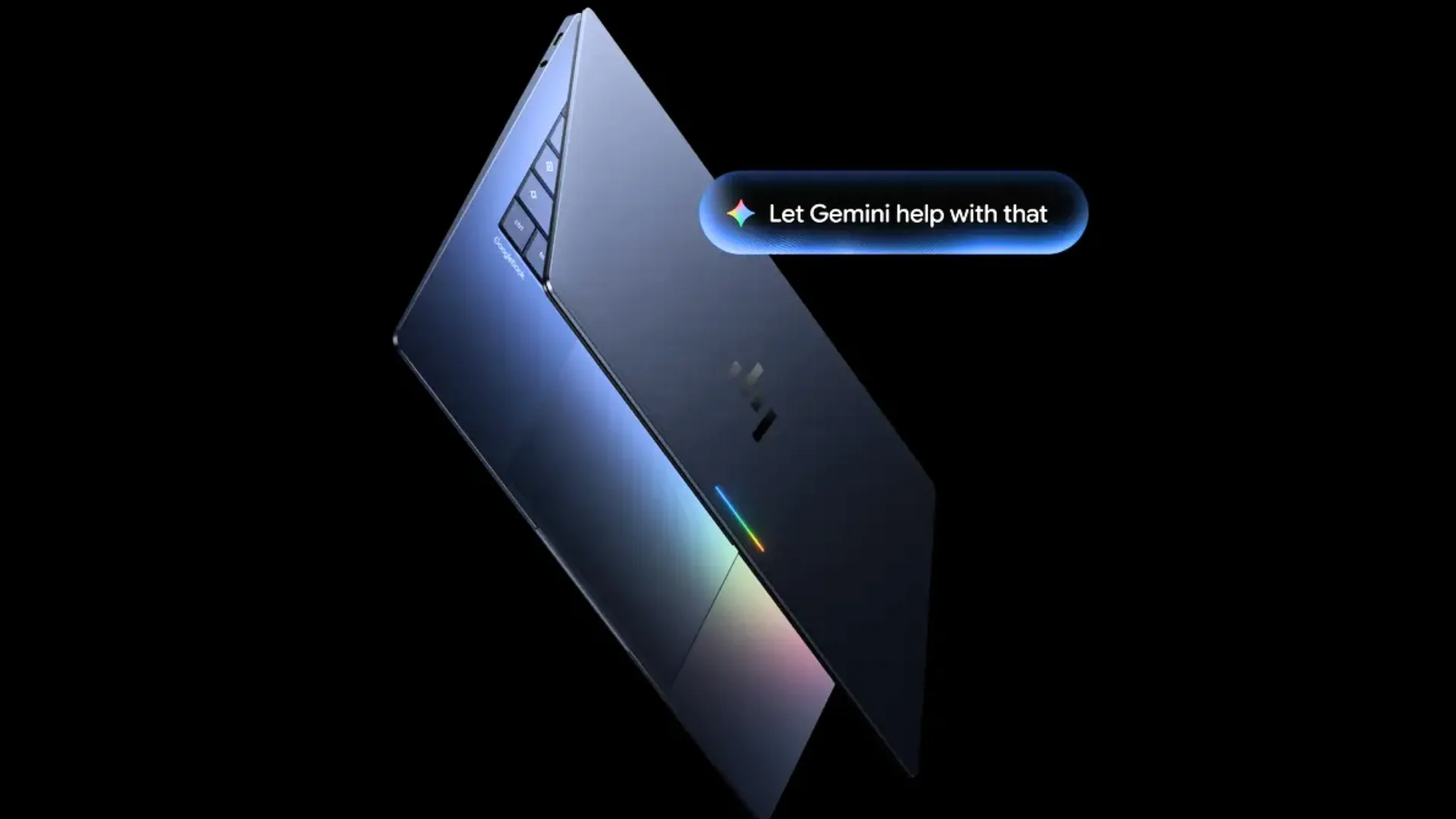
While rumors about Googlebook have been circling the internet for quite a while, Google just made its newest category of AI-first laptops (or rather, a new standard or criteria for those laptops) official. The new category is not to be confused with Chromebooks, and definitely not a rebranded Pixelbook, but something the company is calling “Googlebook.”
The devices are built to work in sync with the Android smartphones already available on the market, but with one clear distinction. These machines are built to run Gemini Intelligence. As many as five hardware partners joined for launch day.
Also Read: OnePlus N6 Lite Launched in India at ₹16,999 With Unisoc T7250 and a 7,000 mAh Battery
However, if you’re wondering what exactly a Googlebook is, how it differs from a Chromebook, and what makes it unique, you’ve landed in the right place.
What Is A Googlebook?
Googlebook is a new hardware standard established by Google (similar to how “Chromebook” or Intel’s “Evo” brand functions). Under this standard, Google sets the basic hardware and software requirements, while third-party hardware partners build laptops that meet them.
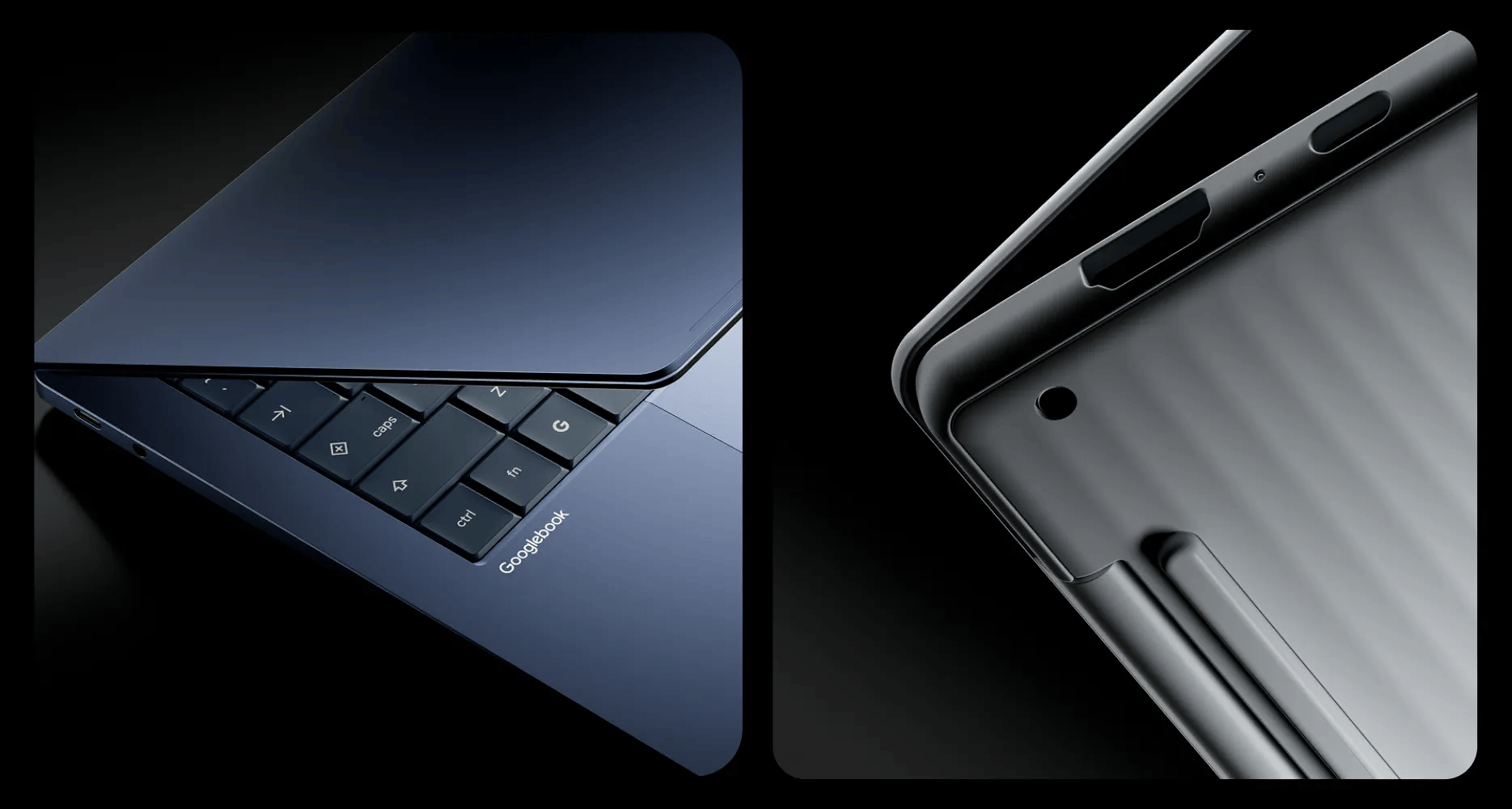
The devices run a purpose-built operating system called Googlebook OS. While earlier rumors framed it as a combination of the best aspects of Android and ChromeOS, hands-on testing reveals something totally different. Googlebook OS contains Android at its core and Gemini Intelligence around it.
Also Read: Apple’s 1TB iPhone 18 Pro Max Uses Slower QLC Storage, Testing Shows

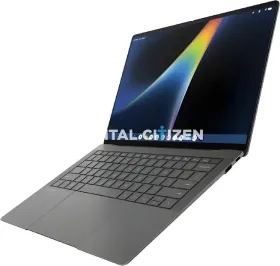
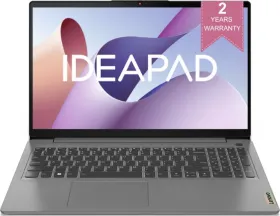
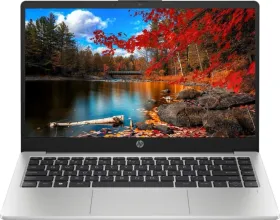
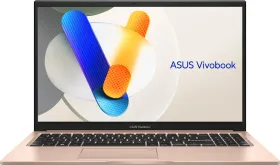
It is safe to say Googlebooks are AI-first laptops designed to support smooth, efficient on-device AI workflows. Like Chromebooks, laptop manufacturers can each have their own version of a Googlebook. The entire lineup went official on September 21, with Acer, ASUS, Dell, HP, and Lenovo all shipping hardware on day one.
What Is The Minimum Hardware Criteria For a Googlebook?
To be certified as a Googlebook, a laptop must have at least 16GB of RAM, 256GB of storage, a touchscreen, a backlit keyboard, a fingerprint scanner, and Google’s signature glowbar lighting strip running along the lid. A detailed Googlebook hardware requirement list is given below.
Also Read: Oral-B iO Series 9 Review: Smart, Pricey, and The Best You Can Buy
| Hardware Component / Feature | Minimum Googlebook Criteria |
| RAM | Minimum 16 GB (configurable up to 32 GB) |
| Storage | Minimum 256 GB solid-state storage |
| AI Processing (NPU) | Dedicated NPU delivering 40+ TOPS (Trillions of Operations Per Second) for local Gemini Nano models |
| Display | High-resolution touchscreen (typically 2.5K to 2.8K OLED/LCD) with touch support across all models |
| Battery Life | Rated for minimum 14 hours of continuous video playback (or up to 16 hours of web browsing) |
| Processor Support | Certified high-efficiency processors from Intel Core Ultra (Series 3/Panther Lake) or Qualcomm Snapdragon X Elite families |
| Chassis Materials | Premium metals (aluminum, magnesium alloy, or carbon fiber) |
| Glowbar | Outer-lid light bar indicating battery status, Gemini AI interactions, and boot patterns |
| Quick-Insert Key | Physical key near spacebar/Alt key launching Gemini tools (Rambler speech engine, clipboard, widgets) |
| Input & Biometrics | Full-size backlit keyboard, precision haptic glass touchpad, and biometric security (fingerprint or facial recognition) |
| Hardware Security | Built-in Google Titan C or Titan C2 security chip |
Also Read: India Gets A Hogwarts-Themed Realme 16 Pro And Buds T500 Pro: Check Details Here
What Is Googlebook OS, Exactly?
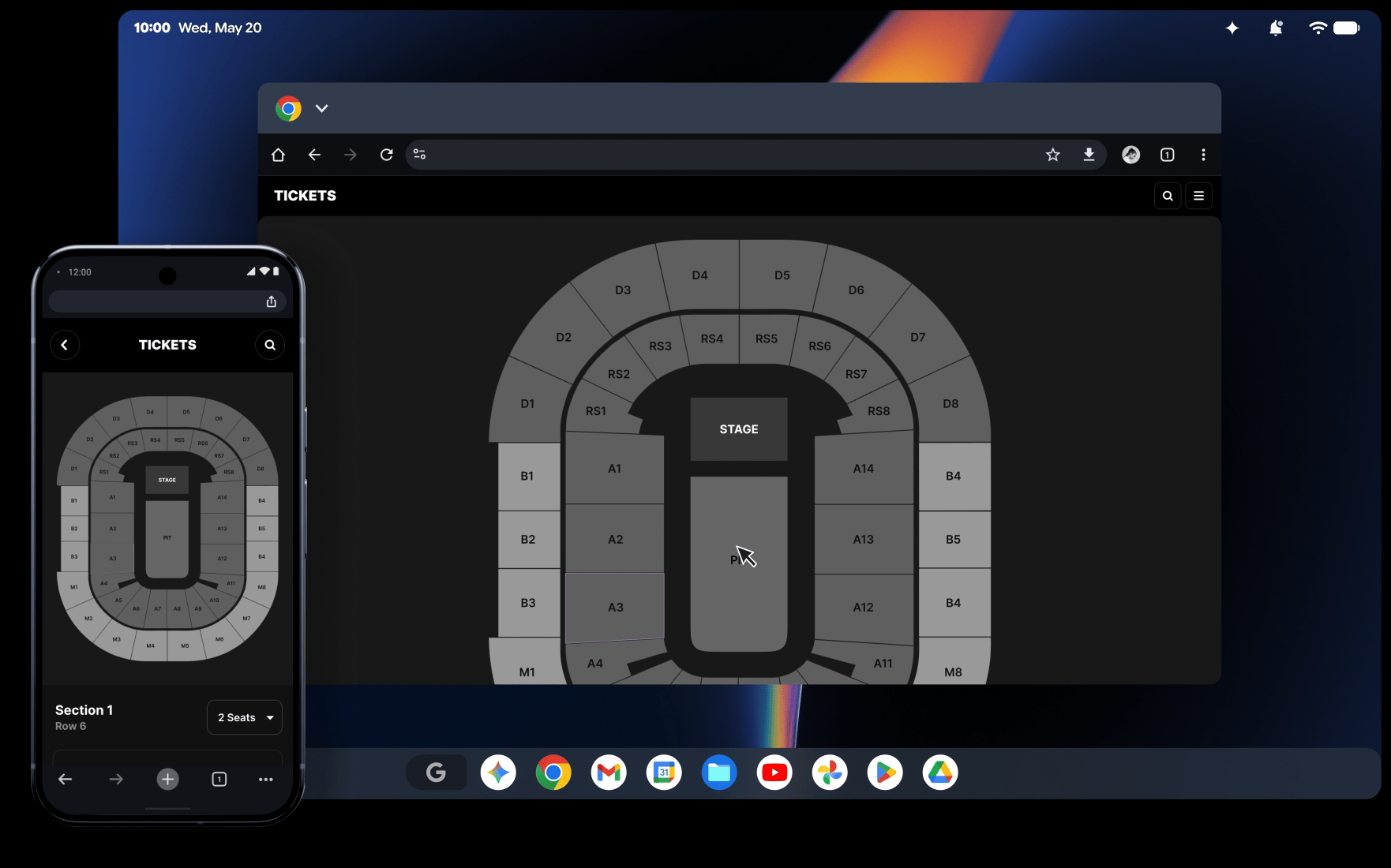
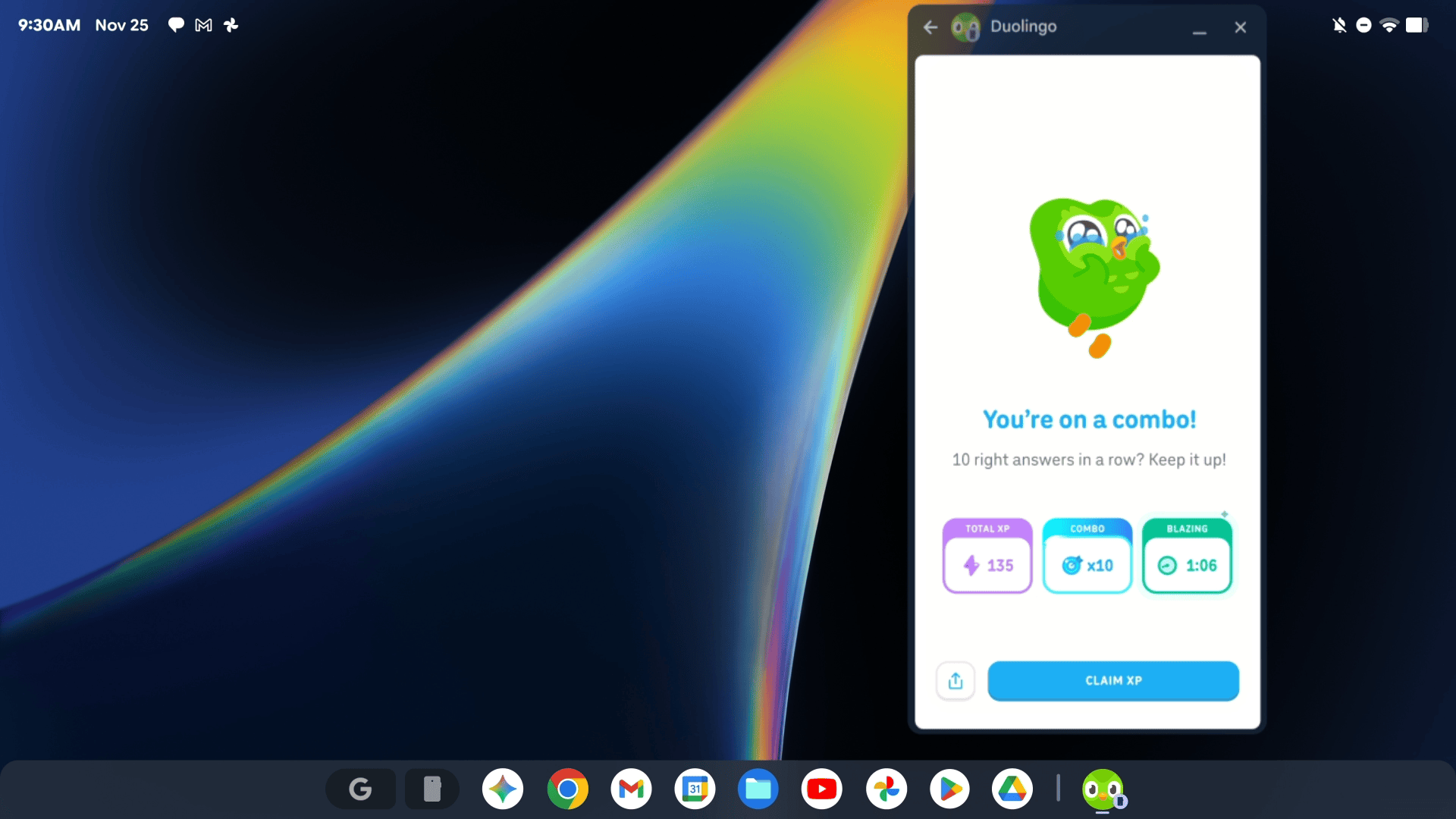
At launch, Googlebooks runs Googlebook OS, with Android at its core. The Settings app is straight out of the Pixel phones, while the app drawer is essentially the Pixel Launcher. Even the Quick Settings and notifications sections sit in the top-right corner, similar to Android phones.
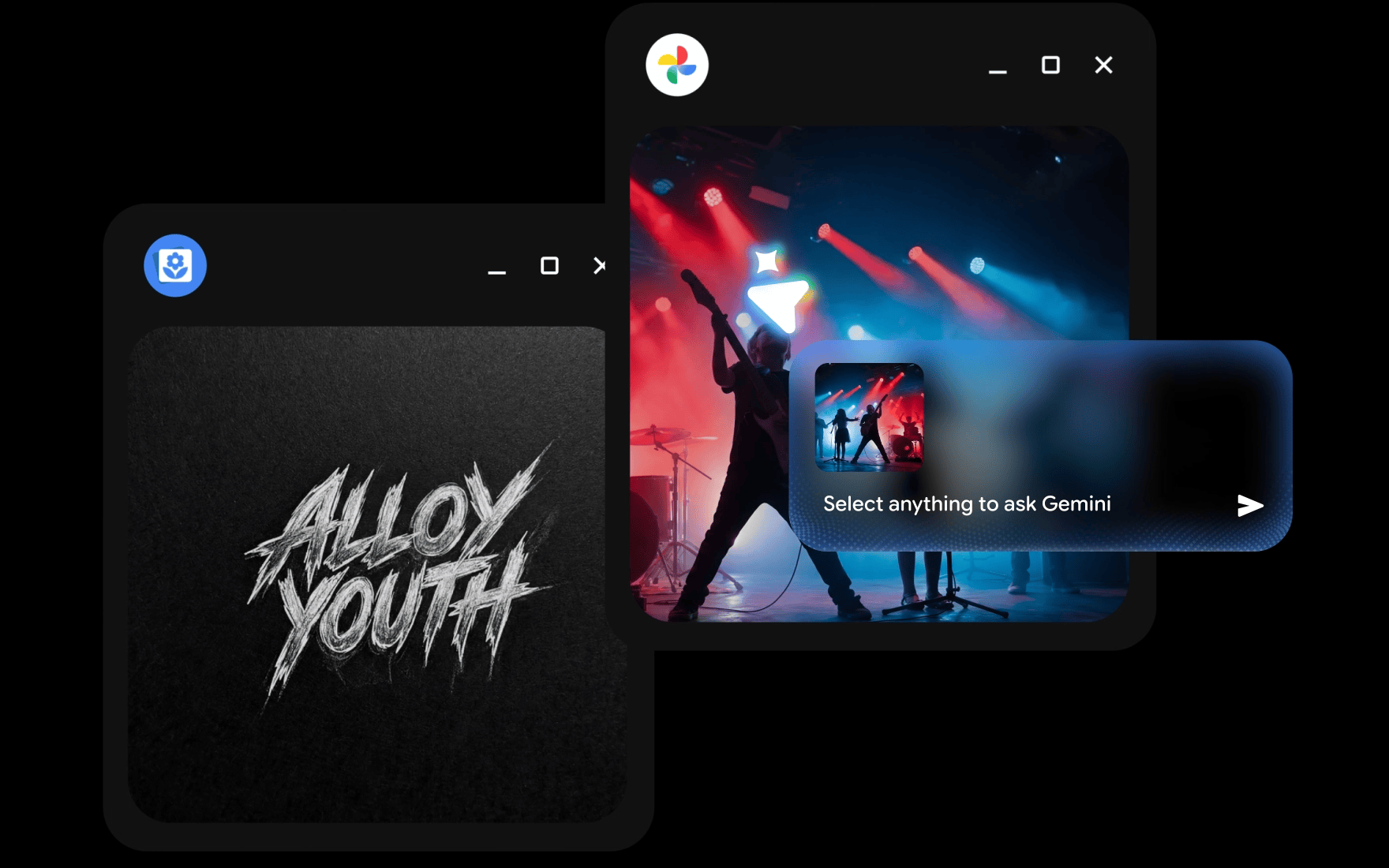
Like the latest Pixel phones, the Googlebooks also offer several on-device intelligence features, including Magic Pointer, Rambler, and Create My Widget. The former infuses Gemini’s capabilities into the pointer, letting it understand, transform, or ideate based on your selection on the screen.
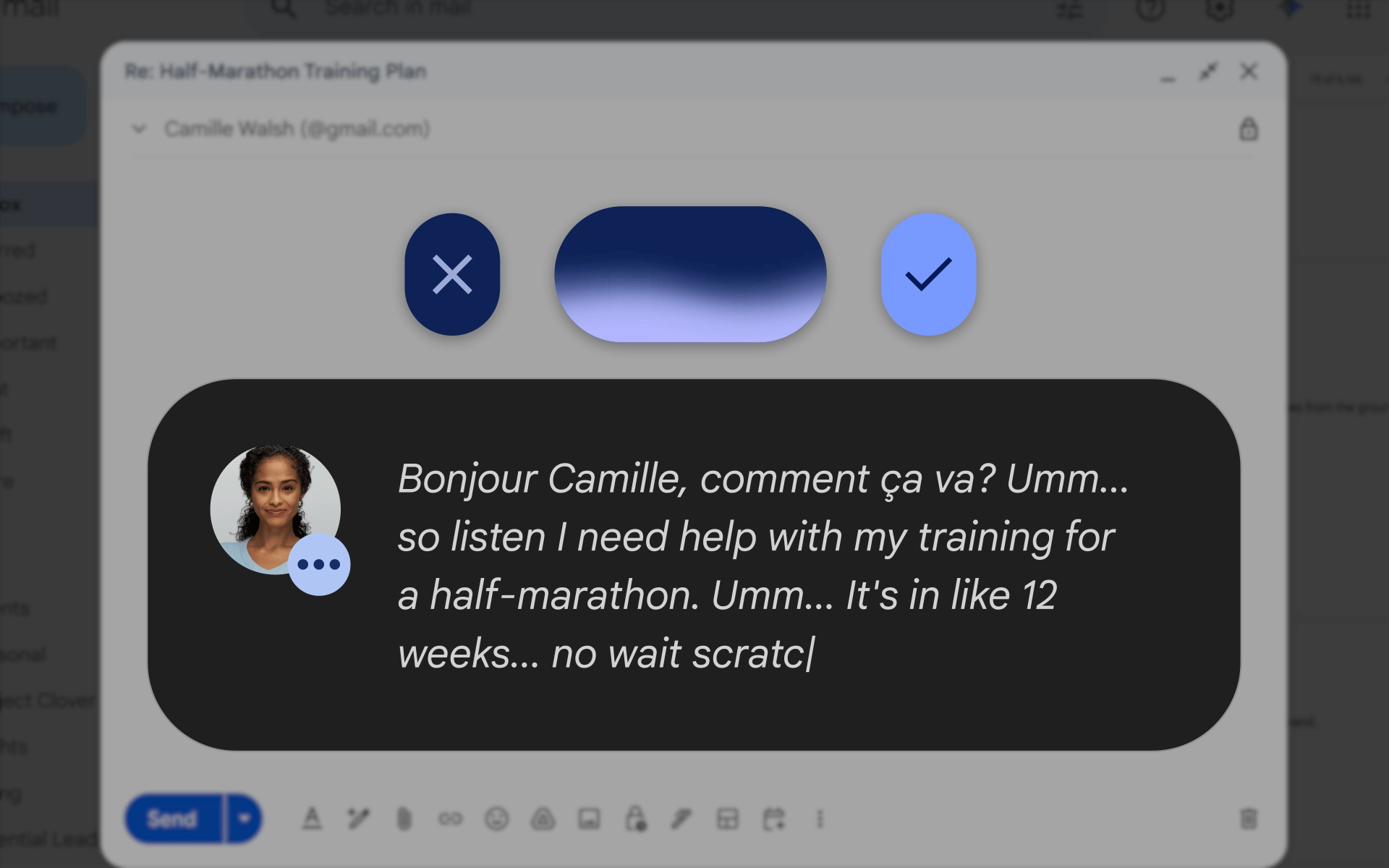
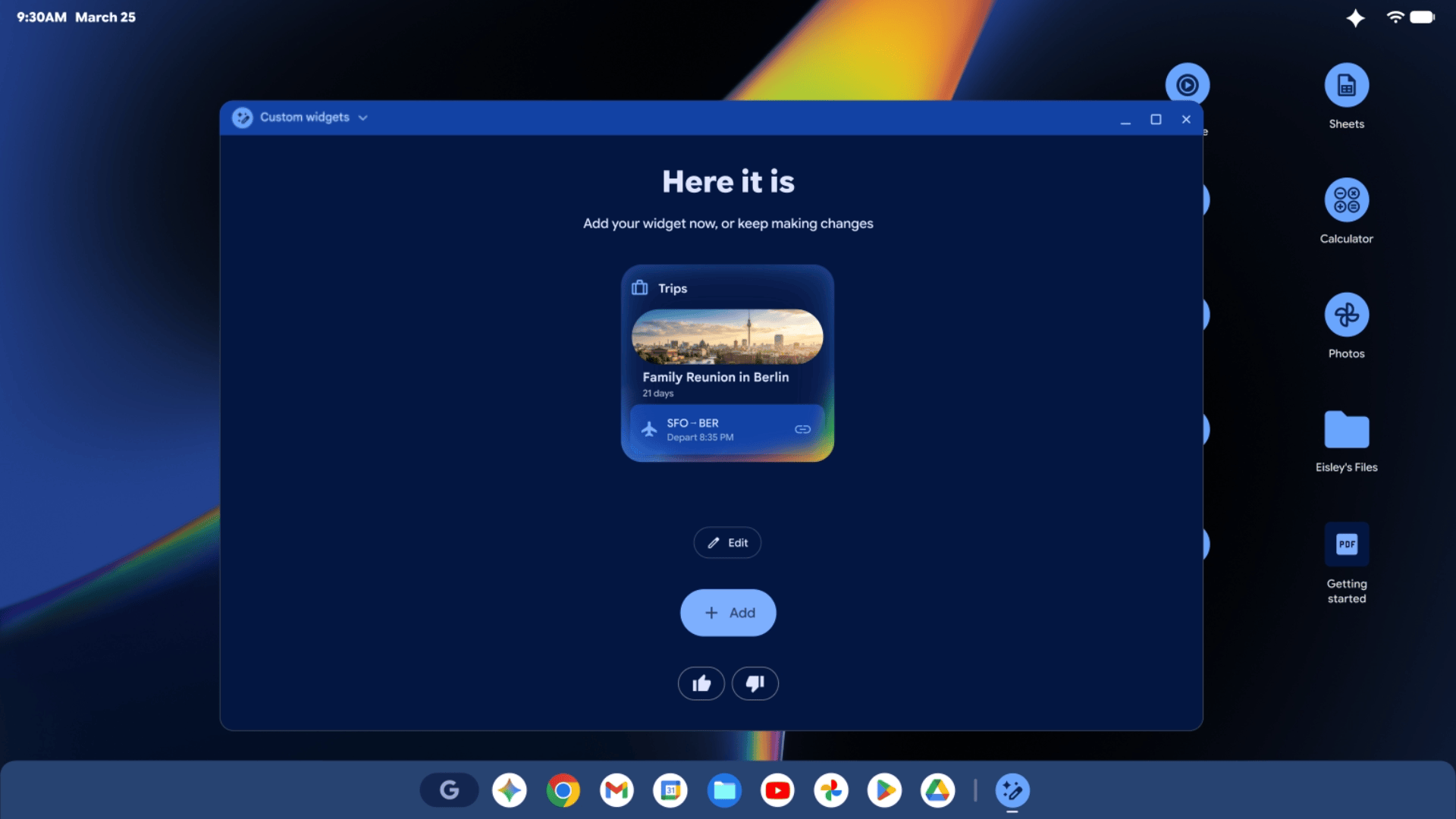
Rambler is Google’s advanced text-to-speech tool that removes awkward pauses when you speak in natural language and converts it into a grammatically correct, well-formatted message or email. Finally, Create My Widget lets you create a widget by describing it in plain English, without any coding required.
Also Read: MediaTek Dimensity CX C10 Max Launched for AI-First Laptops
Some Google apps, including Gmail and Calendar, open as web-based Trusted Web Activities rather than native Android apps, being the only similarity between Chromebooks and Googlebooks. The company has also promised major updates quarterly, alongside Android’s Pixel Drops.
How Is A Googlebook Different From A Chromebook?
Now that you know the basics of Googlebook OS, it’s easier to cover the practical differences. ChromeOS came out 15 years ago and was built for executing most tasks from a web browser. It didn’t let users place apps, widgets, or files directly on the desktop. Basically, it outsources all the heavy work to the cloud, leaving only the lighter tasks for the device.
Chromebooks also don’t get Android’s Quick Insert key, Pixel Launcher-style app drawer, or top-right notification shade.
Also Read: Nothing Spins Off CMF Into a Majority Indian-Owned Company
Googlebook is quite opposite in nature. For one, the standard requires enough computing power to facilitate on-device AI features rather than leaning on the cloud. Second, it also makes it easier for users to communicate with other Android devices, primarily their phone.
| Category / Feature | ChromeOS | Googlebook OS |
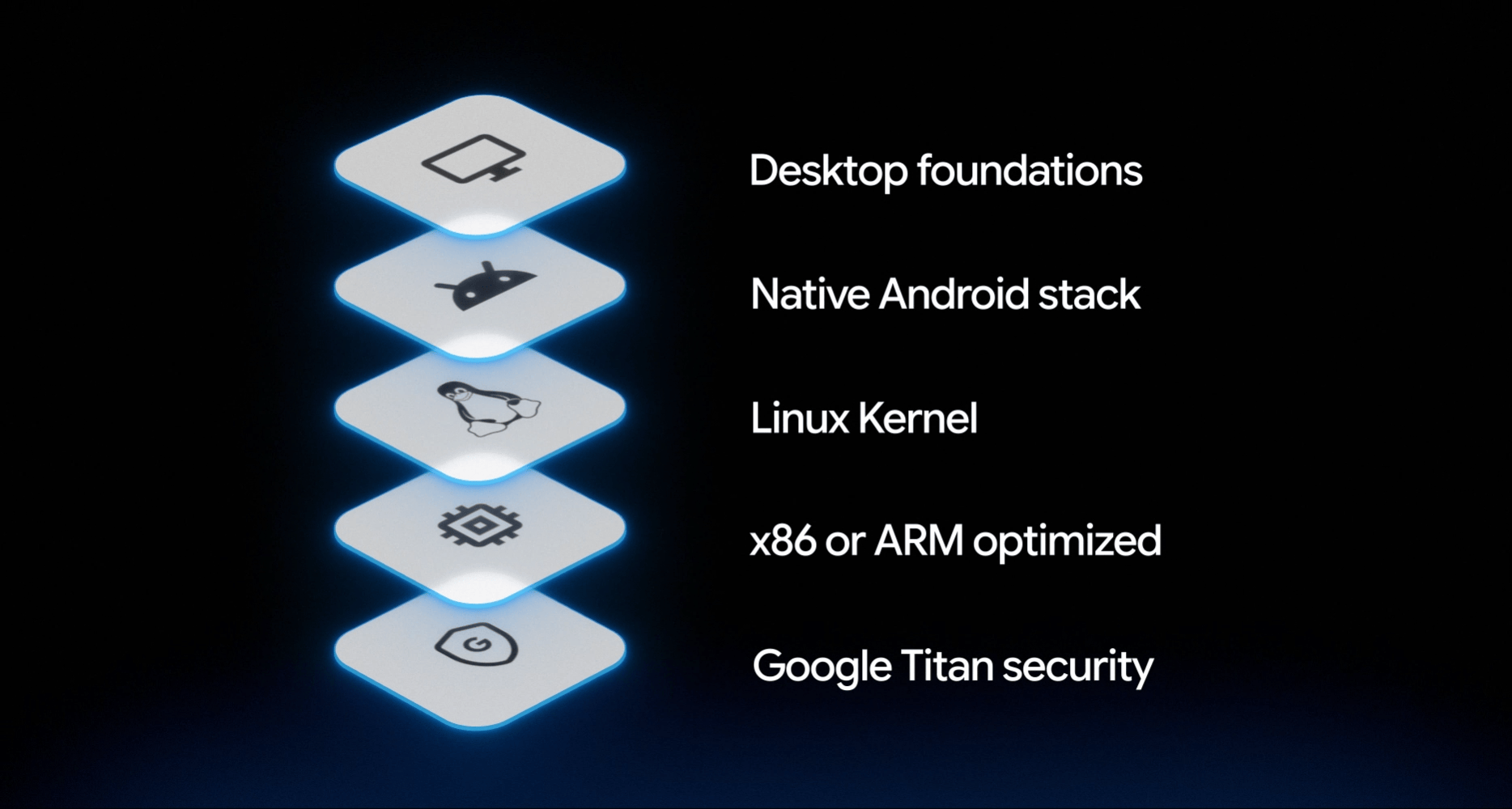
| Core Architecture & Stack | Linux kernel optimized for web browser execution | Native Android framework and Linux kernel |
| Compute & Hardware Focus | Leans on cloud infrastructure for heavy processing | Requires high local power (40+ TOPS NPU) for on-device AI |
| App Execution | Android apps run in a virtualized container (ARCVM) | Native Android app execution with full desktop multi-windowing |
| Desktop & Layout | Clean desktop; apps, widgets, or files cannot be placed directly on screen | Allows apps, widgets, and files/folders directly on the desktop |
| System Navigation & UI | Bottom-corner shelf, notifications, and launcher | Top-right Quick Settings & Notifications; Pixel Launcher-style app drawer |
| Key AI Capabilities | Basic/cloud-assisted features | On-device Gemini Nano powering Magic Pointer, Rambler, and Create My Widget |
| Cross-Device Continuity | Basic Phone Hub integration | Deep Android ecosystem integration (Continue, app streaming/casting) |
Also Read: OriginOS 7 First Look: A Major Visual Overhaul With Much Smoother Animations
What Can A Googlebook Do?
Everything that a Chromebook did, and more. So it can handle your daily web browsing needs (reading articles, accessing OTT platforms, etc.) and office and document processing. Everything you can do on a light, ultraportable laptop (except heavy gaming), you can do on a Googlebook.
It does so with a contextual layer of Gemini AI that makes things easier and more intuitive by either taking some load off your desktop or showing contextual suggestions wherever relevant. Beyond running Android apps directly, a Googlebook erases the friction between your phone and laptop.
Like the Handoff feature on Apple devices, Googlebook’s Continue On lets you pick up a task on your smartphone where you left off on your laptop. Cast My Apps mirrors a phone app into a desktop window. The Files app also lets you access photos, videos, and documents on your phone on the Googlebook.
Also Read: iPhone 20 Pro Could Finally Kill the Dynamic Island With a Punch-Hole Quad-Curved Display
You also get offline Netflix and HBO Max downloads, Android gaming, and Google’s Antigravity platform, which ships as a proper Android app here rather than just a developer tool.
How Many Googlebooks Are Available?
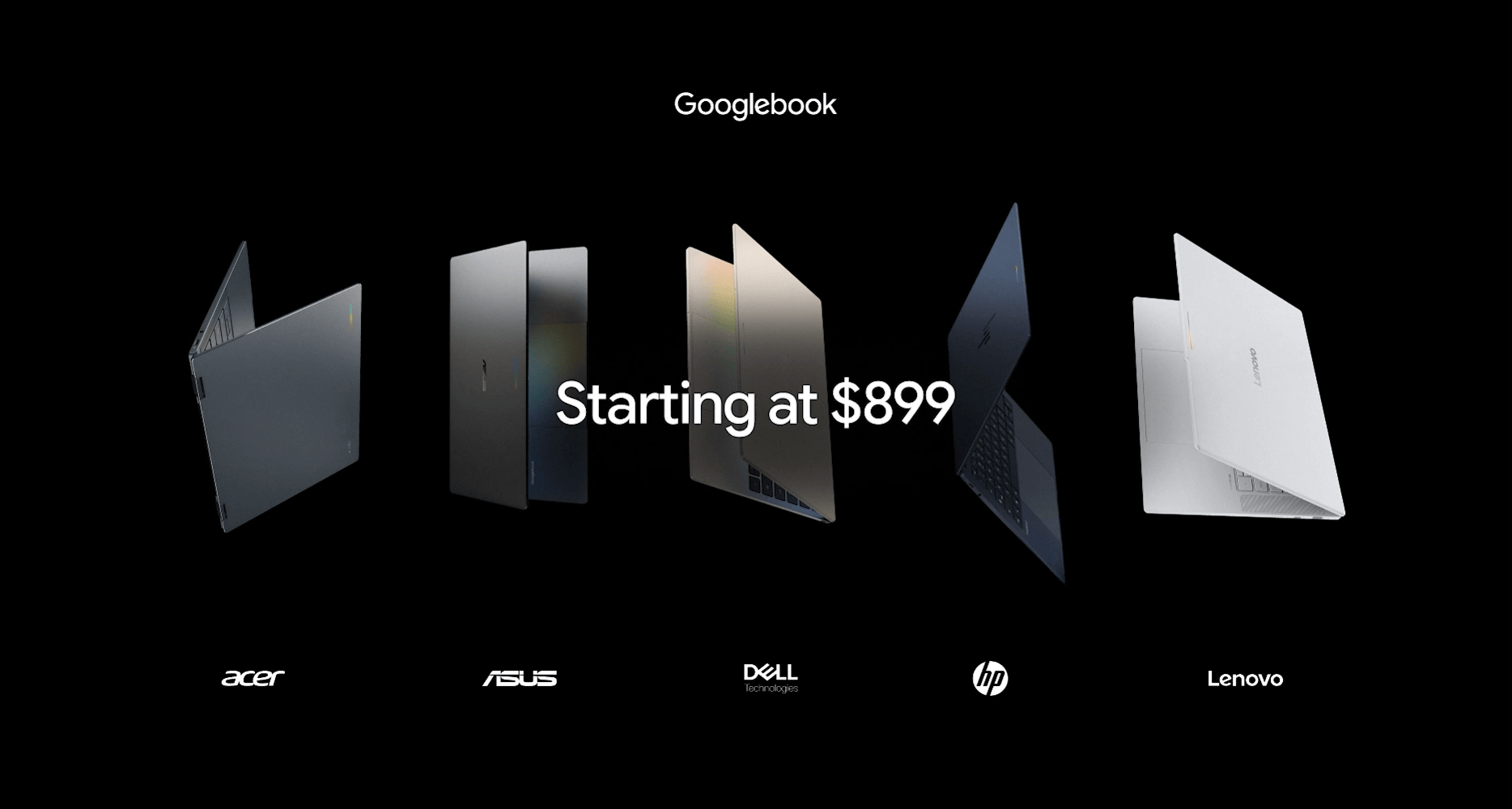
Five Googlebooks launched together, and each partner picked a slightly different angle rather than cloning the same laptop with a different logo.
| Model | Price | Chipset | Display | RAM/Storage |
| Acer Googlebook 14 | $899 | Intel Core Ultra 5/7 (Panther Lake) | 14″ 2.8K OLED touch | 16GB / 256GB |
| ASUS Googlebook 14 | $1,299 | Intel Core Ultra 5/7 (Panther Lake) | 14″ 3K OLED, 500 nits | 16GB / 256GB |
| Dell XPS Googlebook | $1,199* | Snapdragon X Elite | 13″ 2.5K touch | 16GB or 32GB / 512GB |
| HP Googlebook 14 | $1,299 | Snapdragon X Elite | 14″ 2.8K OLED, 500 nits | 16GB / 256GB |
| Lenovo Googlebook 15 | $1,299 | Intel Core Ultra 5 (Panther Lake) | 15.3″ 2.8K OLED, Dolby Atmos | 16GB / 256GB |
The Acer Googlebook 14 undercuts everything else at $899 and is the only one that folds into a tablet. ASUS matches the same core hardware but swaps in a brighter, higher-resolution screen for $400 more.
Also Read: The Dreame X60 Ultra Complete Isn’t Chasing Specs, It’s Chasing Your Robot Vacuum Regrets
Dell runs Qualcomm’s Snapdragon X Elite in its smallest 13-inch body, aimed at buyers who want something portable. HP follows a similar chipset choice but pairs it with a larger 14-inch OLED shell.
For now, Lenovo features the biggest screen in the lineup at 15.3 inches and Dolby Atmos speakers. In my opinion, it is built for anyone who watches more than they type.
When Will Googlebooks Be Available In India?
Right now, there’s no confirmed India launch window. Pre-orders opened through the Google Store and Best Buy for US buyers, with devices shipping from October 4, and a second wave covering Canada, the UK, Ireland, France, Germany, and Australia following just a day later.
India isn’t a part of that first or second wave.
Also Read: Amazon Great Indian Festival 2026: Bank Offers, Deal Categories, And What To Expect

FAQs
Q1. What is a Googlebook?
A new Google laptop category running Googlebook OS, an Android-based operating system built around Gemini Intelligence rather than ChromeOS.
Q2. Is a Googlebook the same as a Chromebook?
No. Googlebook OS is built on Android, with only select ChromeOS-style elements like web-app support and centralized updates carried over.
Q3. How much does a Googlebook cost?
Prices start at $899 for the Acer Googlebook 14, going up to $1,299 for the ASUS, HP, and Lenovo models.
Q4. Which companies make Googlebooks?
Acer, ASUS, Dell, HP, and Lenovo are the five launch partners, each offering a different chipset, screen size, or design.
Q5. What is Magic Pointer on a Googlebook?
A Gemini-powered cursor feature, running on the Android Gemini app, that offers contextual help when you wiggle it over content.
Q6. Can a Googlebook run Android apps?
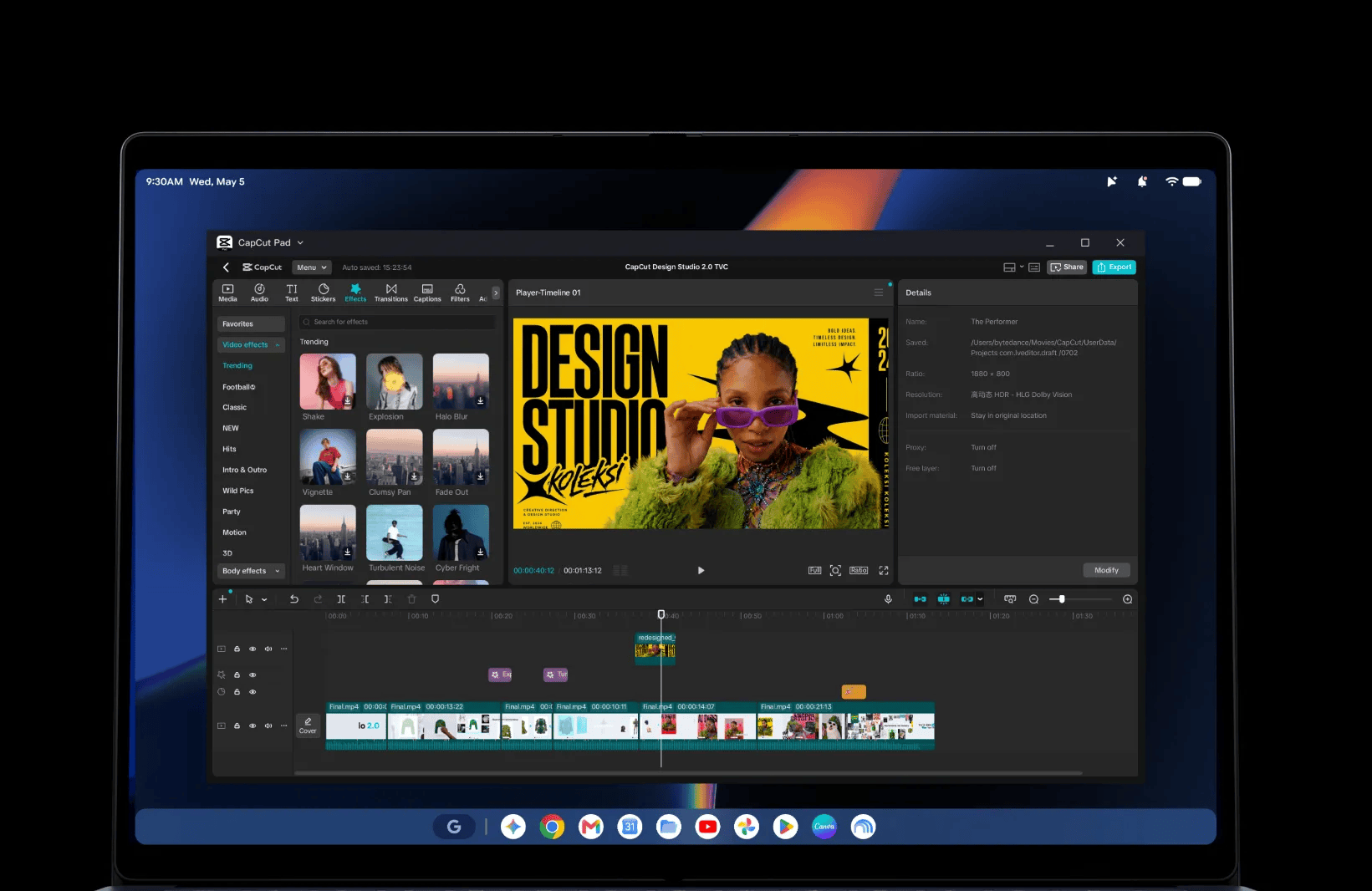
Yes, Googlebooks access the Play Store directly, running apps like Photoshop, CapCut, and Android games natively.
Q7. Will Googlebooks launch in India?
Not yet confirmed. India wasn’t included in the first two launch waves, which currently cover the US, Canada, and parts of Europe.
Q8. What chipsets do Googlebooks use?
Acer, ASUS, and Lenovo use Intel Core Ultra (Panther Lake) chips, while Dell and HP use Qualcomm’s Snapdragon X Elite.
You can follow Smartprix on Twitter, Facebook, Instagram, and Google News. Visit smartprix.com for the latest tech and auto news, reviews, and guides.