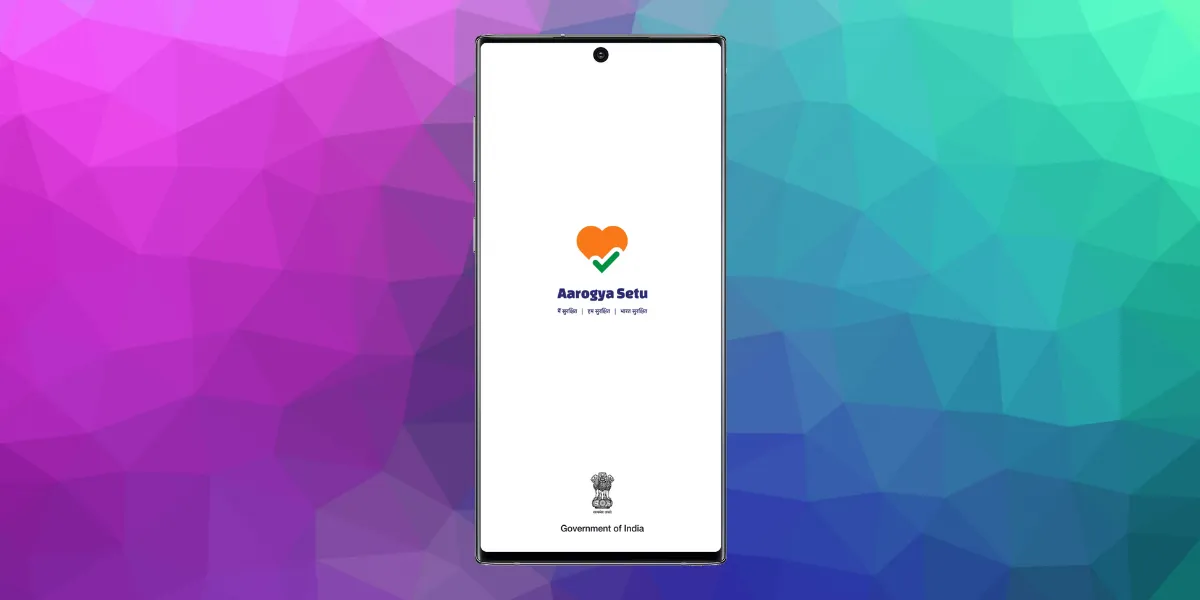
In a matter of a few weeks since its release, Aarogya Setu has become the world’s largest contact tracing app. Adhering to privacy concerns, the Government of India has also made it open source. Now, whether that’s the proverbial nail in the head solution, is something to be seen. But, there’s yet another trivial yet troublesome issue, which at least some of you might be facing.
Lately, I’ve noticed my Android phone is killing Aarogya Setu app in the background. In one or two instances thus far, the app’s persistent notification wasn’t there, meaning it wasn’t running. I came across the same issue on my mom’s phone.
Now as I said, it’s a small problem and one with a simple solution. Here’s what you oughta do.
Steps to ensure Aarogya Setu keeps running
Note: Although I’m presenting the steps in a Samsung Galaxy A71 (review), the same is applicable on all Android phones with slight UI variations here and there. With that said, let’s begin:
1. Disable battery optimization of Aarogya Setu


Just press the app icon and click on the App Info. In the subsequent menu, click on the Battery option. Then comes the “Optimize Battery Usage” screen, wherein you must have Aarogya Setu listed. Also, ensure Aarogya Setu is added to the list of ” Apps that won’t be put to sleep”. This is hidden within Settings > Battery > App power management.
2. Pin Aarogya Setu to the recent apps menu

Many of the android phones feature a lock option to pin the apps that you don’t want to be cleared off accidentally by the “Close all” button on the recent apps menu.
3. Ensure it is not getting disabled or force closed by “cleaner” apps.
The cleaner apps are infamous for closing off apps in lieu of clearing cache/RAM and freeing some storage. In case, you’re using any apps like CCleaner and Clean Master, these might be the culprit. So, if that’s the case, stop using them at the earliest convenience.
4. Enable auto-update of Aarogya Setu on Google Play store


That’s all! After following these solutions, still, if you’re facing any issue, let us know down in the comments.
Other Covid-19/Coronavirus articles:
- Corona Kavach
- Indian Gov.’s Telegram Corona Fact Checker Channel
- Online tools to get you through the Covid 19 pandemic
- Book Covid 19 online test in India
- Reliance Jio symptoms checker tool
- List of Covid 19 testing centers in India
- Various measures by tech giants
- AarogyaSetu Mitr offers free Covid-19 consultations & Doorstep Labs/Meds
- Aarogya Setu app is now Open-Source, Govt announces bug bounty