TL; DR
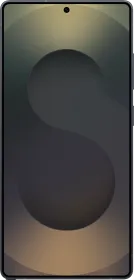
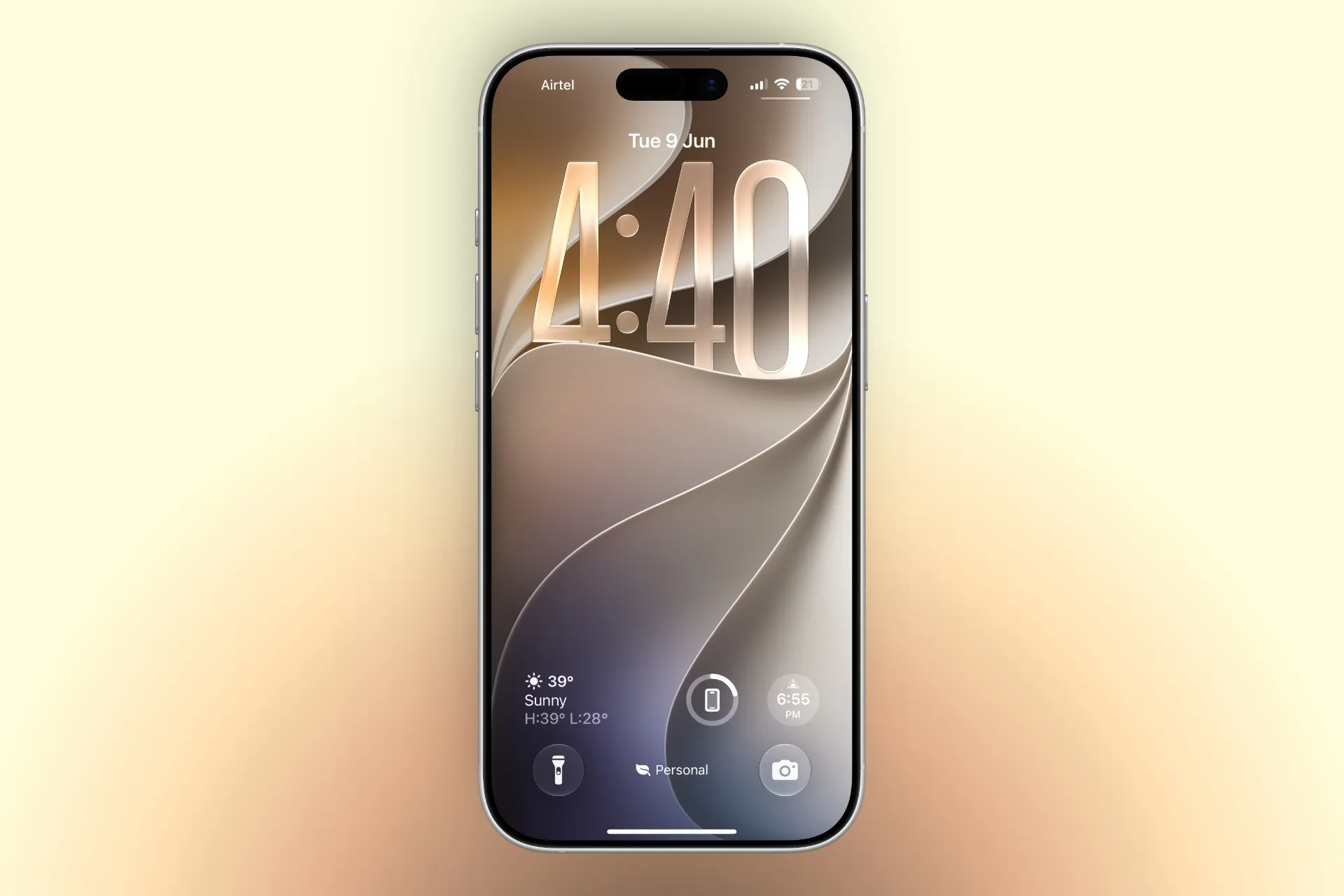
- Apple has introduced an official iOS 27 wallpaper that hides the number “27” in a subtle, elegant way within the design.
- The wallpaper uses a clean gradient with delicate abstract patterns, making the “27” almost invisible until you look closely.
- You can download the official wallpaper right now and set it as your home or lock screen on any phone.
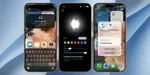
Apple has released a new official wallpaper for iOS 27 that cleverly incorporates the number 27 into the design. The wallpaper is minimalist and modern, featuring a smooth gradient background with soft, flowing abstract shapes.
At first glance, it looks like a simple elegant design, but if you look carefully, the digits “2” and “7” are subtly woven into the pattern. This style is similar to how Apple has hidden Easter eggs or version numbers in past wallpapers.
ALSO READ: iOS 27’s Most Important Features Aren’t About AI. They Make Your iPhone Faster
The wallpaper is available in both light and dark modes, and it looks particularly striking on the always-on display of newer iPhones. It works beautifully as both a home screen and lock screen background.
How to Download and Set the iOS 27 Wallpaper


You can download the wallpaper through the link below or through the Settings app once iOS 27 is installed.
To set it up:
- Download the image.
- Open the Photos app.
- Open the image > tap Share > Use as Wallpaper.
- Adjust the perspective zoom if needed and tap Add.
ALSO READ: Siri AI Explained: What Is It And What It Can Do?

You can follow Smartprix on Twitter, Facebook, Instagram, and Google News. Visit smartprix.com for the latest tech and auto news, reviews, and guides.