TL; DR
- Public beta 2 landed on July 22, running the same build as developer beta 4.
- Siri gets a new onboarding splash screen and five additional voices, but only two of the seven total voices actually work right now.
- A handful of Liquid Glass tweaks, some reversals and some refinements, plus small app icon touch-ups for Wallet, App Store, and Compass.
- Installation is the usual routine: enroll at beta.apple.com, back up first, then update from Settings.
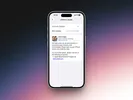
Apple pushed out iOS 27 public beta 2 today, and for once the public build isn’t lagging behind. It’s carrying the exact same build as developer beta 4, which shipped to registered developers just days earlier. Apple’s narrowing that release window this year. Public testers used to wait longer for developer beta fixes to trickle down, but that gap has been shrinking build over build.
Siri gets a proper intro, and new voices
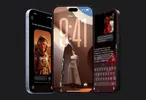
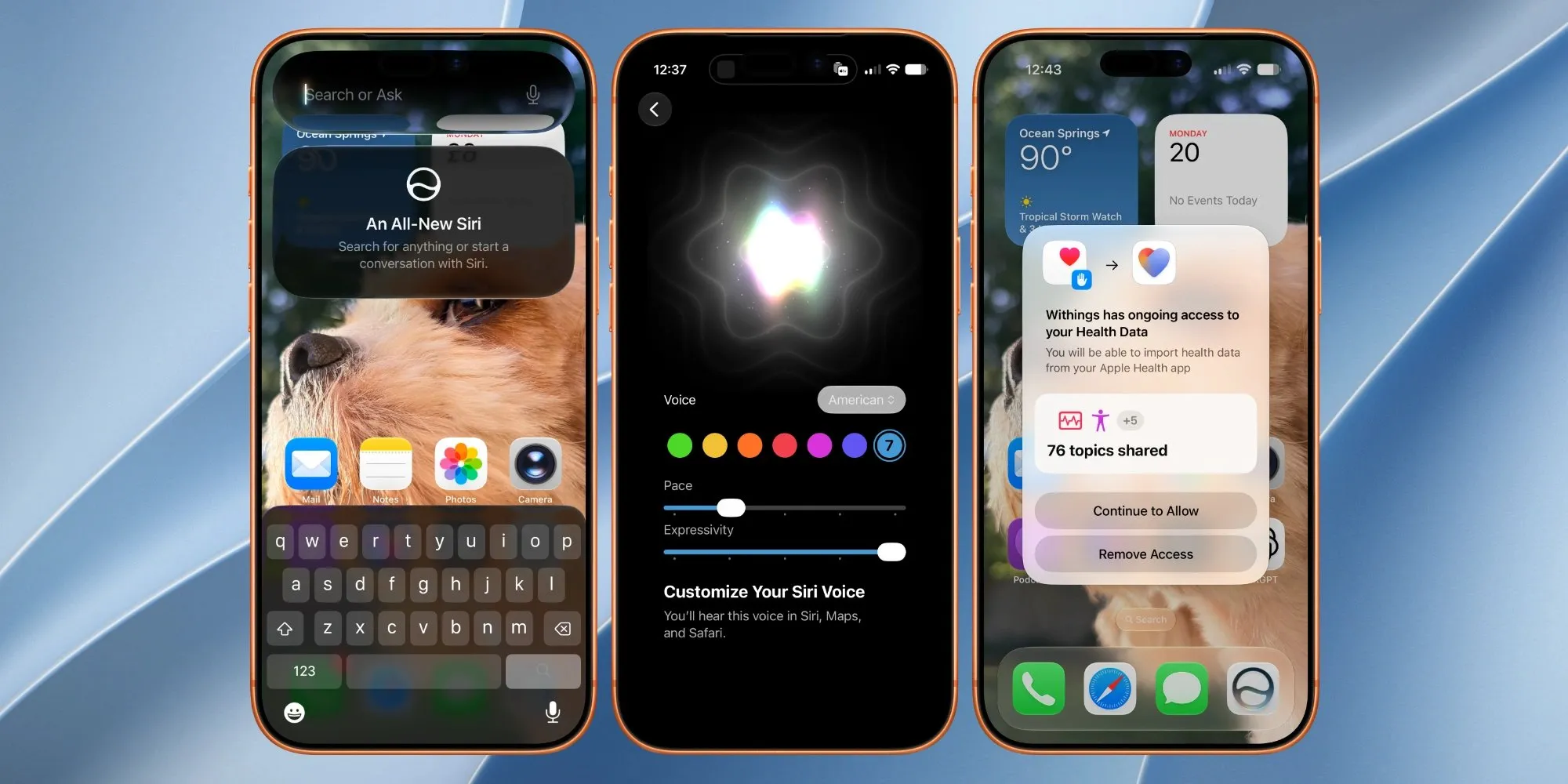
First launch after updating now drops you into a dedicated splash screen that walks through what the rebuilt, AI-powered Siri can actually do and what it does with your data before you start talking to it.
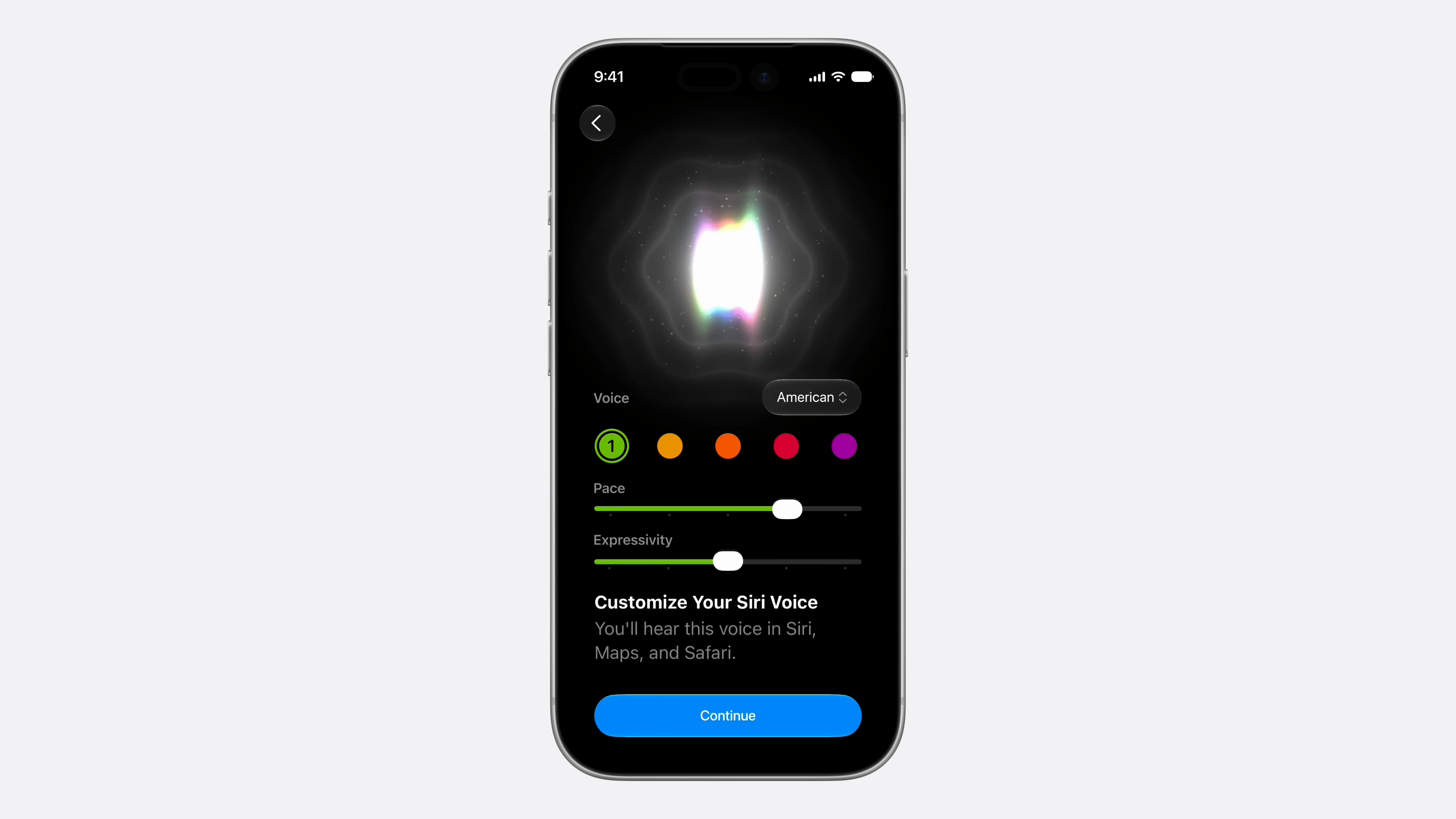
More interesting is the voice situation. Beta 2 adds five new Siri voices alongside Expressivity and Pace sliders, bringing the total to seven. Except only two of the seven are live. The rest are sitting behind a “Coming soon” label.
Liquid Glass, take three
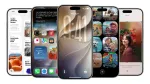
Apple’s still tuning Liquid Glass, and beta 2 walks back one of its own changes. The transparency nerf applied to Lock Screen shortcuts in Light Mode is gone, restoring the effect testers had in beta 1. Blur is also back in the App Library and Today View, after being flattened out in a prior build.
Elsewhere, the volume slider is more transparent, and AirPods controls now get their own Liquid Glass slider treatment, extending the material to a control surface Apple hadn’t touched yet.
The smaller stuff
- Darker widgets are noticeably more contrasty against the wallpaper.
- One-Tap Paste has a visual refresh specifically for photos and links.
- Swiping down into Notification Center no longer produces the wallpaper cutout effect from earlier builds.
- Indexing, the system search and Spotlight backbone, is back.
- Wallet, App Store, and Compass all pick up minor icon tweaks.


How to install iOS 27 public beta 2
- Back up your iPhone first. iCloud or a computer, it doesn’t matter which, just do it. Beta software can and does break things.
- Head to beta.apple.com and sign in with your Apple Account, then enroll in the Apple Beta Software Program if you haven’t already. It’s free and doesn’t require a developer account.
- On your iPhone, go to Settings > General > Software Update.
- Tap Beta Updates and select iOS 27 Public Beta.
- Go back to the main Software Update screen and tap Update Now.
iOS 27 supports every iPhone running iOS 26, including the iPhone 11 onward and the second-generation iPhone SE and later. Apple Intelligence features require an iPhone 15 Pro or newer, and a few of the newest additions (the more expressive Siri voices among them) are limited to the iPhone 17 Pro, iPhone 17 Pro Max, and iPhone Air.

You can follow Smartprix on Twitter, Facebook, Instagram, and Google News. Visit smartprix.com for the latest tech and auto news, reviews, and guides.