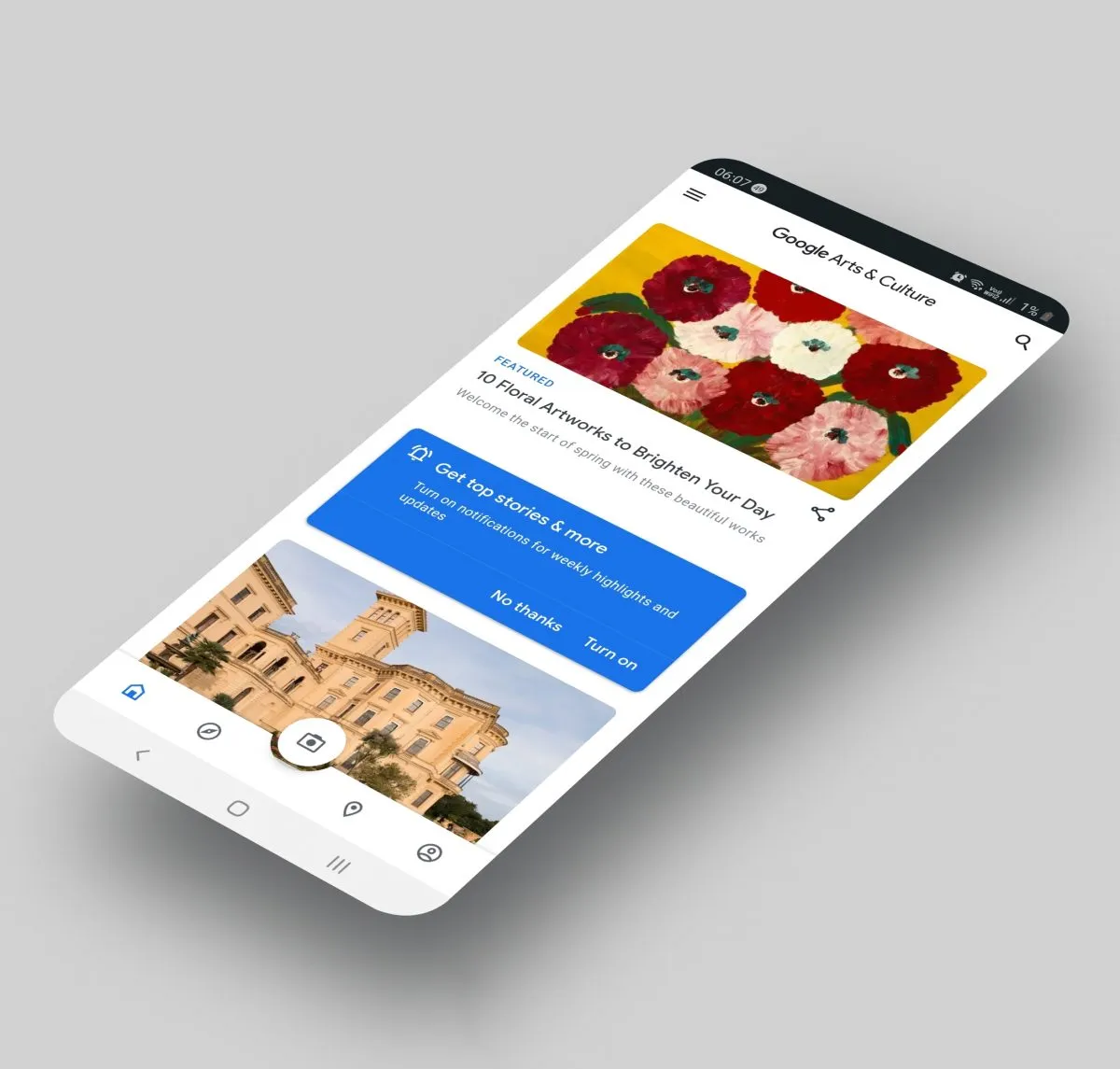
If you’re bored by the ongoing Covid-19 house arrest, Google Arts & Culture app might be worth killing some time. Its new feature called Art Transfer lets you transform newly taken or stock photos into a work of classic art. Sound’s interesting?
You get to dabble around art effects from maestros like Vincent van Gogh, Frida Kahlo, Edvard Munch, and Leonardo da Vinci. And thereafter give your photos a new aesthetic flair.
How does Google Art Transfer Work?

Once you pick a specific art style, Google leverages the power of AI algorithms to recreate the photo.
Here’s what you have to do –
- Click the Camera icon in the bottom bar of the Google Arts & Culture app

- This will open a menu with a bunch of options. Select “Art Transfer.”
- Either take a new photo or upload from the gallery

- Choose the design you like and the effect will be applied in a few moments. While you wait, you could see a fun fact about the artwork. This will be especially fun for history buffs.

- Customize portions of the image using the scissors icon. Just draw and mark the part of the image where you want the style to be applied.
- You get to save/share the result as a still or gif.
ALSO READ: Youtube Shorts to take on Tiktok
In case you didn’t know, this Arts & Culture app has more to offer than this new feature. Let’s have a look!
Google Arts & Culture Features

Source: Google
- Art Transfer – Take a photo and transform it with classic artworks
- Art Selfie – Discover portraits that look like you
- Colour Palette – Find art by using the colors of your photo
- Art Projector – See how artworks look in real size
- Pocket Gallery – Wander through immersive galleries and get up close to art
- Art Camera – Explore high-definition artworks
- 360° videos – Experience culture in 360 degrees
- Virtual reality tours – Step inside world-class museums
- Street View – Tour famous sites and landmarks
- Explore by time and color – Travel through time and see the rainbow through art

Source: Google
- Art Recogniser – Point your device camera at artworks to learn more about them, even when offline (at select museums only)
- Exhibits – Take guided tours curated by experts
- Favorites – Save and group your favorite artworks into galleries to share with friends or students
- Nearby – Find museums and exhibitions near you
- Notifications – Subscribe to receive weekly highlights or favorite content updates
- Translate – Use the translate button to read about exhibits from around the world in your language
ALSO READ: How to get Microsoft News Bar on Windows 10 Desktop
A trip back in time, you would recall the good ol’ Prisma, which was all the rage in 2016. So, do you think this new Google app would be able to recapture that level of fame? From the above list of tricks, one thing is for sure that it has a lot going for it.