Nothing Essential Space Update Brings Sharing Features to Phone (3) Series

Main Image
  • Like
  • Comment
  • Share
TL; DR
  • Nothing’s Essential Space now supports sharing Memories as images, PDFs, or Markdown.
  • You can also edit the transcriptions and summaries of Memories now.
  • Flip-to-Record and Recorder features are now available on Phone (3a) and (3a) Pro as well.
  • Updates are rolling out via Google Play Store, no OS upgrade required.

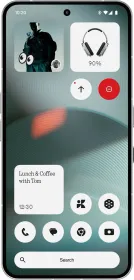
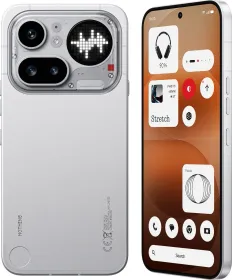
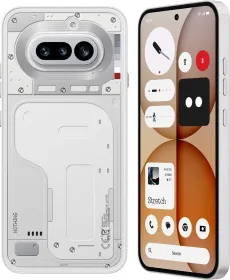
Nothing has rolled out a small update to its AI productivity hub, Essential Space, enhancing its utility across the Phone (3) (review), Phone (3a), and Phone (3a) Pro (review). This update focuses on expanding shareability for recordings and memories, a key request from users since the app’s debut.

Flip-to-Record Sharing and More

Essential Space

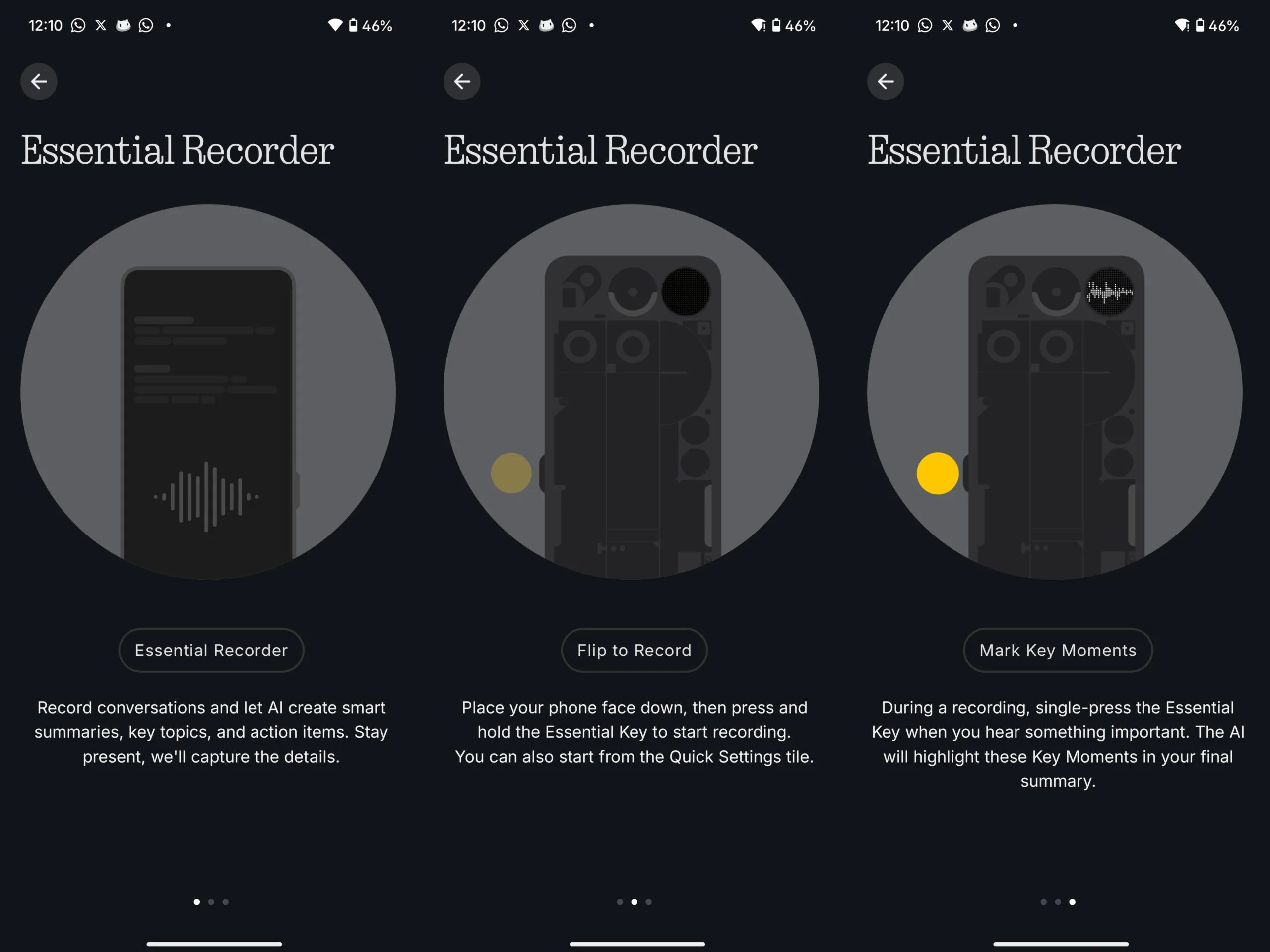
The highlight is the extended Flip-to-Record functionality. Users can now share recordings created by flipping their phone face down and holding the Essential Key. These audio captures can be exported directly from Essential Space in multiple formats, including image, PDF, and Markdown, making them easier to share across apps.

Additionally, the Memories section, which stores images, screenshots, and AI-generated summaries, now supports export in the same flexible formats, making collaboration and personal organization more seamless.

ALSO READ: OnePlus Nord 5 vs. Nothing Phone 3a Pro Camera Comparsion: Which One Takes Better Photos?

Editable Summaries and Transcriptions

Earlier, AI-generated summaries in Essential Recorder were static. Now, you can edit the AI summary once it has been processed. Just tap on the text and start editing. The same flexibility applies to transcriptions, if the AI misses something or you want to tweak a phrase, you can edit it.

Update the Essential Space App

Essential Space

There’s no need to wait for a firmware update or OTA rollout. All these features are part of an Essential Space app update pushed through the Google Play Store. As long as you’re connected to Wi-Fi, it should download automatically. If auto-update is disabled, you can manually update it by heading to the Play Store.

ALSO READ: Nothing Phone 3’s Glyph Matrix: Just a Gimmick, or the Start of Something Smarter?

You can follow Smartprix on Twitter, Facebook, Instagram, and Google News. Visit smartprix.com for the latest tech and auto news, reviews, and guides.

Mehtab AnsariMehtab Ansari
Mehtab Ansari is the Assistant Editor – Features & Reviews at Smartprix, where he writes about smartphones, laptops, audio gear, and everything in between. A computer science student by degree but a tech nerd by heart, he’s been into consumer tech for years and started reviewing products professionally in February 2024. He’s especially into photography and audio, often spending more time testing a smartphone’s camera than he probably should. For him, tech isn’t just work, it’s what he’s always thinking about.

Expertise 

Smartphones, laptops, tablets, monitors, smartwatches, photography, and audio gear. I’ve reviewed over 60 products across these categories on Smartprix in the past year and a half.

Education - Bachelor of Computer Applications – Nizam College, Hyderabad (2022–2025) | Joined Smartprix -February 2024 | Published Reviews & Stories - 723

Related Articles

ImageSamsung Returns to No. 1 in India as Sub-₹20,000 Phone Shipments Drop 47%

Samsung reclaimed the top spot in India’s smartphone market in Q3 2026 with a 17% share, according to Counterpoint Research. It was the only brand among the top five to record year-on-year growth, even as overall shipments fell 20% to their lowest level in a decade. The sub-₹20,000 segment suffered the sharpest decline, with shipments …

ImageNothing Improves Essential Space with Camera Capture for Phone (3a) Series

London-based tech company Nothing has begun rolling out a significant update to its AI hub, Essential Space, as of yesterday. The update, targeting the Nothing Phone (3a) and Phone (3a) Pro, introduces a new Camera Capture feature, enhancing the functionality of the Essential Key.Camera Capture: A New Way to Use Essential Space The headline …

ImagePixelBoard Brings Pixel 11’s Rambler Voice Typing to Other Android Phones

Google’s Rambler voice typing feature on the Pixel 11 series can now run on other Android phones, thanks to a modified version of Gboard called PixelBoard. Developed by Akshay Kadam, the project brings Google’s Gemini-powered voice input and several AI writing tools to non-Pixel devices without requiring root access. Rambler cleans up speech as you …

ImageNothing Phone (4b) Launched in India: Check Pricing and Specifications

Nothing has officially launched the Phone (4b) in India as its latest mid-range smartphone. The new model brings a refreshed design, a larger battery for India, Essential AI features, and the company’s new Glyph Bar interface. Alongside the standard variants, Nothing also revealed a limited-edition Phone (4b) RCB Edition with Royal Challengers Bengaluru branding. Nothing …

ImageColorOS 16.1 Brings Live Space, MindPilot AI, New Camera UI, AI Bill Manager, Audio Sharing, and Major System Changes

OPPO has started rolling out ColorOS 16.1 (16.0.7, May 2026 update), and this is one of the biggest feature-focused updates the company has released recently. The update changes animations, notifications, lock screen interactions, multitasking, camera UI, AI features, document scanning, home screen organization, ecosystem sharing, and more. ColorOS 16.1 Release Timeline The update is already …

Discuss

Be the first to leave a comment.