How to use Google Pay to Split Bills & Other Expenses

Main Image
  • Like
  • Comment
  • Share

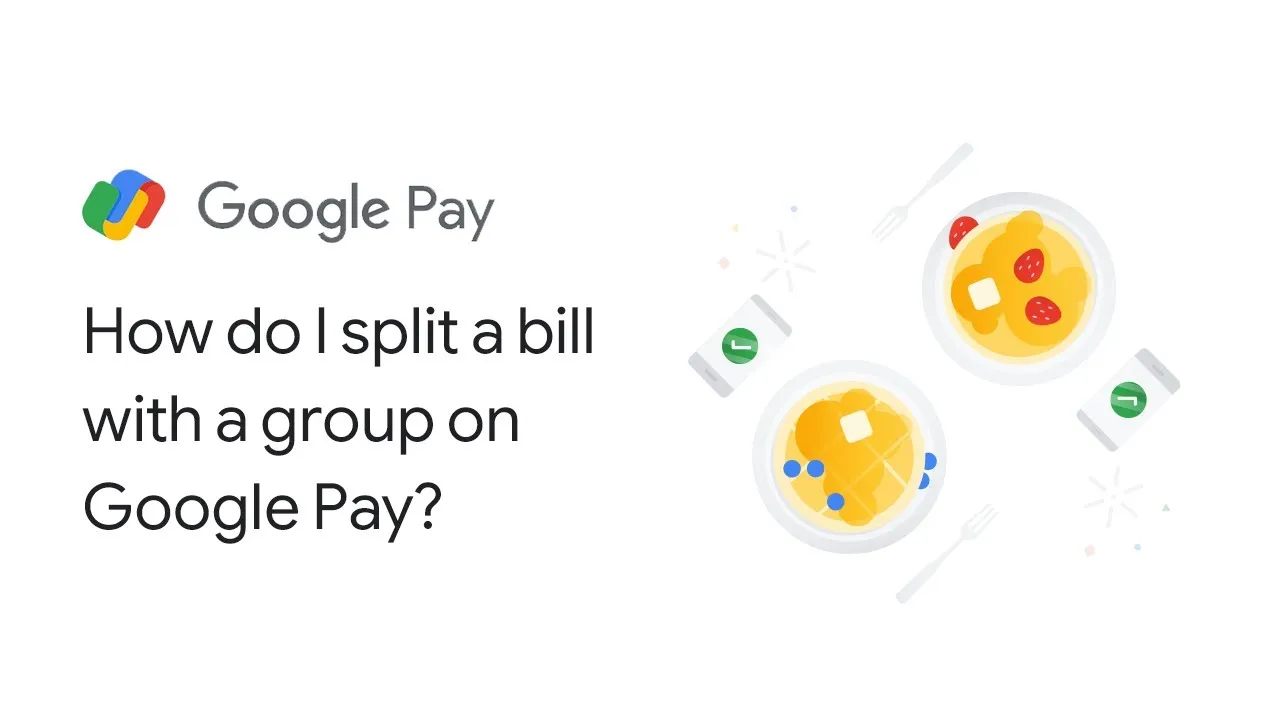
Search engine giant hosted its annual Google for India 2021edition a few days ago announcing several new updates including split bill feature in Google Pay App in India. As a part of the new feature, Hinglish language support is now available on Google Pay App. With this new feature people can use the Google Pay app to split bills and expenses within the app itself. A bill can be split with up to 20 people.

How to Split Bills & Expenses easily using Google Pay

ALSO READ: MediaTek unveils Dimensity 9000 SoC for premium Android smartphones

Here is how you can split bills with your friends or family members-

  1. Select an existing group from the home screen or create a new group by tapping on “New Payment”.
  2. Select “Split an expense”.
  3. Allocate group members share.
  4. Click on “Send request”.
  5. Once this is done, Google Pay will keep track of all the payments.

To create a New Group on Google Play-

  1. Click on “New Payment” on the home screen.
  2. Select “New Group”.
  3. Select the members you want to add to the group.
  4. Enter the group name and create.
  5. Once this is done, you can start splitting the bills and expenses.

ALSO READ: Moto G200 5G and four other G-series phones go official

How do check the status of your shared expenses & send reminders?

  1. Open the Google Pay app on your phone.
  2. Tap Search at the top of the screen.
  3. Choose the group that you used to create the expense.
  4. Select “Expenses” from the drop-down menu.
  5. Select the ‘Send Reminder’ button next to the person who owes you money.

 Google Pay split bill feature will be coming to India later this year.

Shivangi AgarwalShivangi Agarwal
Shivangi is a tech writer at Smartprix, where she covers consumer technology news with a focus on smartphones, wearables, laptops, and the evolving world of OTT streaming. Since joining the team in August 2021, she has written over 120 in-depth reviews, comparisons, and buying guides aimed at helping readers navigate the ever-changing tech landscape.

With a strong foundation in English literature and education, Shivangi brings clarity, insight, and a reader-first approach to every story. Her expertise lies in breaking down complex features into accessible, practical insights—whether she’s reviewing the latest smartphone or exploring trends in infotainment.

Shivangi holds a B.A. (Hons.) and M.A. in English, along with a B.Ed in English and Social Studies. She is based in Faridabad, India. You can follow her work on Smartprix or connect with her for tech-related queries.

Related Articles

ImageApple Watch Series 12 May Bring Back Ceramic After a Six-Year Absence

Apple’s Watch Series 12, expected to debut at September’s product event, may bring back a case material the company hasn’t touched since 2019. This time, the reason has more to do with what’s happening inside the watch’s chassis than creating nostalgia among buyers and charging them more (though the company will most likely do that). …

ImageBest Expenses Splitting Apps for Android and iOS: Easily Split bills with friends with these apps

Splitting bill between a group of people is a task in itself and you might have faced such a situation if you go for group lunch, on a trip, or have lived as roommates. While the old-school way of recording expenses in a notebook might seem easier, calculating the total and splitting it brings the …

ImageGoogle for India 2021 Highlights: Here’s everything that was announced in the event

The 7th annual edition of Google for India 2021 just concluded with Google announcing quite a few India-centric features for its apps like Google Assistant, and Google Pay. Some new initiatives like Google Career Certificate scholarships have also been announced. You may recall, it was last year when Google announced a collaboration with Reliance Jio …

ImageGoogle Drive is dropping its Photos backup link on August 10

On August 10, Google will remove the option to use Drive for desktop to back up photos and videos to Google Photos. This move finishes what started when Google split Photos from Drive and made it a separate product. If you use Drive for desktop to upload photos from a computer folder to Google Photos, …

ImageApple Pay Is Finally Launching In India (Without UPI)

Apple Pay is finally launching in India after years of rumors and delays. Business Standard report claims it will go live by October. At launch, you can only use Visa and Mastercard credit cards. UPI, which handles over 15 billion transactions a month and leads digital payments in India, will not be available. By skipping …

Discuss

Be the first to leave a comment.

Related Products