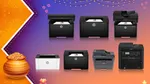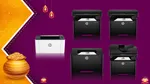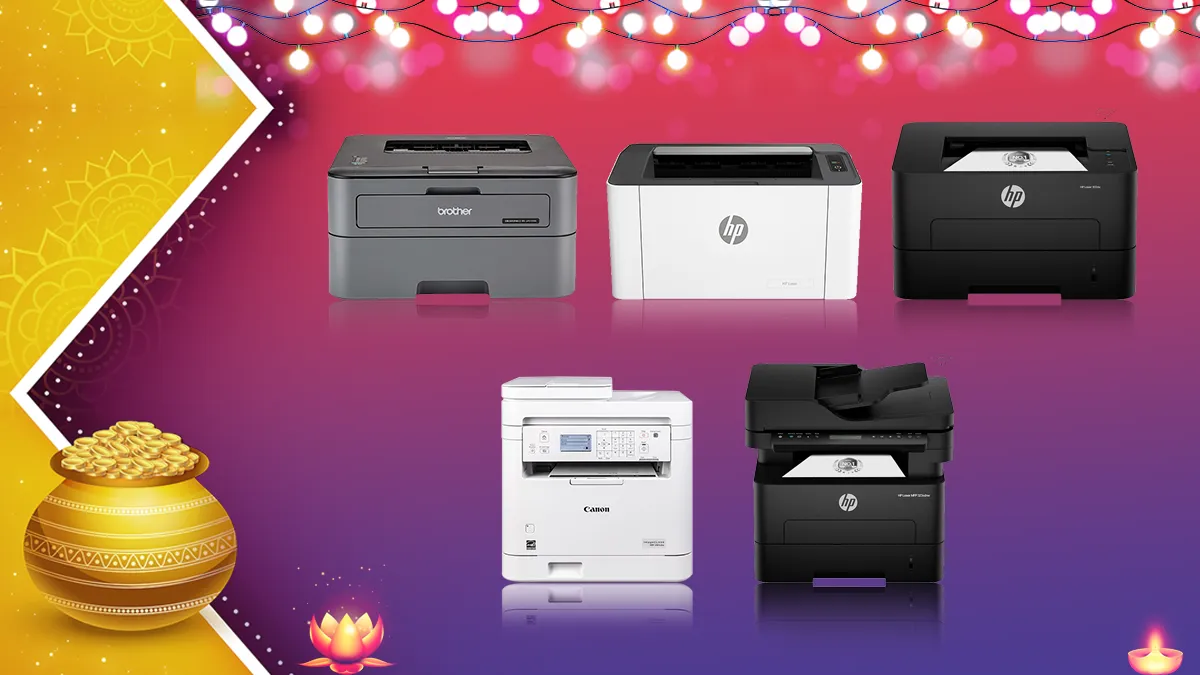
Buying an office printer sounds simple until you start looking. If you work from home, you probably print a document now and then, and that’s it. Run a small business, and you’re suddenly dealing with invoices, bills and reports all day. In a bigger office, people usually want faster output, two-sided printing, scanning, and copying so paperwork doesn’t pile up.
This is where black-and-white laser printers earn their place. They’re built for text-heavy documents, so if you don’t need colour printouts and want a cost-effective printing solution, laser printers are the best solution to go with.
That said, the cheapest printer isn’t always the smartest buy, and it applies the other way around too – the most expensive printers aren’t the best choice either. Speed, paper capacity, toner costs and connectivity all decide how well a printer works for you in the long run. So if you’re shopping for an office printer in 2026, here are eight options that cover a range of workloads.
1. HP Laser 1008a printer
Best for: Budget-conscious buyers who need basic printing
The HP Laser 1008a does one thing: it prints. If you run a small office, work as an independent professional or have a home-based small business, this is the kind of no-brainer machine for you.
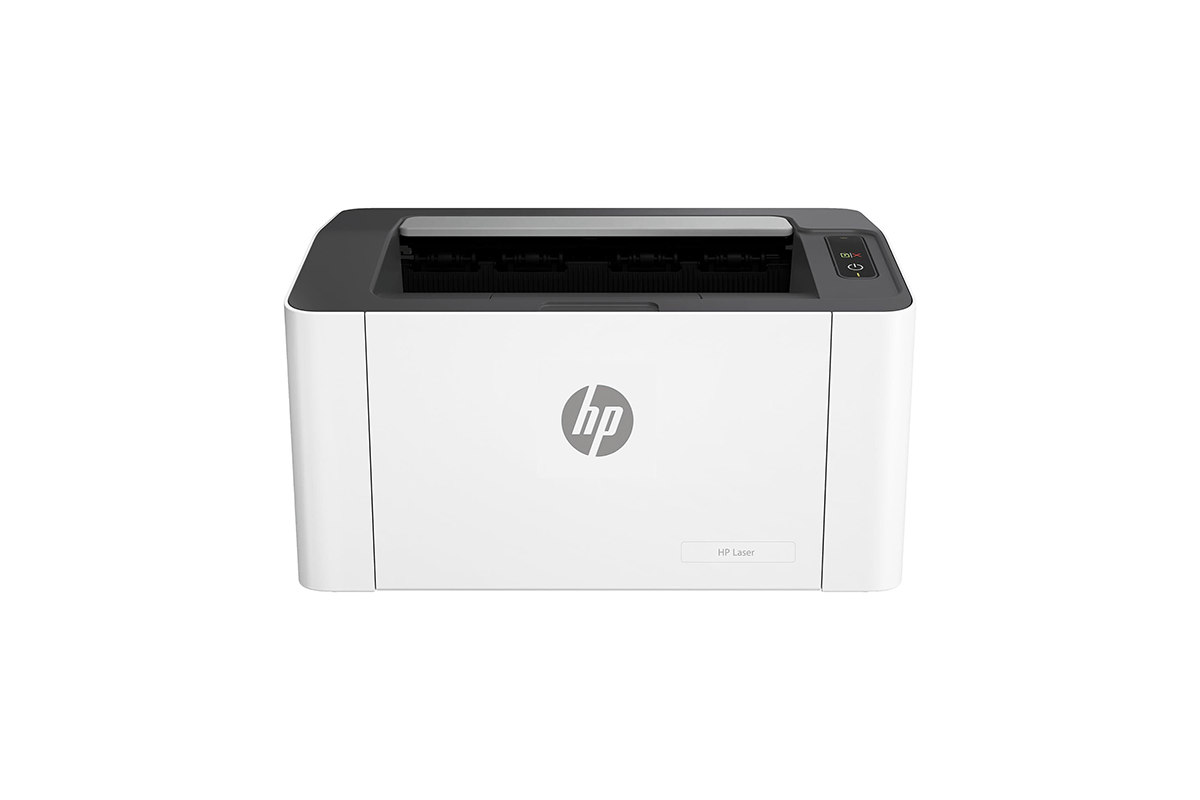
It prints at up to 21 pages per minute (ppm), and HP says the first page can be out in as little as 8.3 seconds. That’s fast enough for everyday paperwork like invoices, letters, reports and business forms.
Paper handling is simple too, with a 150-sheet input tray and a 100-sheet output tray. It takes both A4 and A5 paper, plus selected envelopes and other media. The duty cycle is rated at up to 10,000 pages a month, which puts it somewhere in the middle of lightweight to mid-weight printing needs.
Connectivity is USB 2.0 only, so the printer needs to be plugged into your computer. Printing wirelessly from a laptop or phone isn’t possible.
Key specifications
- Printer type: Monochrome laser
- Functions: Print only
- Print speed: Up to 21 ppm
- Input capacity: 150 sheets
- Output capacity: 100 sheets
- Connectivity: USB 2.0
- Duty cycle: Up to 10,000 pages
Why consider it: It’s a sensible starting point if you want an affordable laser printer for routine office work. Individual users and small teams who can manage without wireless printing will be perfectly happy with it.
2. Brother HL-L2321D automatic duplex laser printer
Best for: Offices that print multi-page documents regularly
If your office churns out reports, contracts and other long documents all day, the Brother HL-L2321D is worth a look. What sets it apart from a basic printer is automatic duplex printing, so it prints on both sides of the page and nobody has to flip the sheets by hand.

It prints at up to 30 ppm and holds 250 sheets of paper. That means less waiting around on bigger jobs and fewer trips to reload the tray.
Resolution goes up to 600 x 600 dpi, and Brother’s HQ1200 mode pushes it to 2400 x 600 dpi. It handles A4, Letter, A5 and A6 paper.
You connect it over USB, which is fine for a computer-based setup. There’s no wireless printing, though, unlike some of the other printers here. For a small office, duplexing is handy for internal reports, contracts and longer documents. It can cut down on paper when you use both sides, though how much you save depends on how you print.
Key specifications
- Printer type: Monochrome laser
- Functions: Print only
- Print speed: Up to 30 ppm
- Print quality: Up to 2400 x 600 dpi through HQ1200 mode
- Input capacity: 250 sheets
- Connectivity: USB
- Duplex printing: Automatic
Why consider it: It’s a good fit if your office cares about speed, paper capacity and two-sided printing. If your workload is document-heavy and you don’t need Wi-Fi or scanning, it’s a reasonable pick.
3. HP 303dw auto-duplex Wi-Fi laser printer
Best for: Offices that need faster wireless printing
The HP 303dw is for offices that print a lot and want wireless connectivity, but don’t need scanning or copying. It combines monochrome laser printing with automatic duplexing, which makes it a clear step up from entry-level single-function models.
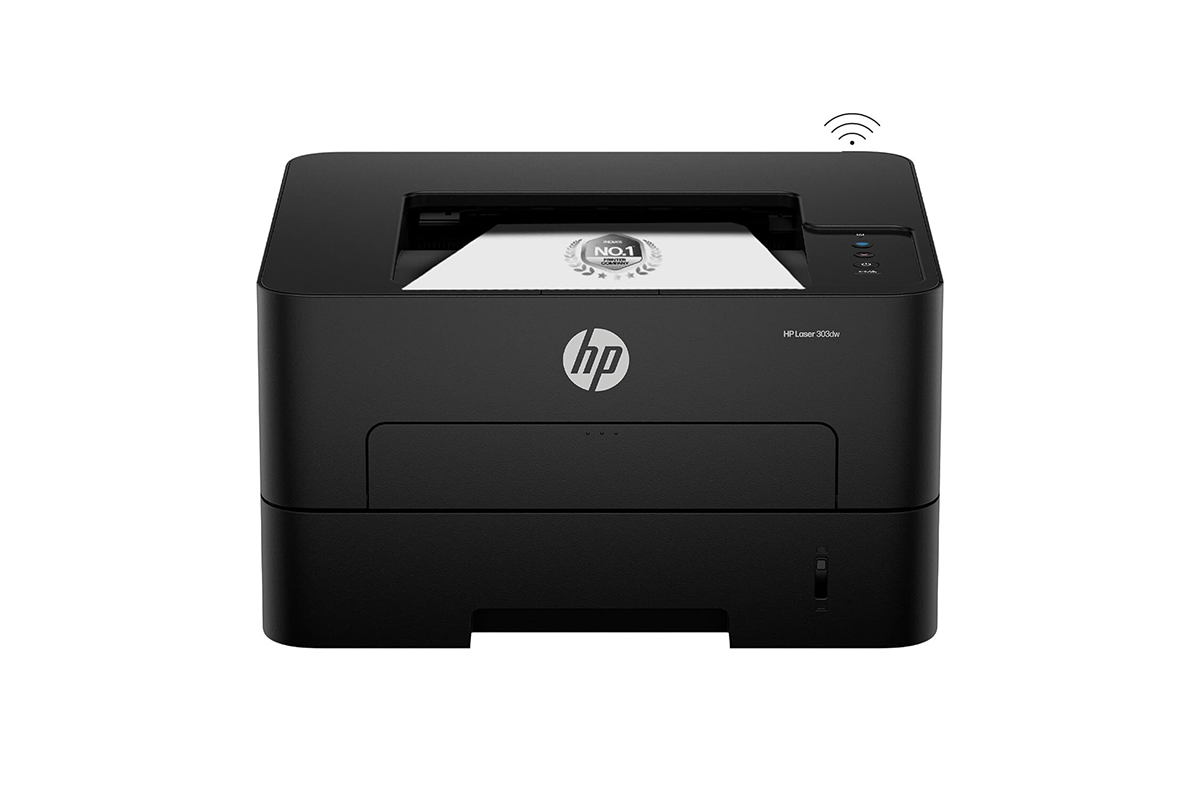
It prints at up to 30 ppm and has a 250-sheet input tray. That’s far more paper than the 150-sheet trays on the HP Laser 1008a and 1008w, so you won’t be topping it up as often during busy hours.
Automatic duplexing is useful for reports, contracts, internal documents and other multi-page paperwork, since nobody has to turn the sheets over by hand.
On connectivity, the 303dw supports Wi-Fi and USB 2.0, so you can plug it into a computer or set it up wirelessly, depending on how your office is laid out. It also has 256 MB of memory and a 100-sheet output tray, which suits regular office workloads better than occasional home use.
Key specifications
- Printer type: Monochrome laser
- Functions: Print only
- Print speed: Up to 30 ppm
- Memory: 256 MB
- Input capacity: 250 sheets
- Output capacity: 100 sheets
- Connectivity: Wi-Fi and USB 2.0
- Duplex printing: Automatic
Why consider it: It’s a good option for small offices that want faster printing, Wi-Fi and automatic duplexing without paying for features that you don’t need.
4. Canon imageCLASS MF284dw wireless black-and-white laser printer
Best for: Offices that need printing, scanning and copying
Plenty of businesses are fine with a print-only machine. But if your office regularly handles invoices, forms and signed paperwork, you’ll probably want scanning and copying too. The Canon imageCLASS MF284dw puts all three in one machine.
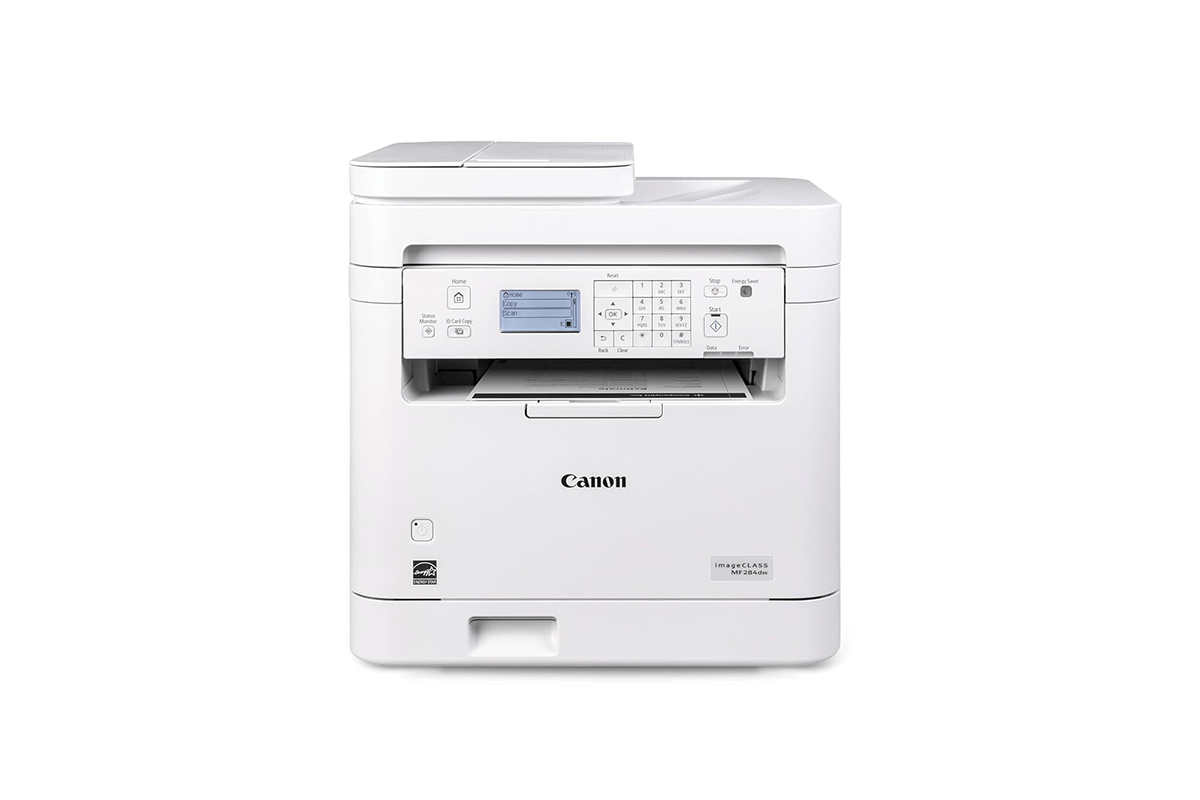
It prints at up to 35 ppm and does automatic two-sided printing, which helps cut paper use on longer reports and multi-page documents.
The automatic document feeder is a big help in an office. Instead of laying every sheet on the scanner glass one at a time, you can load several compatible pages and let the feeder do the work. Canon lists single-sided scanning at up to 15 images per minute for black-and-white documents and 21 images per minute for colour, which comes in handy when you’re digitising paperwork to store or share.
Wireless printing works through the Canon PRINT app, Canon PRINT Business, Apple AirPrint and Mopria Print Service, depending on your device and network. So you can send jobs from supported devices without going through a connected computer. There’s also a high-capacity toner option, which may appeal if you print a lot and don’t want to keep swapping cartridges.
Key specifications
- Printer type: Monochrome laser multifunction printer
- Functions: Print, scan and copy
- Print speed: Up to 35 ppm
- Duplex printing: Automatic
- Document handling: Automatic document feeder
- Connectivity: Wireless and supports mobile printing services
Why consider it: It’s built for offices that need more than printing. The mix of wireless connectivity, duplexing and scanning suits businesses that deal with paperwork all day.
5. HP 323sdnw auto-duplex Wi-Fi laser printer with ADF
Best for: Offices that regularly scan multi-page documents
The HP 323sdnw is made for businesses that print, scan and copy every day. On top of those functions, it adds Wi-Fi, automatic duplex printing and an automatic document feeder (ADF).

Its 30 ppm print speed and 250-sheet input tray match the other multifunction models in the HP 323 series, so the ADF is the real draw, especially if your office deals with multi-page paperwork.
Instead of placing each page on the scanner glass, you can load a stack of compatible documents into the feeder. Administrative teams, small businesses and any office that digitises invoices, forms, signed documents and records will find that useful.
It supports USB 2.0 alongside wireless, so your team can print over Wi-Fi or plug the printer straight into a computer, whichever suits them. Automatic duplexing helps reduce paper use on longer documents, the LCD display gives you access to the printer’s functions, and 256 MB of memory backs its role as a machine for regular office work.
Key specifications
- Printer type: Monochrome laser multifunction printer
- Functions: Print, scan and copy
- Print speed: Up to 30 ppm
- Memory: 256 MB
- Input capacity: 250 sheets
- Output capacity: 100 sheets
- Connectivity: Wi-Fi and USB 2.0
- Additional feature: Automatic document feeder
- Duplex printing: Automatic
Why consider it: It suits offices that handle multi-page paperwork and want wireless printing, scanning and copying together. The ADF takes some of the hassle out of scanning several pages at once.
Which black-and-white printer should you buy for your office?
The right pick depends on how much your office prints and which extra features you’ll actually use. Here’s a quick way to match your needs to the printers above.
| Office requirement | Printer to consider |
| Basic printing with USB connectivity | HP Laser 1008a |
| Automatic duplex printing and a large paper tray | Brother HL-L2321D |
| Faster wireless printing with duplexing | HP 303dw |
| Printing, scanning and copying with an ADF | Canon imageCLASS MF284dw |
| Wireless multifunction printing with an ADF | HP 323sdnw |
If you’re an individual professional or run a small business that mostly prints invoices and letters, the HP Laser 1008a covers it, as long as you’re fine with a USB cable and no Wi-Fi.
If your team prints long reports and contracts through the day, automatic duplexing makes life easier. The Brother HL-L2321D does it over USB, while the HP 303dw adds Wi-Fi and keeps the same 250-sheet input tray.
If your paperwork also needs scanning and copying, look at the Canon imageCLASS MF284dw and the HP 323sdnw. Both come with an automatic document feeder and wireless connectivity, so scanning a stack of pages doesn’t mean placing them on the glass one by one. On paper, the Canon is the faster printer at up to 35 ppm, while the HP 323sdnw prints at up to 30 ppm and comes with 256 MB of memory.
Whichever one you pick, don’t decide on price alone. Before you order on Amazon India, check the current selling price, seller details, warranty terms and availability, and weigh the running costs against the features you’ll really use. A cheaper printer is fine if you only print occasionally, but duplexing or an ADF can be worth paying for if your office handles paperwork all day.
Disclaimer: This is a brand story, so views and opinions expressed here are of the sponsor and not of the editorial team.