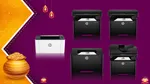
There’s a famous saying – one size does not fit all. And when it comes to printers, this probably makes more sense than in most other situations.
A person working from home may print a few documents in a week. A small business, on the other hand, could have invoices, forms and other paperwork coming out of the printer throughout the day. In a larger office, things can get even more demanding, with multiple people using the same printer and requirements such as faster printing, two-sided printing, scanning and copying coming into the picture.
So, what really matters when you are buying a printer for office use? Is it speed? Paper capacity? Wi-Fi? Or do you need an all-in-one machine that can also scan and copy? And perhaps more importantly, how much printer do you actually need?
That last question is worth asking because a person printing a handful of documents every week does not necessarily need a feature-packed office printer. At the same time, saving money on a basic printer may not make sense if it is going to be used by several people every day.
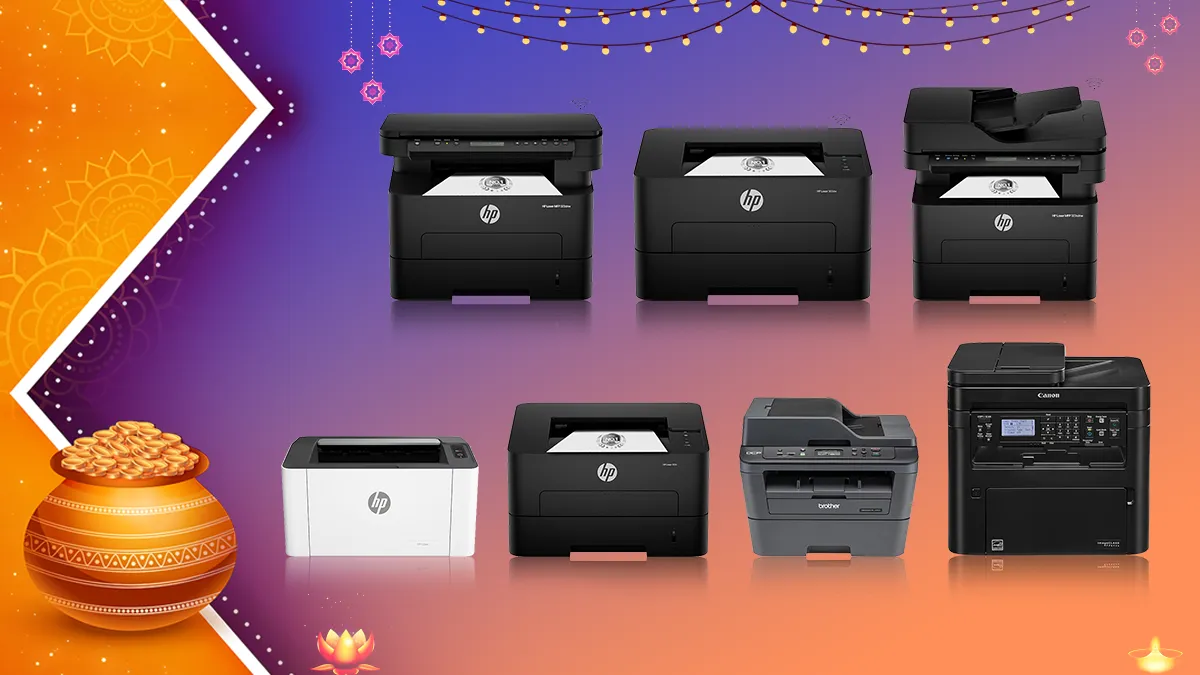
Let’s take some of the options:
HP Laser 1008a: An affordable laser printer for everyday use
The HP Laser 1008a is for someone who doesn’t want to overthink the printer purchase. If all you really need is a printer for black-and-white documents, invoices or routine paperwork, this is a fairly straightforward option.
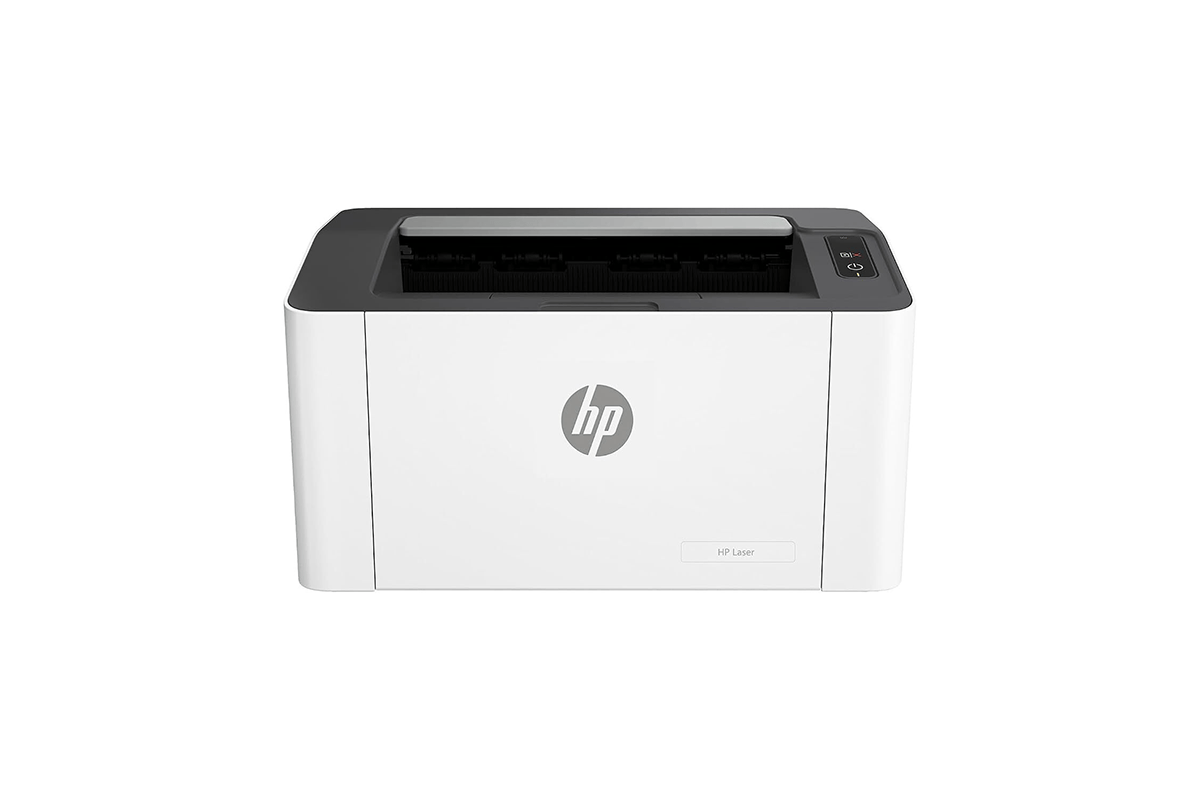
It is a single-function monochrome laser printer, so there is no scanner or copier here. What you get is printing at up to 21 pages per minute, along with a 150-sheet input tray and a 100-sheet output tray. That should be enough for the kind of day-to-day printing you would expect from a small setup without having to keep adding paper after every few documents.
Connectivity is equally simple. The printer uses Hi-Speed USB 2.0, which means you connect it directly to a computer. So, this is better suited to an individual workstation or a small setup where wireless printing isn’t really a requirement.
HP rates the printer for a 10,000-page duty cycle and recommends it for one to five users printing less than 1,500 pages a month. The box also includes a black laser toner rated for up to 1,500 pages.
The other thing working in its favour is the price. At Rs 11,499, the Laser 1008a is the option to look at if you want a basic laser printer and would rather not pay extra for features you may never use.
Key features: Up to 21 ppm, USB 2.0, 150-sheet input tray, 100-sheet output tray, 10,000-page duty cycle.
HP Laser 1008w: For home offices, households and small businesses
The HP Laser 1008w is more or less similar to the 1008a, but there’s a small difference, and that instantly changes the use case for the printer. The change in question is Wi-Fi connectivity in addition to the wired USB connection option.
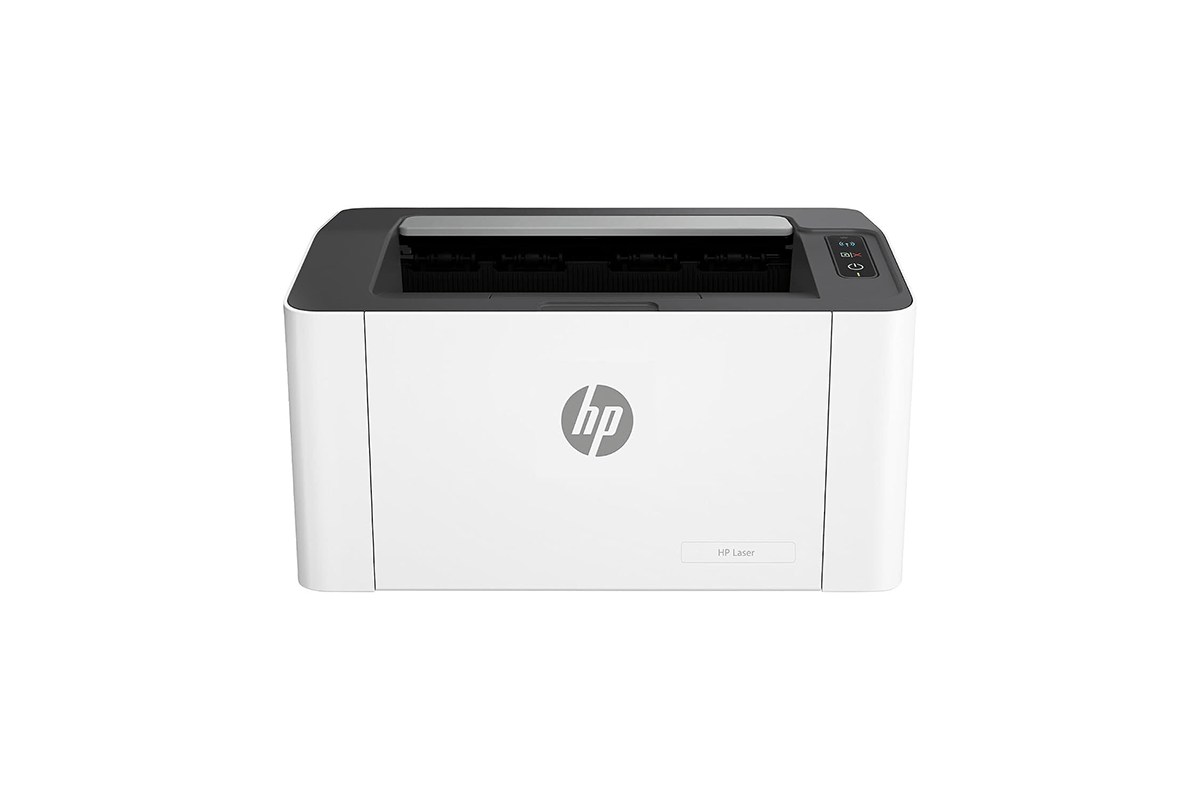
It is a monochrome laser printer that can print at up to 21 pages per minute and comes with a 150-sheet input tray. The addition of Wi-Fi and Wi-Fi Direct makes it more convenient for home offices, households and small businesses, where multiple users may need to print from different devices.
If you are looking for a Wi-Fi printer for small offices and do not need scanning or colour printing, the HP Laser 1008w offers a straightforward option for everyday document printing. It is priced at Rs 12,799.
Key features: Up to 21 ppm, Wi-Fi, Wi-Fi Direct, USB 2.0, 150-sheet input tray
HP 303d and 303dw: Faster laser printing for office workloads
If your printer is going to be used more frequently, the HP 303d and 303dw move into a more office-focused category.
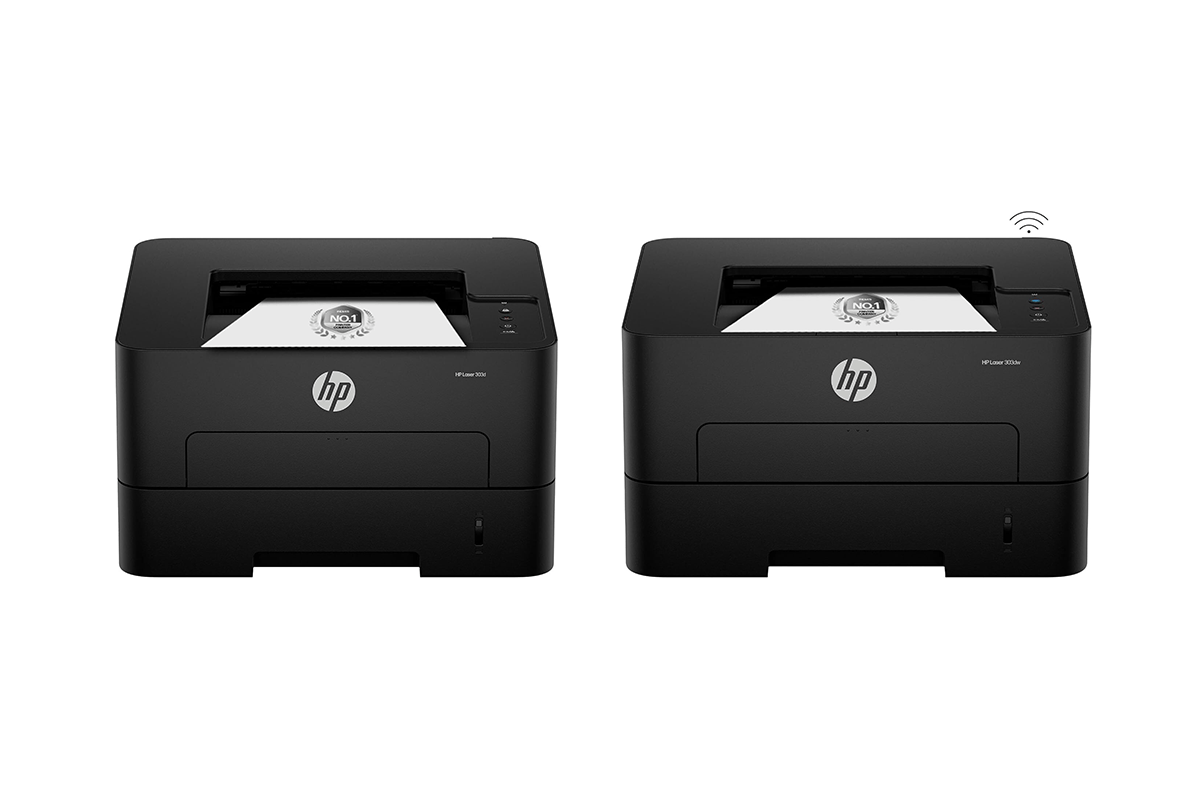
Both models can print at up to 30 pages per minute and have a 250-sheet input tray. They also support automatic duplex printing, allowing documents to be printed on both sides without manually turning the pages.
The two models mainly differ in connectivity. The HP 303d uses Hi-Speed USB 2.0, while the 303dw adds Wi-Fi. That makes the 303dw more suitable for a shared office environment where employees may need to print from different devices.
The 303d is priced at Rs 12,999, while the 303dw costs Rs 14,499.
Common features: Up to 30 ppm, auto-duplex printing, 250-sheet input tray, 100-sheet output tray, 256MB memory
Main difference: HP 303d — USB 2.0 | HP 303dw — Wi-Fi and USB 2.0
HP 323d and 323dnw: For offices that need an all-in-one solution
The HP 323d and 323dnw are aimed at offices that need more than just printing. Both models combine print, scan and copy functions with automatic duplex printing.
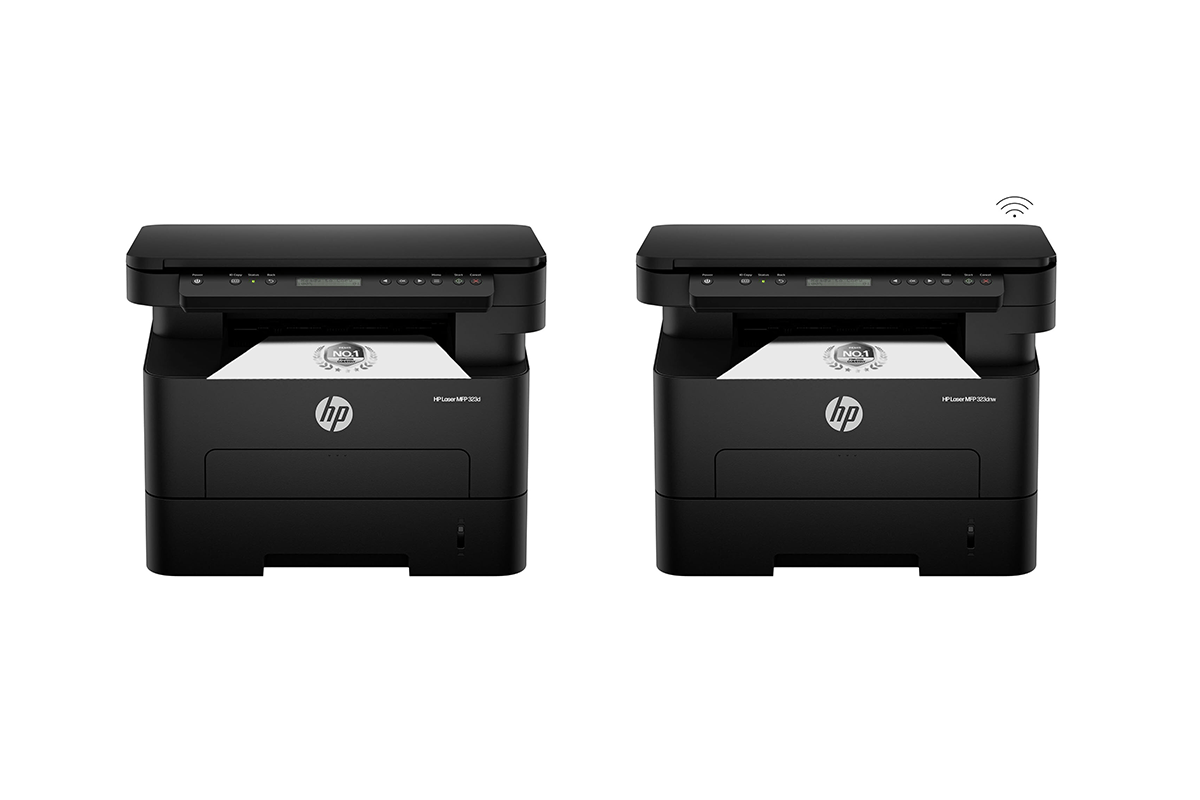
Both printers can print at up to 30 pages per minute and come with a 250-sheet input tray. The HP 323d comes with USB connectivity, while the 323dnw adds Wi-Fi, making the latter more suitable for shared office use.
The 323d is priced at Rs 17,999, while the 323dnw costs Rs 22,499.
Key features: Print, scan and copy, up to 30 ppm, automatic duplex printing, 250-sheet input tray, 256MB memory
HP 323sdnw: For offices that need an ADF
The HP 323sdnw takes the same all-in-one approach but adds an important feature — an automatic document feeder (ADF).

It offers print, scan and copy functions, automatic duplex printing and Wi-Fi connectivity, along with 30ppm printing and a 250-sheet input capacity.
The ADF is particularly useful when scanning or copying several pages regularly, as multiple sheets can be loaded together instead of placing them on the scanner one by one.
The HP 323sdnw is priced at Rs 24,499.
Key features: Print, scan and copy, up to 30 ppm, automatic duplex printing, Wi-Fi, ADF, 250-sheet input tray, 256MB memory
But HP printers don’t exist in isolation
There are several other laser printers in the market that target the same office audience. However, looking at the pricing and features together shows that HP has options across different price points, especially for offices that do not necessarily need to spend Rs 20,000 or more on a multifunction printer.
Canon ImageClass MF264DW: A multifunction laser printer at a higher price
The Canon ImageClass MF264DW is a multifunction monochrome laser printer with print, scan and copy functions, along with an automatic document feeder. It also supports Wi-Fi and USB connectivity, automatic duplex printing and up to 28 pages per minute. Canon lists a monthly duty cycle of up to 30,000 pages, making it suitable for office use.
The catch is the price. The printer is currently listed at Rs 34,490, which puts it significantly above HP’s multifunction laser options.
For comparison, the HP 323sdnw costs Rs 24,499 and also offers print, scan and copy functions, Wi-Fi connectivity, automatic duplex printing and an ADF. That makes the HP option Rs 9,991 cheaper than the Canon model while offering a similar set of core features for document-heavy office use.
For offices primarily looking for a monochrome laser printer with multifunction capabilities, the HP 323sdnw therefore makes a stronger case on price.
Brother DCP-L2541DW: More features, but at a higher price than some HP options
The Brother DCP-L2541DW is another multifunction monochrome laser printer aimed at home, office and enterprise use. It offers print, scan and copy functions, automatic two-sided printing, an ADF, Wi-Fi, Wi-Fi Direct, Ethernet and USB connectivity. It can print at up to 30 ppm and has a 250-sheet paper capacity.
At Rs 20,999, it is cheaper than some of HP’s higher-end multifunction models, but it is still more expensive than the HP 323d, which is priced at Rs 17,999.
The HP 323d does not have Wi-Fi or an ADF, so the Brother model does offer more connectivity and document-feeding features. However, buyers who simply need a fast multifunction laser printer for a wired office setup can save Rs 3,000 by choosing the HP 323d.
For users who specifically need wireless connectivity, the HP 323dnw is priced at Rs 22,499, while the HP 323sdnw adds an ADF at Rs 24,499. This gives HP buyers a clear upgrade path depending on whether they need Wi-Fi, an ADF, or both.
Office printer comparison
| Printer | Price | Type | Functions | Speed | Connectivity | Best suited for |
| HP Laser 1008a | Rs 11,499 | Monochrome laser | 21 ppm | USB | Affordable everyday printing | |
| HP Laser 1008w | Rs 12,799 | Monochrome laser | 21 ppm | Wi-Fi, USB | Home office, SOHO | |
| HP 303d | Rs 12,999 | Monochrome laser | 30 ppm | USB | Faster office printing | |
| HP 303dw | Rs 14,499 | Monochrome laser | 30 ppm | Wi-Fi, USB | Shared office use | |
| HP 323d | Rs 17,999 | Monochrome laser | Print, scan, copy | 30 ppm | USB | Wired office all-in-one |
| Brother DCP-L2541DW | Rs 20,999 | Monochrome laser | Print, scan, copy | 30 ppm | Wi-Fi, Wi-Fi Direct, LAN, USB | Multifunction office use |
| HP 323dnw | Rs 22,499 | Monochrome laser | Print, scan, copy | 30 ppm | Wi-Fi, USB | Wireless all-in-one |
| HP 323sdnw | Rs 24,499 | Monochrome laser | Print, scan, copy | 30 ppm | Wi-Fi, USB | All-in-one with ADF |
| Canon ImageClass MF264DW | Rs 34,490 | Monochrome laser | Print, scan, copy | 28 ppm | Wi-Fi, USB | Higher-volume office use |
Which printer should you choose?
The right printer ultimately depends on how much you print and which features your office actually needs. For basic document printing, the HP Laser 1008a keeps the cost low, while the 1008w makes more sense if Wi-Fi printing is important.
For offices looking for faster laser printers for offices, the HP 303d and 303dw offer 30 ppm printing, with the latter adding Wi-Fi.
If scanning and copying are also part of the requirement, the HP 323 series provides multiple options. The 323d is the lower-cost wired option, the 323dnw adds Wi-Fi, and the 323sdnw adds an ADF as well. Compared with the alternatives, HP’s biggest advantage is the range of price points. The Canon MF264DW, for example, costs nearly Rs 10,000 more than the HP 323sdnw, while the Brother DCP-L2541DW sits between HP’s wired and wireless multifunction models. This makes it easier to pick an HP printer based on the features actually needed rather than paying for a higher-end configuration.
Disclaimer: This is a brand story, so views and opinions expressed here are of the sponsor and not of the editorial team.