



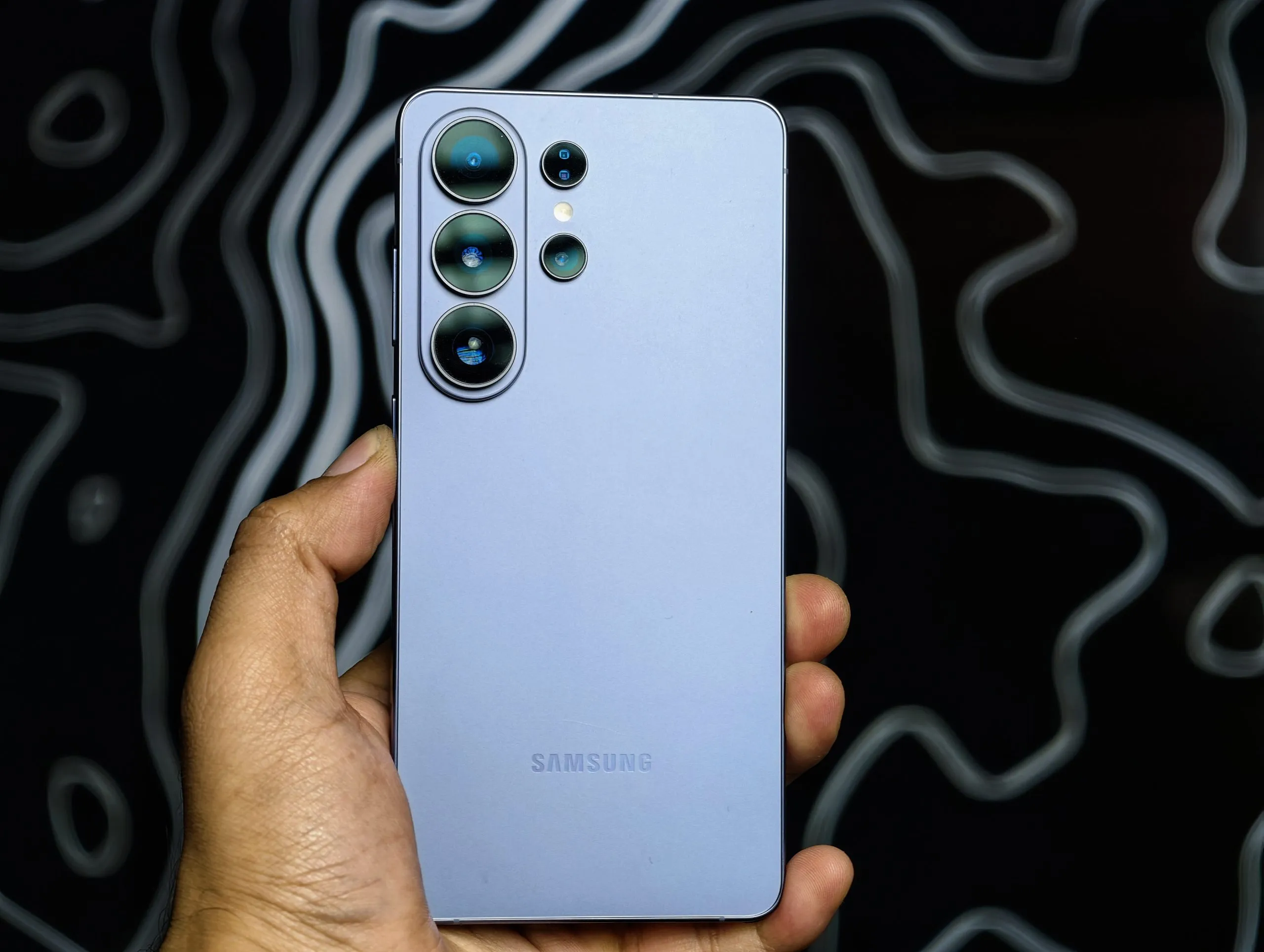
Every flagship phone reaches a point when it stops feeling new.
For me, that moment comes a few months into a phone. This time, it took about six months. The excitement fades. Specs like processor, RAM, and benchmarks stop mattering. Features that once stood out blend into the routine.
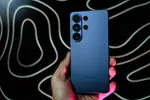
Now, six months into using the Galaxy S26 Ultra, I barely notice features like the privacy display. At first, I paid attention to it. Now, I turn it on when I need it, as naturally as reaching for the S Pen or opening the camera.
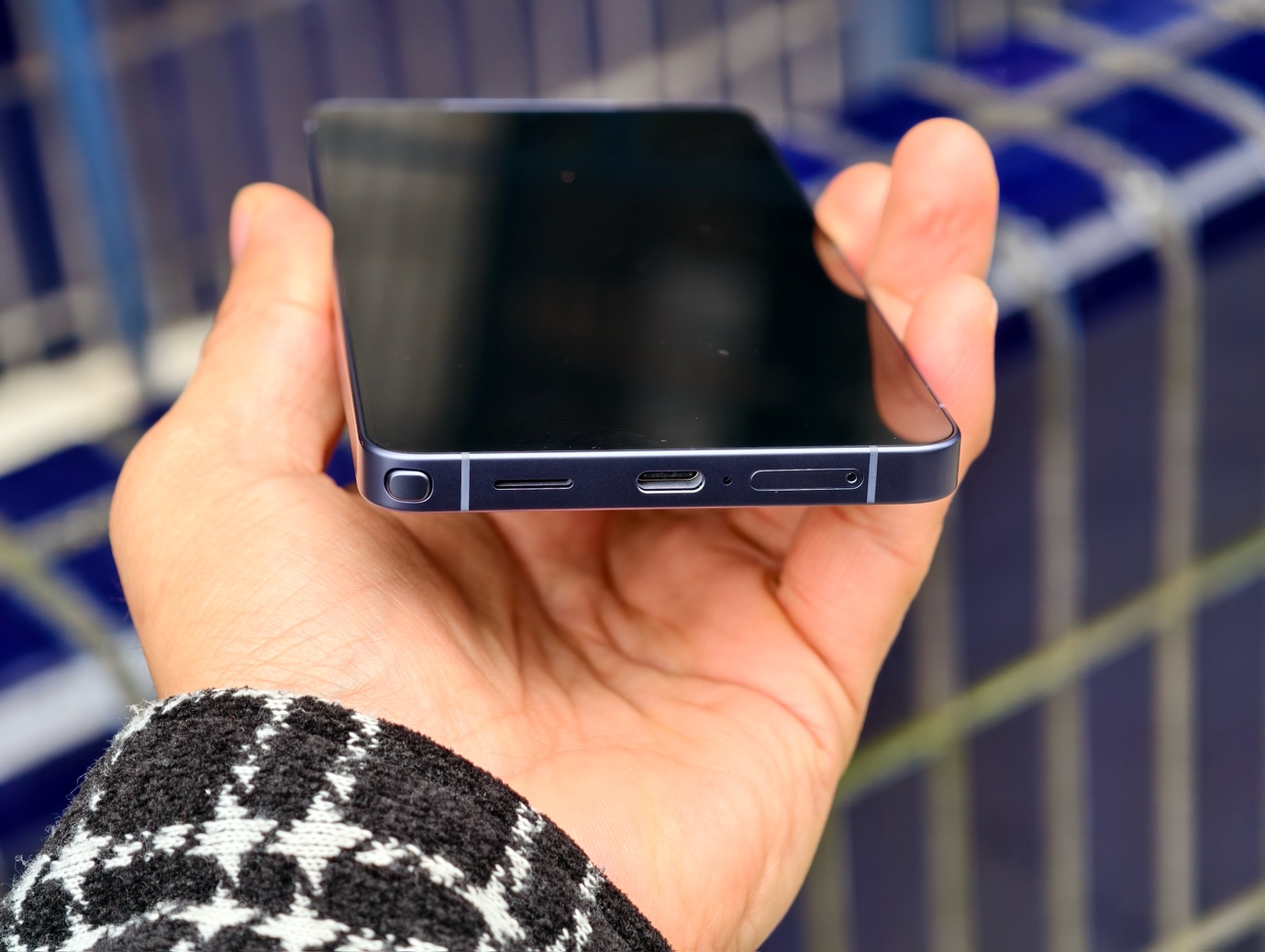
At some point, you stop learning a phone and start developing muscle memory around it. You know where to tap, what to swipe, and which tool to use without thinking. The features Samsung spends so much time advertising at launch gradually become part of everyday life.
I don’t think about the S Pen anymore. The same applies to camera tools, multitasking, and One UI shortcuts. They’re just part of how I use the phone now.
And that, to me, is the real test of a flagship: not how impressive its features feel on day one, but how naturally they fit into your life six months later.
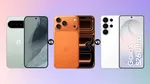
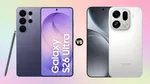
In these six months, I also used the iPhone 16 Pro Max, Pixel 9 Pro XL, OnePlus 13, vivo X300 Ultra, and OPPO Find X9 Ultra. Each one has strengths. Yet I kept coming back to the Galaxy S26 Ultra.
Not because of any single feature. It simply became a habit.
After six months, that’s why the Galaxy S26 Ultra feels like the only flagship I need.
Privacy Display: The Feature I Forgot I Was Missing
Six months ago, I had to remind myself to use Privacy Display. Now, I turn it on without thinking.
I use it on the Delhi Metro when I read personal messages. I use it in cafés while replying to work emails. I use it in airport lounges and on flights, when the screen would be visible to everyone nearby. The situations are the same. What changed is that I no longer accept an exposed screen as normal.

Before the S26 Ultra, I had no real solution. I used to dim the screen and angle it, but that never worked. Privacy Display removed the compromise. My view stays clear, and everything on screen is blocked from the sides.


What makes it genuinely useful is the control it gives me. I can apply it across the whole display, limit it to specific apps, or trigger it only when notifications appear. I want privacy when I need it, and a normal screen the rest of the time.
Six months later, I use Privacy Display almost every day. Last month, I switched to an iPhone 18 Pro Max for a review. I sat down in a crowded café and instinctively looked for Privacy Display. It wasn’t there. That moment showed me how much I rely on it, more than six months of conscious use ever could.
The feature became a habit. That’s the only endorsement that matters.
Performance: The Phone That Stopped Making Me Wait
I no longer run benchmark comparisons on the S26 Ultra. That is the most honest thing I can say after six months.
On a typical workday, I keep Chrome tabs open, cloud documents running, messaging apps active, music playing, and the camera ready. Six months in, I can’t remember the last time an app reloaded or the phone made me wait. That kind of consistency is harder to achieve than any benchmark score.
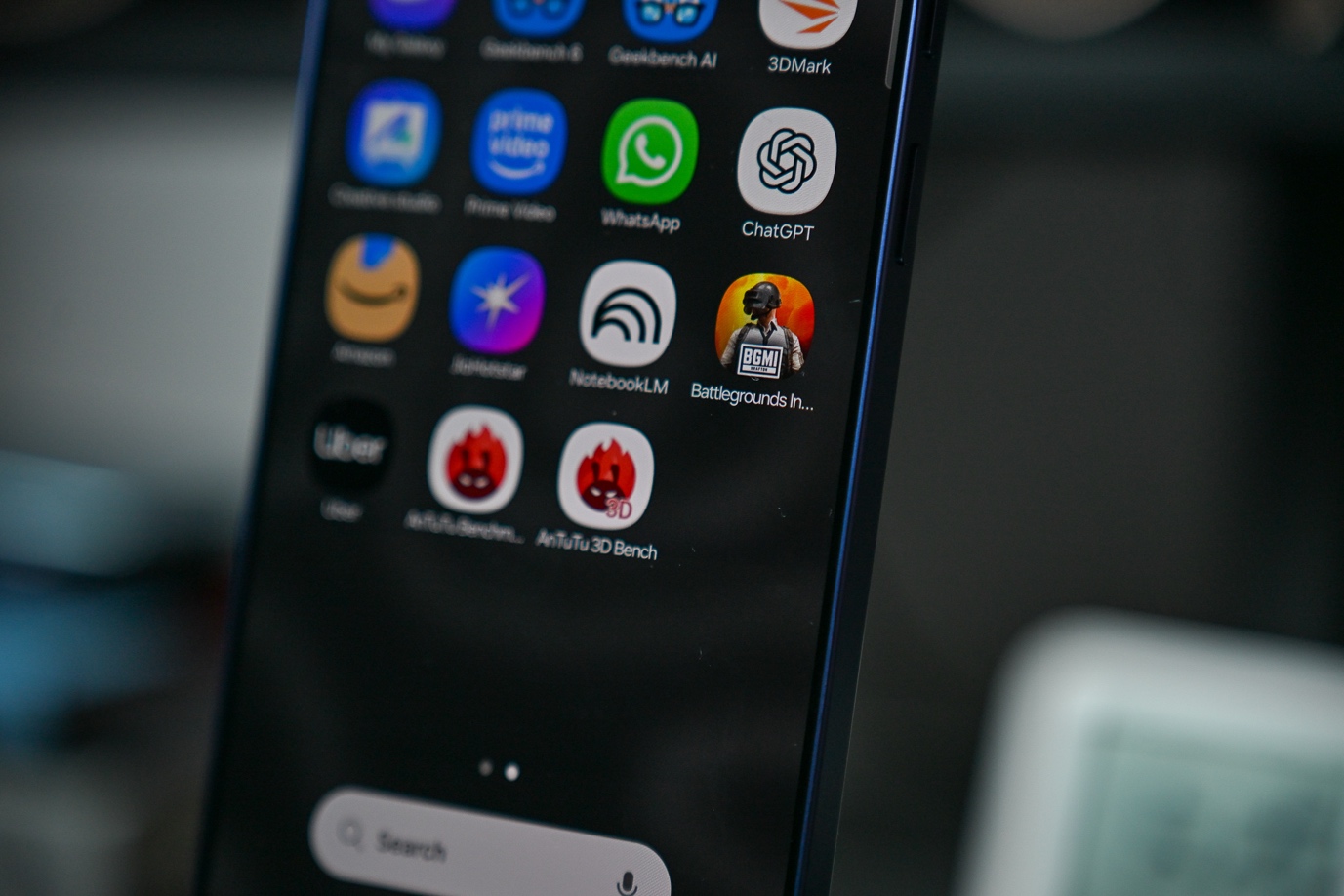
For me, the real test is photography. Modern smartphone cameras process HDR, AI tasks, focal lengths, and noise correction before you get an image. On the S26 Ultra, that pipeline never slows me down. I edit photos while other apps run. I process high-res images back-to-back during long assignments. The phone keeps up.

Galaxy AI is where the processor upgrade stands out. Photo Assist edits, scene processing, and real-time video enhancement all run without slowing anything else. On other devices I’ve tested, heavy AI tasks cause hesitation. On the S26 Ultra, everything runs in parallel.
After six months, the S26 Ultra hasn’t made me wait once. The performance fades into the background. That’s the best thing a flagship processor can do.
Camera: The Setup I Stopped Second-Guessing

Six months ago, I was skeptical about the S26 Ultra’s camera, just like I am with every flagship. The 200MP f/1.4 main sensor, 50MP ultrawide, 3x and 5x telephoto lenses, 10x optical-quality zoom, and up to 100x AI Space Zoom all look great on paper. After six months, I can say this: I stopped second-guessing the setup. I just shoot.
Horizontal Lock: The Reason My Gimbal Stayed Home
I used to carry a gimbal for any video work with movement. I don’t do that anymore.
Horizontal Lock uses the phone’s gyroscope and accelerometer to keep the horizon level, no matter how the phone rotates. The first time I showed it to a colleague, they thought it was a demo. Six months of daily use have proved otherwise.
I’ve used it while walking through crowded markets, shooting street content, at events where I couldn’t keep both hands free, on public transport, and in situations where handheld stability wasn’t possible. The horizon stays fixed. The footage is usable. The gimbal stays in the bag.
The iPhones have Action Mode, which handles motion stabilization competently. It does not keep the horizon locked when the phone rotates. That is a different, more useful thing for how most people actually shoot video. The Pixel 9 Pro XL has no comparable feature.
Horizontal Lock did not add a feature to my phone. It removed something I used to carry. After six months, the best features are always the ones that simplify what you bring and what you do.
Photo Assist: When I Stopped Considering the Shot Finished at the Shutter
I used to think a photo was finished when I pressed the shutter. Photo Assist changed that.
Object removal fixes almost-right shots: a stranger in the background, a cable crossing the frame, a sign breaking up a clean composition.
I used to live with those distractions or open a third-party app. Now, I circle the object, and it’s gone. The iPhone’s Clean Up tool and Pixel’s Magic Eraser exist, but in my experience, Samsung handles complex backgrounds and larger objects more reliably.


Background change takes it further. I type a prompt, Galaxy AI generates a new environment, and the subject stays sharp while the scene changes. It doesn’t always get it right, and Samsung says results aren’t guaranteed. But it changed what I call a finished photo.
Now, I decide when a photo is done. That shift happened so gradually over six months that I almost didn’t notice it.
100x Zoom and What It Actually Means Six Months In
I’ll be honest about the 100x Space Zoom. The first week, I used it all the time. I pointed it at buildings, landmarks, and random objects. It felt like a trick. After that, I barely used 100x again.
That is exactly the point.
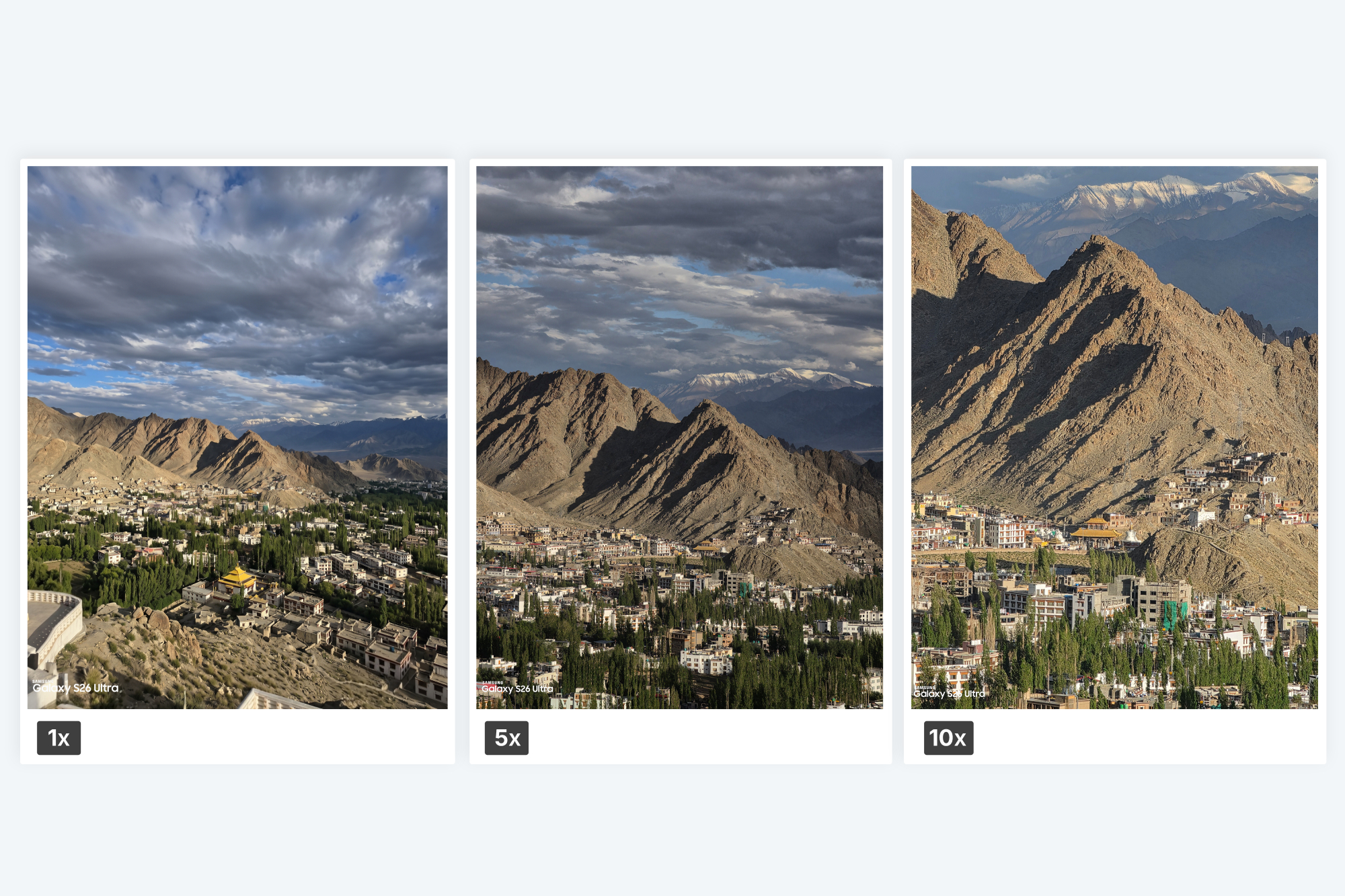
The value of a 100x ceiling isn’t that you shoot at 100x. It’s that every zoom below it feels confident and reliable. Think about when you can’t get closer: a speaker at a crowded event, a distant bird, or architectural detail you can’t reach. With the S26 Ultra, I move between 3x and 15x without hesitation. The system handles each step without forcing me to pick one focal length and hope.
The 100x is a ceiling that makes every zoom level below it feel more capable. That’s how it changed my shooting—not by how often I used it, but by the confidence it gave me at every other zoom.

Low-light photography on smartphones used to mean asking myself: is there enough light for a usable shot? I stopped asking that question with the S26 Ultra.


The 200MP main camera’s f/1.4 aperture and the 5x telephoto’s f/2.9 bring in more light before any processing. Samsung says these give 47% more brightness on the wide camera and 37% more on the telephoto compared to last year. Six months of shooting in Delhi’s evening markets, late-night events, and dim restaurants proved the difference. I point the camera, shoot, and trust the result. Hundreds of night shots built that trust.
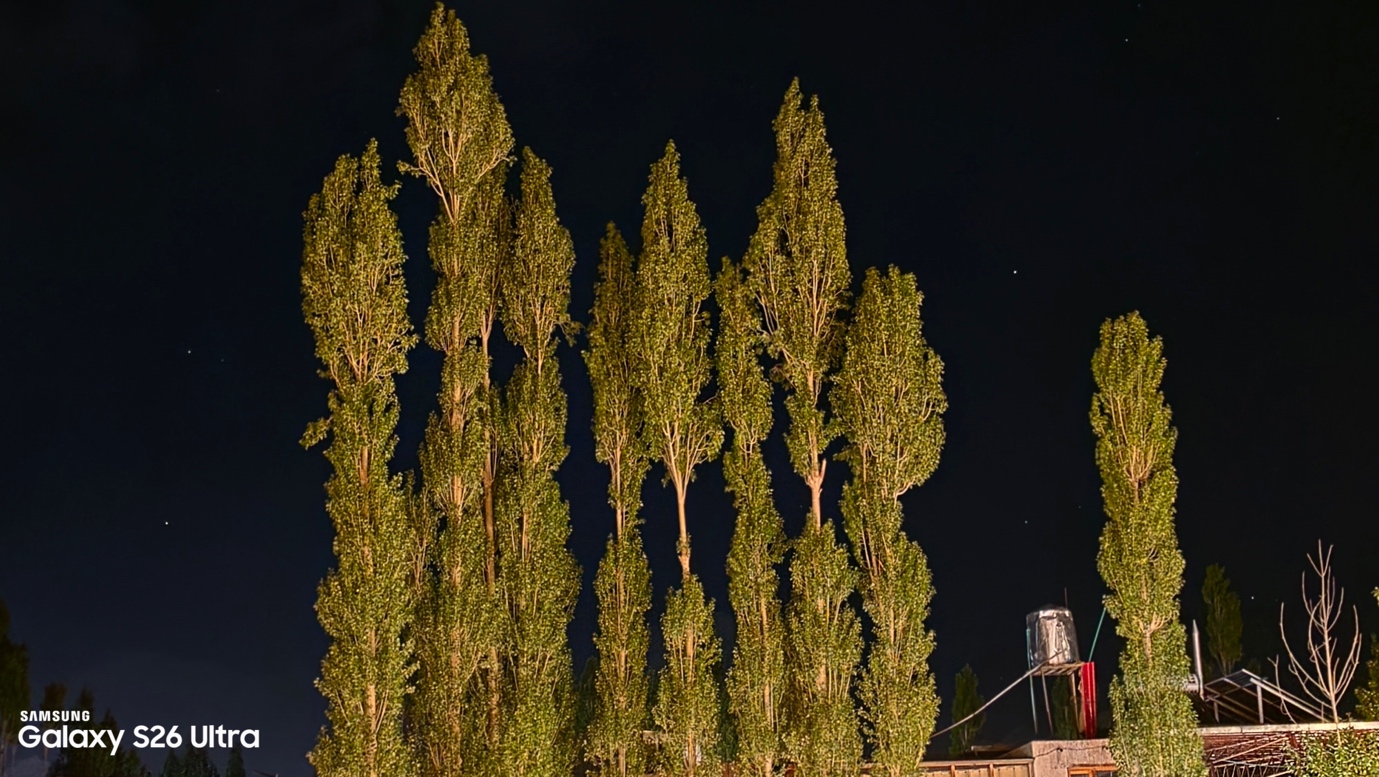
The iPhone 16 Pro Max produces impressive night stills, but the lens flare in artificial light, something forgivable in photos, becomes genuinely distracting in video. The Pixel 9 Pro XL’s low-light reputation has started to drift from its actual output, at least in my testing.
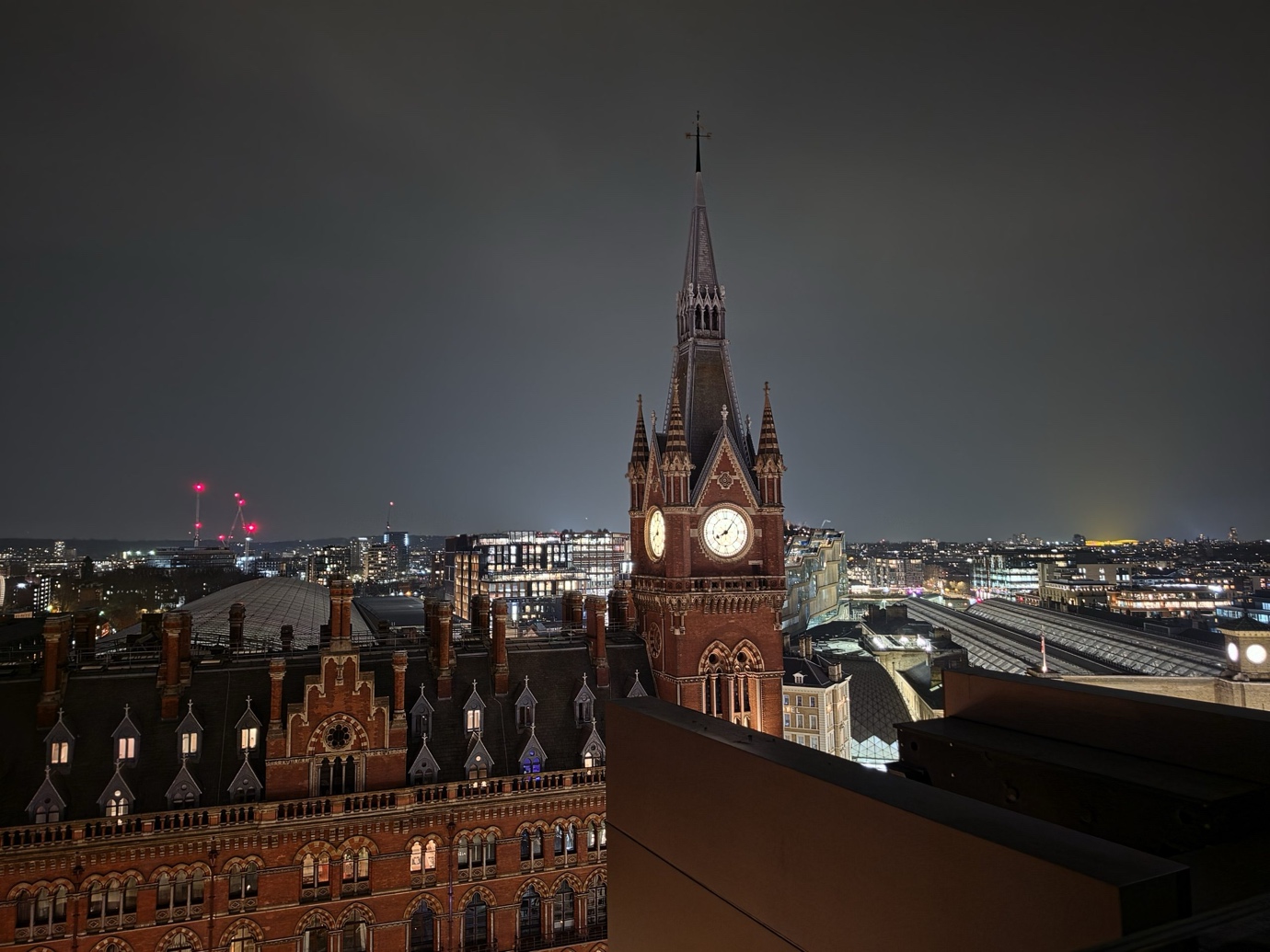
The best measure of a smartphone camera after six months isn’t perfect results in a controlled environment. It’s whether I raise the camera without hesitation in the dark. The S26 Ultra passed that test months ago.
Nightography Video: Where Other Flagships Show Their Limits
Flagship phones have largely solved low-light photography. Low-light video is a different problem.
You can’t stack frames. The camera has to keep exposure, color, detail, focus, and stabilization consistent as the scene changes. That’s a much harder challenge, and it’s where most competitors fall apart.
The S26 Ultra’s wider apertures give it a hardware advantage before software even starts. Samsung’s noise reduction uses each sensor’s detail instead of a generic noise profile. In spontaneous low-light video, like at a night event without a crew or setup, the S26 Ultra keeps shadow detail. It avoids the smeared, waxy noise reduction that ruins most phones after dark.
For the content I shoot at night, that difference means I come home with usable footage. That’s what matters.
The Only Flagship You Need
Six months is enough time to see through a phone. If you’re wondering what that means in practice, here it is.
Features that felt like demos either become habits or fade away. Performance either holds up under daily pressure, or it doesn’t. The promise of a flagship either survives real life or it doesn’t.
Privacy Display became something I use without thinking. The performance became effortless. The camera stopped being a question mark. Nightography changed when I bothered to raise the camera. Photo Assist changed what I call a finished image. Horizontal Lock changed what I carry. That’s why, after six months, the Galaxy S26 Ultra still feels like the only flagship I need.
None of these changes happened on day one. They built up quietly, over hundreds of ordinary moments, until the S26 Ultra stopped feeling like a test device and started feeling like a tool I rely on.
The features Samsung advertised at launch have become habits six months later. That is the real verdict.
Not perfect. Not cheap. But it’s the only flagship that fits into daily life without making you adapt. After six months, that’s the only endorsement that matters.
Samsung Galaxy S26 Festive Offers
The Samsung Galaxy S26 Ultra is available with attractive 40 months no cost EMI starting ₹2000/ month inclusive of instant cashback of Rs.15000 & old device exchange.
Disclaimer: This is a brand story, so views and opinions expressed here are of the sponsor and not of the editorial team.





😍😍