My cousin and I almost never agree on tech. He thinks I’m stuck in the past. I think he chases every new chip
He claimed his Lenovo Yoga Slim 7x with the Snapdragon X2 Plus could handle anything I threw at it. I challenged him. We swapped laptops.
The deal was simple. I had to use his Yoga Slim 7x as my only laptop for 15 days. No backup. No picking easy tasks. Specs alone wouldn’t win me over. I would use it the way I normally use my laptop.
That meant writing, research, messaging, editing images, coding, juggling browser tabs, using AI tools, video calls, and even some gaming.
I thought I’d spend fortnight listing compromises. Instead, I found myself rethinking what a Snapdragon-powered Lenovo laptop could actually do
After 15 days, I had to admit my cousin was right.
I Didn’t Give the Snapdragon-powered Lenovo laptop an Easy Workload
My usual workflow is tough on laptops.
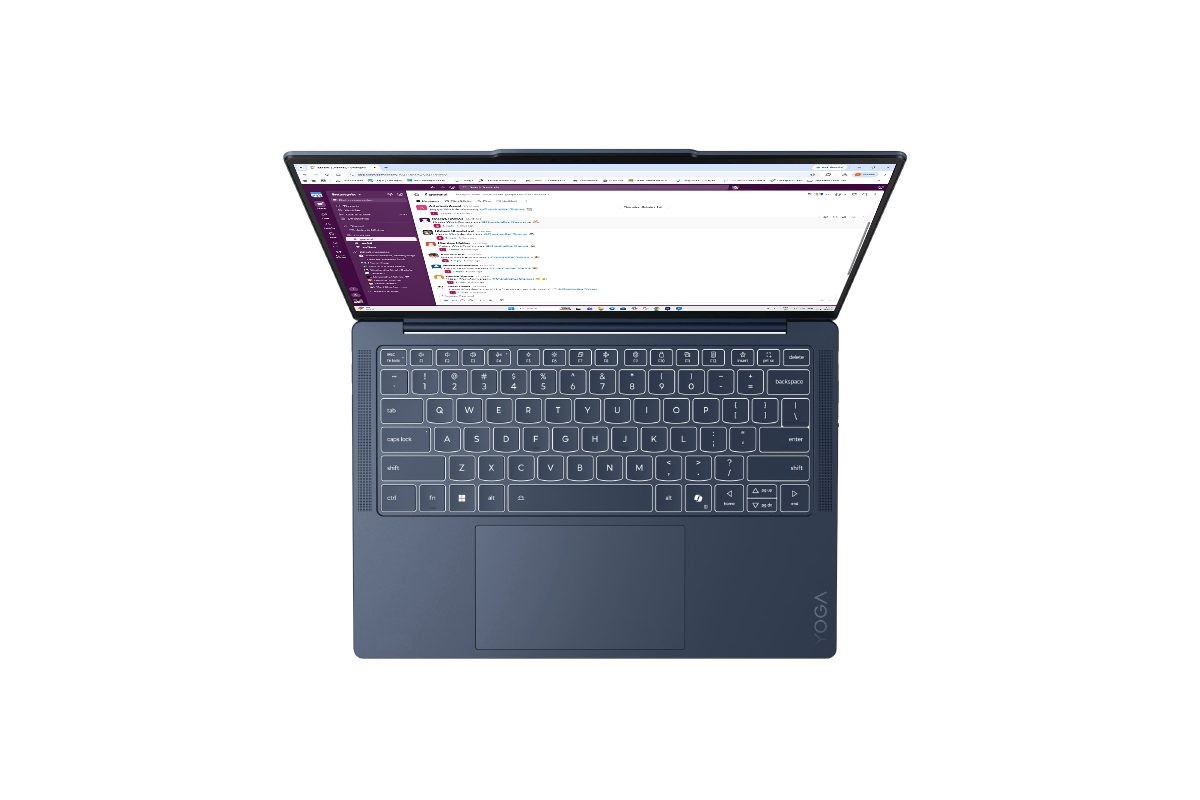
During the test, I used Microsoft Edge, Typora, Notion, Affinity, Slack, Visual Studio, and VS Code. At one point, I had 15 Edge tabs open with all the other apps running.
That mix of apps shows what my real day looks like better than any benchmark.

I bounced between Typora documents, research-heavy browser sessions, Slack chats, Notion pages, and code in Visual Studio or VS Code. For image edits, I used Affinity.
That’s when I noticed something unexpected.
Affinity runs natively on Snapdragon. I didn’t choose it for that reason—it’s just my default for image work. Because it’s native, the Snapdragon X2 Plus doesn’t need to translate anything. The response is instant. You notice it right away.
That made me think about app support. Adobe says Photoshop, Premiere, After Effects, Audition, and Lightroom now run natively on Snapdragon Copilot+ PCs. The chip runs at full power.
In my workflow, the Snapdragon X2 Plus never struggled. The laptop just kept going. I stopped questioning it.
The Battery Is a Snapdragon Story
The obvious advantage is battery life.
Lenovo claims up to 31 hours video playback or 18.5 hours browsing. In my usage, I consistently got more than a day’s worth of work. That’s impressive when you see what the Snapdragon X2 Plus is doing. The platform is built from the ground up for efficiency, so it delivers strong performance with less heat and less battery drain, and Lenovo’s 70Wh battery makes the most of it. You see that in every hour of real use.
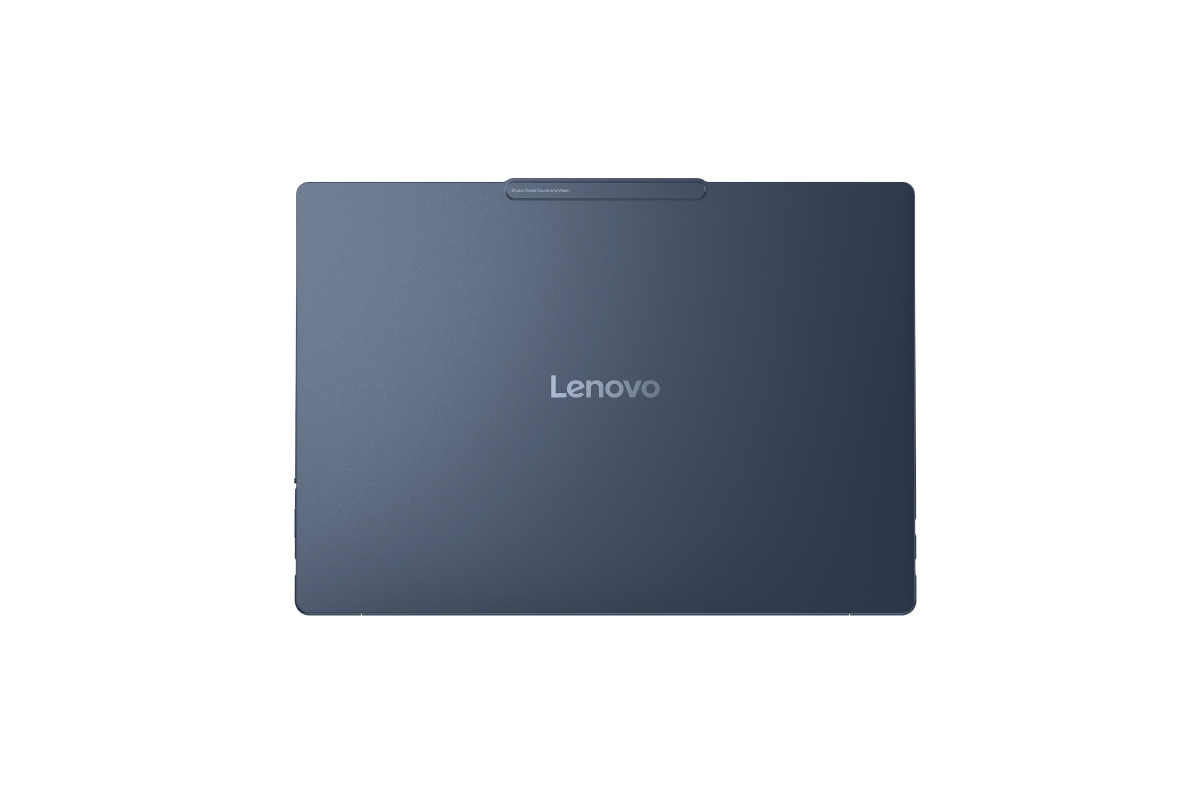
I didn’t just loop a video with the screen dimmed. I wrote, browsed, messaged, worked across several apps, and used AI features. On most thin-and-light laptops, I’d be down to 20 percent battery by late afternoon.
The Yoga Slim 7x didn’t give up easy .
With most Windows laptops, I’m always tracking the battery in my head. If I leave the charger, I start thinking about screen brightness, closing apps, and whether I’ll regret it. With the Yoga Slim 7x, I stopped worrying. The real number matters more than the marketing claim. It’s the difference between a laptop that lasts all day and one that makes you forget about the charger entirely.
The AI Features Were the Snapdragon Making Its Presence Known
I expected Snapdragon to impress with battery life. I thought on-device AI would be a gimmick.
The Yoga Slim 7x is a Copilot+ PC. The Snapdragon X2 Plus has a dedicated Qualcomm Hexagon NPU rated at up to 80 TOPS for AI, running tasks locally instead of sending them to the cloud. In practice, AI features work offline, add no latency, and don’t drain the battery like GPU-accelerated AI.
Live Captions was the feature I used most. It creates subtitles for any audio on the device and translates supported content in real time, all on-chip. No audio leaves the machine. No waiting for a server. It’s not perfect. Clean recordings work best. But it feels like a real feature, not just a demo.
Microsoft Paint’s Cocreator lets you start with a sketch and have the AI develop it further. I found it interesting for what it showed about local processing, not because I needed it. Copilot handled research and drafting with a dedicated keyboard key, and I liked that it often included source links. As a tech writer, I don’t want an AI that just sounds confident. I want to check the sources myself.
Studio Effects handled video calls — automatic framing, eye contact correction, and background blur — all processed on the device by the Hexagon NPU. Paired with the Yoga Slim 7x’s 9.2MP IR camera, video calls felt like something Lenovo actually designed for. Snapdragon X2 Plus did the work locally and efficiently, without announcing itself.
Then I Tried to Break It With Games
This was the part of the experiment I was most skeptical about.
A thin-and-light Snapdragon laptop with integrated graphics isn’t my idea of a gaming machine. So I started small and worked up.
I started with Death’s Door, a lightweight game. Then I tried Risk of Rain 2. After that, I pushed to Horizon: Zero Dawn and The Elder Scrolls Online on Steam. I expected the Snapdragon X2 Plus to hit a wall and prove me right.
That moment never came the way I expected.
The Adreno X2-45 integrated graphics on the Snapdragon X2 Plus perform better than the specs suggest. The chip’s thermal design lets it keep that performance going. The Yoga Slim 7x has two small fans. They spun up during gaming, and the machine got warm, but the cooling kept it running strong. I won’t pretend the laptop became a gaming PC. It has integrated graphics, a 60Hz display, and is built for productivity. But I played games on it without thinking about how odd that was. That was enough. The Snapdragon X2 Plus didn’t turn the Yoga Slim 7x into something it’s not. It just made sure it lived up to what it should be.
The Display, the Hardware, and What They’re Built Around
The Snapdragon X2 Plus makes the rest of the hardware make sense.
If the chip can’t run all day, a premium display just drains the battery. If it can’t keep up under heat, active cooling is just noise. Without on-device AI, Copilot+ PC is just a label.
My model has a 14-inch WUXGA PureSight Pro OLED panel: 1920×1200, HDR 500 True Black, 100 percent DCI-P3, 400 nits. The 16:10 aspect ratio gives plenty of vertical space for documents and web pages without making the laptop bulky. OLED still means great contrast, deep blacks, and accurate color. The chip is efficient enough to power it without compromise.
With 16GB of LPDDR5X memory, a 512GB SSD, a 9.2MP IR camera, and USB-C charging, the machine feels put together, not just assembled. Each part is premium, but the Snapdragon X2 Plus makes the whole better than the sum.
The Part That Finally Convinced Me
After 15 days, I saw I’d been asking the wrong question.
I started out wondering if a Snapdragon X2 Plus laptop could replace my traditional x86 machine. By the end, I was asking why I ever thought it couldn’t. I realized I’d treated x86 as the default and Snapdragon as the odd one out.
Fifteen days of real use showed me something else. The Snapdragon X2 Plus doesn’t try to copy x86. It’s built around different priorities: CPU performance, power efficiency, and on-device AI as one platform, not three separate problems. In the Yoga Slim 7x, those priorities match what a modern workday needs.
The chip didn’t win me over with one big moment. It won me over by fading into the background. By day three, I stopped thinking about architecture. By day fifteen, I was just working. The only thing I noticed about the Snapdragon X2 Plus was that I didn’t have to think about it.
What surprised me most was how completely the Snapdragon X2 Plus and the Yoga Slim 7x erased any doubt about whether they could handle the job. They didn’t show off. They just did the work. My cousin was right, and I’m happy to admit it.
If you are eyeing the Lenovo Yoga Slim 7x to buy this festive season, you can order it from Croma.