TL; DR
- Apple released iOS 26 Developer Beta 7 on August 18, 2025, and it is believed to be one of the final beta updates before the stable version comes out with the iPhone 17 lineup.
- The latest iOS developer beta brings Adaptive Power Notifications (or simply alerts) to inform you when your iPhone is using the dynamic power mode to alter performance and save battery.
- Most recently, Apple relaunched the blood oxygen measurement feature with iOS 18.6.1 and watchOS 11.6.1, and now, the feature is also available on the latest iOS 26 Developer Beta.
- Like the Mail app, Apple’s Messages app has a new Drafts section that will store the partially-written messages.
As we near the iOS 26 launch in September (reportedly on the 9th of the month, along with the iPhone 17 lineup), Apple is releasing new beta versions of the upcoming operating system, both in the developer and the public beta streams.
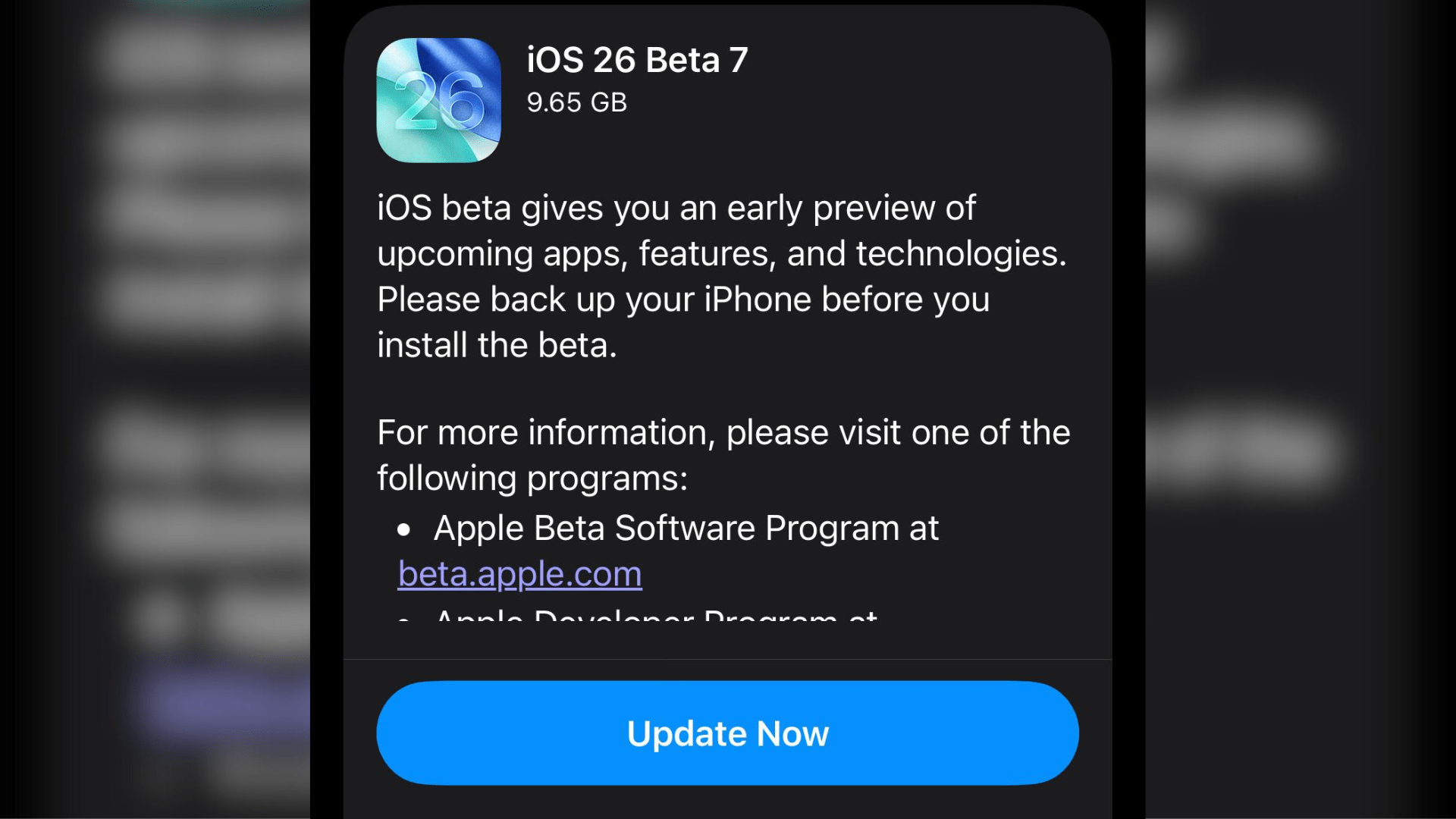
Yesterday, the company pushed the iOS 26 Developer Beta 7 (9.65 GB) to developers and testers, and also released the same update as the iOS 26 Public Beta 4. While the release notes don’t highlight the new features included, we’ve figured out what’s new in the beta update for you.
Also Read: Exclusive: OnePlus Nord Buds 3r Design and Specs Revealed Ahead of Launch
Apple Releases iOS 26 Beta 7
Apple released iOS 26 Developer Beta 7 on August 18, 2025, and it is believed to be one of the final beta updates before the stable version comes out with the iPhone 17 lineup.
Although the update doesn’t bring many significant changes, the addition of Adaptive Power Notifications and the return of the blood oxygen measurement are headlining features.
Adaptive Power Notifications
With iOS 26, Apple has introduced a new battery performance mode called “Adaptive Power.” It allows your iPhone to extend the battery life by altering performance levels, including lowering display brightness, limiting performance, which might make some activities take longer than usual, and turning on the Low Power Mode when the battery hits 20%.
Moreover, the feature is a toned-down version of the Low Power Mode we’ve been using on iPhones for years. While it has a lesser impact on the handset’s performance, it isn’t as good as saving the battery (but still better than the standard mode). Now that we’ve explained about Adaptive Power, let’s move on to the main topic of discussion: Adaptive Power Notifications.
The latest iOS developer beta brings Adaptive Power Notifications (or simply alerts) to inform you when your iPhone is using the dynamic power mode to alter performance and save battery. The notification contains a brief message, stating “iPhone is adjusting performance to help extend your battery life.”
The toggle to enable Adaptive Power, as well as Adaptive Power Notification, is located in Settings > Battery > Power Mode. All in all, it’s a simple feature that you can enable if you want to know when your iPhone is extending the battery life.
Also Read: Exclusive: OPPO Find X9 Pro Complete Camera Specs Revealed
Redesigned Blood Oxygen Measurement

Most recently, Apple relaunched the blood oxygen measurement feature with iOS 18.6.1 and watchOS 11.6.1, and now, the feature is also available on the latest iOS 26 Developer Beta. It’s worth noting here that it took the Cupertino giant 18 months to come up with a workaround for a feature that was disabled due to a patent dispute with Masimo.
While it’s good news that Apple Watch users can use the feature in the United States again, the workaround in itself doesn’t sound very convenient. Usually, smartwatches such as the Samsung Galaxy Watch or the Google Pixel Watch showcase the blood oxygen readings in a few seconds on the smartwatch itself.
However, the way Apple has restored the feature is that the sensor on the watch collects the required data, sends it over to your iPhone, which is then processed and displayed in the Respiratory section of the iPhone’s Health app. In other words, you can’t view the blood oxygen readings on the smartwatch itself.
Nonetheless, the silver lining is that the feature is available again for Apple Watch users in the United States.
Drafts Option in Apple Messages
Like the Mail app, Apple’s Messages app has a new Drafts section that will store the partially-written messages. Even with the previous iOS 26 beta versions, Apple included new filters in the Messages app aimed at keeping the spam or junk threads in a separate location.
Now, the latest developer beta contains a dedicated section for when you start writing messages but don’t end up pressing the send button. You can use the Drafts section on the go, especially when you’re texting with multiple people at once, where you might need to go through the inbox to refresh the information in your outgoing messaging.
Also Read: realme P4 Pro Pricing Leaks, P4 Price Announced Early Before August 20 Launch
Improved Lock Screen Liquid Glass Effect
Some X users also report seeing improvements in the intensity of the Liquid Glass effect (primarily the transparency and the refractive nature of the clock) on the Lock Screen.
iOS 26 Developer Beta 7 is one of the final updates before Apple releases the stable update post the iPhone 17’s launch in September.
You can follow Smartprix on Twitter, Facebook, Instagram, and Google News. Visit smartprix.com for the latest tech and auto news, reviews, and guides.