

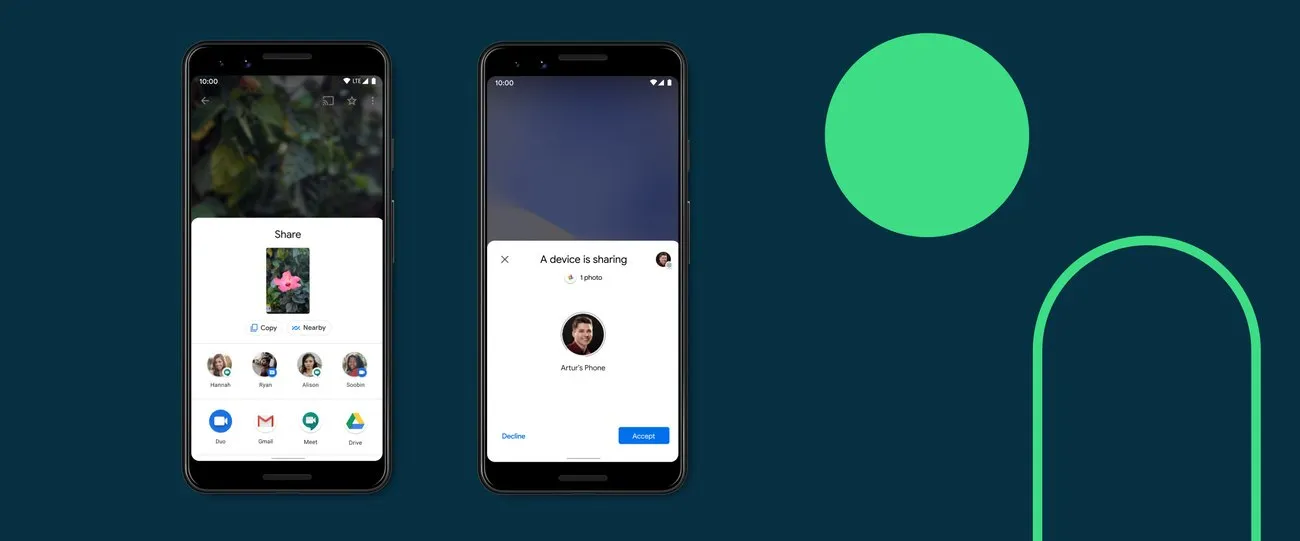
Apple usually has an upper hand when it comes to sharing files between two iPhones using native support whereas Android devices were earlier relying on third-party apps. Luckily, the onset of Android’s Nearby Share, a feature that looks and functions similar to Apple’s AirDrop, has allowed Android users to share files without any hassle.
Android’s Nearby Share
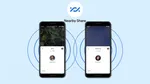
Android users can now share photos, videos, files, locations on Google Maps, apps via Google Play Store, and more with this instant sharing tool called Nearby Share from Google. Available as a feature on most of the Android versions starting with OS v6.0, the tool uses hotspot, Wi-Fi, and Bluetooth connectivity to locate recipient devices and share files. It is much like Xender for file sharing, however, instead of using a third-party app, you are now using a native instant file sharing tool called Nearby Share.

Launched in 2019, the feature is supported on Android v6.0 and above although you need to check if it is available for your device as well. Sharing multimedia content was never too easy before Nearby Share so technically, the efforts are worth it.
Let’s check out how you can verify if your phone supports the Nearby Share feature and how you can use it in this given how-to blogpost.
How To Check If Your Phone Supports Nearby Share?
The first thing that you must have is an Android smartphone that supports Nearby Share. Here’s how you can check for support.
- First up, go to Settings on your device and scroll to find “Google”.
- Next up, proceed to “Device Connections” >> “Nearby Share”.
- If the feature exists (which means your device supports it), turn it ON.
- You will have to utilize your Google account and set a device name along with device visibility and there you go.

How To Use Nearby Share To Share Files On Android Devices?
Let’s check out how you can use Nearby Share on your Android smartphones to share photos, videos, apps, and locations on Google Maps and you name it.
- First up, open the file that you want to share with someone.
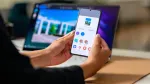
- Next, tap on the “Share” icon and select “Nearby Share”.
- The phone should start finding out devices nearby aka the recipient should have turned on Nearby Share by now using the steps mentioned in the first module.
- When you spot a device, tap on it and the device should automatically share the files to the said device name assuming that the receiver has tapped on the “Accept” button to receive the files.
- Let the process run its course and the receiver will get their hands on the shared files right away.