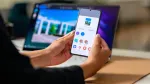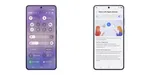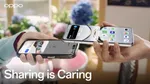


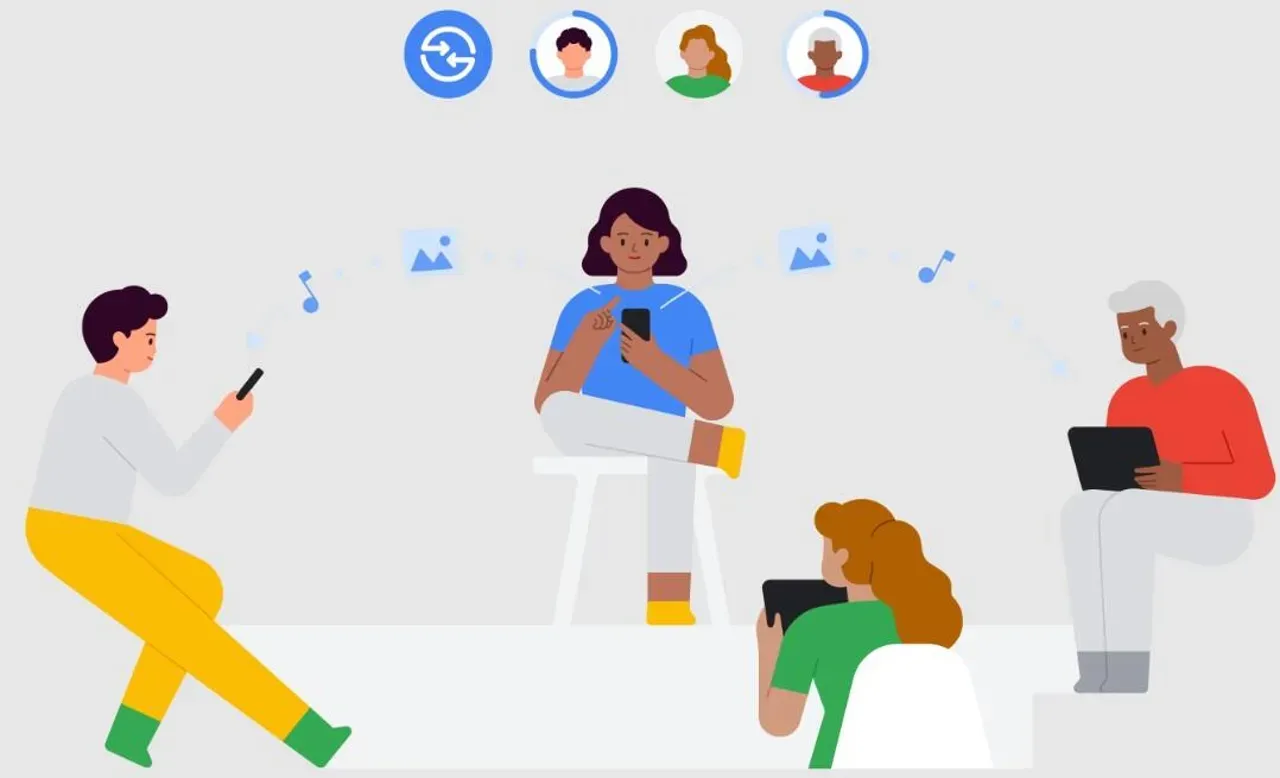
In 2020, Google launched the Nearby Share feature for Android devices, enabling users to share files seamlessly. Since its inception, Google has enhanced this functionality, rebranding it as Quick Share following its integration with technology created by Samsung. Additionally, the company introduced QR code support to facilitate quicker file transfers. Recently, Google announced a significant upgrade to Quick Share, allowing users to continue sharing files even if the connection between devices is interrupted. This article will explore the workings of this new feature and provide a comprehensive overview of its capabilities.
ALSO SEE: How to Detect Hidden Cameras in a Room Using Your Smartphone
Nearby Share Feature: What is it?
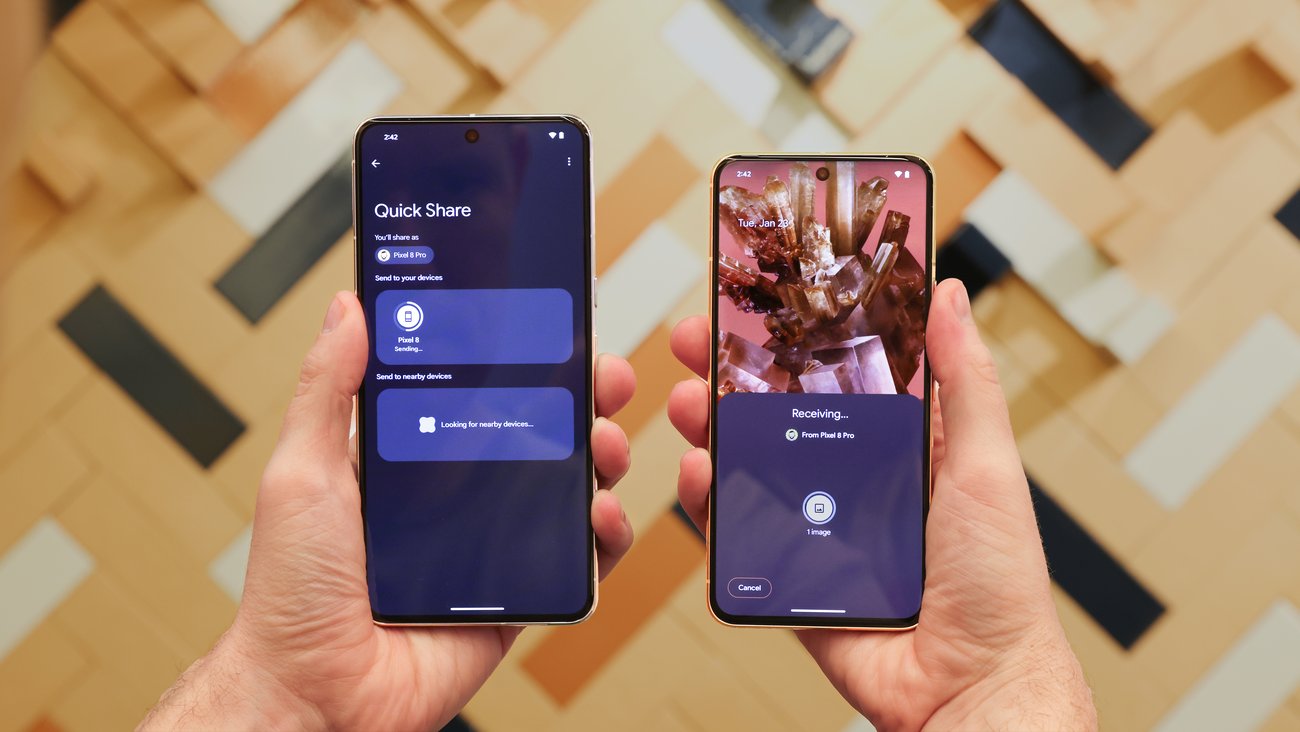
Google launched Nearby Share in 2020, enabling users to swiftly transfer files among Android devices, Chromebooks, and Windows PCs through Bluetooth, WiFi Direct, or the internet. Since its inception, the feature has undergone several updates, enhancing its compatibility with Windows, integrating with Samsung’s Quick Share for a cohesive sharing experience across Android devices, and improving cross-platform file sharing with enhanced privacy settings. Subsequently, it was rebranded as Quick Share on the majority of Android devices.
Google Quick Share can transfer Files even if the connection breaks


ALSO SEE: How to Run DeepSeek R1 Locally on Your Phone [2 Methods]
Google’s Quick Share has traditionally relied on WiFi Direct and Bluetooth to facilitate wireless file sharing between two Android devices. Previously, if the direct connection between the devices was interrupted, file transfers would fail, and in some instances, the transfer process would halt entirely. However, this situation is set to improve. With the release of Play Services version 25.04, Google has introduced a new feature that allows file transfers through Quick Share to persist over mobile data or WiFi, even if the sender or receiver loses their direct connection, as noted in the release documentation.
Google has not provided additional information regarding its update to Quick Share. It remains uncertain whether users will have the option to pause file transfers over mobile data and resume them once a direct connection is re-established. These system updates are expected to be rolled out to Android smartphones in the coming weeks.
It is important to recognize that Quick Share file transfers may take longer to complete without a direct connection and can be influenced by the size of the files. If you have a limited mobile data plan, it is advisable to refrain from using mobile data to transfer larger files.
Other updates announced by Google
ALSO SEE: How to Activate Windows 11 for Free: 3 Easy and Safe Methods
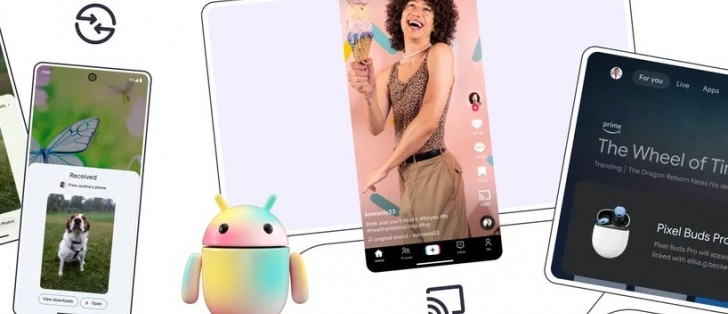
Google has introduced an update to the Family Link feature alongside Quick Share. This enhancement aims to simplify the management of family groups by incorporating a new
Family Link option within Google Settings. Additionally, the company has revealed that users will experience user interface updates in the Play Store, even when creating a Play Games profile.
You can follow Smartprix on Twitter, Facebook, Instagram, and Google News. Visit smartprix.com for the latest tech and auto news, reviews, and guides.