TL; DR
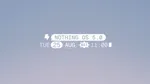
- Nothing OS 5.0 has been officially announced with Android 17, a new Geist typeface, redesigned icons, and several UI changes.
- The update adds new widgets, a dedicated Glyph app, homescreen batch editing, and major changes to Essential Space.
- Nothing has also added features such as app creation through Essential Apps, cross-platform Quick Share, and expanded privacy controls.
- The Phone (3) gets the Open Beta first on August 26, while the general rollout starts in mid-October.
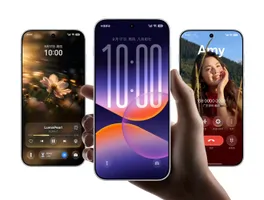
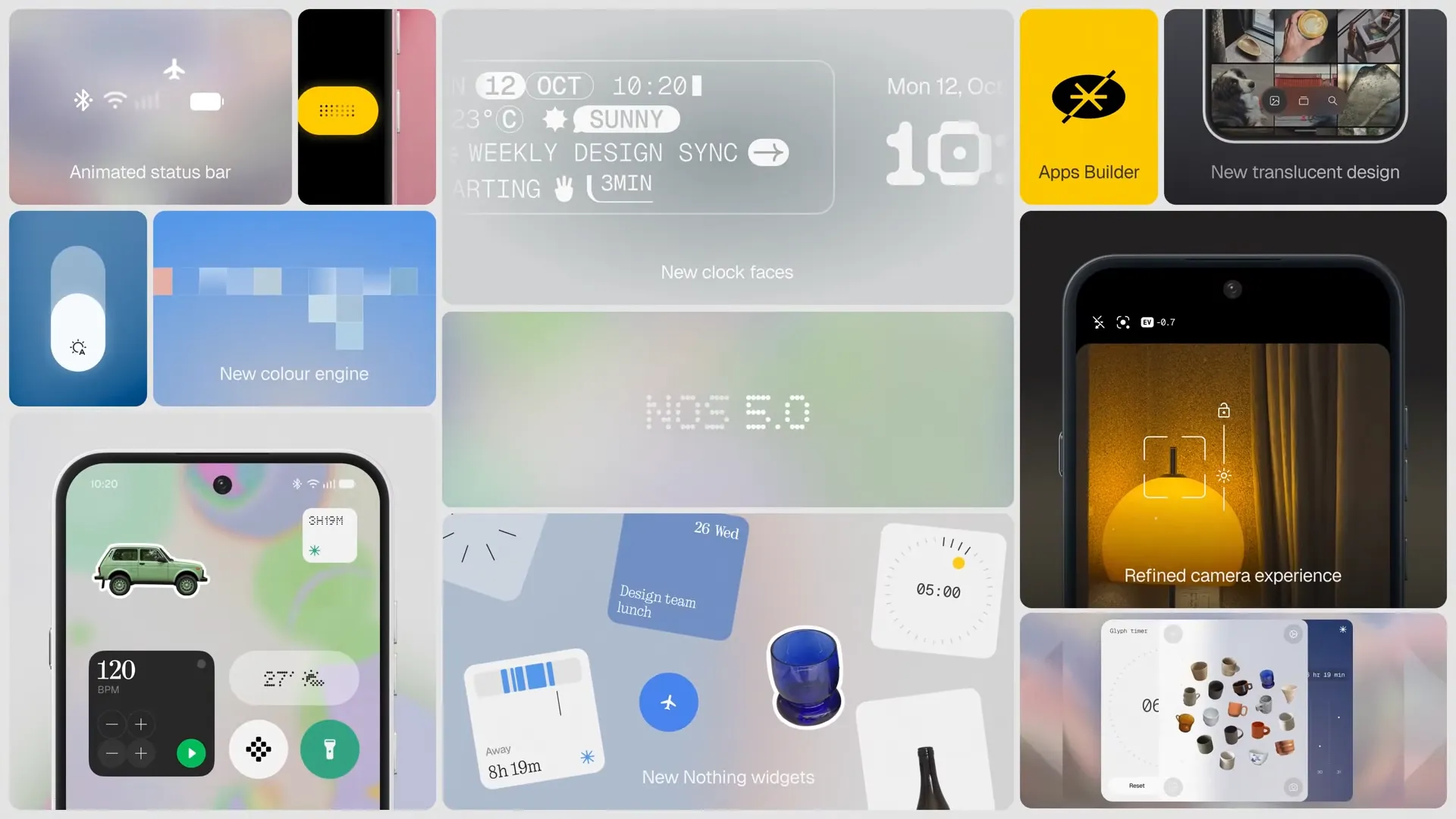
Nothing has officially unveiled Nothing OS 5.0, and this is a fairly big visual update for the company’s software. A new typeface, redesigned icons, wallpaper-based colors, new widgets, and changes across several system apps are being introduced with the update.
Nothing OS 5.0 is based on Android 17, so some of the changes come directly from the new Android version. Nothing has also made its own changes across the homescreen, lockscreen, Settings, Gallery, Camera, Glyph Interface, and Essential Space. Let’s look at everything that’s new, along with the rollout schedule for existing Nothing and CMF phones.
Nothing OS 5.0: What’s New
1. New Geist typeface
Nothing’s custom Geist typeface, which was first seen in its Playground experiments, is now being used throughout Nothing OS. It seems Inter has been removed as an option.

2. Reworked system icons
The app and system icons have been redesigned to fit the new visual style. They now have a more consistent look across the interface.

3. Wallpaper-based system colors
Colors can now be picked from the wallpaper and applied across parts of the interface, including Quick Settings.
4. More transparent UI
Nothing has added more transparent and translucent elements across widgets, panels, and other system surfaces. The company has made transparency a bigger part of the new design.

There is one obvious problem here, though. Despite the push toward a more transparent interface, the Control Center is still largely solid. It doesn’t have the system-wide blur treatment seen on ColorOS or iOS, which makes the transparency feel somewhat inconsistent across Nothing OS.

In fact, Nothing OS now stands out as one of the few major Android interfaces without a proper system-wide blur effect. The new translucent elements look good in some areas, but the Control Center could have used a much bigger redesign.
5. Redesigned homescreen
The homescreen has been given a cleaner layout, with the launcher and other parts of the interface following the same design language.

6. Better depth-effect wallpapers
The depth and parallax effects used by wallpapers on the lockscreen and homescreen have been improved.
7. New lockscreen clockfaces
Two new clockfaces, Gooey and Micrographics, have been added. Gooey has a more playful look, while Micrographics takes inspiration from hardware and terminal-style interfaces and displays more information. Additional lockscreen color options have also been added.

8. Animated status bar
The status bar is now animated for things such as ongoing calls, timers, airplane mode, and Bluetooth connections.
9. Updated Settings app
The Settings app has received a visual refresh, bringing it closer to the rest of the Nothing OS 5.0 interface.

10. Enhanced Gallery
The Gallery app has been updated with better search and a floating navigation bar at the bottom.

11. Refreshed Camera app
The Camera app has received a cleaner capture interface and a redesigned capture flow.

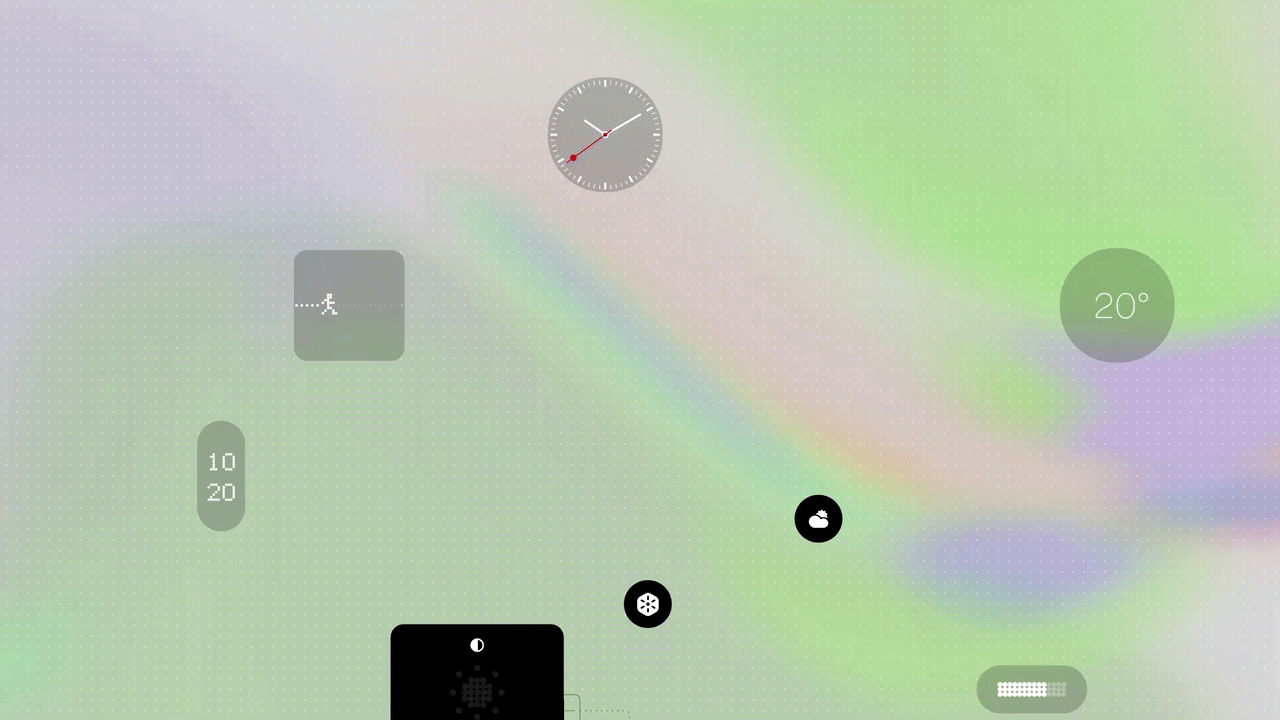
12. New Nothing widgets
Three new widgets have been added: Collector, Away Time, and Glyph Timer.

- Collector: Photos can be turned into homescreen stickers and collected over time.
- Away Time: Time spent away from the phone can be tracked, including the longest breaks and weekly screen-off patterns.
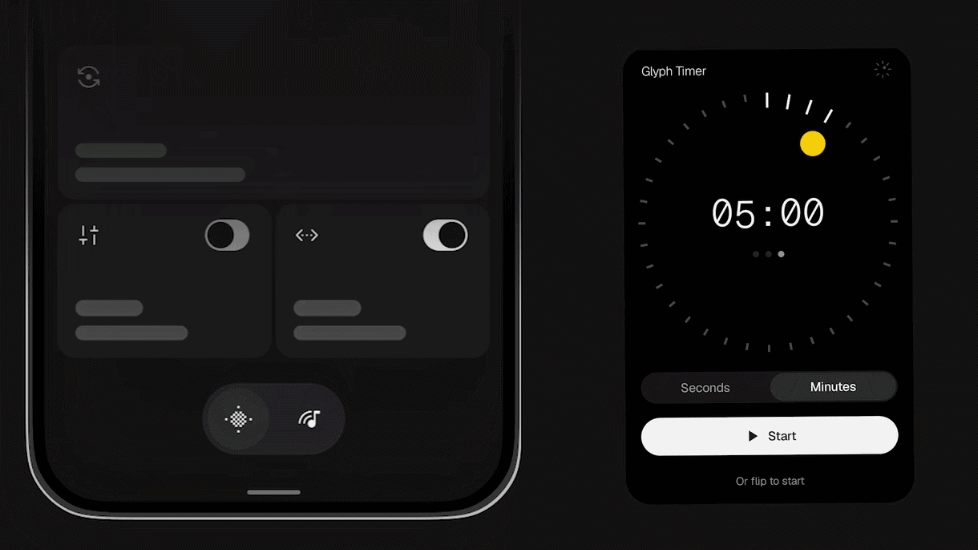
- Glyph Timer: Countdown timers can be started directly from the homescreen.
13. New Glyph app
Glyph controls have been brought together in a dedicated Glyph app instead of being spread across different parts of Settings.
14. Homescreen batch editing
Multiple apps and widgets can now be selected and moved together, which should make homescreen rearranging much easier.

15. Performance improvements
Nothing says app launches, scrolling, touch response, and animations have been improved. Memory management has also been adjusted to reduce background app reloads.
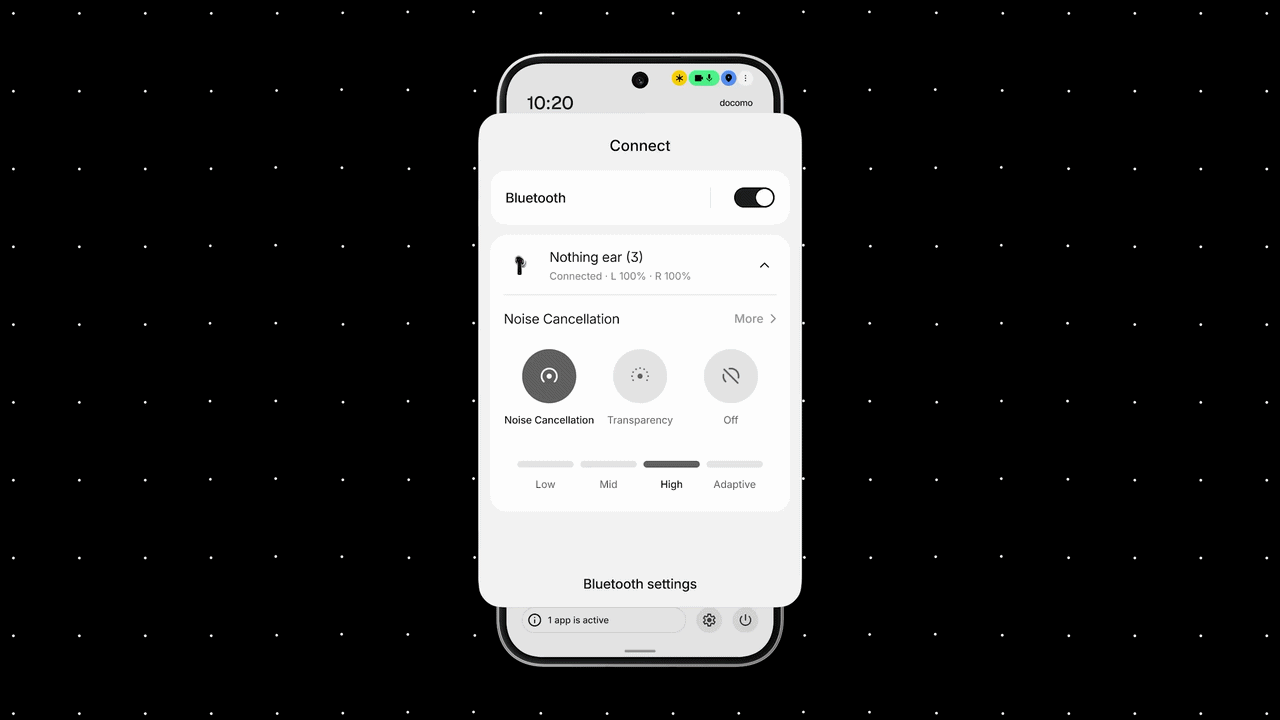
16. Redesigned Bluetooth controls
Bluetooth controls in Quick Settings have been redesigned, making nearby devices easier to access and connect to.
17. Smart Collections in Essential Space
Related captures can now be grouped automatically into Smart Collections inside Essential Space.

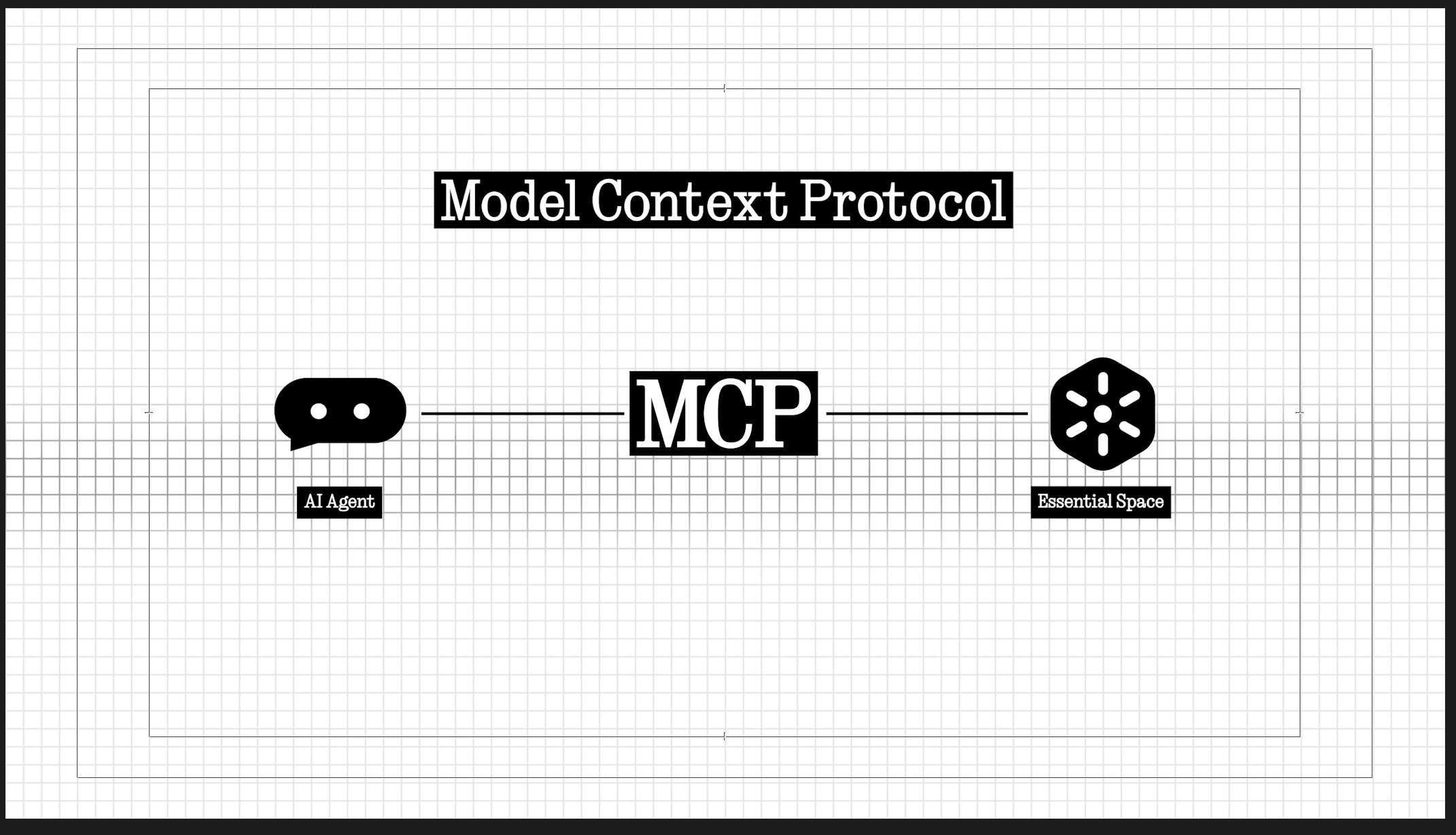
18. MCP support in Essential Space
Selected information stored in Essential Space can now be accessed by compatible tools through MCP (Model Context Protocol).
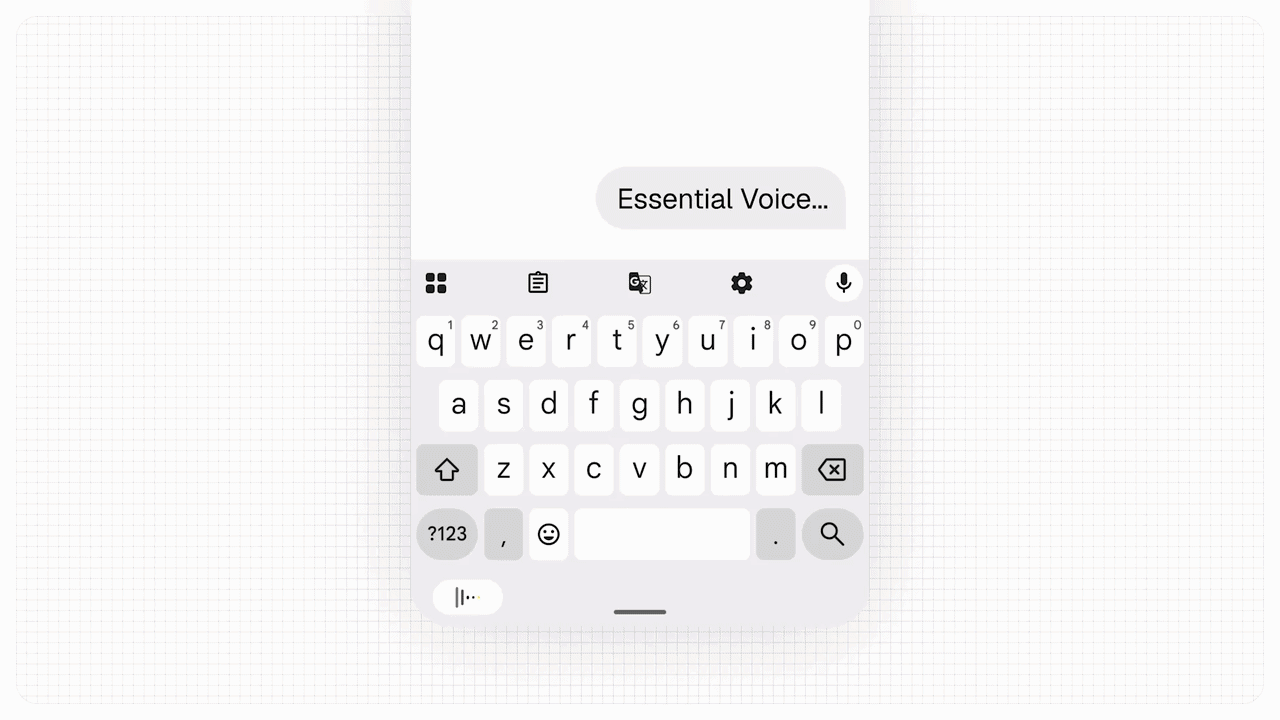
19. Essential Voice improvements
Real-time transcription is now shown while speaking, with improved formatting for notes and summaries. Super Mic capture has also been added for the Ear (3), along with a customizable Essential Key and transcription support for more than 100 languages.
20. Build Essential Apps directly on the phone
The Essential Apps beta lets users describe an app and have it created directly on the homescreen. Nothing says its own team has already used the feature to make apps such as a metronome and a morning-routine planner.

This is easily one of the more interesting additions in Nothing OS 5.0. It also gives Essential Space a much bigger role in the overall Nothing OS experience.
21. Separated Notifications and Quick Settings
Notifications and Quick Settings can now be placed in separate spaces instead of appearing together in the same pull-down panel.

22. Cross-platform Quick Share
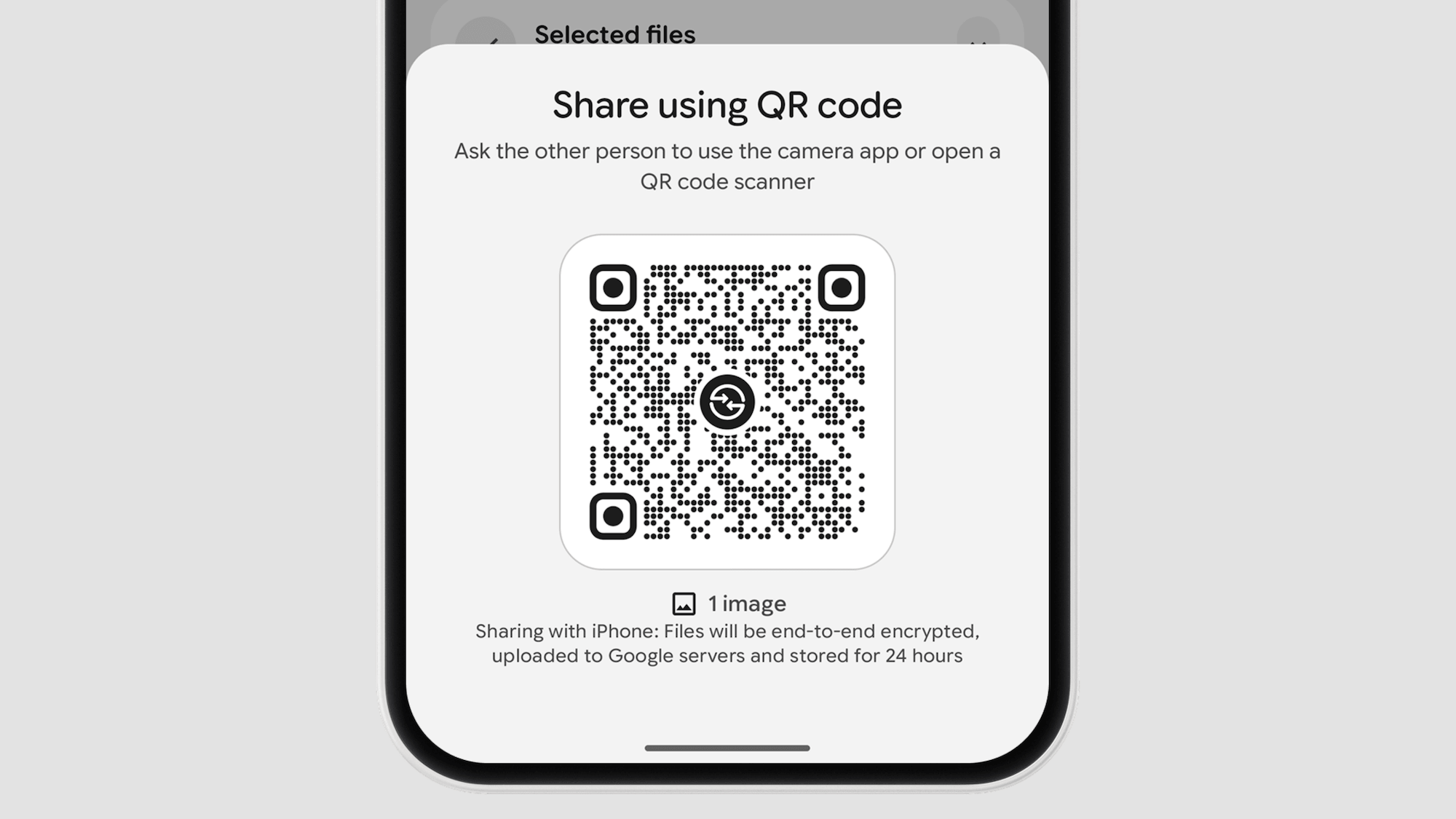
Files can now be shared directly with nearby Android devices. A QR code can also be generated so iPhones and other devices can download the file through a secure web link.
23. More Android 17 changes
Other additions include improved screen recording, Noto 3D emoji, an expanded Dark Theme, independent Assistant volume control, a redesigned Recents screen, and brighter HDR content.

Nothing OS 5.0 Rollout Schedule
Nothing has also shared the rollout schedule for its existing phones:
| Device | Open Beta | General Release |
| Phone (3) | August 26 | Mid-October |
| Phone (4a) Pro | Early September | Early November |
| Phone (4a) | Late September | Early November |
| Phone (3a) Pro | Late September | Early November |
| Phone (3a) | Late September | Early November |
| Phone (2a) | Mid-October | Mid-November |
| Phone (2a) Plus | Mid-October | Mid-November |
| Phone (3a) Lite | No Beta | Late December |
| Phone (4b) | Mid-December | Mid-January |
| CMF Phone 2 Pro | No Beta | Mid-January |
Nothing says these dates are indicative and could change. The rollout will also happen in phases depending on the region and carrier.
The Phone (1), Phone (2), and CMF Phone 1 have reached the end of major software support and will not receive Nothing OS 5.0.
The Nothing OS 5.0 Open Beta for the Phone (3) starts on August 26 at 3:30 PM IST. Phone (3) users can sign up through Nothing’s website to try it early and provide feedback before the wider release.
Overall, Nothing OS 5.0 is a substantial update, especially on the visual side. The new Geist font, icons, wallpapers, widgets, and translucent elements give the interface a fresh look. Nothing has clearly leaned into transparency, so seeing a mostly solid Control Center in 2026 makes the design feel unfinished when ColorOS and iOS have been doing this much better for years.

You can follow Smartprix on Twitter, Facebook, Instagram, and Google News. Visit smartprix.com for the latest tech and auto news, reviews, and guides.