

TL; DR
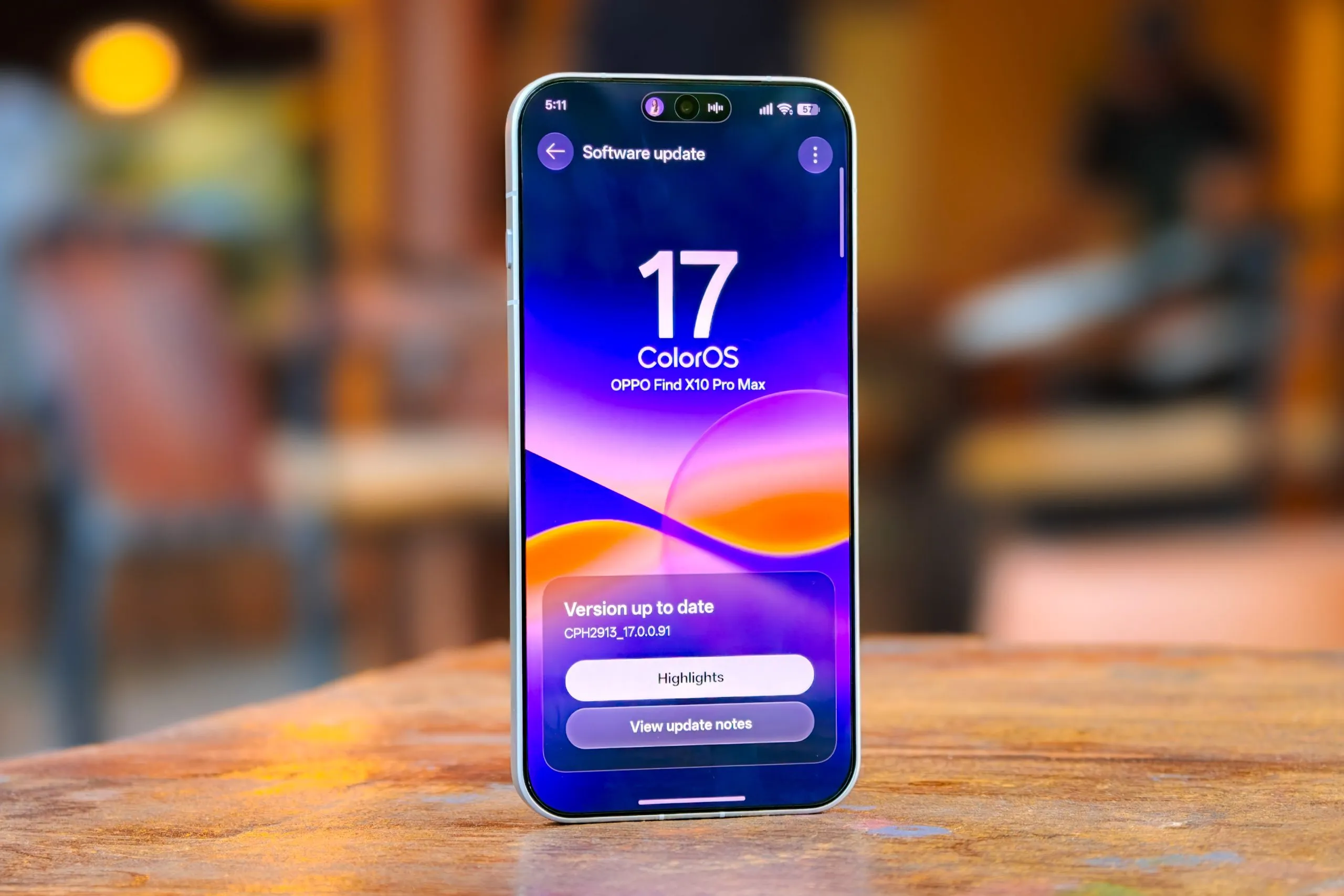
- ColorOS 17’s November update adds landscape support and object recognition to OSee, flexible image export controls in Photos, tone-aware translation, and a redesigned Calculator with calculation history.
- The rollout runs from November 1 to 30 and covers dozens of OPPO, OnePlus, and realme phones and tablets.
OPPO has detailed its November feature update for ColorOS 17, which is rolling out to more OPPO, OnePlus, and realme devices. The update focuses on everyday usability, with improvements to OSee, Photos, translation, and Calculator. The changes build on the existing ColorOS 17 release, which began reaching flagship devices in late October.
What’s New in the ColorOS 17 November Update?
OSee Gets Landscape Support and Object Recognition
OSee now supports landscape orientation, with its viewfinder featuring one-tap shortcuts for document scanning, object recognition, text translation, and code scanning.
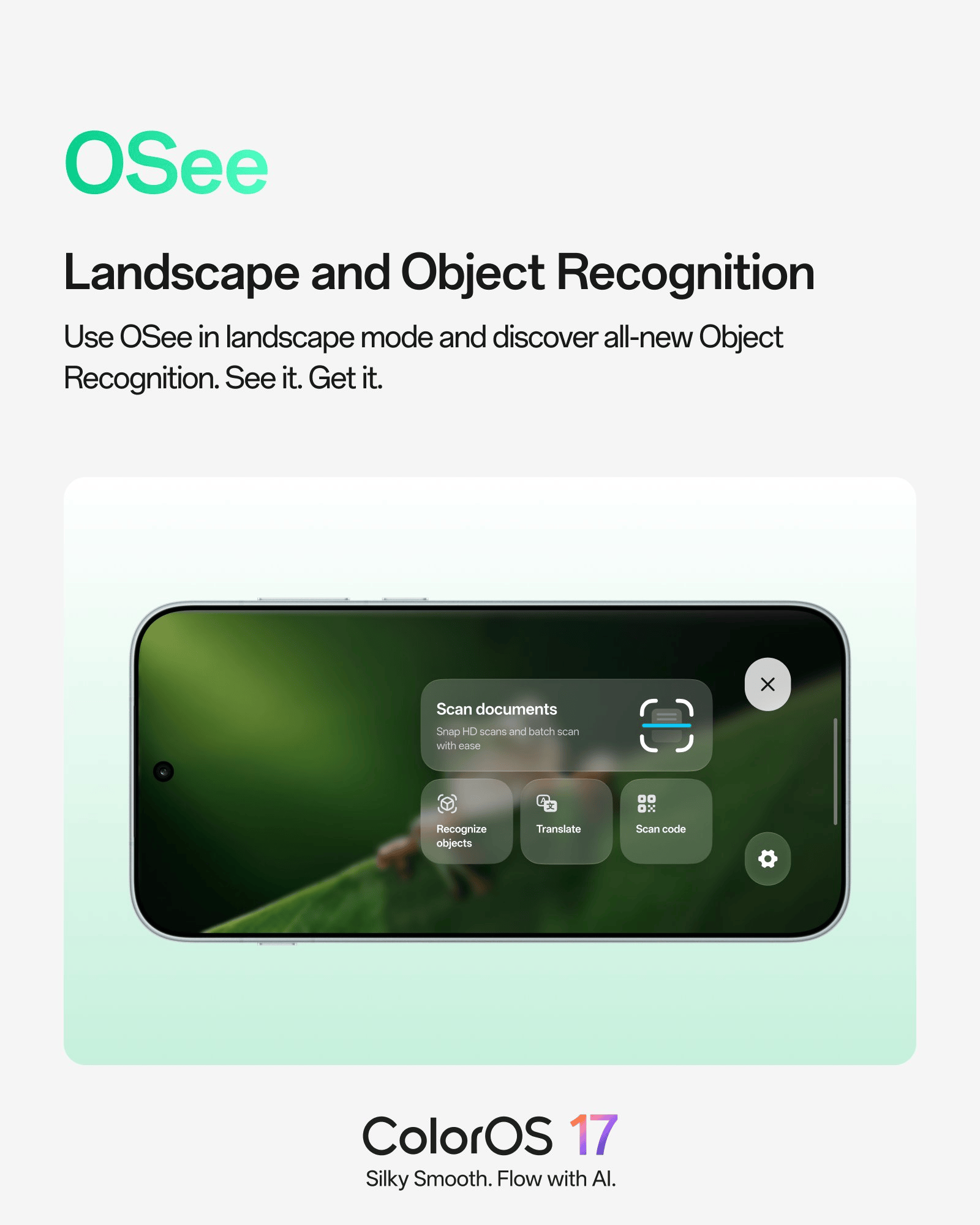
Document scanning supports HD captures and batch scanning, while object recognition can identify items directly through the camera viewfinder.
Photos Gets Flexible Image Export Controls
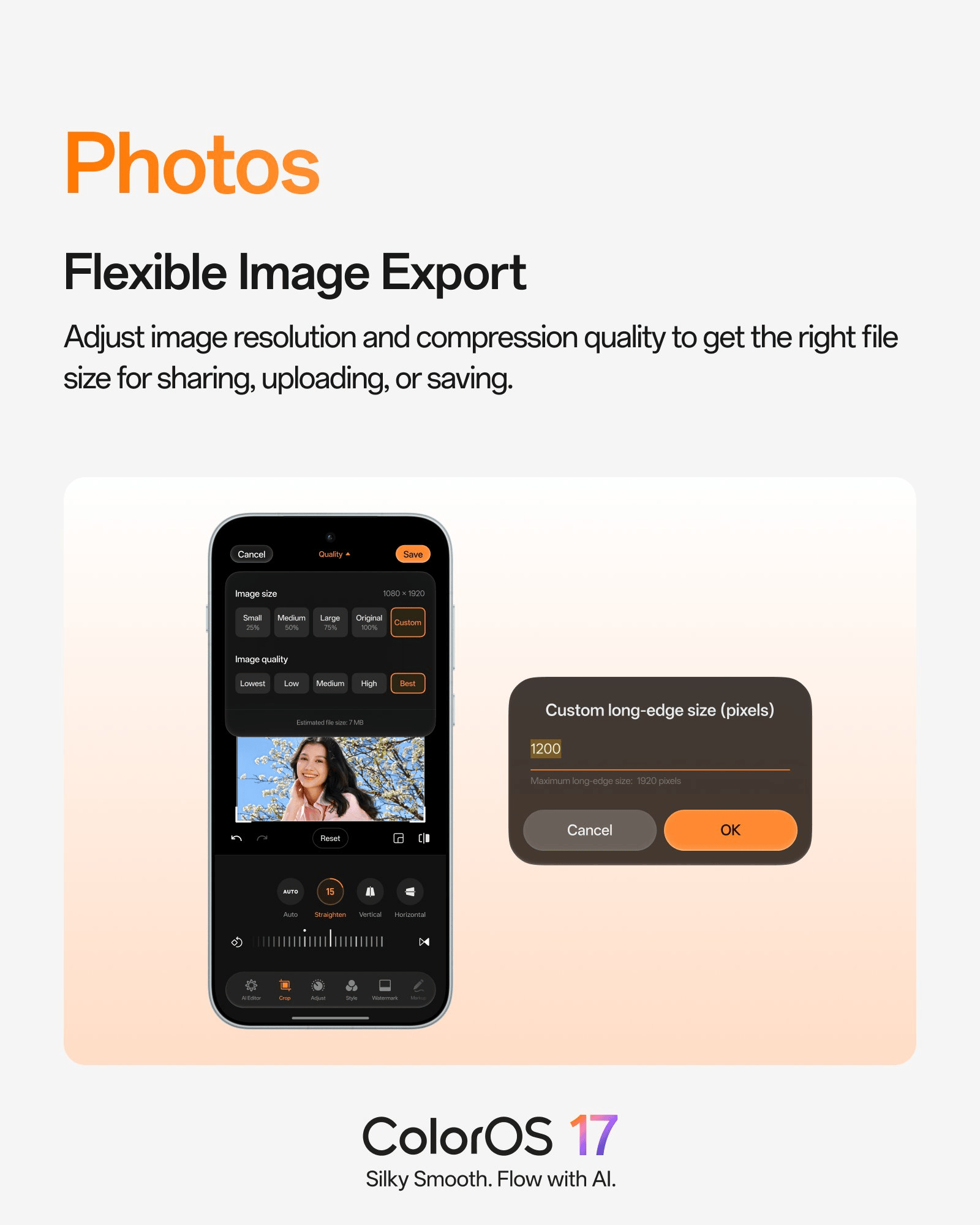
The Photos app now includes Flexible Image Export, allowing users to adjust image size and quality before saving or sharing pictures. Available size presets include Small (25%), Medium (50%), Large (75%), and Original. Users can also choose a custom size by entering the desired long-edge resolution in pixels. Image quality settings range from Lowest to Best, with a live estimate of the resulting file size.
OPPO has also added a related deletion setting for cloud-backed photos. Users can remove local copies while retaining their cloud backups. Local photos without cloud backups remain in Recently Deleted for 30 days, while cloud-backed photos stay there for 60 days.

ALSO READ: Xiaomi 18 Live Photo Reveals Triple Camera Design, 7,000mAh Battery Tipped
Translation Now Supports Tone-Aware Output
The translation tool can now generate translations that attempt to preserve the tone of the original text. Looking up individual words also provides additional information, including phonetic transcription, part of speech, basic grammar notes, common collocations, and example sentences.

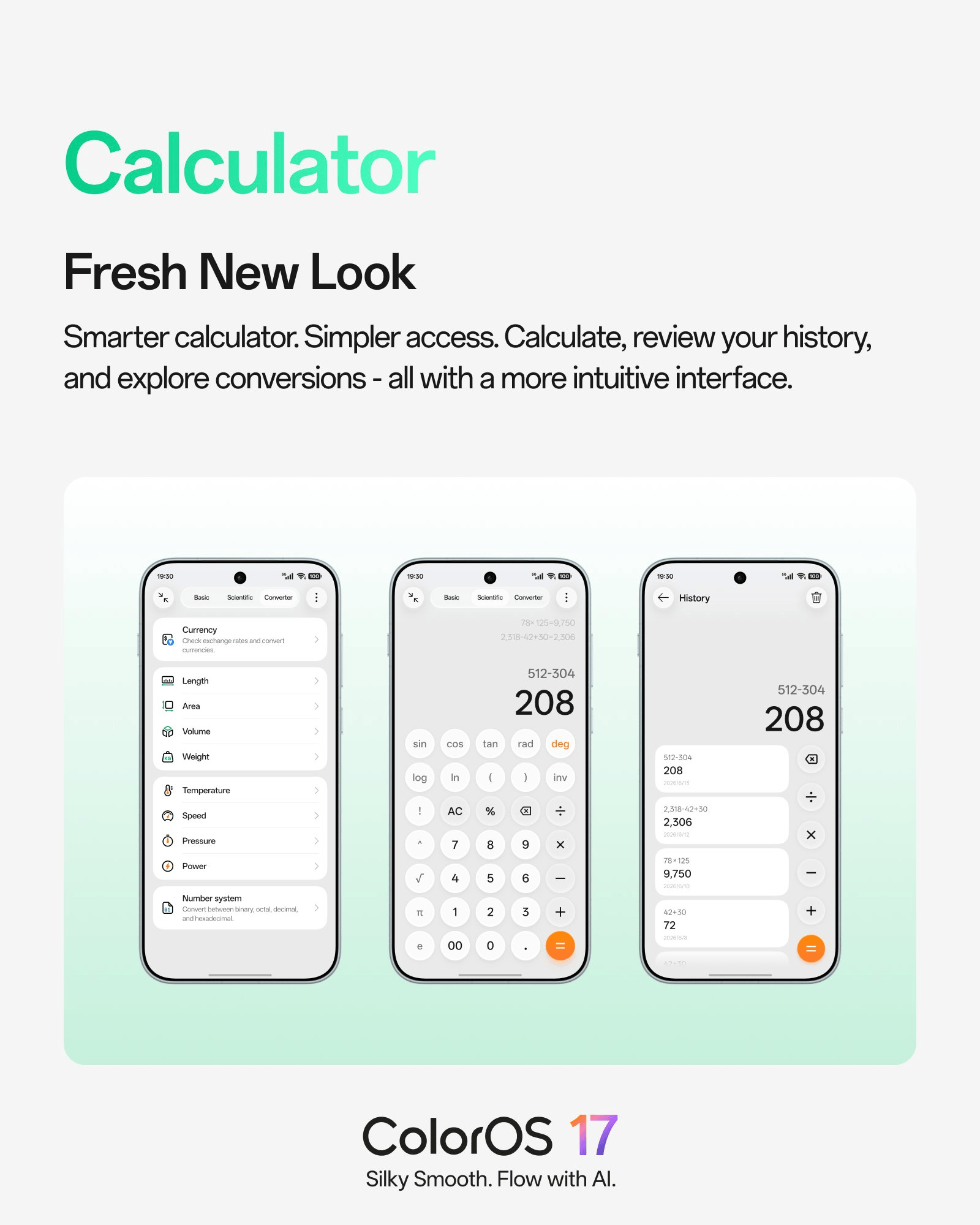
Calculator Gets a Redesigned Interface and History
Calculator has been reorganized into three main sections: Basic, Scientific, and Converter. A new History view displays previous calculations, making it easier to revisit earlier results. The Converter section supports currency conversion with live exchange rates, along with length, area, volume, weight, temperature, speed, pressure, power, and number systems.
ALSO READ: OPPO Find X11 Pro Max Could Feature 0.3mm Bezels With Four-Sided Curved Cover Glass
Other Changes
The November update also includes several smaller additions:
- Caller ID Announcements: Phones can announce incoming caller IDs always or only when connected to Bluetooth devices or headphones.
- O+ Connect: Users can connect a phone and tablet to the same PC for file transfers.
- New Widgets: One-tap boost, storage cleaner, and battery widgets are now available.
- Hidden Apps: A new “Return to Home screen” toggle makes it easier to exit the hidden apps section.

ColorOS 17 November Update: Supported Devices and Rollout Schedule
OPPO has confirmed the November ColorOS 17 rollout for 18 devices across OPPO, OnePlus, and realme. The update will roll out in phases, starting November 1 and concluding by November 30, 2026.
OPPO
- OPPO Find N6
- OPPO Find N5
- OPPO Find X10 Pro Max
- OPPO Find X10
- OPPO Find X9 Ultra
- OPPO Find X9 Pro
- OPPO Find X9s
- OPPO Find X9
- OPPO Find X8 Pro
- OPPO Find X8
- OPPO Reno16 Pro 5G
- OPPO Reno16 5G
OnePlus
- OnePlus 15
- OnePlus 15R
- OnePlus 13
- OnePlus 13R
- OnePlus 13s
realme
- realme GT 7
- realme GT 7T
Users on eligible devices can check for the update under Settings > System & update > Software update.

You can follow Smartprix on Twitter, Facebook, Instagram, and Google News. Visit smartprix.com for the latest tech and auto news, reviews, and guides.