Image
EXPAND

Gemini Live Camera Input And Screen Sharing For Pixel 9 And Galaxy S25 Users Goes Live

Main Image
  • Like
  • Comment
  • Share
TL; DR
  • Pixel 9 and Galaxy S25 users can show Gemini AI what they see through the phones’ camera, have the AI identify the objects, and have a conversation about it.
  • On the Samsung Galaxy S25, users should be able to press and hold the side button to invoke the Gemini Live assistant. Then, they can choose whether they want to share the camera input or on-screen content.
  • The Gemini Live’s camera input and screen-sharing features will start rolling out to Galaxy S25 and Pixel 9 users for free on April 7.

Gemini Live, Google’s AI voice assistant, has got a major update. Starting from April 7, Pixel 9 and Samsung Galaxy S25 users will be able to use new visual conversation capabilities (via a software update), which include showing Gemini what their camera can see or sharing their screen with the voice assistant.

What Are Gemini Live’s Camera Input And Screen Sharing Features?
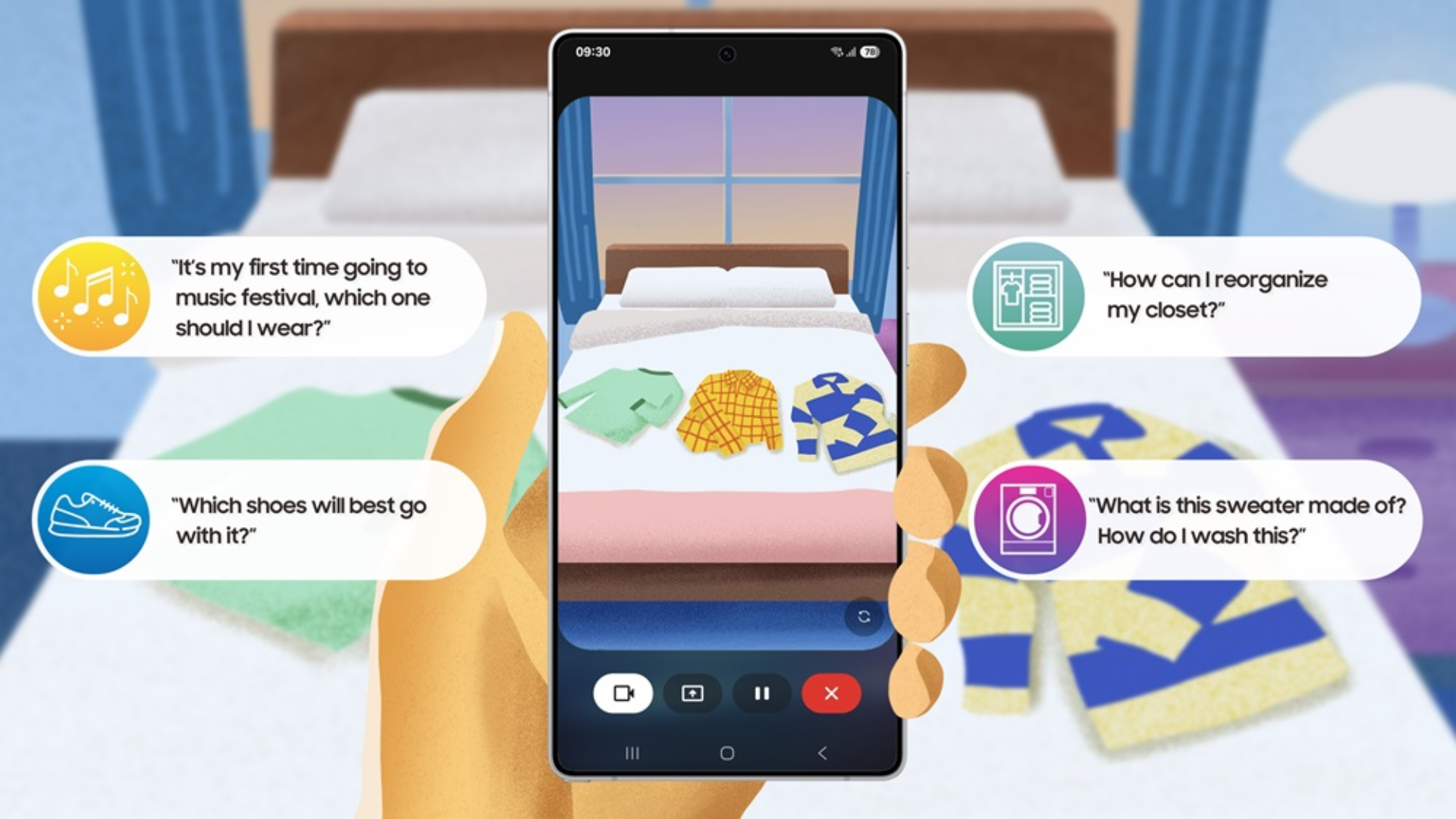
Gemini Live camera sharing on the Galaxy S25

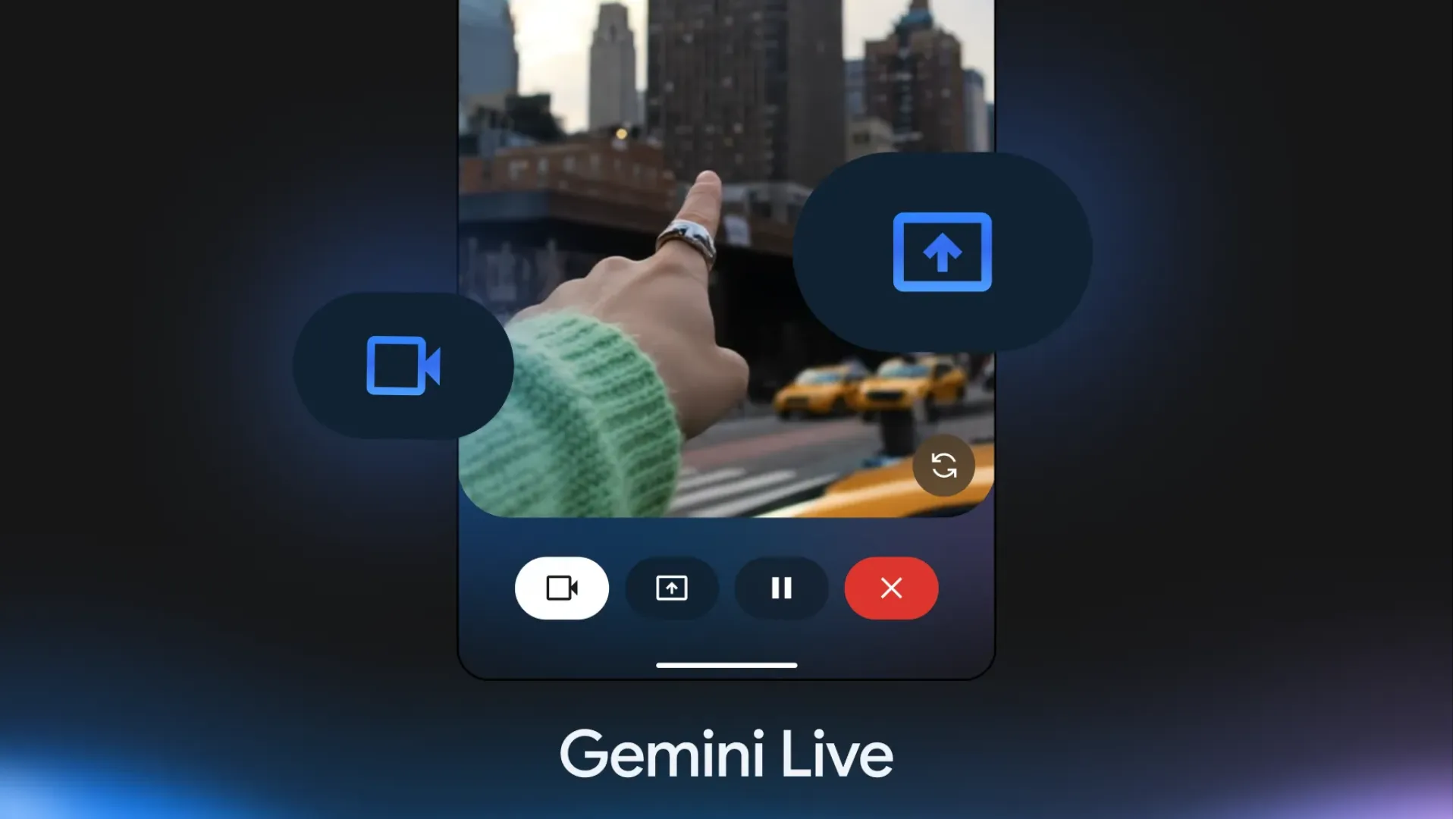
First, let’s talk about the Gemini Live’s new camera ability. As seen in a couple of viral yet old demonstrations on the internet, Pixel 9 and Galaxy S25 users can show Gemini AI what they see through the phones’ camera, have the AI identify the objects, and have a conversation about it.

The second feature lets users share their screen with the Gemini AI assistant, allowing them to ask for the chatbot’s feedback or suggestions about something.

Also Read: Samsung Galaxy S25 Review: Samsung’s Best Compact Phone Gets Better

How To Use Gemini Live’s New Features?

On the Samsung Galaxy S25, users should be able to press and hold the side button to invoke the Gemini Live assistant. Then, they can select whether they want the assistant to use the camera or the screen-sharing feature to start a contextual conversation with the AI chatbot.

Although Google doesn’t specify the steps for using the new Gemini Live abilities, Pixel 9 users should also see the same interface upon invoking the voice assistant, where they can select from the camera feed or screen sharing options.

Also Read: Pixel 9 Review: The Ultimate AI Phone from Google

Here’s What Google Suggests You Can Do With The New Gemini Live Abilities

In an official blog post, Google lists how people can use the new feature, including aiming the camera at a messy drawer or cluttered closet and asking Gemini for suggestions on categorizing items, maximizing the space, or identifying what one can donate or discard.

The Gemini Live’s camera input feature can also help users troubleshoot an electronic device, understand how it works, or get personal shopping advice (related to outfits, colors, etc.). If it’s a creative project that users need help with, they can show Gemini the pictures or the screenshots one has collected via the screen-sharing feature and ask for its feedback.

Also Read: Pixel 9 Pro XL Review: Google’s AI-Powered Flagship Charts a New Course

Who Can Use The New Gemini Live Features?

The Gemini Live’s camera input and screen-sharing features will start rolling out to Galaxy S25 and Pixel 9 users for free on April 7. However, other Android smartphone owners can access the feature via the Gemini Advanced subscription, which is available as part of the AI Premium 2TB Google One plan that costs Rs. 1,950 per month in India.

You can follow Smartprix on TwitterFacebookInstagram, and Google News. Visit smartprix.com for the latest tech and auto newsreviews, and guides.

Shikhar MehrotraShikhar Mehrotra
Shikhar Mehrotra is a seasoned technology writer and reviewer with over five years of experience covering consumer tech across India and global markets. At Smartprix, he has authored more than 1,700 articles, including news stories, features, comparisons, and product reviews spanning automobiles, smartphones, chipsets, wearables, laptops, home appliances, and operating systems. Shikhar has reviewed flagship devices such as the iPhone 16, Galaxy S25+, and Sennheiser HD 505 Open-Ear headphones. He also contributes regularly to Smartprix’s growing automotive section.

With a deep understanding of both iOS and Android ecosystems, Shikhar specializes in daily tech news, how-to explainers, product comparisons, and in-depth reviews. His DSLR photography in product reviews is recognized as among the best on the team.

Before joining Smartprix, Shikhar wrote for leading publications including Forbes Advisor India, Republic World, and ScreenRant. He holds a Bachelor of Arts in Journalism and Mass Communication from Amity University, Lucknow.

Related Articles

ImageSamsung Is Reshuffling Its Entire Foldable Lineup Because Apple’s Foldable iPhone Is Coming

Samsung is making one of the most important structural changes to its foldable lineup in years, and believe me, the timing is not a coincidence. The Cupertino giant Apple is widely expected to launch a foldable iPhone later in 2026; whether it be called the iPhone Fold or the iPhone Ultra is a completely different …

ImageColorOS 16.1 Brings Live Space, MindPilot AI, New Camera UI, AI Bill Manager, Audio Sharing, and Major System Changes

OPPO has started rolling out ColorOS 16.1 (16.0.7, May 2026 update), and this is one of the biggest feature-focused updates the company has released recently. The update changes animations, notifications, lock screen interactions, multitasking, camera UI, AI features, document scanning, home screen organization, ecosystem sharing, and more. ColorOS 16.1 Release Timeline The update is already …

ImageSamsung Galaxy Z Fold8 Tipped to Get a Smaller Selfie Camera Punch Hole

A new leak from Ice Universe suggests the Samsung Galaxy Z Fold8 will bring a smaller front camera cutout on the cover screen. According to the shared details, the selfie camera punch hole will measure 2.5 mm in diameter. For comparison, the current Samsung Galaxy Z Fold7 (review) uses a 3.7 mm punch hole. Side-by-side …

ImageAirDrop Support via Quick Share Now Live on Galaxy S26 Series Worldwide

Samsung’s Quick Share update with AirDrop compatibility is now fully rolled out globally for the Galaxy S26 lineup, including the S26, S26+, and S26 Ultra. The rollout, which began in South Korea on March 23, has now reached India, the US, and other major regions. This means users no longer have to wait for region-wise …

ImageSamsung Brings AirDrop Support to Quick Share on Galaxy S26 Series

With the Pixel 10 series, Quick Share started supporting AirDrop-style file transfers. That later expanded to the Pixel 9 series as well. The idea was simplRe, you could share files directly with iPhones using native AirDrop, without installing anything extra. All you had to do was enable the “Everyone” option in AirDrop on the iPhone, …

Discuss

Be the first to leave a comment.

Related Products