TL; DR
- ColorOS 17 is currently in closed beta, with leaks revealing a major visual overhaul across system apps, navigation, menus, Control Center, and the lock screen.
- The new design includes frosted glass, floating navigation bars, contour glow, progressive blur, redesigned icons and controls, and more animated system interactions.
- The closed beta is already running on select OPPO, OnePlus, and realme devices, with the official reveal expected in September 2026.
- More than 100 devices across OPPO, OnePlus, and realme are expected to receive ColorOS 17 based on leaked lists and existing update commitments.
ColorOS 17 is currently being tested in closed beta, and a steady stream of beta footage and leaks has revealed almost every major visual change so far. The update brings the biggest interface changes seen in several parts of the software, including a new frosted-glass treatment, floating navigation bars, contour glow, progressive blur, redesigned menus, and new animations.
The closed beta went live on August 6, with builds already rolling out to selected devices. Naturally, there have been leaks, revealing OPPO’s upcoming software changes. We’ve compiled every major ColorOS 17 change spotted so far below.
1. Media Player
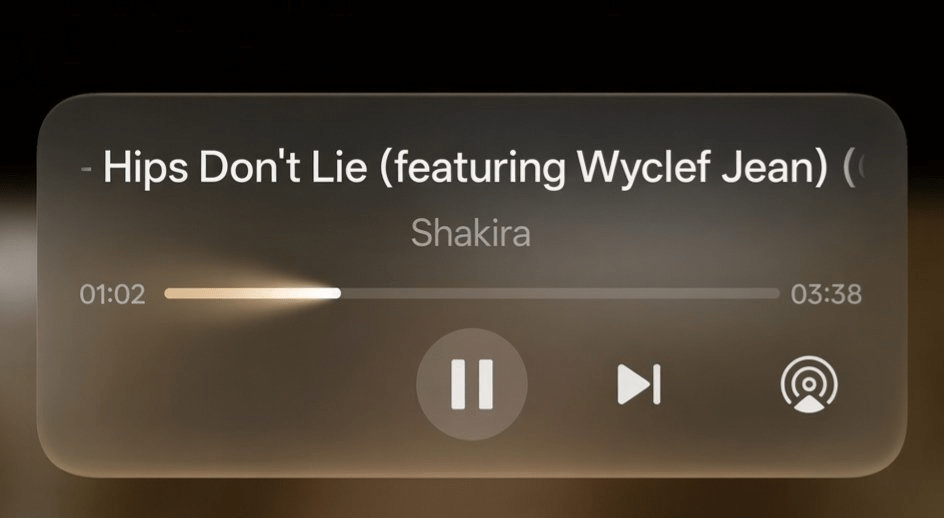
The media player gets a stronger frosted-glass effect. The seek bar now animates with a comet-like effect. The overall presentation uses a light-field aesthetic with more depth compared with ColorOS 16.
2. Search Animation
Tapping the search button triggers an expand-and-contract animation. The movement has a bouncy, liquid-like effect and follows the new physics-based interaction style seen throughout the interface.
3. Navigation Bar / Floating Bar
The fixed navigation bars from ColorOS 16 are replaced by transparent floating bars. Users can swipe left or right across the bar to switch between sections.
The same floating-bar approach is being used across most system apps.
4. Flux Theme Interface
The Flux Theme selection interface has been redesigned with new interactive effects and smoother transitions.
5. Lock Screen Clock Styles
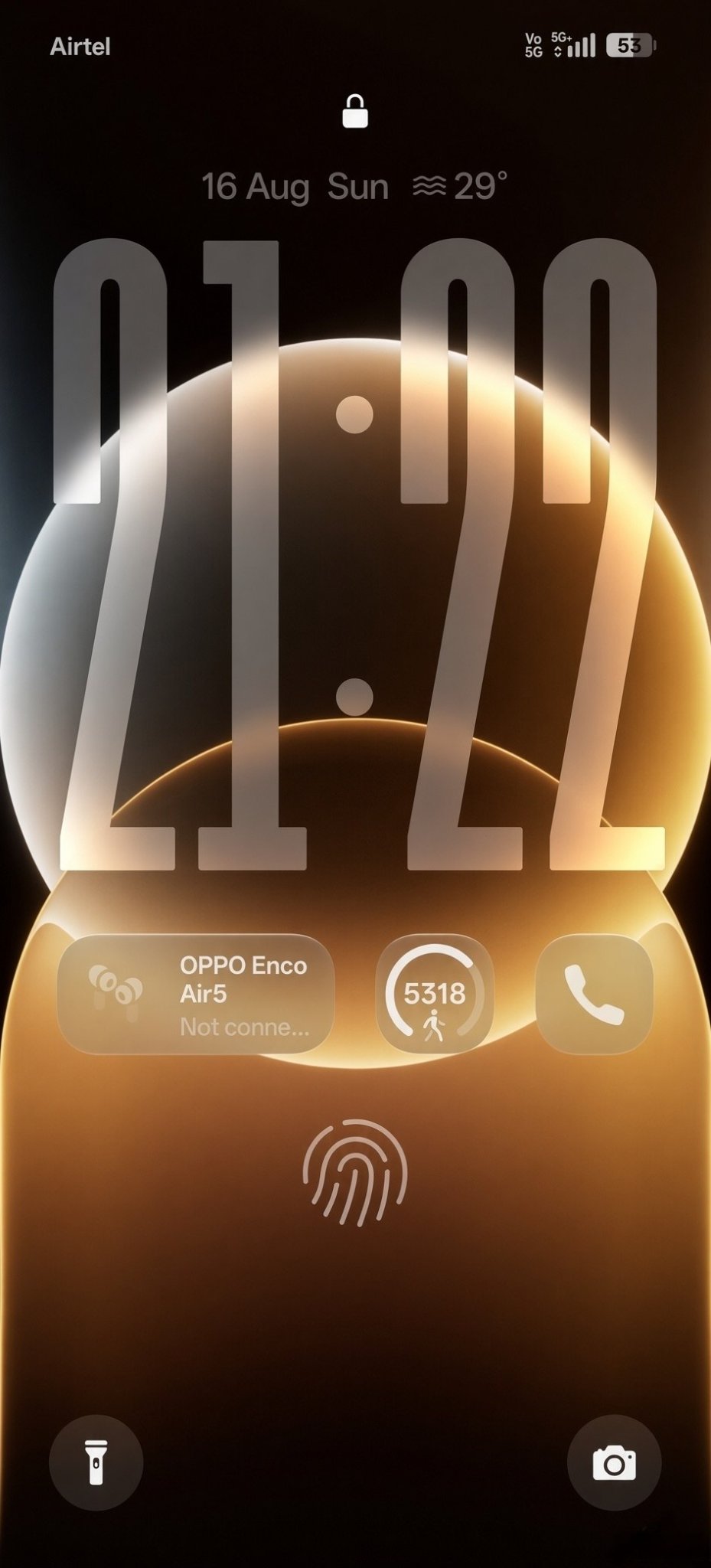
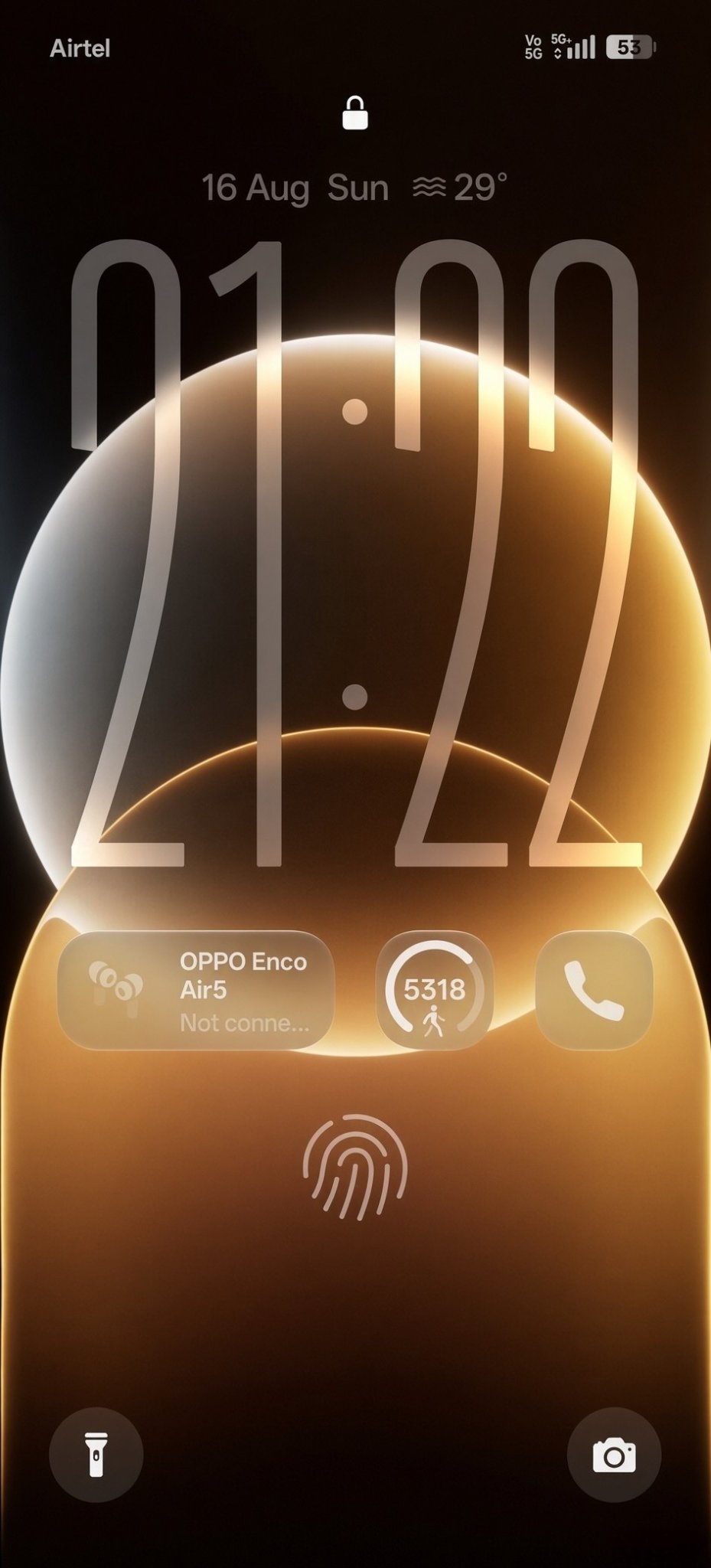
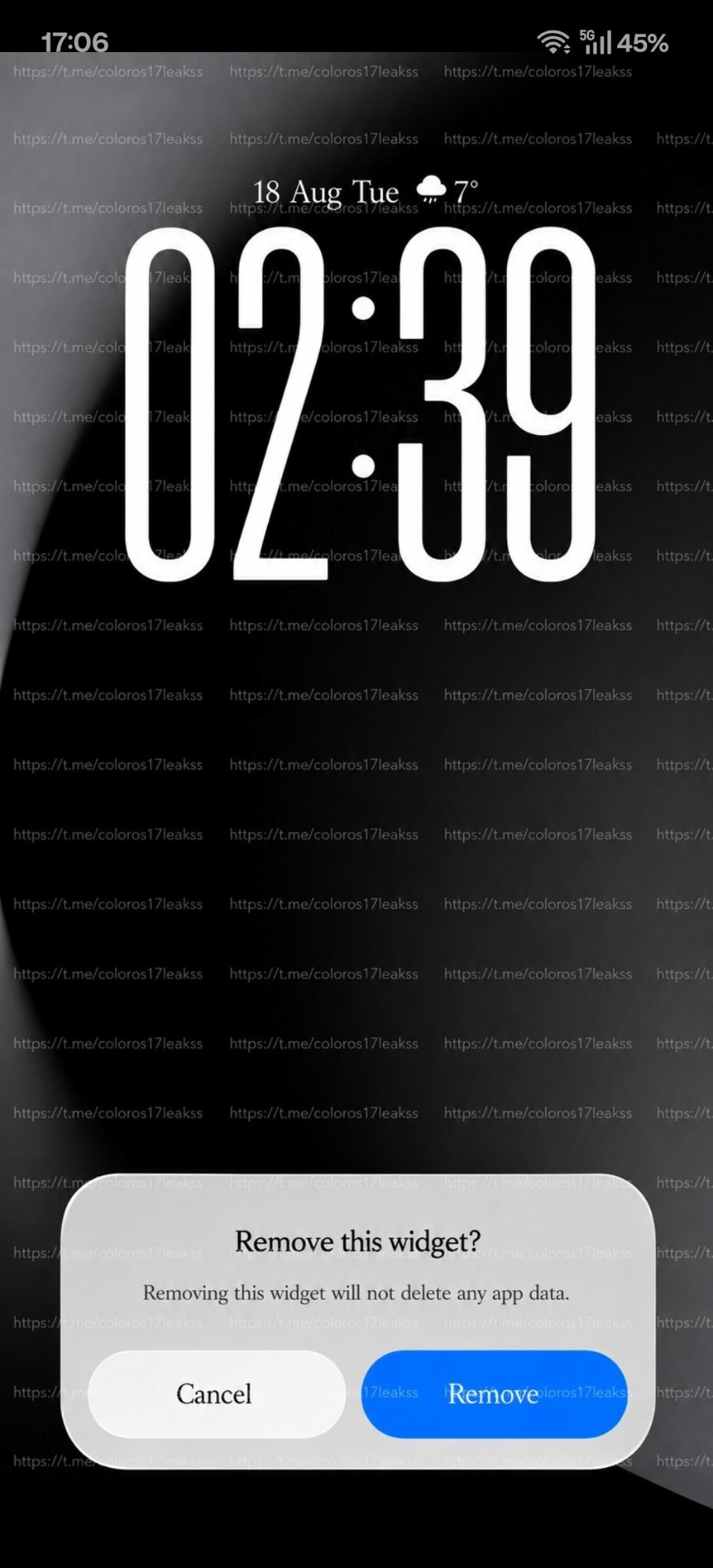
The long clock on the lock screen now has three font styles, compared with one in ColorOS 16. A colon has also been added between the hours and minutes. The clock receives a frosted-glass treatment with contour glow around the elements.

6. Flashlight Interface
The flashlight gets a full-screen interface inspired by iOS 26.
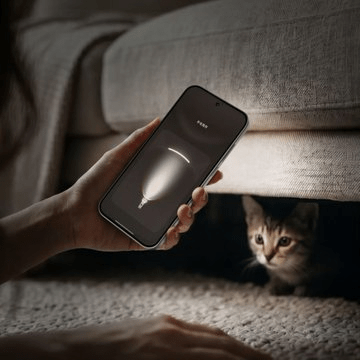
Brightness can be increased or decreased by dragging a finger up or down across the screen.
7. Documents App
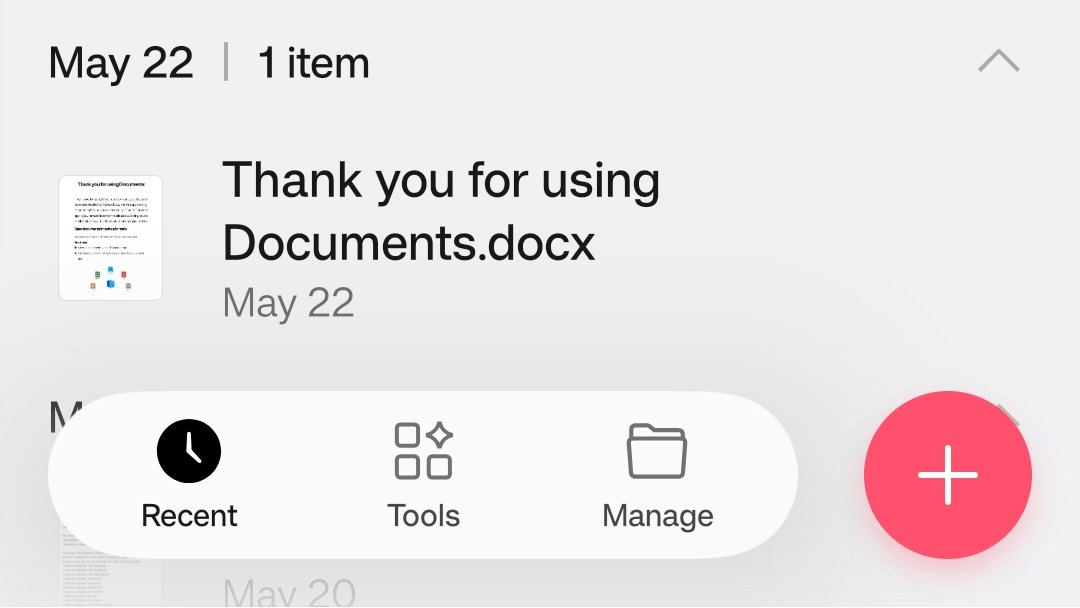
The Documents app gets floating navigation buttons, with the plus button separated from the navigation controls. Buttons now use more pronounced bouncy animations. Tapping them produces a visible squish effect.
8. Phone App UI
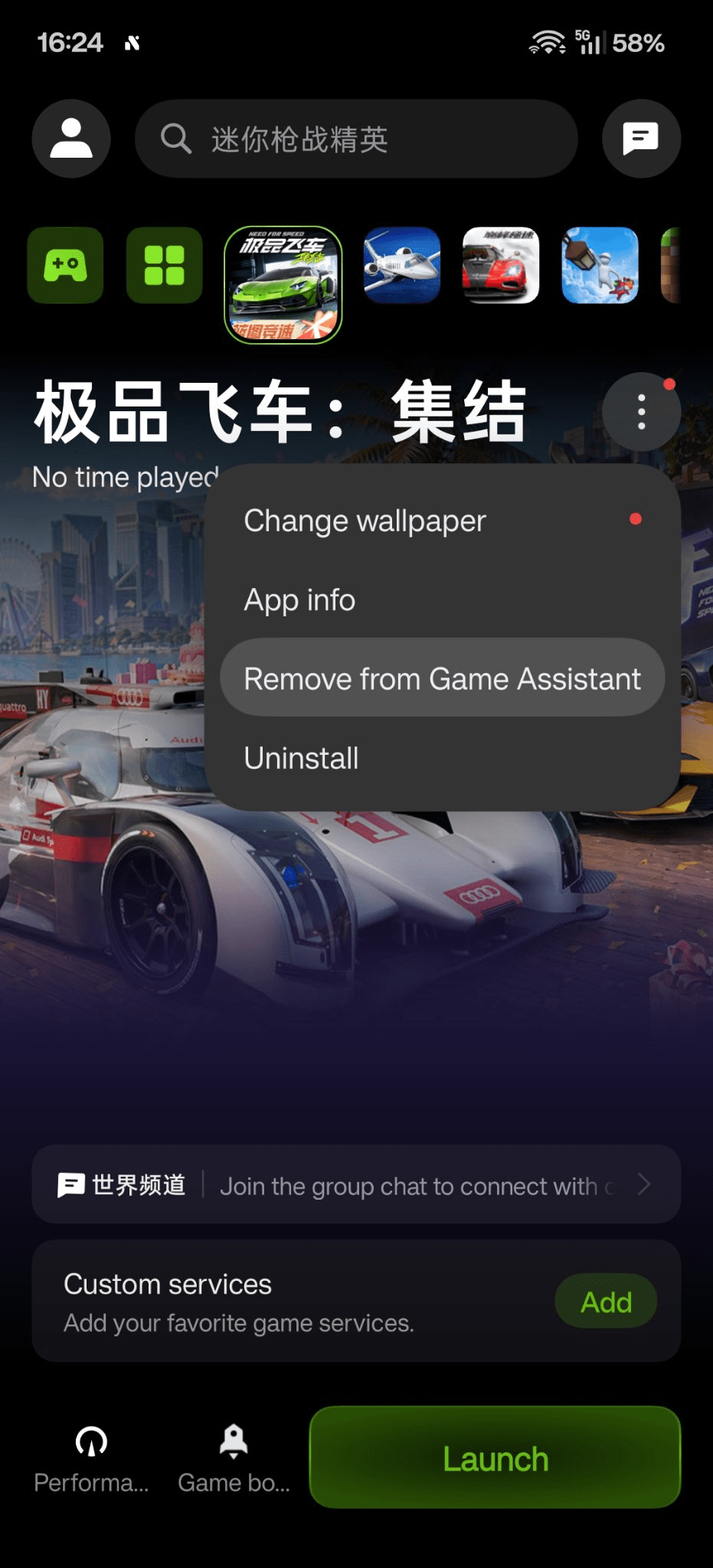
The Phone app gets a refreshed layout. You get the same navigation bar as the rest of the system apps and a brand new dialer interface.

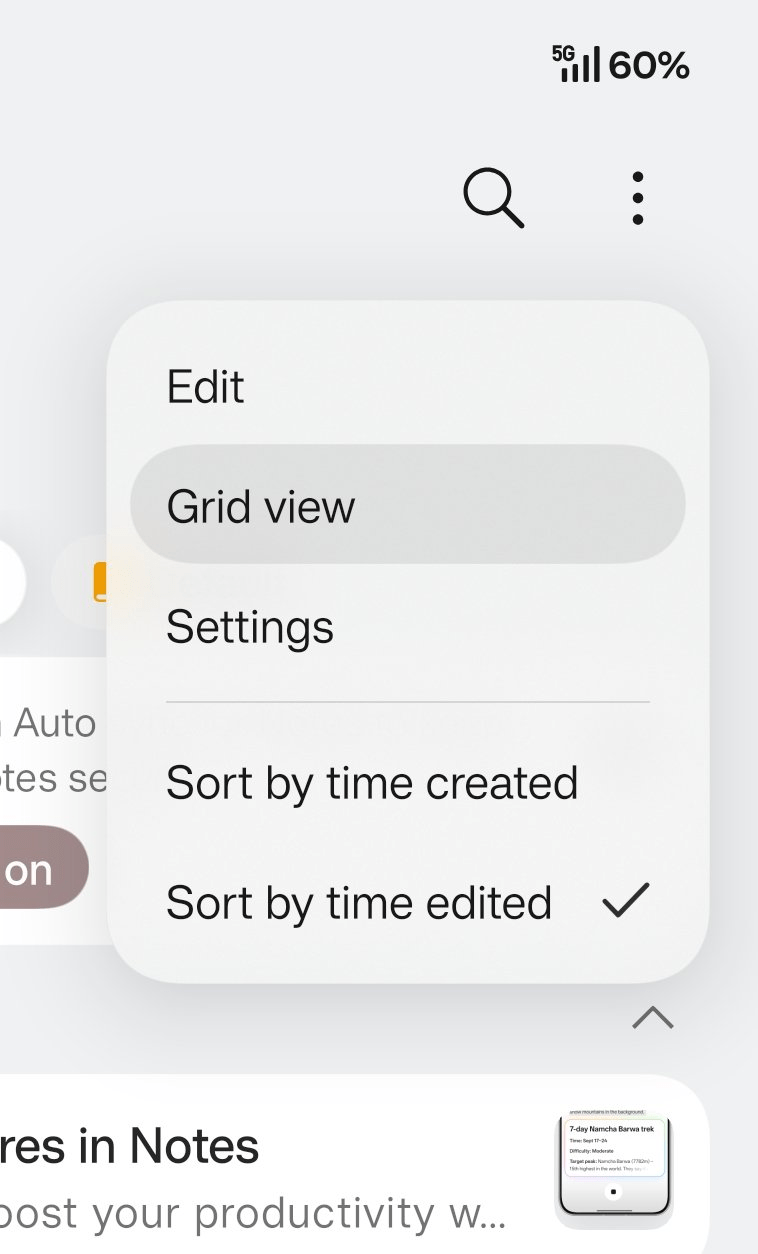
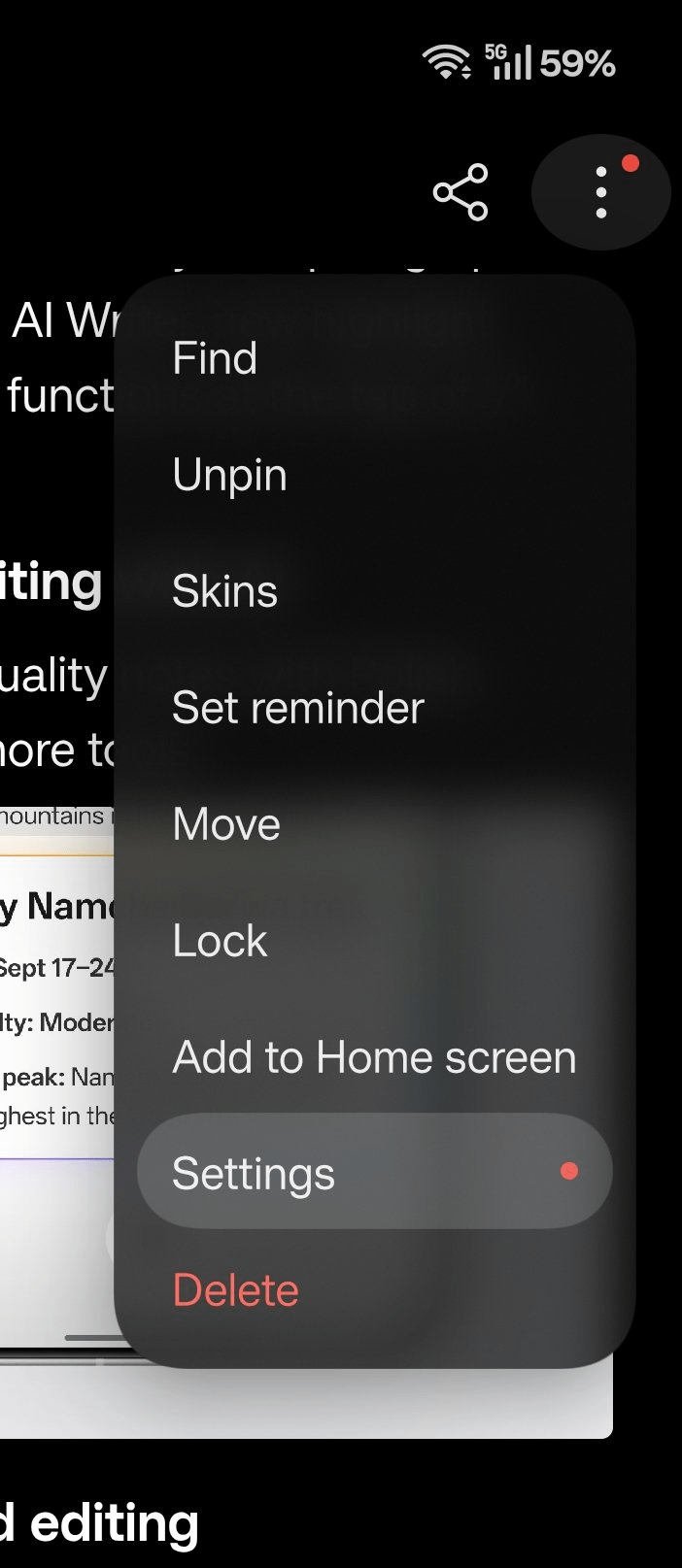
System-wide context menus also receive a unified design similar to iOS 26.
After opening a menu, such as the “More” menu, users can slide across options without lifting their finger. The menus stretch, expand, and squish as the selection changes.
9. Call Interface
The End Call button is now larger and more prominent.

A single-button mode can be enabled, allowing users to swipe up to answer and down to reject. The gesture directions can also be reversed.

Live Alerts while the phone is unlocked can be toggled on or off. Traditional Answer and Reject buttons remain available and support swipe interaction.
10. System Buttons
Small confirmation and action buttons throughout the system receive more defined borders.
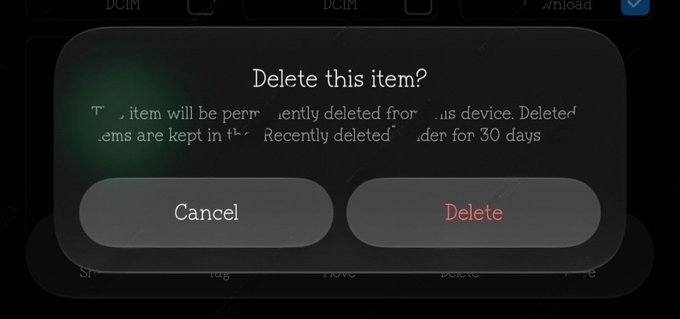
Below is a comparison of ColorOS 17 and ColorOS 16.


This includes buttons used for actions such as deleting photos, giving these controls a more consistent appearance across system apps.
11. Notes App
The Notes app receives the floating navigation bar along with contour glow around the interface elements.
12. Touch-Sensitive Light Effects
Floating navigation bars are being introduced across almost every system app. Touch-sensitive light effects also appear around the area where the user touches the interface.
13. Software Update Section
The Software Update page uses contour glow, floating release notes, and floating cards to match the new interface.
14. Minus-One Screen
The minus-one screen, including OnePlus Shelf or its equivalent, gets floating elements. Long-pressing a widget or item opens the new context menu. The menu stretches and squishes as users slide between options, with contour glow applied to the interface.
15. Status Bar
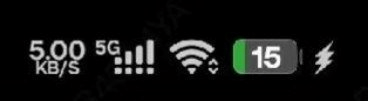
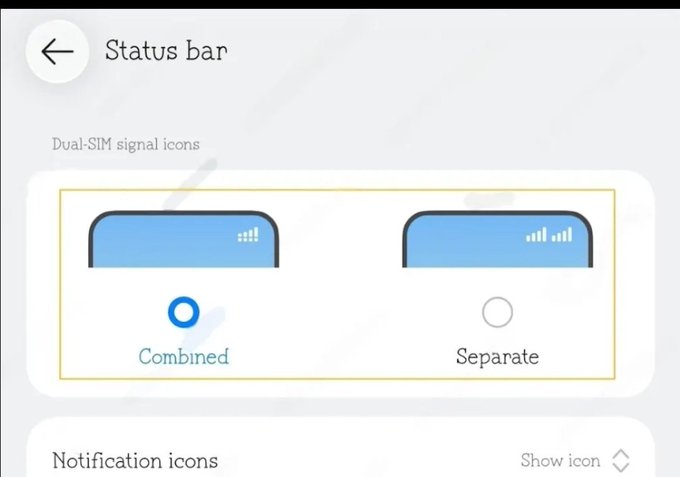
The status bar icon order has been rearranged. From the right side, the order is now: Battery > Wi-Fi > Dual-SIM signal icons.
For dual-SIM phones, the signal indicators can be combined into a stacked style similar to iOS or displayed separately.
16. Control Center
The Control Center changes from rounded-square controls to fully circular controls.
The settings and edit buttons have been redesigned, while the media player widget also uses a more circular shape.

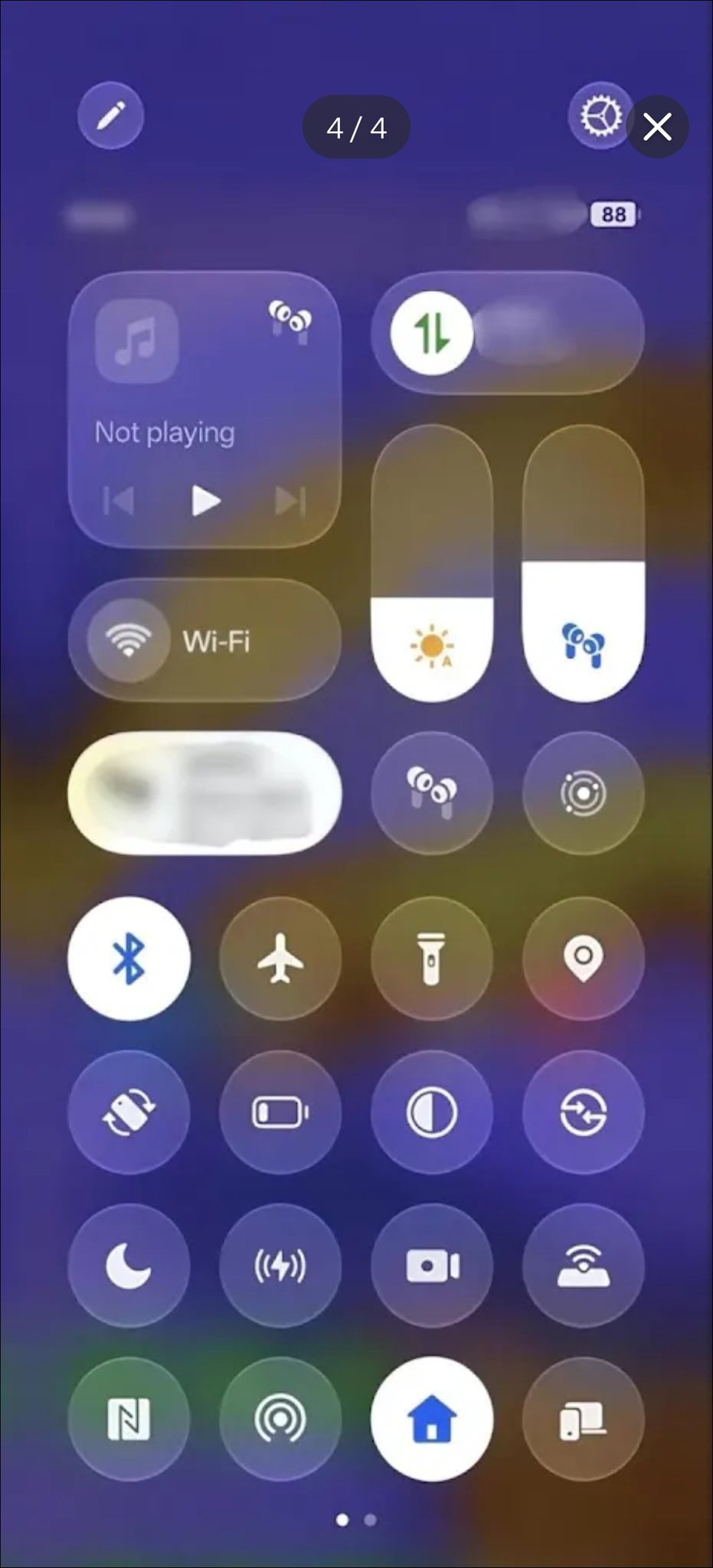
The panel uses a translucent frosted-glass appearance with contour glow. Tiles, brightness sliders, and volume sliders have rounded corners.
Swiping between Control Center and Notification Center produces a bouncy animation, with the two layers visibly separating from each other.
17. Progressive Blur
Progressive blur is being applied across nearly every system app. Backgrounds and overlays receive varying levels of blur to create more depth throughout the interface.
18. Home Screen Clock Widgets
The new lock-screen flux clock styles can also be placed on the home screen as widgets. These widgets use a more rounded G2 continuity design language.
19. About Phone Page
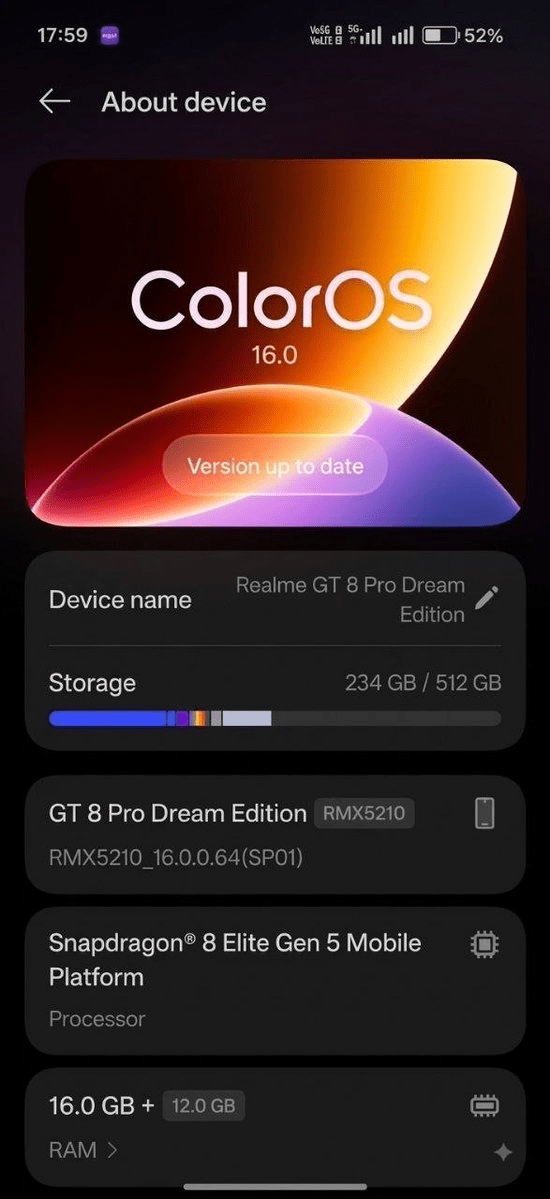
The About Phone page receives cleaner typography and a revised layout with larger cards.
20. Files Manager
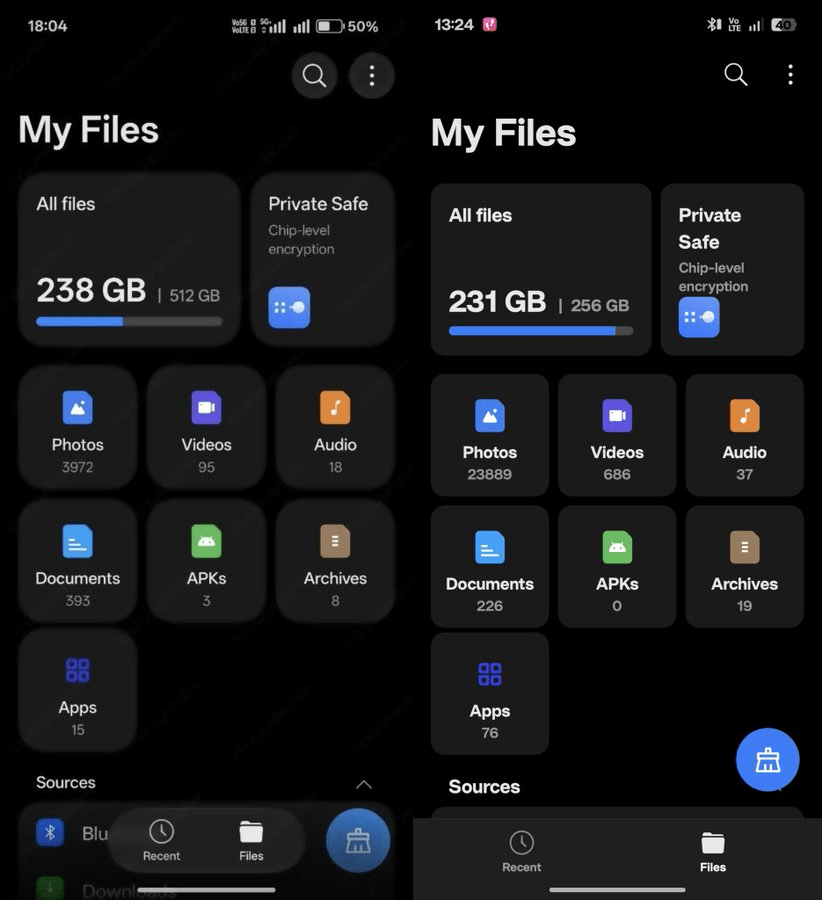
Files Manager gets the floating navigation bar and redesigned contextual menus. The menus use the same stretch-and-slide interaction found throughout ColorOS 17.
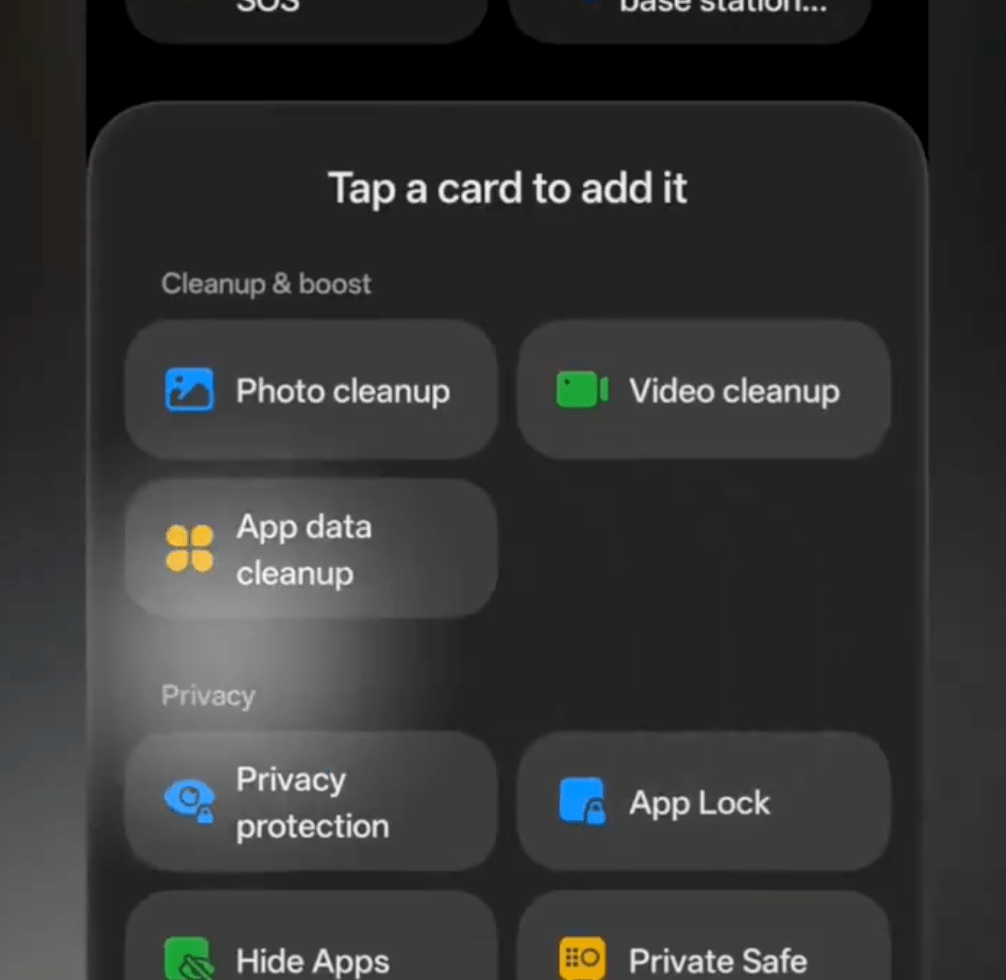
21. Phone Manager
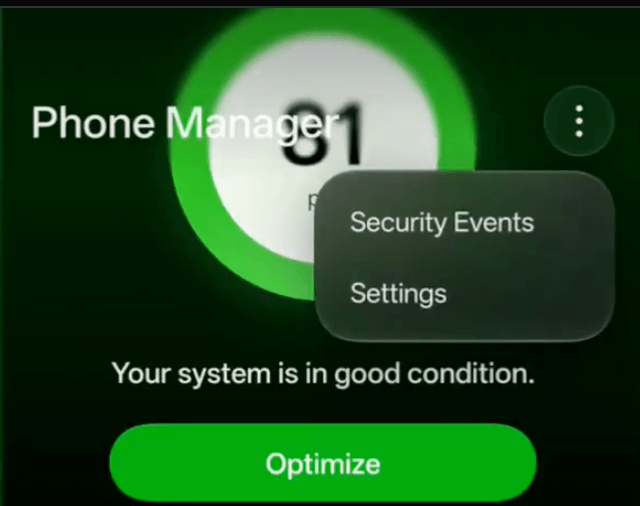
Phone Manager gets progressive blur and the new system-wide visual treatment. Side-by-side comparisons with ColorOS 16 show changes to the interface layout and presentation.
22. Battery Section
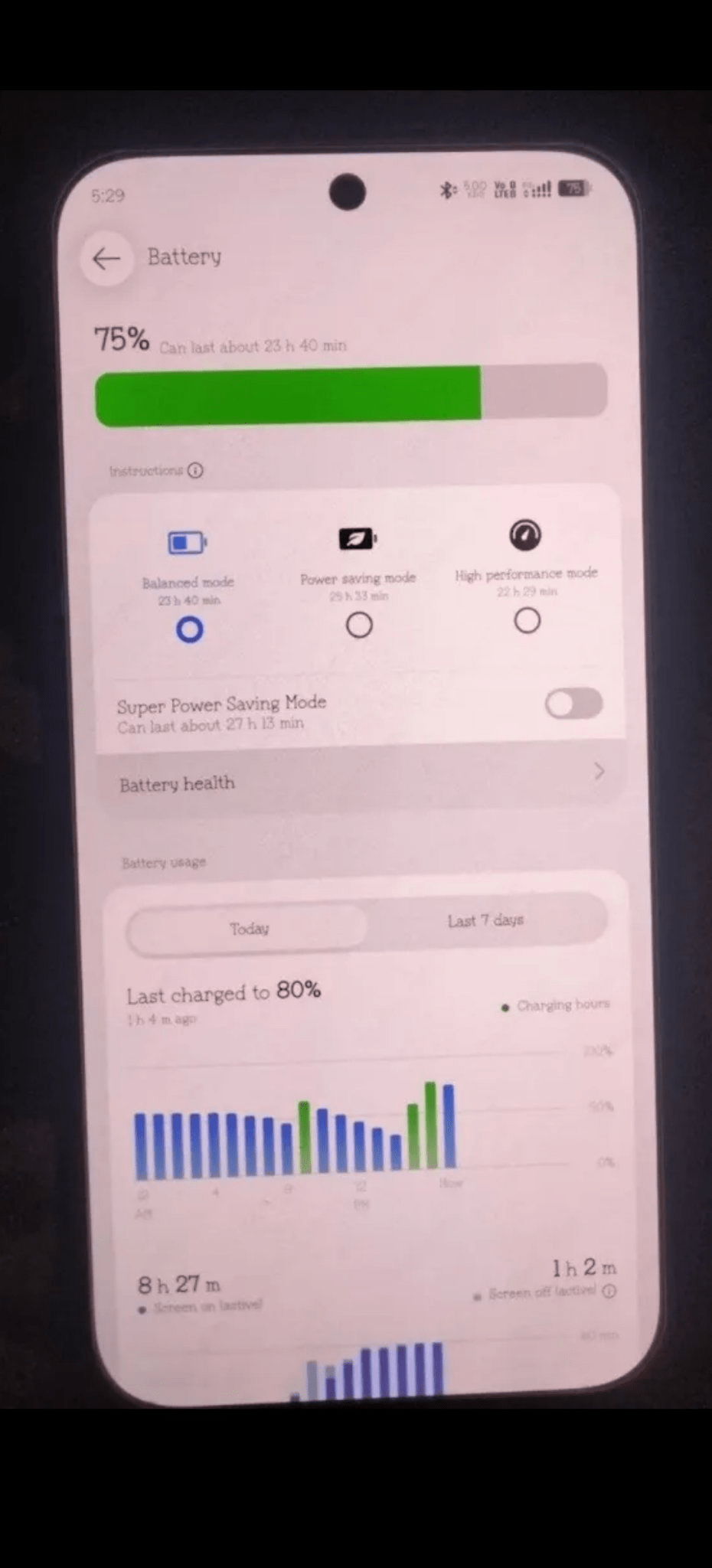
The battery usage graph now uses thicker and bolder bars, making the individual usage levels more prominent.
23. Sidebar
Opening the Sidebar now uses a more pronounced bouncy animation.
24. Screen Recorder
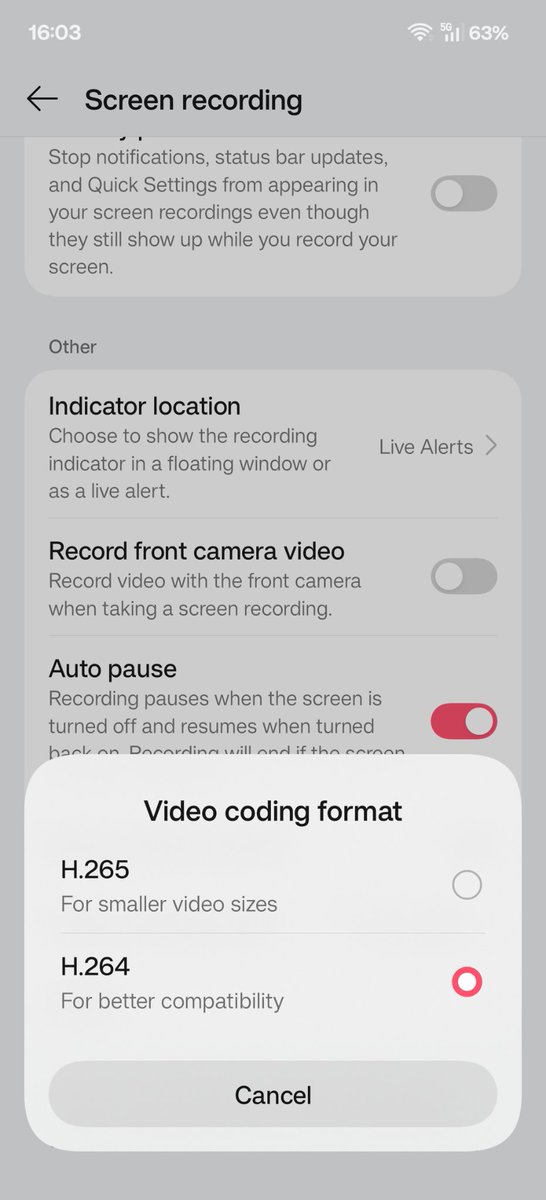
Screen Recorder menus are more rounded and include blur effects. Buttons have more clearly defined borders to match the rest of the interface.

25. Charging Animation and Sound
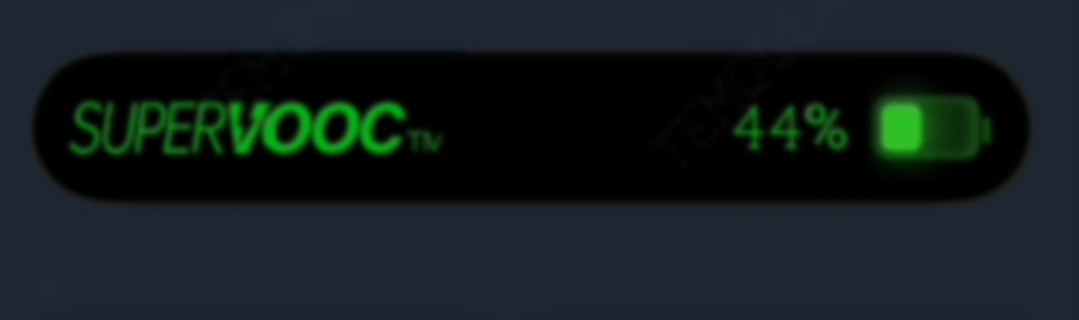
The live-alert charging animation gets a more luminous battery bar with a glow effect. The charging sound has also been updated with a more spacious tone.
ColorOS 17 Release Date and Beta
The closed beta opened on August 6 with a two-day application window and a limit of 300 testers per device.
The first builds started rolling out to the Find X9 Pro series on August 11. Other eligible devices, including OnePlus and realme phones, started receiving builds on August 13.
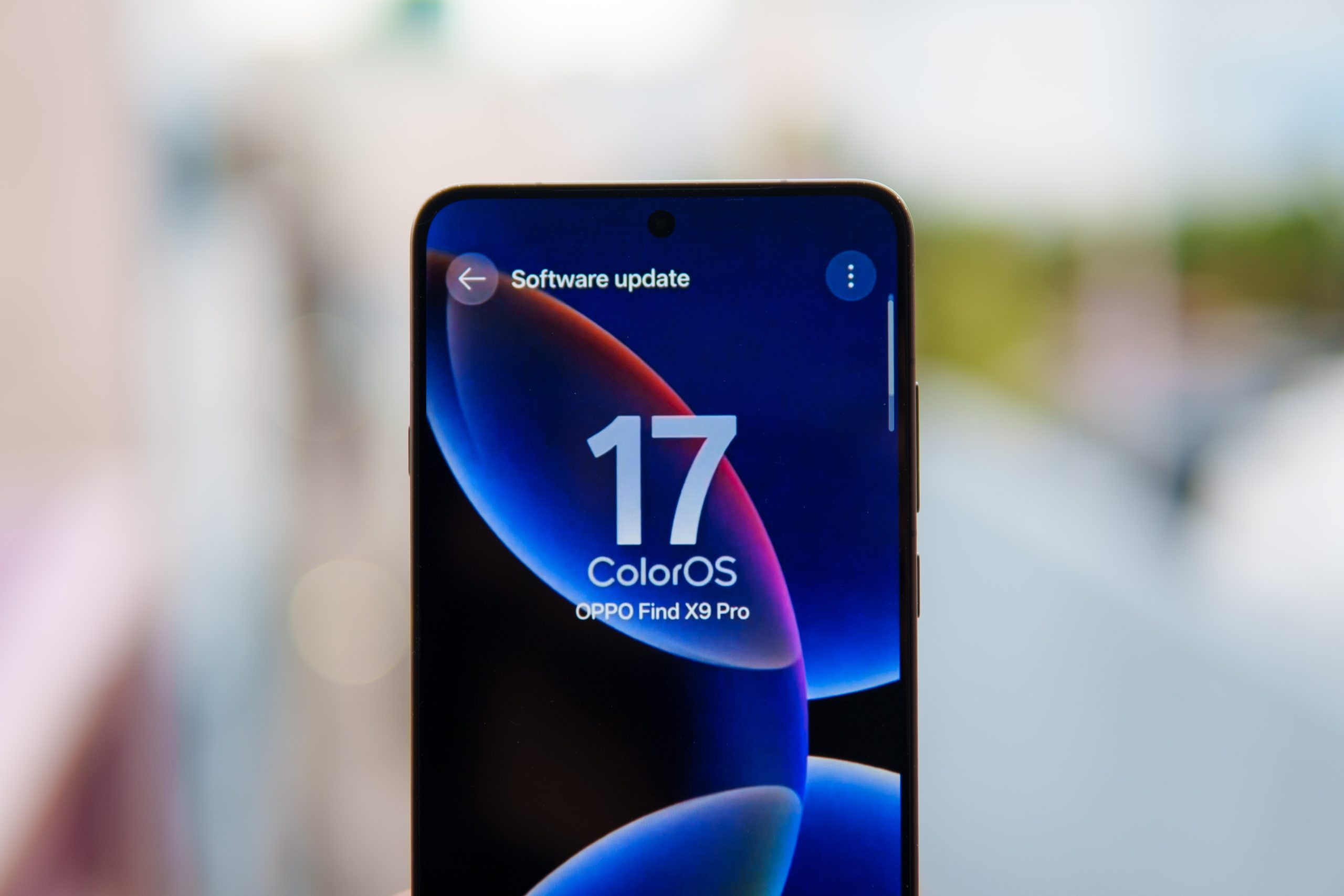
In India, the current beta covers the OPPO Find X9 Pro, Reno 15 Pro, Reno 15 Pro Mini, OnePlus 15, OnePlus 15R, and realme GT 8 Pro.
OPPO is expected to reveal ColorOS 17 alongside the Find X10 series in China in September. The Find X10 series is tipped to be the first phone to ship with ColorOS 17 out of the box, while the Find X9 generation is expected to receive the stable update around the same period.
The broader OTA rollout across Reno, F, K, and older Find devices is expected to continue through October and Q4 2026. Lower-tier and older devices could receive the update into early 2027.
OnePlus has said the transition will initially be opt-in for existing devices, with a rollback option to OxygenOS. Exact rollback terms have not been announced.
OPPO, OnePlus, and realme have yet to publish an official rollout schedule or complete eligibility list. The dates and device names below are based on closed beta activity, leaked lists, and existing update commitments.
ALSO READ: One UI 9: Rollout Schedule, Supported Devices, and What’s New
ColorOS 17 Eligible Devices
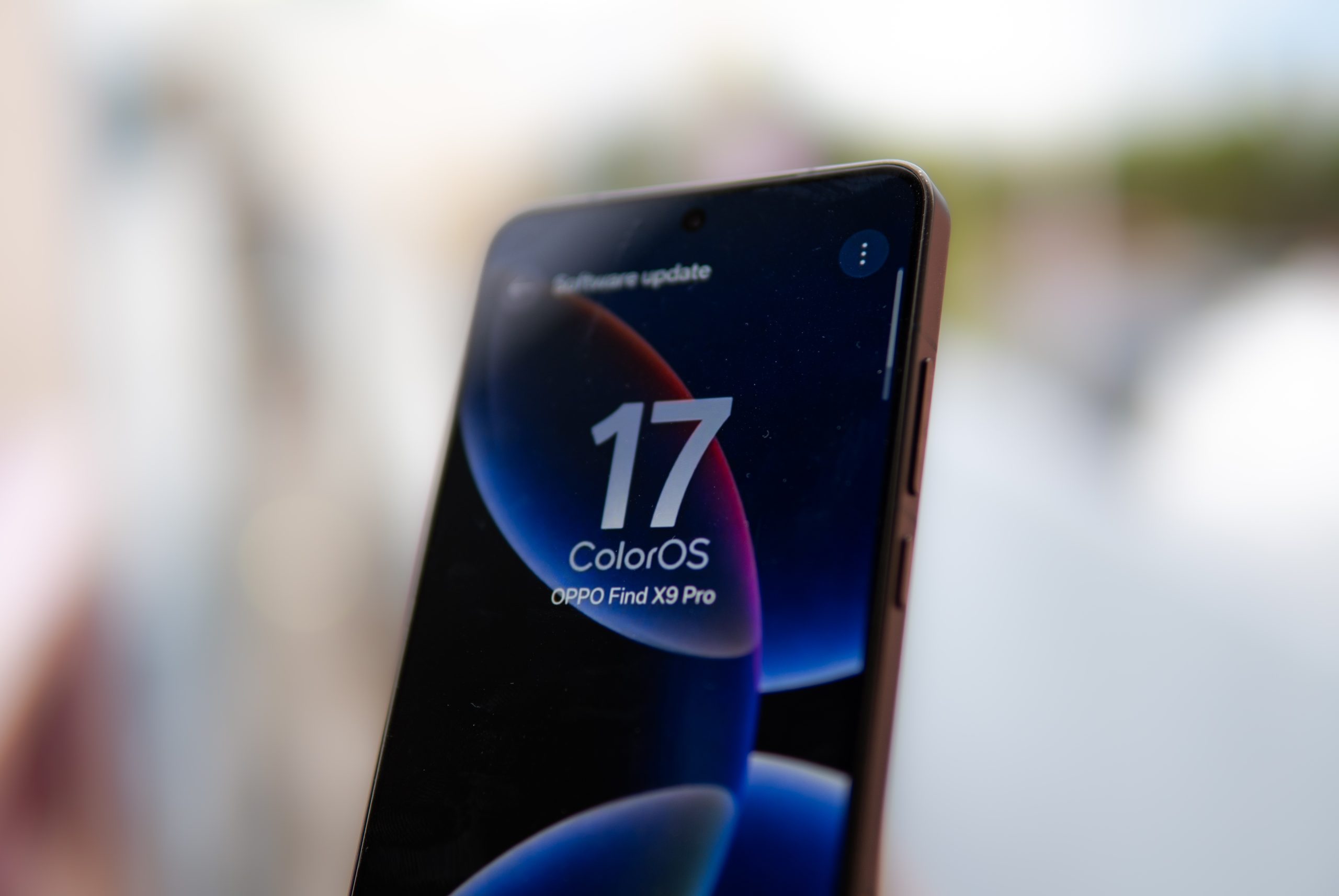
The OPPO Find X9 Pro, Reno 15 Pro, Reno 15 Pro Mini, OnePlus 15, OnePlus 15R, and realme GT 8 Pro are currently the only devices confirmed through active closed beta testing.
OPPO
Find X series: Find X9 Ultra, Find X9 Pro, Find X9, Find X9s, Find X8 Ultra, Find X8 Pro, Find X8, Find X7 Ultra, Find X7, Find X6 Pro, Find X6
Find N series: Find N6, Find N5, Find N3, Find N3 Flip, Find N2, Find N2 Flip
Reno series: Reno 15 Pro Max, Reno 15 Pro, Reno 15 Pro Mini, Reno 15, Reno 15F, Reno 15FS, Reno 14 Pro, Reno 14, Reno 14F, Reno 13 Pro, Reno 13, Reno 13F, Reno 13F 4G, Reno 12 Pro, Reno 12, Reno 11 Pro, Reno 11
F series: F33 Pro, F33, F31 Pro+, F31 Pro, F31, F29 Pro, F29
K series: K15 Pro+, K15 Pro, K15, K14, K14x, K13 Turbo Pro, K13 Turbo, K13x, K13
Tablets: Pad 5 Pro, Pad 5, Pad 3, Pad SE
The A-series is absent from the leaked lists so far. Most A-series phones do not have a documented update policy, leaving their ColorOS 17 status unclear.
OnePlus
Flagships: OnePlus 15, OnePlus 15R, OnePlus 13, OnePlus 13R, OnePlus 13s, OnePlus 12, OnePlus 12R, OnePlus 11, OnePlus Open
Nord series: Nord 6, Nord CE 6, Nord CE 6 Lite, Nord 5, Nord CE 5, Nord 4
N series: N6, N6x
Tablets: Pad 4, Pad 3, Pad 2, Pad Lite, Pad Go 2
The OnePlus 11R, Nord 3, and Nord CE 4 fall outside the expected update window. These devices received their final major update with OxygenOS 16 and are expected to continue receiving security patches.
The ColorOS 17 transition is also tied to OnePlus’ wider restructuring. The company is exiting North America and Europe while reaffirming its India operations, putting Indian OnePlus devices within the expected rollout.
realme
GT series: GT 8 Pro, GT 7 Pro, GT 7, GT 7 Pro Racing Edition, GT 7T, GT 6, GT 6T, GT 5 Pro
Number series: 16 Pro+, 16 Pro, 16, 16T, 15 Pro, 15, 15 Lite, 15T, 15x, 14 Pro+, 14 Pro, 14, 14T
P series: P4 Pro, P4, P4 Lite, P4 Lite 4G, P4 Power, P4R, P4x, P3 Ultra, P3 Pro, P3, P3x
C series: C100, C100 4G, C100x, C100i, C85 Pro, C85, C85 4G, C83, C75, C75x, C73, C71
Narzo series: Narzo Power 5G, Narzo 100x, Narzo 100 Lite, Narzo 90, Narzo 90x, Narzo 80 Pro, Narzo 80 Lite, Narzo 80 Lite 4G, Narzo 80x
Tablets: Pad 3
realme UI and ColorOS have shared the same underlying codebase for years, so the ColorOS 17 transition continues that existing software relationship.
ALSO READ: realme P4s 5G Confirmed To Launch In India On August 26
Final Words
So far, from what I can tell, OPPO is really stepping things up with the ColorOS 17 update. I’m genuinely excited about it, and I can’t wait to get my hands on the update. Everything looks so polished and smooth. ColorOS 16 was already incredibly smooth, so I’m impressed with how OPPO has managed to take things even further. What do you guys think about ColorOS 17 so far? Let me know in the comments.

You can follow Smartprix on Twitter, Facebook, Instagram, and Google News. Visit smartprix.com for the latest tech and auto news, reviews, and guides.