



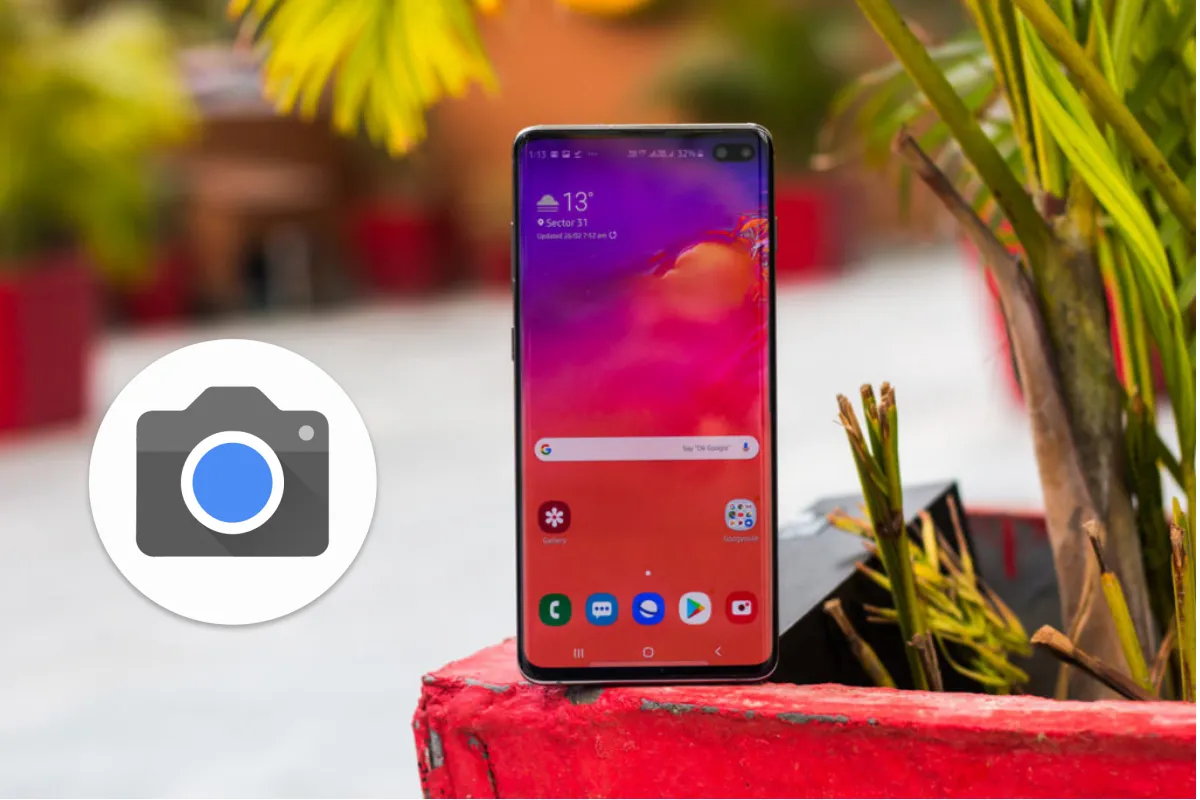
Samsung Galaxy S10 is the 2019 flagship phone from the Galaxy family, a phone that has set the bar for the oncoming phones. It packs an innovative and dependable camera system, and now you could also avail the famous Google Pixel Camera app port to combine Samsung’s hardware with Google’s software.
ALSO READ: Samsung Galaxy S10+ Review: More Than An Iterative Upgrade

Now coming to the catch, the port currently works on Snapdragon 855 chipset based S10 that’s sold in the US only. So, if you’re from the rest of the globe and own an Exynos chipset based S10, you would have to, unfortunately, wait till the developers come up with one for yours.
Now that we have cleared that up, let’s discuss what you need to do.
ALSO READ: How To Use Bixby Button To Trigger Google Assistant On Samsung Phones
Steps to install Google Camera Port on Samsung Galaxy S10:

- Download the Google Pixel Camera Apk.
The latest Google Camera port APK is from developers cstark27 and Arnova8g2. It would be the Beta6 version.
- Move the Apk to phone if it was downloaded to the computer.
- Install the Apk.
- Once it’s installed, go to the app settings and then proceed as follows
- Quick Settings -> Advanced -> FIX
- Now make these changes: Under FIX, Set Raw Format -> Raw Sensor, and Viewfinder Format -> YUV_420_888 (important)
Base -> Model -> Back and Front Camera -> Pixel 3 XL
- Back in the settings page, scroll all the way down and -> Advanced (below Help & Feedback, not Quick Settings). Click on HDR+ Control.
- Go to camera, then click on HDR, and select HDR+ Enhanced (important)
Or
You could just download the config file (s10csMar2.xml) and then restore them in the camera app by the following steps:
- Extract the config files to the root storage with the file path /Internal Storage/GCam/Configs/

- Open the app and double tap the black area next to the shutter button.

- Select option s10csMar2.xml

- Select restore
Kindly understand that the Portrait mode only works with humans and animals! Furthermore, the quality of future versions of the port and configuration files is likely to improve as developers refine the app.
Now, if you’re wondering why should you go through all this trouble, then the reason is as follows.
ALSO READ: Huawei Watch GT and Fitness Bands debuts in India: Price and Availability
Google Camera port Benefits

The Google Camera Port for Samsung Galaxy S10 brings the following features to the table:
- Better sharpness, dynamic range, details and improved colors.
- Capture the night’s beauty with Google Night Sight better than the Bright Night mode in the scene optimizer by Samsung.
So, have you tried it out? Let us know in the comments.










I found out that pictures are only saved if HDR mode is selected. But I am using Samsung Galaxy S9.