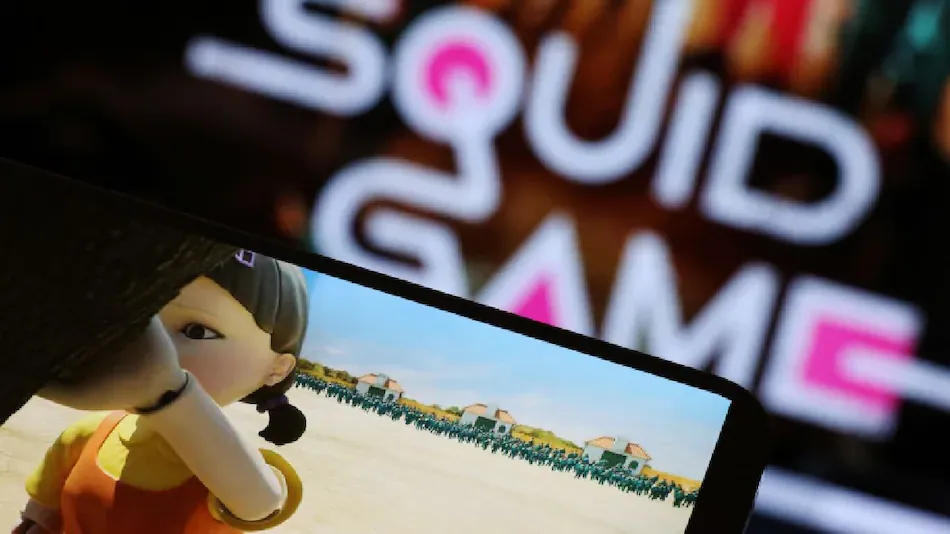
In the wake of Netflix’s recent battle royale show Squid Game, a series of copycat Roblox games have surfaced. As of tonight, the platform’s trending section has nearly 28 million views of “Squid Game” and “Red Light Green Light.”
Squid Game is a new Korean thriller on Netflix that hit the streaming service on Sept. 17. Netflix states that the show has become one of the most-watched shows of all time in the United States since then, and it’s on track to become the most-watched show worldwide.
The drama is about a gambler named Seong Gi-hun who becomes seriously in debt because of his addiction to gambling. The result is that he gets recruited to participate in a 450-person competition where the contestants play deadly versions of classic children’s games like red light, green light, and tug-of-war. The winner of these deadly, battle royale-like games will take home around 39 million dollars.
Due to the popularity of the games in the show, Roblox has created several mini-games based on Squid Game. Here’s how you can play Squid Game in Roblox on PC, iPhone, Android device, and Xbox console if you wish to have a similar gut-wrenching experience.
Play Squid Game in Roblox (2021)
Rather than giving you the details about Squid Game, we will jump straight to Roblox installation steps and skip any explanation of Squid Game. With your mobile or desktop device, you can play Red Light/ Green Light, Tug of War, and more childhood games from the Netflix show. So here we go!
How to Play Roblox Squid Game on Desktop

1. Sign in to Roblox with your favorite web browser on your computer.
2. Install the Roblox Player on your Windows PC by double-clicking the downloaded EXE file.
3. Log in to your Roblox account after you have installed the app. Select Search “Squid Game” in the Experiences option by typing “Squid Game” in the top-level search bar.
4. For Roblox, choose any title from the selection of Squid Games. Consider a mini-game with a large active player base and good ratings.
How to Roblox Squid Game on Mobile (Android and iOS)

To install and play Squid Game in Roblox, follow the same steps on iPhone, iPad, and Android devices. Here is how you can play the mini-game in Roblox on your iPhone or Android device.
1. You can download the official Roblox app for iOS or Android on your smartphone.
2. Go to the Roblox app and sign in.
3. You can search for “Squid Game” (without quotes) by tapping the search icon at the top.
4. From the search results page, select any of the games based on the Korean drama Squid Game to play it on your mobile device.
How to Play Roblox Squid Game on Xbox Series X| S

To try out the Squid Game mini-games in Roblox on your Xbox Series X| S console, follow the steps below.
1. Press the Y button on your controller after turning on the console.
2. Install the official Roblox client for Xbox by searching for it online.
3. Within the Roblox app, use the search feature to find Squid Game experiences.
4. Select one of the Squid Game mini-games from the search results to play it on your Xbox console.
So here is a complete step-by-step guide for playing Squid Game mini-games in Roblox across various platforms, including PC, mobile, and console. Hope you enjoy it!