How to Install MIUI 10 Stable in Xiaomi Redmi Note 5 Pro, Redmi Y2, Mi MIX 2, And Mi 5

Main Image
  • Like
  • Comment
  • Share

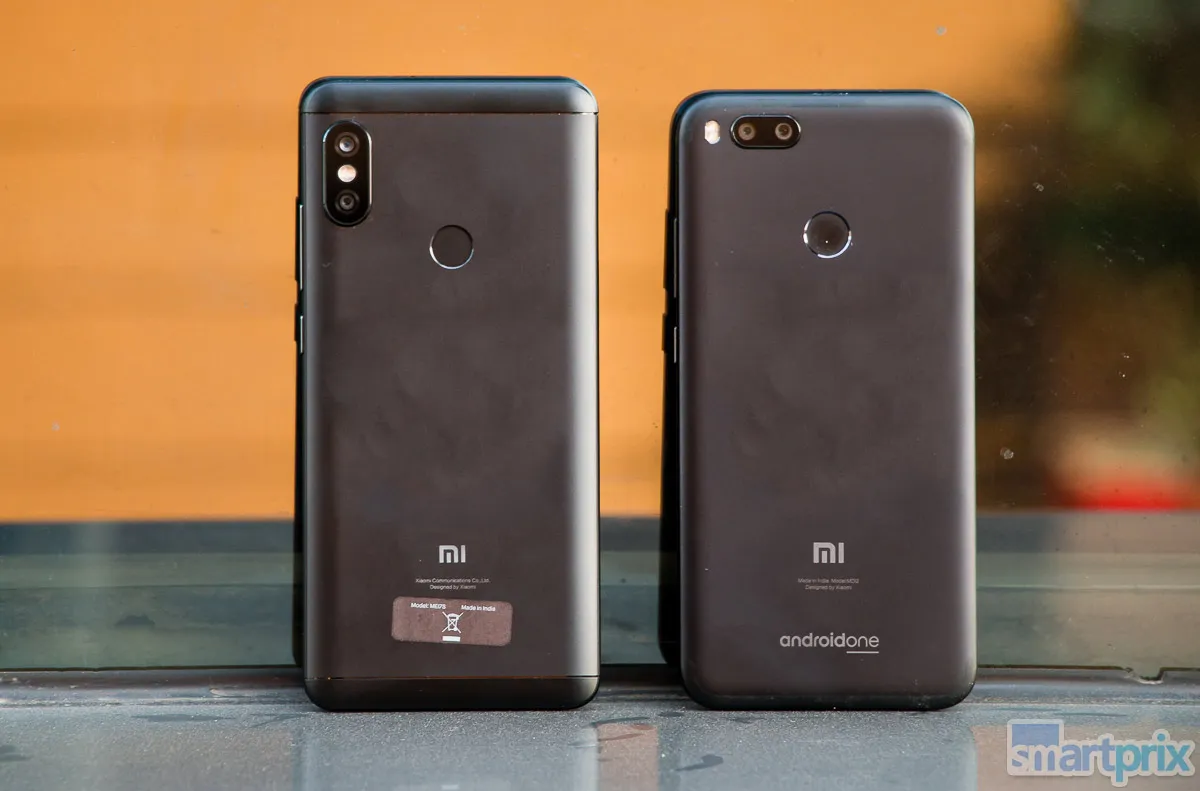
Xiaomi MIUI fans should be happy to note that after an extended beta testing phase, the company has put out MIUI 10 stable global version for its popular devices such as Redmi Note 5 Pro (review), Redmi Y2 (review), Mi Mix 2 (review) and Mi 5.

The latest version of Xiaomi’s MIUI Skin comes with a number of new features such as AI-based AI Portrait mode, navigation gestures, new notification panel and a lot more. To help you understand all the MIUI 10 features we have already published a story to which you can refer for here.

How To Install MIUI 10 in Redmi Note 5 Pro, Redmi Y2 and other Xiaomi phones

The list of devices supporting MIUI 10 stable version is very less. To gets MIUI 10 update over the air (OTA) one has to check for your device settings. Just follow this simple step:

  • Open Settings
  • Head over to About Phone option in settings.
  • Now look for System Updates option and tap on Check for updates.
  • Now, you should see an update is available, kindly commence the download process.
  • Once downloaded, it should reboot your device. Now, be patient. Voila! the installation is complete.

Note: Before, you go ahead with the update process, Kindly ensure that the phone has adequate battery. Also, same steps are also applicable for MIUI 10 update on Redmi 6-series.

How To Install MIUI 10 Global ROM Update Via Recovery mode in Redmi Note 5 Pro, Redmi Y2, and other Xiaomi phones

  • First you have to headover to Xiaomi’s offical MIUI 10 download page on your PC or laptop.
  • Now, first our phone listing and download the MIUI 10 Global stable.
  • In the next step you have to rename the downloaded zip as “update.zip”.
  • Now move the file to root directory of your phone.
  • Next you have to reboot to recovery mode. The easy way to do that pressing power and volume up/down and hold for few seconds.
    Once you enter Recovery mode, set your English as preferred language.
  • Now look for the “update.zip” file and select it to Install the System update and confirm, and then your device will begin updating automatically.
    Wait update installation process doesn’t gets completed.
  • Once done choose Reboot to System One, it will take few extra second then your device should boot to the MIUI 10 stable version.

Deepak RajawatDeepak Rajawat
Deepak Rajawat is a tech journalist and editor at Smartprix, where he reviews smartphones, laptops, TVs, and audio gear. In his 12 years in media, he has reviewed over 1,000 devices. Since joining Smartprix in 2015, his reviewing philosophy has been simple: cut through the spec sheets and tell readers how a gadget actually holds up in daily life.

Before moving to digital tech journalism, Deepak covered sports and worked for legacy print publications, including Hindustan Times and The Statesman. He holds a degree in Journalism and Mass Communication from Calcutta University and is based in Noida.

Related Articles

ImageXiaomi 18 Fold: Inspired by Apple or Just Copying It?

Xiaomi’s upcoming 18 Fold is finally starting to show itself, and there is plenty to like on paper. It will reportedly be a wide-format foldable, powered by Xiaomi’s new Xring O3 chip, with the company moving away from its earlier Mix Fold branding. But look beyond the specifications, and something about the design feels remarkably …

ImageList of MIUI 14 eligible Xiaomi Phones; MIUI 14 Features & Release Date

Xiaomi is gearing up for the next custom skin dubbed MIUI 14 based on Android 13. It is speculated to arrive sometime next year although there’s no specific date at the moment. As with every MIUI iteration, Android 12-powered devices will also get MIUI 14 and even Android 11 users could get it because that’s …

ImageMIUI 14 Announced for Xiaomi and Redmi Phones; Features, rollout timeline and other details

Xiaomi has released the next iteration of its Android-based Mobile operating System MIUI. The MIUI 14 brings in privacy controls, an upgraded AI assistant, and some cool visual changes MIUI 14 was announced on 11th December with Xiaomi 13 series. Starting with UI visuals, MIUI 14 comes with a new icon and widget customization. With …

ImagePOCO M8 Power and POCO X8 to Launch as Rebranded Redmi Note 17 and Note 17 Pro in India

Xiaomi’s dual-branding strategy is getting more confusing by the generation, and the Redmi Note 17 series is the latest example. Both phones that just launched in China this week are set to arrive globally wearing two different badges. According to a leak shared by tipster kacskrz on X and confirmed by XimiTime through Xiaomi’s internal …

ImageExclusive: Redmi Note 17 Pro Series Set for September 15 India Debut with Massive Batteries and Steep Price

Redmi is gearing up to expand its popular Note series in India with two new smartphones. According to information shared with us by our trusted source and industry insider Yogesh Brar, the company is planning to launch the Redmi Note 17 Pro and Redmi Note 17 Pro Max in India on soon. The new Note …

Discuss

1 Comment
User
Walter
Anonymous
7 years ago

Can I ota update with a Custom Recovery? I have TWRP installed…….Thank you

Reply
User
Deepak Rajawat
Anonymous
7 years ago

Yes, you can.