



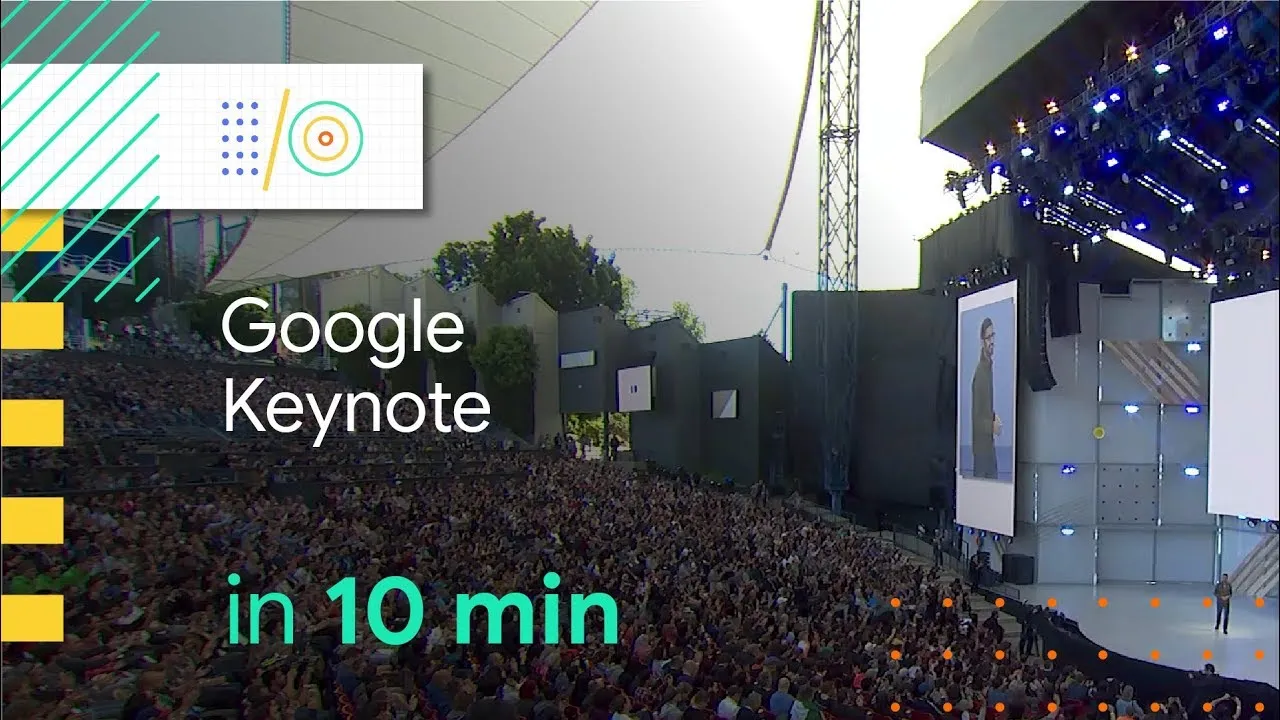
Google I/O 2018 developer conference first day turned out to be full of surprises and interesting new announcements. Sunder Pichai kicked off the event with a funny note where he announced to Google has fixed its Burger and Beer emojis. From there, Google went on to announce big things including Android P that is coming our way. Google seems to very optimistic on possibilities of what AI and machine learning together can do and certainly, that is what we will be seeing in all the incremental updates Google has lined up for its services and products. Suffice to say, everything Google is set to be more awesome.
1. Android P

Google gave us a sneak-peek to key Android P features like new gestures based navigation, App Actions & Slices Digital Wellbeing Dashboard, Adaptive Brightness and Adaptive Battery.

With Android P, users can switch to virtual navigation buttons that comes with a new pill-shaped gesture bar at the bottom right corner. Tap it to go home, Long press it to launch Google Assitant, short swipe up brings up new recent apps screen and long swipe up will bring up the app drawer. There is also slide to right to scroll through recent apps option. Google’s new back button will on appear where it is required.
Another interesting Android P features are App Action and Slices. The App actions will predict what will be your next move by analyzing your usage pattern. App Slice feature, on the other hand, will let users interact with specific part of the app without really opening it.

Digital Wellbeing is yet another interesting feature where Google tries to help people cut down their smartphone addiction. This Android P tool will show exact time you spend with your phone and specific apps (You can also set time limits).

Adaptive Battery Android P feature relies on Machine Learning to learn your app usage and will adapt accordingly. Similarly, Adaptive Brightness will go through your pattern of adjusting brightness all through the day and will do the hard work for you.
Also Read: How to Get Android P Beta on Pixel, Nokia, Xiaomi and Other phones
2. Google Assitant – New Voices, better contextual understanding
Google is adding six more assistant voices including singer-actor John Legend’s voice. Google is using its DeepMind’s WaveNet technology to make the Assistant sound more natural. Apart from this, Google’s new conversational AI-based ‘Continued Conversation’ feature will ensure that Google Assitant understands follow up questions and replies without uttering ‘Ok Google’ or ‘Hey Google’ again and again.
Also Check: Google Home Review
3. Gboard now supports morse code
Google’s popular Gboard keyboard now also support morse code input. For this implementation, Google Took inspiration from the story of Tania Finlayson who used Morse code to write and connect with people.
4. Google Photos Adds New Tricks

Google Photos will also benefit from AI and machine learning. The new Google Photo update will introduce some really interesting AI-powered features including auto detection like B&W photo colorization, brightness correction, detecting document in images and converting those documents into PDF files.
5. GMail’s New Smart Compose Feature

After recently revamping Gmail interface, now Google has announced a new feature called ‘Smart Compose’. This new feature also uses AI to enable you in drafting mail faster and much more fun. It will automatically add greetings, offer suggests to complete your sentences and fills address for you.
Also Read: How to Get Android P Launcher On Any Android Phone
6. Now Copy Text from real world using Google Lens
Yes, that’s right. All you will need to do is point your phone’s camera towards the subject and it will grab the text automatically. Now, you will be able to copy it and even save it.
Google lens is getting a lot smarter and it will be available to more devices. Google is also positioning lens within the camera app where it will be more accessible.
7. Google MAPS Walking Navigation

It could possibly be the biggest change in GMaps since they came into existence. Google is now using its street view with AI to offer turn-by-turn interactive AR based navigation. Google Maps will also understand your personal preferences and point out places that, according to Google, you will like most.
Apart from this, Google is also adding more socializing features within the map so that you can connect with friends and pool suggestions to hang out together.
8. Smart Displays Coming Your Way
At CES 2018, we first heard about smart displays and once again Google showcased them at I/O 2018. Google is partnering with various prominent brands like LG, Lenovo etc to launch smart displays powered by Google Assistant. These will be first generation Android Things devices. The Smart Displays will have all Google Home features along with visual support.
9. Google Duplex
Google Duplex was one of the key highlights of the evening. This feature has potential to change the landscape of various verticals as Google showcases its Google Assitant making a call on user’s behalf, to schedule a reservation at a salon. In that entire demo, Google Assitant sounded and conversed just like a human will do. This is both impressive and remarkably scary at the same time.
10. Google News
Google has also decided to revamp its news platform and here also it will introduce its AI to analyze content and streamline it for you. Google aims to bring articles, videos, podcasts all organized in one place to bring various perspective within a single tab.















How you are earning money There is no Ads