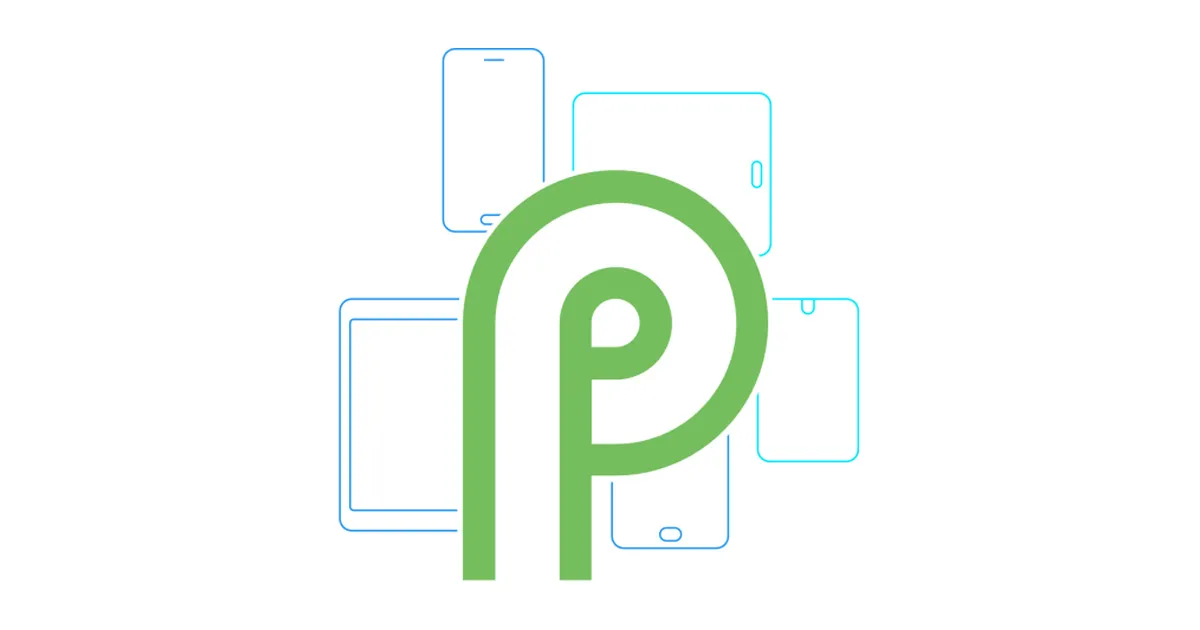
Google made several interesting announcements at its annual developer conference last night and these included the changes that are coming to its next OS version, the Android P.
Google is doing a lot differently with the Android P and redefining how you interact with your phone. Apart from a bunch of new Ai integrated features and new visuals, what’s interesting is that this year Google will be sharing the new Android P Beta beyond its own Pixel phones. 7 partner OEMs are going to get Android P Beta on their phones right away!
Let’s talk about how you can download Android P Beta on All supported phones:
Android P Beta Supported Phones:
- All pixel phones: Pixel 2, Pixel 2 XL, Pixel, Pixel XL
- Nokia 7 Plus
- OnePlus 6 (upcoming)
- Xiaomi Mi Mix 2S
- Essential Phone
- Sony Xperia XZ2
- Oppo R15 Pro
- Vivo X21 and Vivo X21 UD
Also Read: How to Get Android P Launcher On Any Android Phone
Android P New features:

Google’s approach towards Android P is unique. The mountain view giant wants you to use less of your phone and simultaneously empower AI and machine learning do even more for you. Some key features include
- Adaptive battery and Adaptive brightness that use machine learning to understand your habits and usage in order to conserve battery.
- App actions will predict your next task and help you swiftly get to it.
- Slices will surface parts of Apps just when you need them.
- New gesture navigation through the UI, designed to help you do more using just one hand.
- A Digital Wellbeing Dashboard that tells you how much time you spend on your phone across apps. You can set time limits for particular apps as well.
Apart from these changes that Google Highlighted at I/O 2018 there are a number of background changes and subtle enhancements. In case you are interested, we have listed some of them in a separate article. Also, Google announced several improvements to its Apps and services like Maps, Google Assistant, Photos, Lens and more.
How to Get Android P Beta on Pixel Phones

To get Android P Beta on other phones, you can simply head to Android P Beta website and sign up to be a part of the Android P Beta program. This will give you access to the pre-release version of Android P.
You will next get Android P Beta via OTA update.
How to get Android P Beta on other supported phones:

For other phones, you will have to manually flash Android P Beta. Detailed instructions for each supported phone are mentioned below:
How to get Android P Beta on Nokia 7 Plus – detailed instructions
How to get Android P Beta on Essential Phone – detailed instructions
How to get Android P Beta on OnePlus 6 – detailed instructions
How to get Android P Beta on Vivo X21 – detailed instructions
How to get Android P Beta on Vivo X21 UD – detailed instructions
How to get Android P Beta on Mi Mix 2s – detailed instructions
How to get Android P Beta on Sony XZ2 – detailed instructions
How to get Android P Beta on Oppo R15 Pro – detailed instructions
Also Check: How to edit and organize Android’s Direct Share Menu Icons