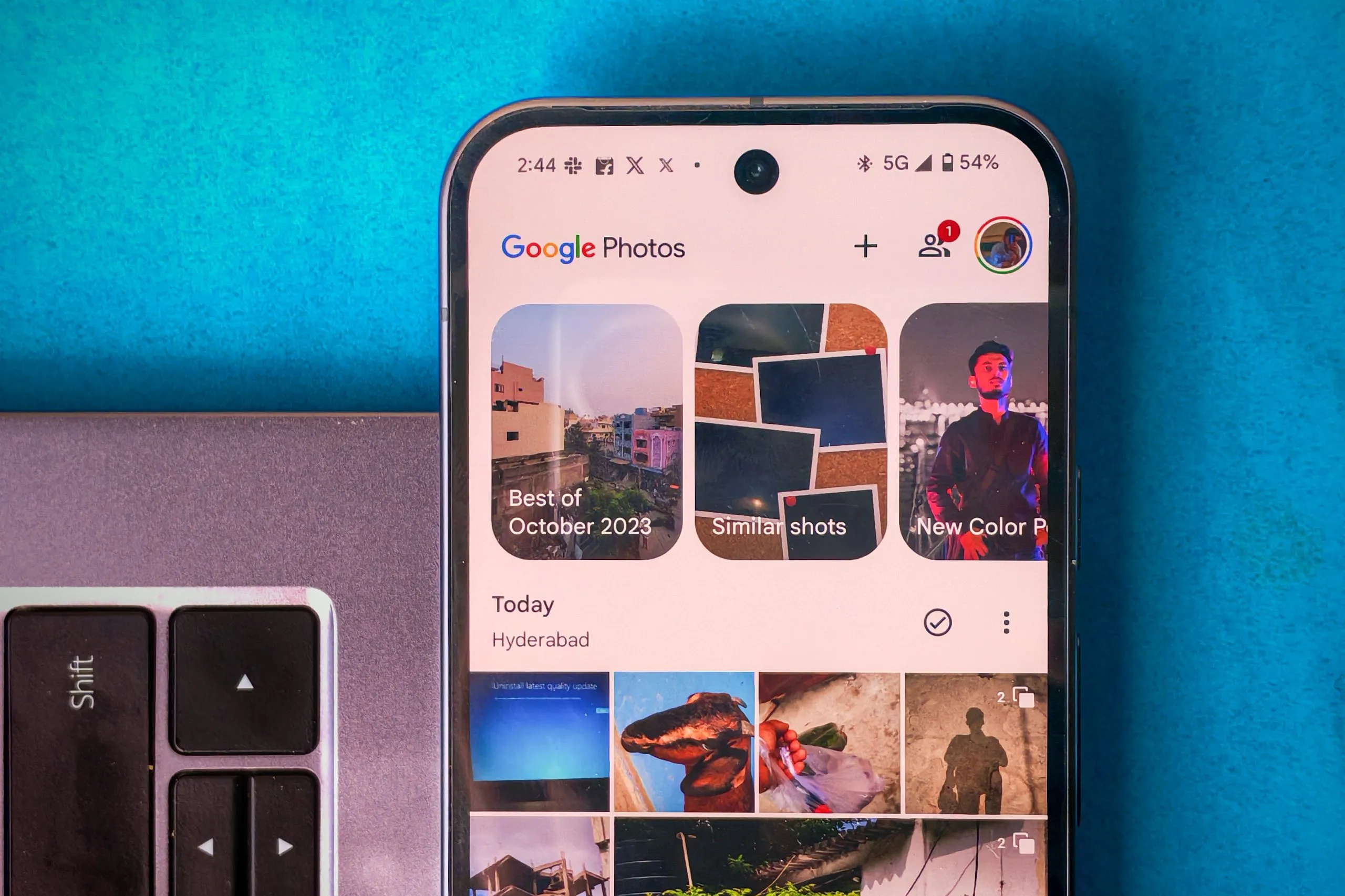
Google Photos is the go-to app for backing up photos and videos to the cloud. Whether you’re an iPhone user or on Android, it’s one of the best options available. But that’s about it. As a photo management app, it falls short, which can be super frustrating if it’s your only option.
If you have a Pixel, a Motorola, a Nothing, or any other phone/UI without its own Gallery or Photos app, you’ll be stuck with Google Photos as your default. So, what’s the issue, then? There are quite a few problems. Let’s break them down and also see how Google could fix the app. And no, switching to the Google Gallery app isn’t a solution.
Where are my photos?
The first issue with Google Photos is that it doesn’t show all the photos stored on my device instantly in the Photos tab. To find them, I have to go to the Collections tab, tap on “On this device” then search for the right folder. It’s confusing and time-consuming.


Sometimes, I can’t even find videos I just downloaded, as Google Photos seems to store them in random folders. Worse yet, these files don’t show up in the Photos until they’re backed up, which is definitely not friendly when it comes to offline access. I don’t want them online, I want them easily available offline, on my device.
Editing is, well, slow…
Editing photos takes way too long. Even on less powerful phones, other apps do this much faster. Even on the Pixel 9, cropping a photo or doing simple edits takes much longer than it should. It’s understandable for Magic Eraser, Audio Eraser, and others but basic editing like cropping and markup can definitely be faster.
Also, I always can’t help but notice that delay from when I press the Edit button to when the editor actually opens up. Yes, this is the experience on the Pixel 9.
ALSO READ: Pixel Studio: How AI Powers Image Generation on the Pixel 9
I don’t understand why it’s slow
Speaking of speed, the app is just slow. Especially when using mobile data, it’s unreliable, and even photos I took a few hours ago need to “load.” Why do they need to load when they’re stored on my device?
It’s no wonder users whose phones don’t come with a built-in gallery app are constantly asking for one—they’re tired of dealing with these issues in Google Photos.
Albums are not a folder replacement

Google Photos can be frustrating if you’re someone who likes to keep their photos organized. One of the biggest annoyances is that albums are not real folders; they’re just links to the photos in the main Photos area.
So when I organize photos into albums, they still remain in the main library, making it impossible to know which ones I’ve already sorted. Also, I can’t simply move media from one album to another.
ALSO READ: iPhone 16 Pro vs. Google Pixel 9 Pro Ultimate Camera Comparison: Which Phone Takes Better Photos?
How do I sort my photos?
Sorting photos isn’t even an option for device folders. On other apps like the HyperOS Gallery, you can easily sort photos by Last updated, Created, Filename, and even File size. You can only sort the so-called Albums.
Google, try this:

- Separate Tabs for Offline and Cloud Photos: There can be three distinct tabs for On-device, Cloud, and All Photos. This way, we can easily switch between our offline and online media without confusion. It could be placed above the Photos tab as a sub-menu.
- Faster Basic Editing: Basic photo and video editing needs to be faster.
- Optimize App Performance: The app needs an overall speed boost, so it’s faster and more responsive.
- Respect Backup Settings: If I’ve turned off backup, the app should respect that and not automatically try to back up my photos.
- Real Folders: Allow us to make real folders and not albums that can only be accessed online. Albums are useful too but they are not a replacement for the real folders.
- Sorting: And while you add the option to create folders, also allow us to sort them by not just the date but also things such as file name, file size, etc.
READ MORE: Pixel 9’s AI Screenshot App: A Deep Dive into Google’s Smart Screenshots
Google Photos has potential, but until these problems are addressed, it will remain frustrating to use as a primary gallery app. I’m using a ported HyperOS Gallery app until Google fixes Google Photos.
You can follow Smartprix on Twitter, Facebook, Instagram, and Google News. Visit smartprix.com for the latest tech and auto news, reviews, and guides.