NPCI BHIM Services Limited has introduced the Bharat Interface for Money (BHIM) 3.0 App in India. This latest version, BHIM 3.0, enhances the original BHIM app launched in 2016, which aimed to offer a straightforward, rapid, and secure solution for cashless transactions utilizing UPI technology. With BHIM UPI, users can effortlessly send and receive money instantly via their mobile devices, eliminating the need for bank account information.
The launch of NPCI’s BHIM UPI 3.0 is designed to enhance the ease of tracking and managing expenses, as well as facilitating the splitting of costs with friends and family. The rollout began in April 2025 across various platforms and will soon be fully accessible. Additionally, the government has implemented several modifications to UPI guidelines for the financial year 2025-26, aiming to transform India’s digital landscape. This guide will cover the new features, rule changes, usage, and more related to UPI 3.0.
ALSO SEE: Reliance Jio Coins FAQ Guide: Usage, Earning Jio Coins, Value & More
New Features of BHIM UPI 3.0 App

- BHIM UPI 3.0 will support more than fifteen Indian languages.
- It is designed to facilitate smooth transactions, even in remote locations with poor or unstable internet connectivity.
- The BHIM UPI 3.0 App enables users to easily track, manage, and divide expenses. Users can share costs for shopping, rent, bills, and more among family and friends.
- The dashboard feature helps users monitor their monthly spending, providing insights into their financial habits through the spend analytics tool, which categorizes and organizes expenses made via the app.
- Users can also add family members to their accounts, manage shared expenses, and designate specific payments for each individual, enhancing financial planning by offering a comprehensive overview of total expenditures.
- Additionally, BHIM 3.0 includes a built-in task assistant that sends reminders for any outstanding bills linked to the BHIM App. This ‘Action Needed’ alert ensures that users stay on top of important payments.
- UPI Lite can be activated for low-value transactions through BHIM, and users will receive notifications when their LITE wallet balance is running low.
- BHIM Vega offers merchants a smooth in-app payment solution that integrates with online platforms, allowing customers to make payments instantly without needing to switch to third-party applications.
- The Grid & List View options provide users with customizable home screen layouts.
ALSO SEE: Guide to BSNL VIP Numbers: What are they, e-Auction Process, Charges & More
How to Use the BHIM UPI App
- Obtain the app from the Google Play Store or the iOS App Store. Sign up with your mobile number.
- Confirm that your SIM card is connected to your bank account.
- Have your Debit Card or Aadhaar Card ready to create your UPI PIN.
- Check with BHIM UPI partners to verify if your bank is active on the BHIM platform.
- Begin utilizing the app for making and receiving payments, among other features.
New Rules for BHIM UPI by GOI

- All banks and Payment Service Providers have to update their mobile numbers on a weekly basis.
- UPI users will have to provide clear permission to link their phone numbers to their accounts.
- If your phone number that is linked to the UPI wallet remains inactive for a long time, it will be delinked from your account.
Who will suffer due to the new rules
- Those users who have inactive phone numbers.
- Those users who change their phone numbers frequently.
- Users who have surrendered their SIM Cards.
- If a mobile number is reassigned.
ALSO SEE: APAAR ID FAQ: What is it? Key Features Explained and Guide on How to Create Yours (Step-by-Step)
What to do to avoid disruption of UPI Payments

- Keep your phone number updated in your bank records.
- Frequently check your mobile number’s active status. To do so, go to your UPI account and head to profile settings. Verify which mobile number is registered.
- Make sure you check for dormant UPI accounts. One can reactivate or delink it from your UPI account.
- It is compulsory to have your KYC and verification process completed on UPI Apps for seamless usage.
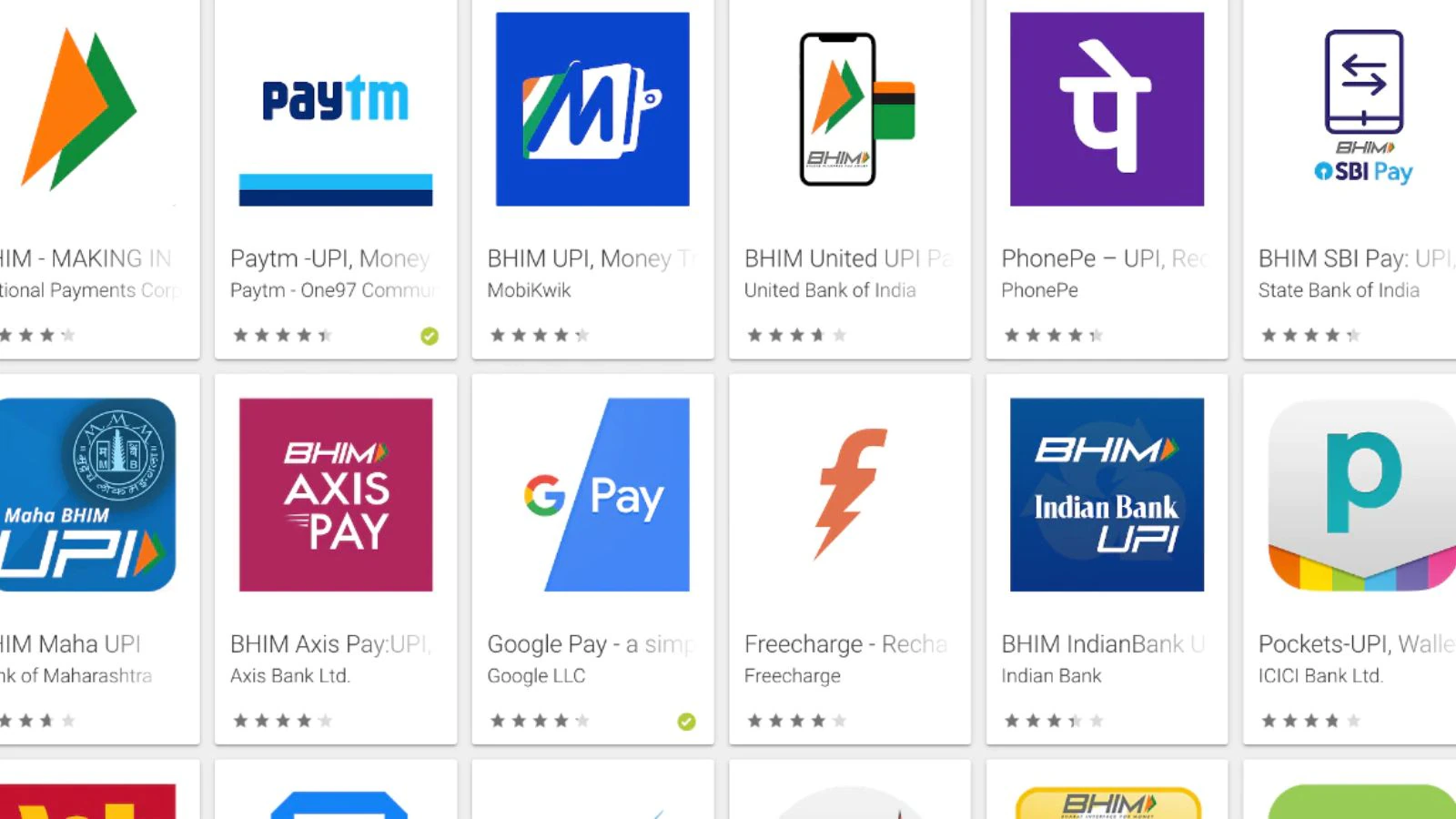
UPI Apps in India
ALSO SEE: UPI in India: Your Go-To FAQ Guide
- Google Pay
- Paytm
- PhonePe
- BHIM
- Amazon Pay
- CRED
- Pay Zapp
- Freecharge
- BharatPe
You can follow Smartprix on Twitter, Facebook, Instagram, and Google News. Visit smartprix.com for the latest tech and auto news, reviews, and guides.