TL; DR
- The new iOS 26.1 update tackles the glitches from iOS 26.0 and 26.0.1, with users reporting fewer crashes and smoother operation, though real-world testing is still underway.
- It also rolls out handy updates like Liquid Glass toggle, more AI language options, and new gestures in Apple Music.
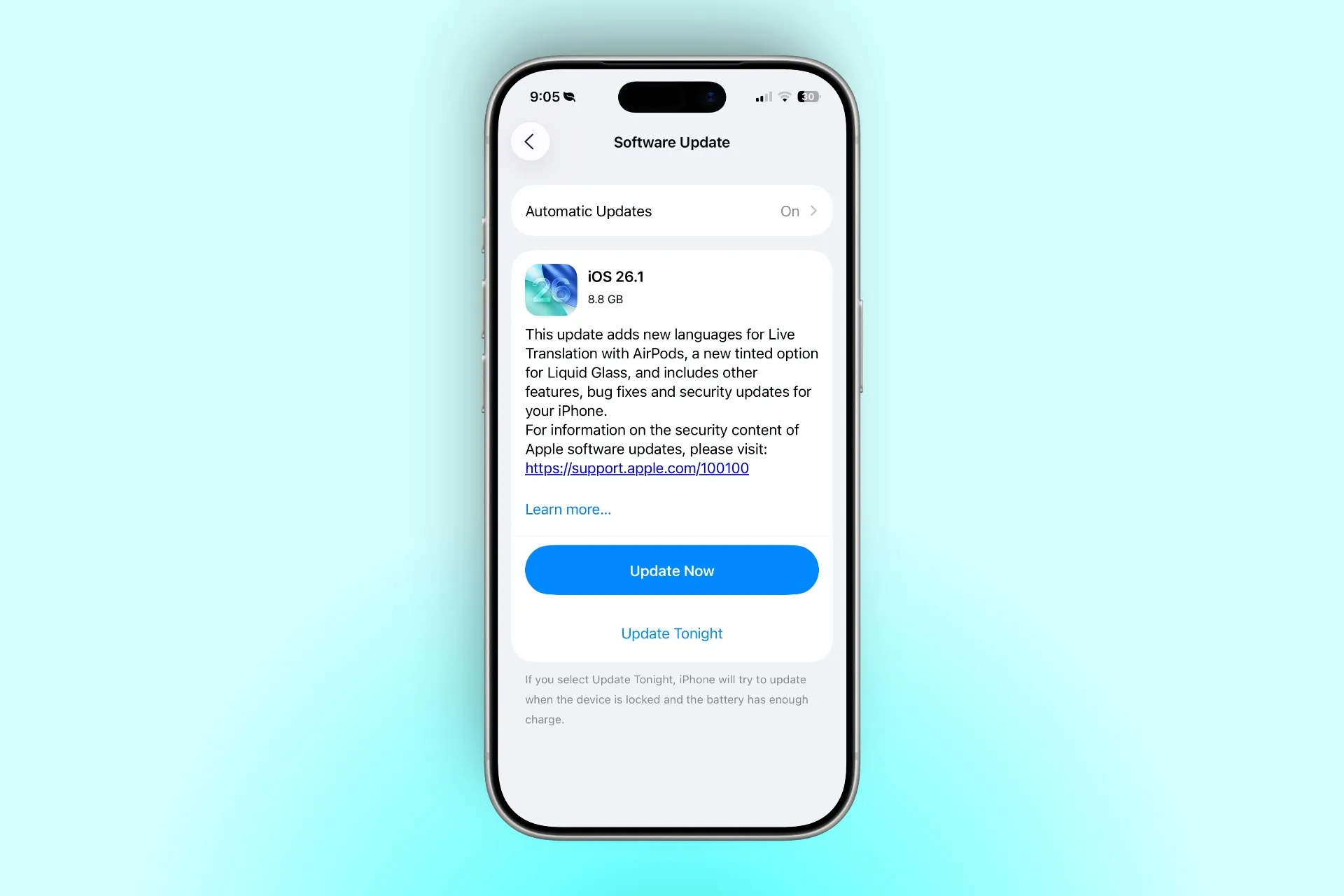
- You can install the update by going to Settings > General > Software Update.
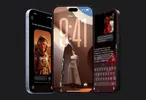
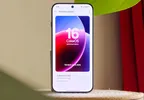
After over a month of waiting, Apple has finally released iOS 26.1. iOS 26.0 and 26.0.1 were very buggy; early reports claim that this changes that. This update prioritizes stability while sprinkling in some user-requested features. Here’s how to install the latest update and everything that’s new.
How to Install the iOS 26.1 Update
Getting iOS 26.1 on your device is a breeze, as long as your iPhone supports it (generally from iPhone 11 models and up) Here’s the step-by-step:
- Connect to Wi-Fi, ensure at least 50% battery (or plug in), and back up via iCloud or iTunes to avoid any data hiccups.
- Go to Settings > General > Software Update. Your iPhone will check for iOS 26.1 automatically.
- Tap “Download and install” when it pops up. The file size depends on your iPhone model. It’s 8.8 GB on my iPhone 17 (review).
- Once the update is installed, restart your iPhone.
If you’re on a beta, you need to turn off Beta Updates first to get the 26.1 stable update.
ALSO READ: Smartphone Prices Are Rising Again; Here’s Why OnePlus, Realme, and iQOO Flagships Will Cost More
What’s New in iOS 26.1
iOS 26.1 brings a bunch of small but thoughtful changes that improve daily use. The Liquid Glass toggle (Clear and Tinted) now lets you reduce transparency for notifications and overlays, though the implementation needs to improve.

You can also turn off the left-swipe camera shortcut on the Lock Screen to avoid opening it accidentally from your pocket.

For calls, you now have the option to disable vibration feedback when connecting or disconnecting, which keeps things quieter.
The alarm and timer interface has been reworked too. You can now slide to dismiss and tap for snooze, which helps avoid mis-taps when half-asleep.
Apple Intelligence now supports more languages, including Danish, Dutch, Norwegian, Portuguese (Portugal), Swedish, Turkish, Traditional Chinese, and Vietnamese. It also drops the Beta label.

AirPods users get expanded live translation with Japanese, Korean, Italian, and both versions of Mandarin Chinese.
In Apple Music, you can now swipe the song title to skip tracks faster, and AutoMix works smoothly over AirPlay 2 without interruptions.
The Apple TV app also has a refreshed icon with a “Liquid Glass” look, and its name has been shortened to just “Apple TV.”
The Fitness app gets a nice update too, as in you can now create your own custom workouts by choosing activity type, time, calories, and effort.
The Settings app layout has been slightly adjusted with left-aligned headers, and folder names on the Home Screen now match that style.

Visual updates continue with a Liquid Glass dialer, improved video scrubber in Photos, and a better viewing experience for screenshots. Multi-photo options like hiding or favoriting images have been moved to the top of the menu for quicker access.
Automatic security patches can now be enabled separately in Privacy & Security settings, allowing quick background fixes without waiting for a full iOS update.
iPad users get the return of Slide Over multitasking for overlapping apps, and a new Vision Pro app has been added to improve integration with Apple’s mixed reality headset.

Final Words
Overall, iOS 26.1 feels like the version iOS 26 should have been: smoother, cleaner, and slightly better on battery. It doesn’t reinvent anything, but it apparently fixes what was broken and polishes what was rough. Let’s see how it goes. Do share your experience in the comments section below.

You can follow Smartprix on Twitter, Facebook, Instagram, and Google News. Visit smartprix.com for the latest tech and auto news, reviews, and guides.