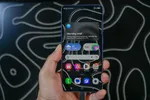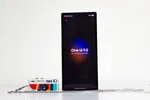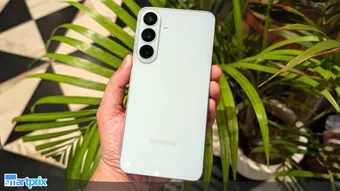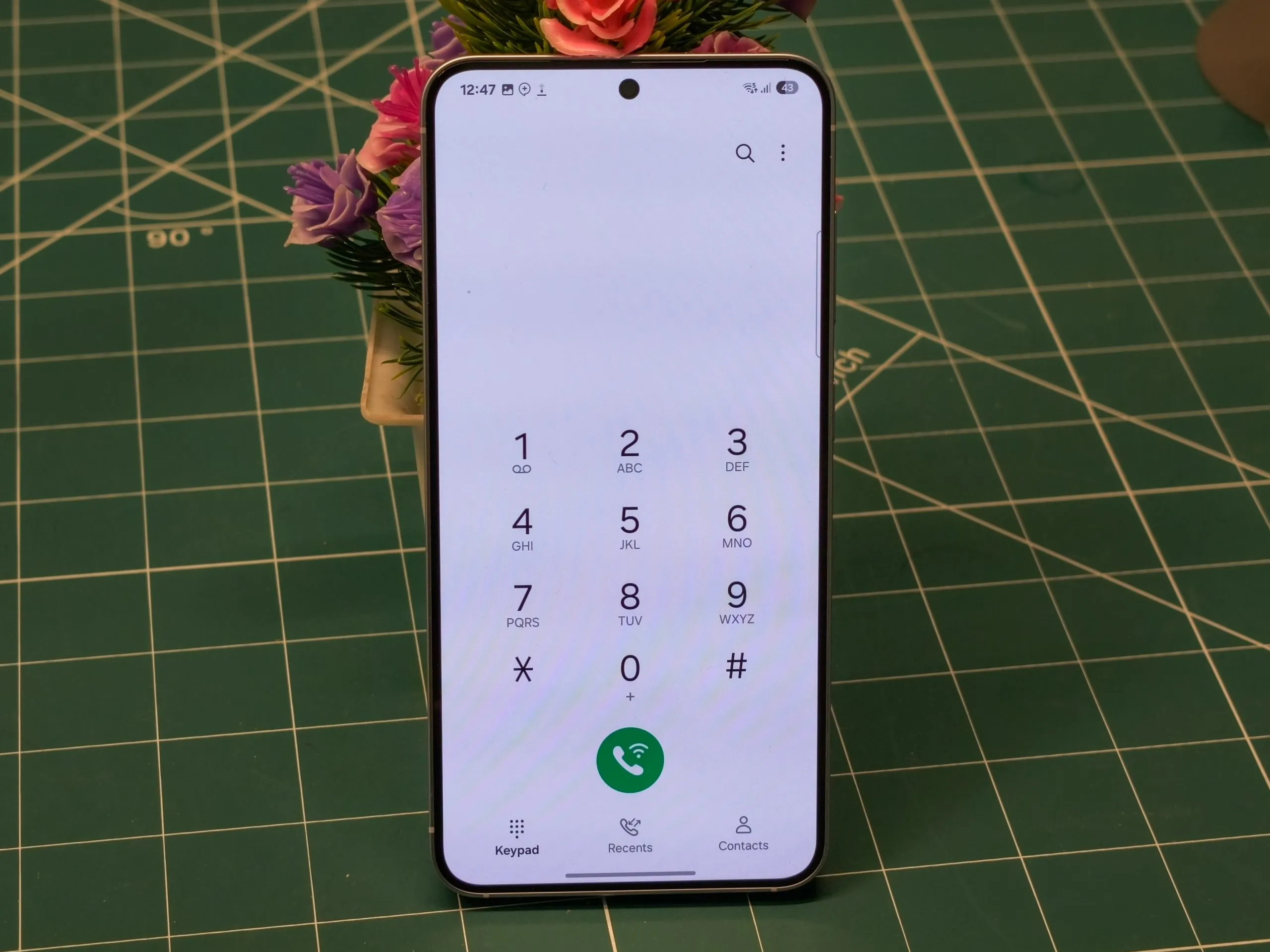
After using One UI 7 for the past few days, I can confidently say it’s been quite an experience. This is my first real deep dive into One UI, and it’s safe to say that I’m impressed. But here’s the thing—it’s not just the UI that stands out.
It’s the set of features and apps that Samsung has packed into this software that truly make it shine. Let me walk you through what stood out to me, starting with one of my favorite apps: the Dialer.
The One UI Dialer App
The first feature that won me over was the built-in Dialer app. Now, I’m used to the Google Dialer that most other Android phones feature, which, honestly, has never really impressed me.
But the One UI Dialer is a whole different ballgame. Samsung’s Dialer is incredibly feature-rich and intuitive, offering a smooth, seamless experience that I didn’t know I was missing.
Swipe to call and message? Count me in
One thing that caught my attention immediately was the swipe functionality. With a simple swipe to the right, I can call someone, and a swipe to the left sends them a message.

Also, I can customize the call display style—mini pop-up, small pop-up, or full screen. I can even dictate (yes) if the pop-up stays or not once I accept the call. It’s a small thing, but it makes the experience so much better.

The layout itself is also practical, with a keypad, recents, and contacts all easily accessible in one place.
Smart Search: Misspellings? No problem
Another thing that makes the One UI Dialer stand out is how it handles search. Imagine you’re searching for a contact, and you type a name wrong (it happens to the best of us). The Dialer still finds that contact.
For example, if I mistakenly type “Arnaaz” instead of “Arbaaz,” the app corrects me and brings up the right person. This level of attention to detail in a simple task is something I really appreciate. And, it doesn’t show me the contact but also the recent call history of that specific contact.

Contact management is also great
Speaking of contacts, One UI’s Dialer app takes it a step further by making managing contacts easier. When adding a new contact, the app first automatically suggests where to save it—no more second-guessing whether it goes in your Google account or local storage.

Call Recording and Audio Controls
One of the standout features for me is the automatic call recording. As someone who often needs to reference calls, having this feature is a huge time-saver. And yes, there is no unwanted announcement here.
What I also liked was the simple audio control layout. The speaker and Bluetooth buttons are separate, so I don’t need to tap through menus like I would on Google’s Dialer. If I want to switch to Bluetooth or the speaker, it’s a single tap.

Notes and Text Call
During a call, I can hit the three dots at the top, and it opens a menu full of useful options. From taking notes during a conversation to sending messages, it’s all within reach.
Also, the ability to do a “text call” through Bixby has saved me from awkward spam calls more than once (not the intended use though)—a real lifesaver when dealing with persistent telemarketers. I don’t even have to speak and the spam callers usually just hang up.

ALSO READ: One UI 7 Home Up Goes Full DIY With Customizable Animations and Icons Anywhere Without Grid
Live call translate
Another feature that’s available is Live Translate. It can do wonders when you’re on a call with someone speaking a different language. This works completely on-device, and the translations come through clearly. It’s pretty impressive how One UI can transcribe and summarize conversations in multiple languages without any lag or issues.

Built-in spam protection
If you’re worried about unknown callers, One UI provides a decent spam protection system using Hiya, which works similarly to Truecaller. While not as good, it’s still a helpful feature for those who want a built-in solution for spam calls.

ALSO READ: Carl Pei might be bringing iPhone-like Action Button to Nothing Phone (3a)
Call backgrounds are fun
On top of all the practical features, One UI also offers a variety of fun and functional additions. The ability to set custom call backgrounds, including videos, adds a personal touch that’s both quirky and fun.

Voicemail and speed dial
Samsung’s Dialer app also offers voicemail support, which is surprisingly rare among many other stock Android solutions. Add in the ability to speed dial by holding a key, and the experience feels even more refined.

I didn’t anticipate I would like it THIS much
My time with One UI 7 has been really positive so far. It’s not just about the aesthetics; the real magic lies in the thoughtful features that make everyday tasks feel easier and more intuitive. For me, the Dialer app is one of them. It’s easily the best stock dialer app available on a smartphone.
ALSO READ: Galaxy Ring That Can Control Screens? Samsung’s Patent Showcases Game-Changing Wearable Technology
You can follow Smartprix on Twitter, Facebook, Instagram, and Google News. Visit smartprix.com for the latest tech and auto news, reviews, and guides.