



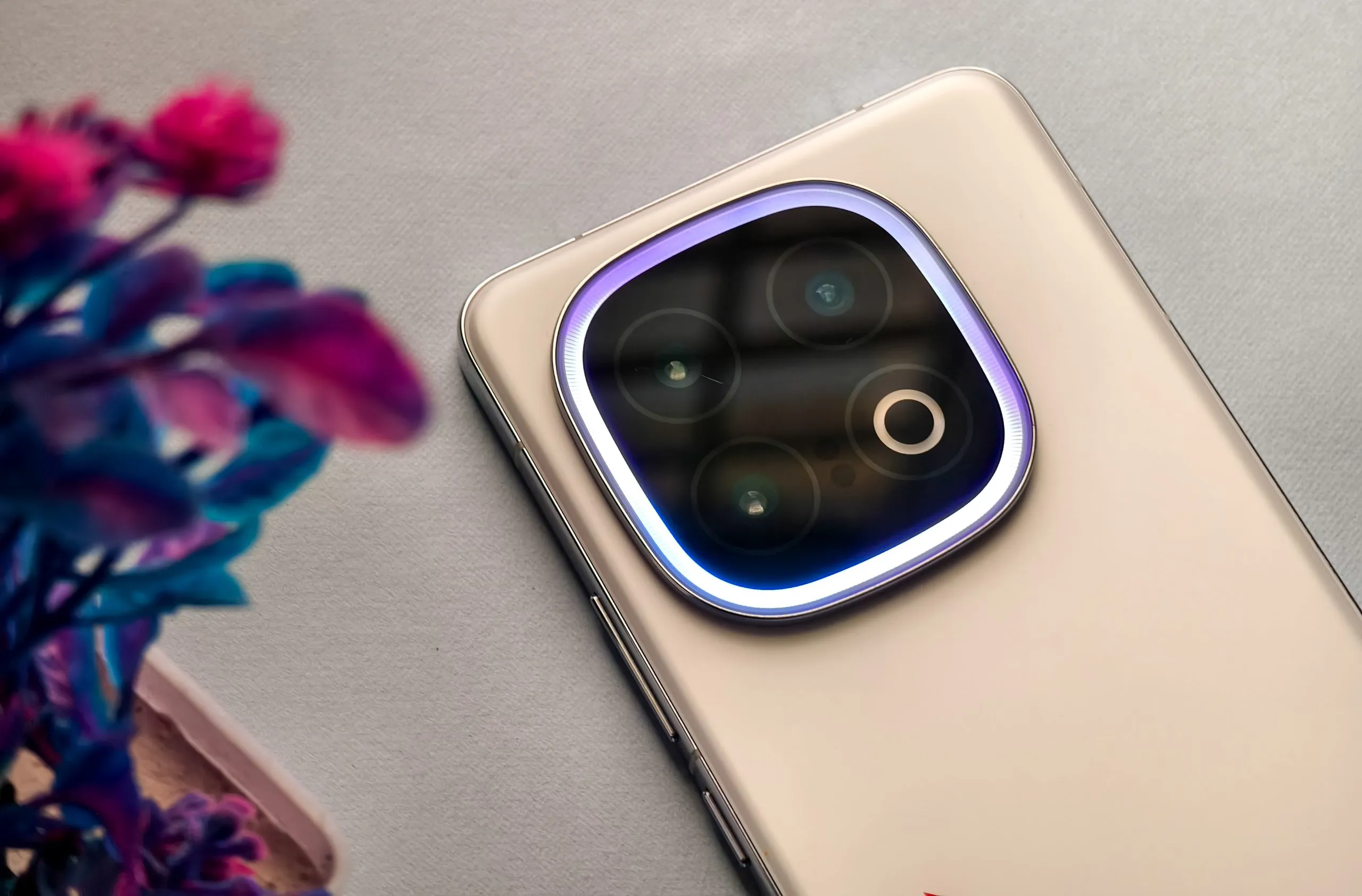
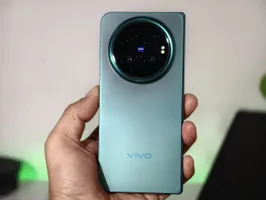
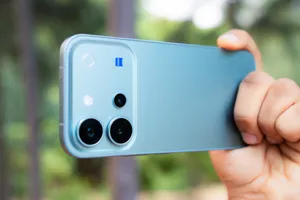
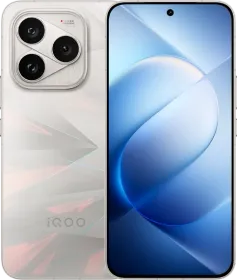
The Monster Halo Light on the iQOO 13 (or “Dynamic Light” in the settings) is an RGB lighting system designed to enhance your phone experience with notifications, calls, music, and gaming effects. However, finding and configuring it isn’t as straightforward as it should be. Here’s a comprehensive guide to using and customizing it, with every feature broken down for clarity.
Accessing the Monster Halo Light
To start using the feature, you’ll first need to locate it in the settings. It’s not called “Monster Halo Light” there, which can be confusing. Instead, follow these steps:
1. Open the Settings app.
2. Go to Shortcuts and Accessibility > Dynamic Light.

This placement feels odd and could have been better categorized, but that’s where it is.
Once you’re here, you’ll find a toggle to enable Dynamic Light and other customization options.
Customizing Dynamic Light
The Monster Halo Light can be tailored for specific uses, like notifications, calls, and music playback. Here’s how to set it up:
General Settings
1. Enable Dynamic Light: Toggle this to turn on the light effects.
2. Schedule Active Period: Choose whether the light is active all day or schedule a start and end time under the Active Period setting.
3. Adjust Brightness: Select your preferred intensity using the slider.

ALSO READ: iQOO 13 Review: Multiple Steps Forward, Yet One Step Back
Incoming Calls
1. Enable the Halo Light for calls by tapping Incoming Calls in the Dynamic Light menu.
2. Under Supported Incoming Calls, you can:
- Set it to light up for All Contacts, Specific Contacts, or Anyone.
- To assign it to specific groups like Friends or Family, tap the gear icon next to a group and add members by tapping the “+” at the top.
3. Customize Colors: You can assign unique light colors to calls. Unfortunately, you cannot assign a unique color for each contact.

Notifications
1. Go to Notifications and turn on toggle the light for alerts.
2. Tap Applied Apps to select which apps trigger the light: You can turn it on for all apps or only specific ones, like WhatsApp or Gmail.

Music Playback
Dynamic Light works with music apps like YouTube Music, Spotify, and even YouTube. It reacts to the rhythm of your music with effects like Pulsing, Jumping, or Flowing. You can customize the colors here too.
Note: Some music apps like Apple Music don’t yet support this feature.

Battery Alerts
The Halo Light can act as a battery indicator:
- It will flash when your battery reaches 20% or lower.
- It also lights up when charging starts or stops, which can feel gimmicky but could be useful at a glance.

Atmospheric Light Effect
If you simply want the Halo Light to stay on as an ambient glow, you can enable the Atmospheric Light Effect:
- Go to Dynamic Light > Atmospheric Light Effect.
- Turn on the toggle and select the desired Effect, Speed, and Color.

For quick toggling:
- Swipe down on the notification panel.
- Tap on the Edit icon at the top right.
- Add the Atmospheric Light Effect tile.

ALSO READ: realme GT 7 Pro Review: Fast and Fabulous?
During Gaming
One of the coolest uses of the Monster Halo Light is in gaming. It adds immersive effects, but only in supported titles: Genshin Impact and Battlegrounds India (BGMI).
Accessing Game Effects
- While playing a game, swipe out the Game Sidebar.
- Tap Game Tools > Game Light Effects.

Customizing for Genshin Impact
1. Go to Rear Camera Light Effect under Settings. Simply search for it.

2. Start with any game. Here, I tap Genshin Impact to set light effects for various elemental bursts. The defaults are these:
- Geo: Orange
- Hydro: Blue
- Pyro: Red
- Anemo: Green
- Dendro: Light Green
- Cryo: Light Blue
- Electro: Purple
3. You can customize each of these with the colors of your choice and effects like Breathing, Pulsing, Heartbeat, Jumping, and more.

Battlegrounds India Effects
Similarly, you can configure the Halo Light for Damage Feedback and Shooting effects. Use the same steps to adjust brightness, colors, and effects.

Common Gaming Scenario Settings
In Game Light Effects, tap on “Common Scenario Settings.” Here, you can enable or disable the Halo Light when entering a game or switching to specific performance modes like Monster Mode or Balanced.

ALSO READ: Choosing Between iQOO 13 and realme GT 7 Pro: My Experience
Conclusion

The Monster Halo Light is a nice-to-have feature that adds personality to the iQOO 13, especially if you are a gamer. However, if you’re like me, then you might find it a bit over-the-top. That said, it’s all about personal preference, as I know people who specifically bought the iQOO 13 just for this feature.
However, iQOO needs to simplify its settings and naming conventions for a better user experience. Since they’re marketing it as “Monster Halo Light,” I think it’s fair to expect that name in the Settings app, not Dynamic Light, or Atmospheric Light Effect, or Rear Camera Light Effect.
If you’re already using the iQOO 13, you should definitely spend some time customizing this feature. Also, what do you think of the Monster Halo Light? Let me know in the comments below.
You can follow Smartprix on Twitter, Facebook, Instagram, and Google News. Visit smartprix.com for the latest tech and auto news, reviews, and guides.






Monster Halo light on IQOO 13 only flashes 5 times for notifications.... It should flash much longer, and better yet, flash until the notification is dismissed.... Otherwise, what's the point of the light for notifications...??