TL;DR
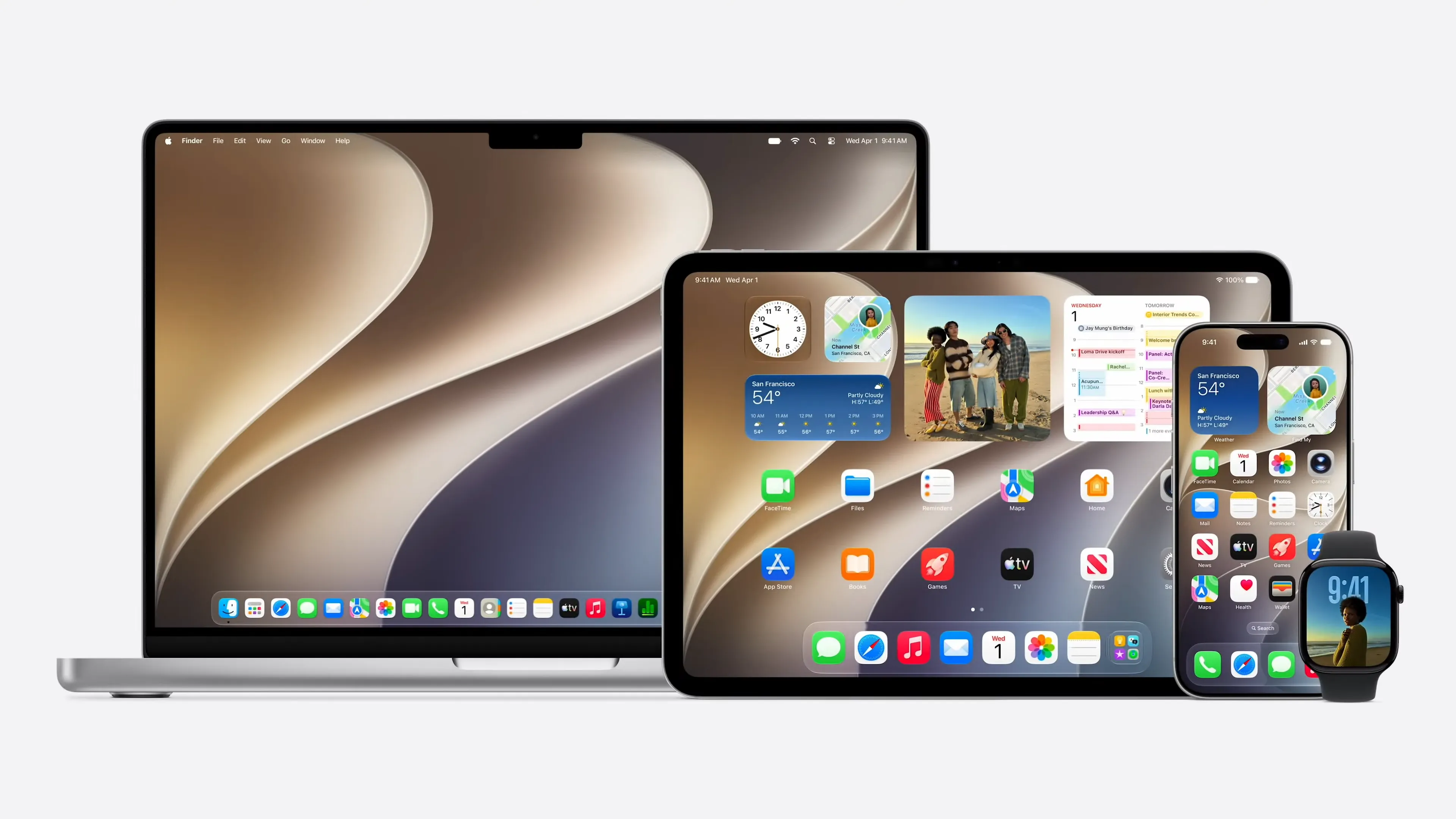
- macOS Golden Gate 27 introduces a global transparency slider and drops Intel Mac support, focusing exclusively on Apple Silicon.
- The update brings a refined Liquid Glass interface, sharper design consistency, and geo-personalized features for users worldwide.
- Enhanced AI and machine learning capabilities power smarter suggestions, accessibility, and region-aware notifications across Apple devices.
Apple packed a lot into Monday’s WWDC 2026 keynote, maybe too much. Over the course of a few hours in San Jose, the company announced a rebuilt Siri powered by a new partnership with Google, sweeping iOS 27 performance improvements that reach back to the iPhone 11, a long-overdue redesign update to Liquid Glass, and the most comprehensive child safety system it has ever shipped. Oh, and the Photos app can now reframe your photos as if you moved the camera. After you took the shot.
Here is everything that was announced in the order it matters.
iOS 27: What Devices Are Supported?
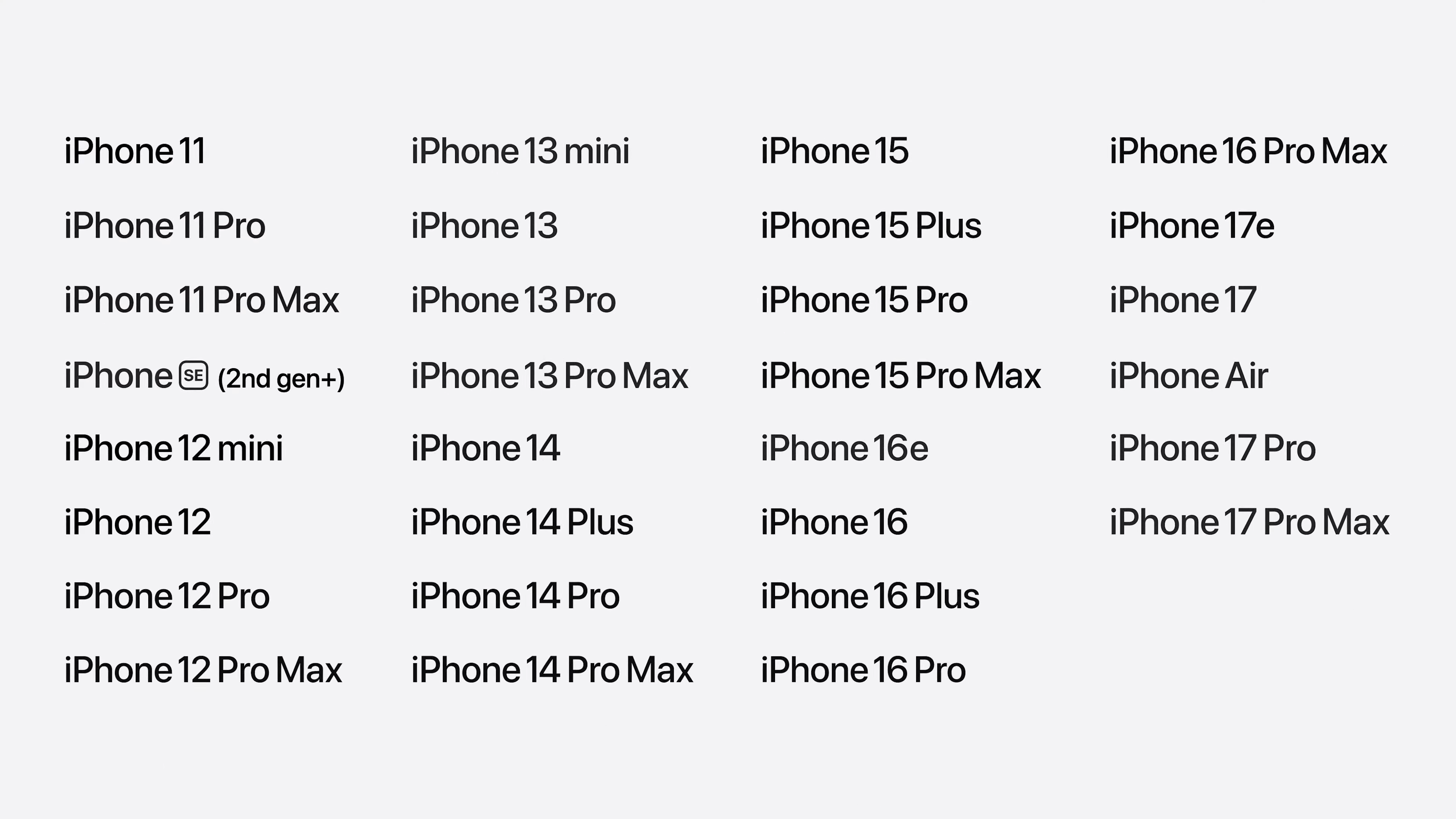
Let’s get the most important question out of the way first. iOS 27 supports the iPhone 11 and every iPhone model that ran iOS 26. That is Apple’s widest-ever iOS compatibility window, and the company made a point of saying so. The reason this time isn’t just goodwill there’s a real engineering story behind it.
Apple says it has brought an advanced CPU scheduler to older iPhones, all the way back to the iPhone 11. The CPU scheduler is the system component that decides which processes get computing resources, and when. On newer iPhones, Apple already has a more optimized version of this. Now, older hardware gets a meaningful slice of it too. The practical effect, Apple claims, is that those older phones will feel more responsive particularly under heavy multitasking load.
Performance: The Numbers Apple is Claiming
Apple spent a notable chunk of the keynote on raw performance improvements, which is unusual and worth paying attention to. Here is what the company is saying:
App launch speeds: Up to 30 percent faster. Apple says it is now preloading key app data before you fully open an app, so the app is already partly ready when you tap it. This applies to third-party apps, not just Apple’s.


- Photo content loading: Up to 70 percent faster.
- AirDrop transfers: Up to 80 percent faster.
- iPad-to-external-drive file transfers: Up to five times faster, which Apple says puts it on par with the Finder on Mac.
- System animations: Smoother across the board; swiping between home screen pages, entering Mission Control, moving between Spaces.
None of these numbers can be independently verified yet, but they are specific enough to be tested, and we will test them.
Liquid Glass: Apple Listened. Sort of.
When Apple introduced Liquid Glass last year as a sweeping redesign across iOS, macOS, and other platforms, the reaction from both users and developers was split. The translucent material looked striking in demo conditions. In practice, especially over complex content, legibility suffered.

Apple did not abandon Liquid Glass at WWDC 2026. But it refined it in ways that suggest the feedback got through.
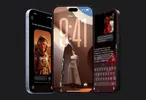
The core rendering has been updated to diffuse complex backgrounds more effectively, improving readability in real-world conditions. More significantly, Apple is adding a new slider in Settings that lets users dial the appearance of Liquid Glass anywhere from ultra-clear to fully tinted. This is the first time Apple has offered this kind of user-facing control over a core design system, and it is a meaningful concession that one look does not work for everyone.

On macOS, the changes go further. There is now a more uniform toolbar band across the tops of apps a structural element that macOS power users have long wanted back. Sidebars now extend to the full edges of windows. Sidebar icons have their color restored. Window corners are tighter and consistent across all apps, even those that have not been updated to the new design system.
For app icons, Apple is adding additional Liquid Glass layers directly into the icon artwork itself, adding depth through refraction between layers. Icons should look sharper in the dock and on home screens.
These are not revolutionary changes. But they reflect a company that processed feedback without reversing course, and that is usually how Apple handles design growing pains.
Siri AI: The Headline Feature
Apple is calling its rebuilt virtual assistant Siri AI, and it is powered by a new generation of Apple Foundation models created in direct collaboration with Google. That collaboration, specifically the fact that these models are adapted from the technology behind the Gemini family, is notable. Apple building its most important AI feature on anyone else’s foundation is a new posture for the company.
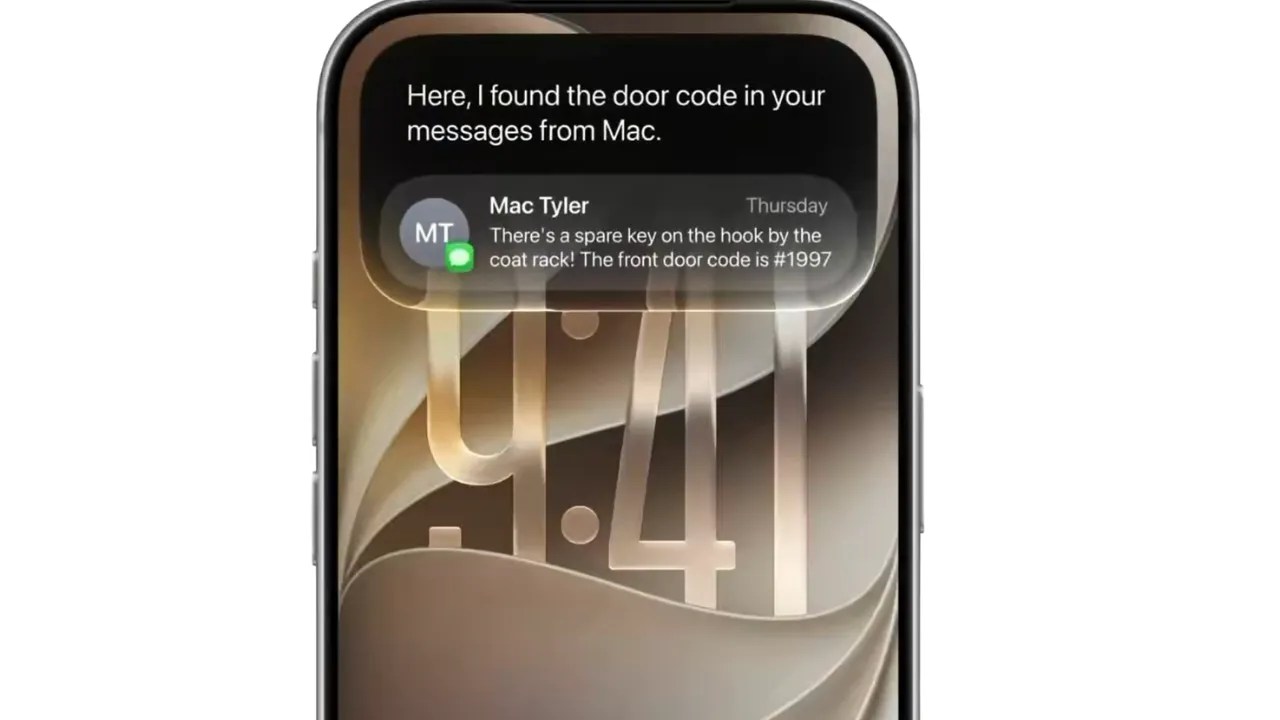
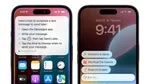
The result is a Siri that can hold multi-turn conversations. You can ask about a concert, follow up about tickets, set a reminder, and play a song all in a single conversational thread. Siri can pull information from your personal data across apps: messages, photos, email, and notes. It can understand what is on your screen and respond to questions about it. It can draft emails, split restaurant bills through Apple Cash, analyze files, and search your photo library using people’s names and locations.

On Mac, Siri is now embedded in Spotlight. You can select multiple files, right-click, and ask Siri a question about all of them. In the keynote demo, a presenter compared three differently formatted contractor quotes and asked Siri to recommend one based on a problem her son had mentioned in a message thread. Siri found the message, reconciled it against the quotes, and drafted a follow-up email to the winning contractor.
There is a new dedicated Siri app across all platforms. Conversations sync privately through iCloud, so you can start something on iPhone and continue it on Mac. On Vision Pro, you just look at Siri and start talking with no trigger phrase needed. On Apple Watch, Siri AI is accessible through the new app grid.
Siri AI launches in English beta later this year. It will not be available in the EU on iOS and iPadOS at launch, citing ongoing work to find an approach that meets EU regulatory requirements and preserves privacy and security. It will also not be available in China while Apple works through regulatory requirements there.
Child Safety: Apple’s Biggest Push Yet
Apple announced its most comprehensive child safety system to date, built around a simple philosophy: parents should be in control, and the controls should actually be easy to use.

The system is built on top of child accounts, which Apple says should be the first step for any family. Child accounts automatically enable age-appropriate safeguards, blocking adult websites, filtering media, applying App Store restrictions, and unlock parental controls.


New this year: time allowances for entertainment, games, and social media, with age-based default recommendations developed with the American Academy of Pediatrics. Parents can adjust any recommendation. There is a new scheduling system that lets parents set which apps are available at different times of day, with different rules for school hours versus weekends, for instance.
“Ask to Browse” brings the existing “Ask to Buy” App Store model to Safari. When a child wants to visit a new website, they need parental approval first. It works across iPhone, iPad, and Mac.
Communication Safety, which previously blurred potentially nude images in messages before a child could see them, now also applies to violent content. It works on live FaceTime calls.
Apple also introduced new APIs for developers, tools to filter nudity and violent content in apps, a requirement that parental approval be obtained before new contacts can connect with a child, and a declared age-range API that lets apps tailor experiences in a privacy-preserving way based on a child’s age range. Apple said it “believes every app has the same responsibility,” but stopped short of making it mandatory.
Apple Intelligence and Photos
The Photos app is getting three new AI-powered editing tools: an upgraded Cleanup tool for removing distractions with better fill quality; Extend, which expands the edges of a photo for different aspect ratios or breathing room; and Spatial Reframing, the new feature that lets you shift the camera perspective of a photo after the fact. You drag the image to reposition, and Apple’s on-device spatial models preview the effect in real time. Generative models running on Private Cloud Compute fill in any gaps created by the perspective shift.

Image Playground, Apple’s AI image generation feature, is also getting a major upgrade. It can now generate photorealistic images, run on Private Cloud Compute, and allows you to modify specific objects within a generated image by circling them with your finger.
Safari gets tab organization through AI, a “Notify Me” feature that monitors pages for specific changes and alerts you, and the ability to create custom browser extensions by describing what you want in plain language.
The Bottom Line
WWDC 2026 is one of the most AI-focused Apple keynotes in recent memory. The Siri AI rebuild is the marquee feature, and the Google partnership behind it changes Apple’s AI story in ways that will take time to fully understand. The child safety system is thoughtful and, if parents actually use it, potentially impactful. The performance improvements are the kind of work that matters most to the most people but gets the least credit.
iOS 27, iPadOS 27, macOS, watchOS, and visionOS updates are available to developers today. Public betas and consumer releases follow later this year.

Wwdc 2026 Announcements FAQ
Q: What is iOS 27 compatible with?
A:iPhone 11 and all models that supported iOS 26. Apple says this is the widest iOS compatibility in the company’s history.
Q: What is Siri AI?
A: A rebuilt version of Siri, powered by new Apple Foundation models developed with Google. It supports multi-turn conversations, personal context, screen awareness, and visual intelligence.
Q: What is Liquid Glass?
A: Apple’s translucent UI design system was introduced last year. It has been refined for better readability and now includes a user-adjustable transparency slider in Settings.
Q: When does Siri AI launch?
A: English beta later in 2026. Not available at launch in the EU or China.
Q: What are the new parental controls?
A: Time allowances for apps by category, Ask to Browse for Safari, Communication Safety expanded to violent content, scheduling by time of day, and a redesigned Screen Time dashboard.
Q: What phones get the advanced CPU scheduler?
A: iPhone 11 and newer, as of iOS 27.
You can follow Smartprix on Twitter, Facebook, Instagram, and Google News. Visit smartprix.com for the latest tech and auto news, reviews, and guides.