One UI 9.5 Beta Adds Native App Lock Without Secure Folder Copies

Main Image
  • Like
  • Comment
  • Share
TL; DR
  • One UI 9.5 introduces a built-in App Lock feature that lets users lock individual apps using their existing PIN, password, pattern, or biometrics.
  • Locked apps remain in the main app drawer and home screen, with notification content hidden and associated widgets removed.
  • The beta is available for Galaxy S26 series users in six countries, including India.

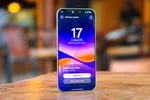
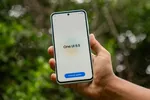
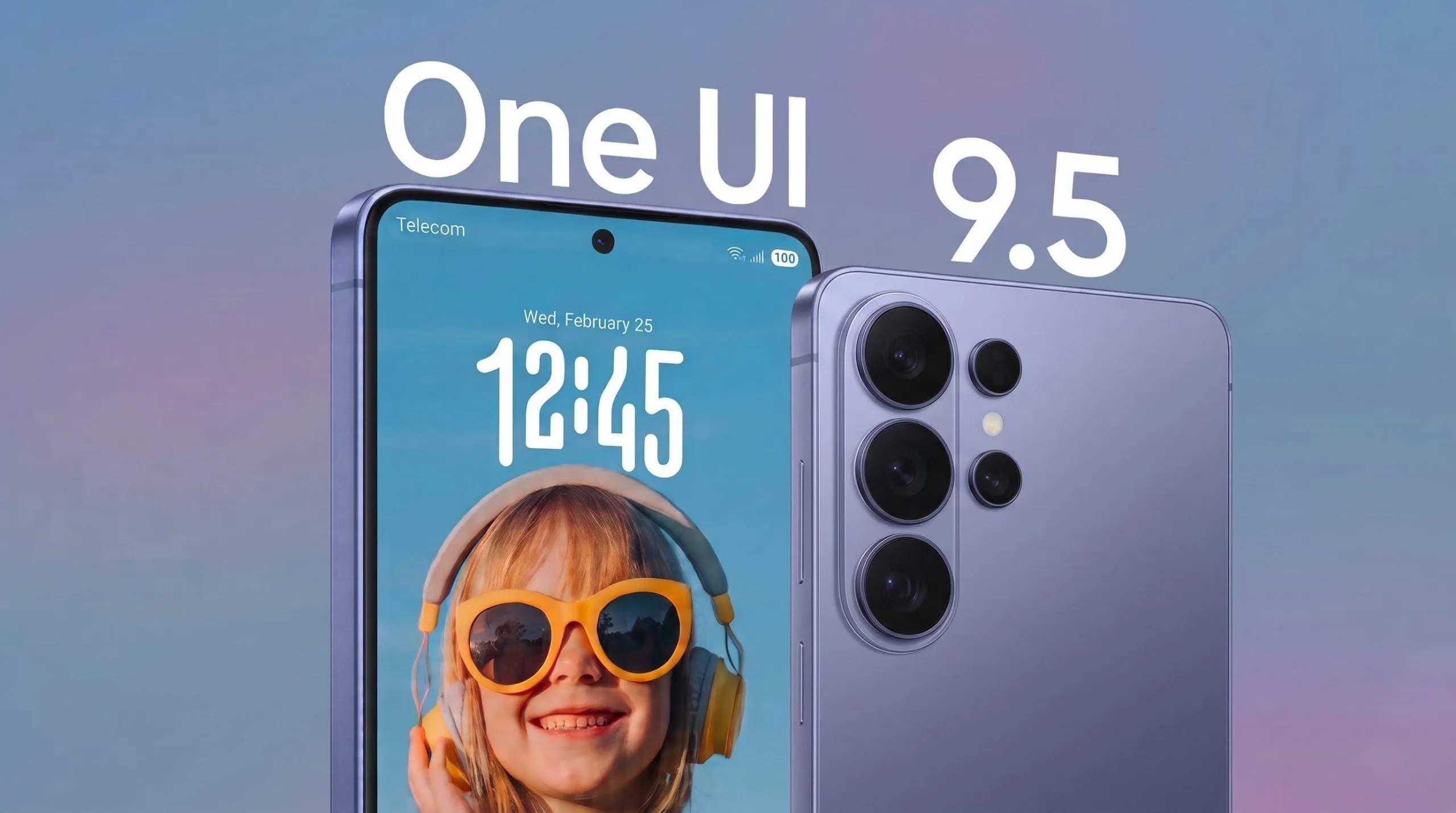
Samsung is finally adding a native App Lock feature to Galaxy phones with the One UI 9.5 beta. The feature lets users lock individual apps directly on their device without creating separate app copies inside Secure Folder.

Users can protect apps using the same PIN, pattern, password, or biometric authentication already configured on their phone. Locked apps remain in the regular app drawer and home screen, and opening them requires authentication.

How App Lock Works in One UI 9.5

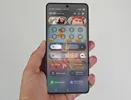
Once an app is locked, One UI 9.5 also hides its notification content and removes its widgets from the home screen. This adds another layer of privacy for apps containing personal information.

To lock an app, users can simply long-press its icon and select the padlock option. Additional settings for the feature are available under Settings > Security and Privacy.

ALSO READ: Samsung Working on Near-Bezel-Less Galaxy Flagships to Rival Apple’s 20th Anniversary iPhone

App Lock vs. Secure Folder

Samsung’s existing Secure Folder creates an isolated space where users can install separate copies of their apps and store private files.

The new App Lock feature takes a more straightforward approach. Apps stay within the main profile, retaining their existing installation and data while requiring authentication every time someone tries to open them.

On the Galaxy S26 Ultra, Samsung’s Privacy Display can also activate automatically when users open locked apps.

One UI 9.5 Beta Availability

The One UI 9.5 beta is currently available to Galaxy S26 series owners in the following countries:

  • Germany
  • India
  • South Korea
  • Poland
  • United Kingdom
  • United States

Eligible users can enrol through the Samsung Members app.

You can follow Smartprix on Twitter, Facebook, Instagram, and Google News. Visit smartprix.com for the latest tech and auto news, reviews, and guides.

Mehtab AnsariMehtab Ansari
Mehtab Ansari is the Assistant Editor – Features & Reviews at Smartprix, where he writes about smartphones, laptops, audio gear, and everything in between. A computer science student by degree but a tech nerd by heart, he’s been into consumer tech for years and started reviewing products professionally in February 2024. He’s especially into photography and audio, often spending more time testing a smartphone’s camera than he probably should. For him, tech isn’t just work, it’s what he’s always thinking about.

Expertise 

Smartphones, laptops, tablets, monitors, smartwatches, photography, and audio gear. I’ve reviewed over 60 products across these categories on Smartprix in the past year and a half.

Education - Bachelor of Computer Applications – Nizam College, Hyderabad (2022–2025) | Joined Smartprix -February 2024 | Published Reviews & Stories - 723

Related Articles

ImageColorOS 17 November Update: New Features, Supported Devices and Rollout Schedule

OPPO has detailed its November feature update for ColorOS 17, which is rolling out to more OPPO, OnePlus, and realme devices. The update focuses on everyday usability, with improvements to OSee, Photos, translation, and Calculator. The changes build on the existing ColorOS 17 release, which began reaching flagship devices in late October. What’s New in …

ImageSamsung’s One UI 9.5 Could Get A Redesigned Phone App, A Rambler-Like Voice Typing Feature, & A New Memory App

Samsung’s Phone app is among the apps users open dozens of times a day, yet they rarely think about it until a small change makes them realize how awkward or unnatural the old way was. A peek at One UI 9.5 made me realize exactly that, and it involves a corner of the screen my …

ImageOne UI 9.5 Details Emerge: New Banner Design, Android 17 Base, Early 2027 Release

Samsung’s One UI 9 hasn’t even finished rolling out yet, but traces of its successor are already surfacing in leaked firmware. A new leak suggests that One UI 9.5 could come with a fresh visual identity for the software update screen. Also Read: HP OmniPad 12 Goes On Sale In India At ₹48,999 With A …

ImageSamsung One UI 8.5 QuickStar Update Expands Customization Options

Samsung has updated its Good Lock QuickStar module to officially support One UI 8.5, adding another layer of customization to the already redesigned Quick Panel. The update began rolling out this week and is currently visible on devices running the One UI 8.5 beta. QuickStar builds directly on the new Quick Panel layout introduced in …

ImageColorOS 17 Review: A New Benchmark for Design, Smoothness, and AI

ColorOS 17 just hit open beta in India. The update adds a Living Clock lock screen, a translucent Luminous look, and an AI Agent Mode that sorts photos and files on the device. OPPO says app launch stability is up by 55% and the system frees up 18% more RAM for apps. I’ve broken down …

Discuss

Be the first to leave a comment.