How to transfer back multiple images from Google Photos to your local phone storage

Main Image
  • Like
  • Comment
  • Share

Google Photos is a great backup tool that most of us who are heavily invested in Google’s ecosystem of apps and services use. If you are running a stock Android phone, most likely the Google Photos is your default gallery app. But not everyone likes to live on the cloud.

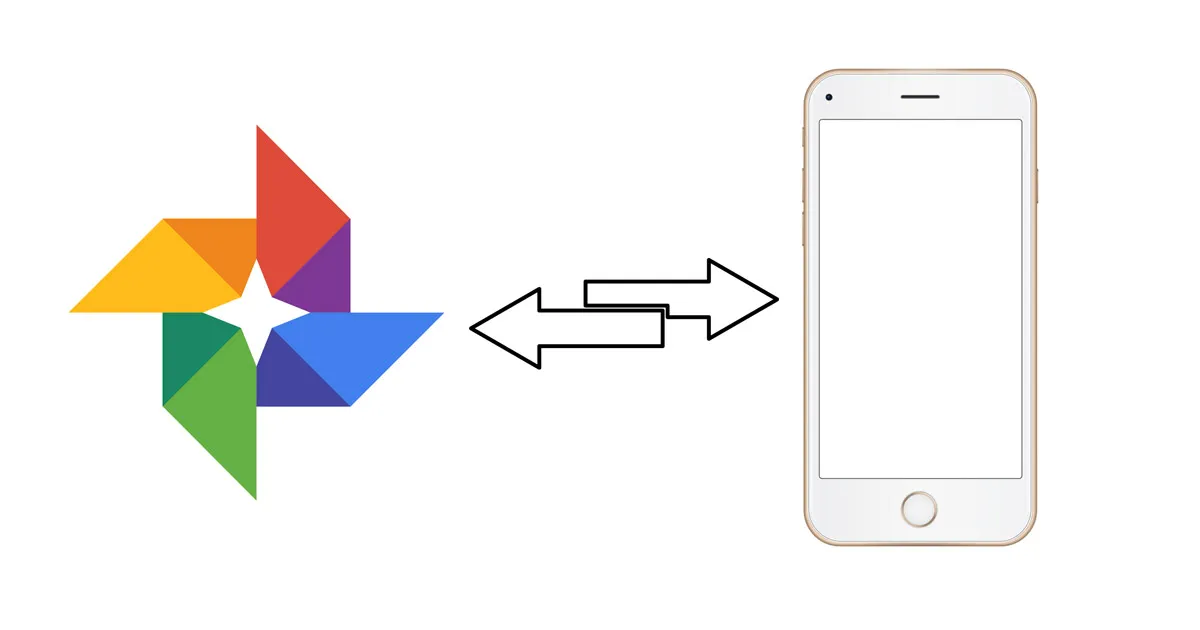
If you accidentally deleted your local backup by taping the “Free up xyzMB from device” prompt in Google Photos or some other reason and want it back, or if you simply want to pull your collection from the cloud and store it on your phone or elsewhere where it’s accessible offline for any reason, the process isn’t as seamless. Here is what you need to do to transfer single or multiple photos from Google Photos back to your phone.

Also Read: How to transfer contacts from Simple Feature Phone To Android Phone

How to download a single image from Google Photos to your phone storage

Downloading a single image is simple.

Step 1: Open Google Photos App and navigate to the image you wish to download.

Step 2: Tap on the image to open it. Now press the triple dot menu on the top right.

Step 3: Tap on ‘Save to device’ option. You will be able to access them from a separate ‘Restored’ folder from your Gallery app.

How to download multiple photos from Google Photos to your phone storage

To download multiple photos all at once from Google Photos you will need your PC. There is no option to download multiple photos from Google photos back to your phone.

Step 1: Open the Google Photos App on your PC

Step 2: Select multiple images that you wish to download.

Step 3: Now tap on the triple dot menu icon on the top right corner. You will find the download option here.

Step 4: After downloading your images to your PC, you can then transfer them to your phone.

How to transfer multiple images from Google Photos To local storage

As you can see, the process to transfer multiple images is a bit indirect. It isn’t every day that you will need to transfer images back to your phone, so I guess the workaround shouldn’t be grossly inconvenient.

Also Read: How to hide WhatsApp images from Gallery for particular contacts

Deepak SinghDeepak Singh
Deepak Singh is a technology journalist and editor with over 13 years of experience covering consumer electronics. A computer engineering graduate, he has developed deep expertise in chipsets, displays, and hardware performance.

Over the past decade, Deepak has reviewed more than 700 products, including smartphones, laptops, TVs, and audio gear. He currently leads the editorial team at Smartprix, focusing on accurate, useful, and hands-on tech reporting.

When he’s not testing new devices, Deepak enjoys reading and spending time with his family.

Related Articles

ImageXiaomi Unveils New Hybrid SUV And It Has Swivel Seats, Fold-Out Table And Sleeping Space

Xiaomi has taken its next big step in the car business, and this time it isn’t another electric car. The Chinese technology giant has unveiled the SkyNomad N90, a full-size plug-in hybrid SUV that marks the debut of SkyNomad, a new sub-brand under the Xiaomi umbrella. After the SU7 electric sedan and the YU7 electric …

ImageHow To Password Protect Photos and Videos on Google Photos?

If you are an Android smartphone user, you must be well aware of Google Photos and how you can store and access photos and videos anywhere at any time. Since all the photos and videos are stored on the cloud including the backups of photos that are taken whenever you capture an image, Google Photos …

ImageGoogle Photos Alternatives in India: All Plans and Pricing Details

The day of reckoning is finally here. Google Photos is ending support for unlimited free storage from June 01, 2021, as per a policy change announced six months ago. As such, from here on, any new photo or video that gets backed up to Google Photos will be counted towards the free 15GB storage that …

ImageOPPO Bubble launched in India, a tiny display on the back of your phone for selfies

Alongside the Reno16 series and the Enco Air5 today, OPPO has also introduced the Bubble in India. It is essentially a small magnetic display that attaches to the back of your phone and lets you use the rear cameras for selfies, vlogs, and group shots. The Bubble weighs just 27.5g and packs a 1.73-inch AMOLED display …

ImageOPPO Find X9 Ultra Review: The Best Ultra Phone?

You know a smartphone is special when you keep taking photos even after you’re technically done testing it. That happened with the OPPO Find X9 Ultra. I kept opening the camera app randomly throughout the day just because the experience itself was so addictive.  The Master Mode, the natural image processing, the insane 10X optical …

Discuss

9 Comments
Keith
Keith
@keith_cajixifi
3 years ago

what folder do i copy the downloaded google photos to, on my rednote 11 thanks

Reply
User
Patricia
Anonymous
4 years ago

When I try to move some of my pics from my google pics to my Android phone the only thing it allows me to choose are “Remove from results” and “Move to Archive”. How do I move my pics from Google pics to my phone?

Reply
User
Dan H
Anonymous
5 years ago

I cannot figure out how to “select” more than one photo at a time to transfer at once. If I click on any one photo to select it, it will automatically open, not allowin g me to click on another. How do I get around this so that I can select a group of photos to transfer at once? Thanks

Reply
User
Deepak Rajawat
Anonymous
5 years ago

Try long press.

User
bashir jammu
Anonymous
5 years ago

All photo all documents all video gmail to my gallery download help me please

Reply
User
bashir jammu
Anonymous
5 years ago

My all gmail photo video documents Google to to gallery download automatic please help me

Reply
User
bashir jammu
Anonymous
5 years ago

My all gmail photo Mo to gallery download automatic please

Reply
Show Replies (1)
User
Arokiaraj
Anonymous
5 years ago

I can restore photos one by one but not multiple … huff…

Reply
User
Palak Snehi
Anonymous
5 years ago

It doesn’t work at all

Reply

Related Products