TL; DR
- Incognito mode doesn’t fully hide your activity since ISPs, employers, and system logs can still track it.
- To delete incognito history, you need to clear browsing data, flush DNS, and remove temp files based on your device.
- For extra privacy, restarting your router, using a VPN, and disabling prefetching can help reduce tracking.
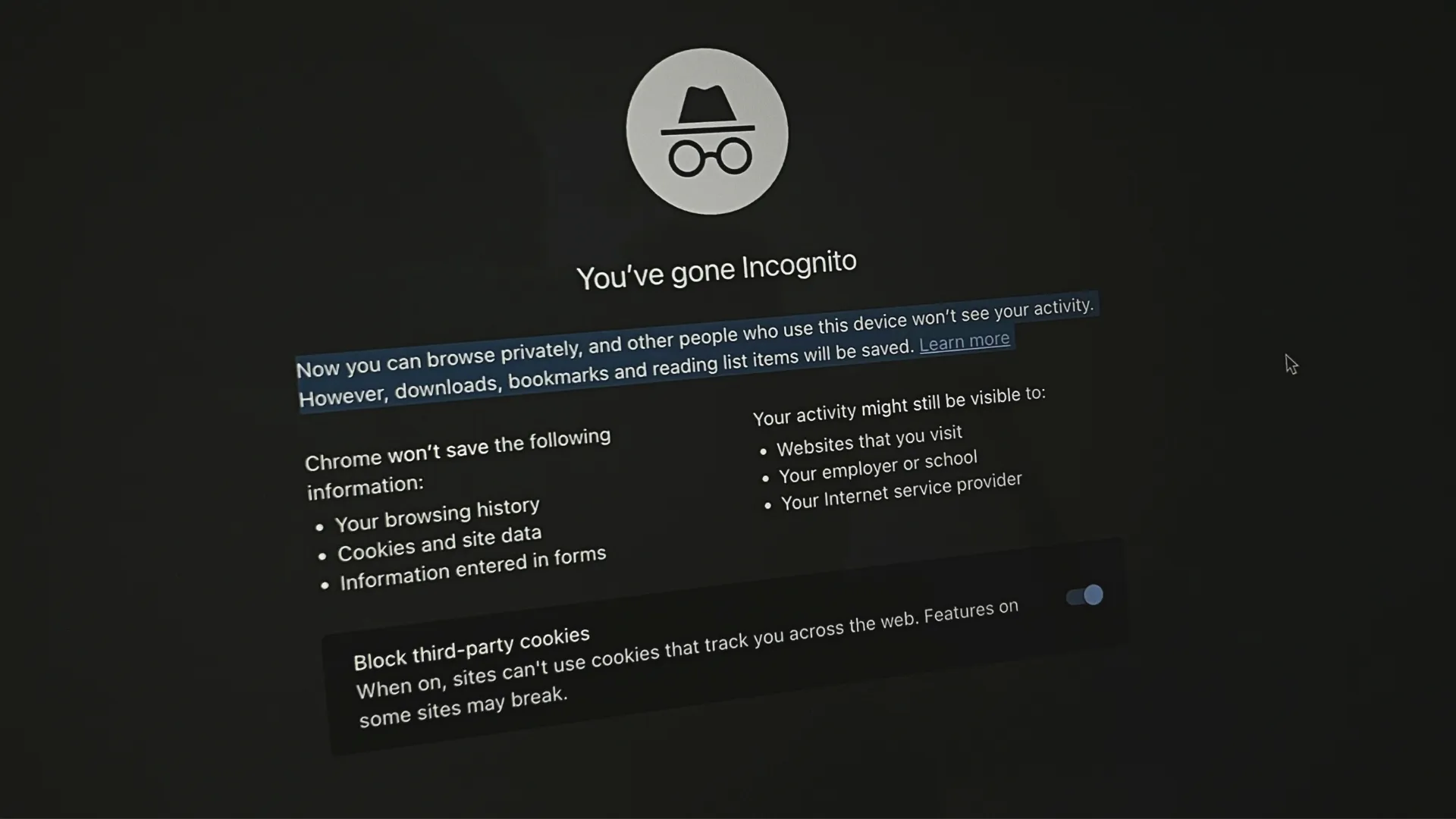
Many people assume incognito mode leaves no trace, but that’s not entirely true. While it prevents your browser from storing history, cookies, or autofill data, your internet provider, employer, or even some system logs can still track activity. If you truly want to erase incognito history, you’ll need to go beyond just closing the browser.
Why Incognito Mode Isn’t Fully Private
Incognito mode only prevents local history storage, it doesn’t hide activity from:
- Your Internet Service Providers (ISP) can still still see the sites you visit.
- If you’re on a company or public Wi-Fi, they can monitor your browsing data.
- Your device still stores traces unless manually cleared.
To remove all possible traces, follow these steps based on your device (Windows/Mac/Android/iPhone).
Also Read: We Were Right (Mostly): The Real Story Behind the Galaxy S25 Edge’s Dual Cameras
How to Delete Incognito History on Windows
1. Open your browser, go to Settings > Privacy & security > Clear browsing data. Or simply press Ctrl + Shift + Delete on your keyboard.
2. Select All time, check all options, and click Clear now.

3. Press Win + R, type cmd, and hit Enter.

4. Type ipconfig /flushdns and press Enter to clear DNS logs.

5. Press Win + R, type %temp%, and delete all files in the folder.

6. Restart your computer to remove any lingering traces.
How to Delete Incognito History on Mac
1. Open Safari, click Safari in the menu bar, and select Clear History.
2. Choose All history and confirm deletion.
3. Go to Safari > Preferences > Privacy, click Manage Website Data, and select Remove All.
4. Open Terminal and type sudo dscacheutil -flushcache; sudo killall -HUP mDNSResponder.
5. Enter your password and press Enter to clear the DNS cache.
6. Restart your Mac to finalize the cleanup.
Also Read: Oppo Find X8 Mini to give a stiff competition to Vivo X200 Pro Mini: Features Tipped
How to Delete Incognito History on Android
1. Open Chrome, tap the three-dot menu, and go to History.
2. Tap Delete browsing data, select All time, and check all boxes.

3. Go to Settings > Apps, select your browser, and tap Storage.
4. Tap Clear storage to delete all saved app data.

5. Open Chrome, type chrome://net-internals/#dns in the address bar, and hit Enter.
6. Tap Clear host cache to flush the DNS logs.

How to Delete Incognito History on iPhone
1. Open Settings, scroll to Safari, and tap Clear History and Website Data.
2. For other browsers, open the app, go to Settings > Privacy > Clear browsing data.
3. Choose All time, check all options, and tap Clear data.
4. Open Settings > General > iPhone Storage, find your browser, and tap Offload App.
5. Reinstall the browser to delete all hidden app data.
Also Read: Motorola Razr 60 Ultra High-Quality Renders Surface Online, Launch Imminent
Extra Steps for Advanced Privacy
- Restart Your Router – Refreshes your public IP (if your ISP allows dynamic IP changes).
- Use a VPN – Encrypts your browsing to prevent ISP tracking.
- Disable Prefetching – Prevents browsers from storing page predictions.
Final Thoughts
If you’re just clearing history for local privacy, the steps above should be enough. But if you want even deeper anonymity, combining these steps with a VPN and encrypted DNS will help reduce tracking at a network level. Other than that, know that your browsing history isn’t private even in incognito mode; a VPN is always good to have.
You can follow Smartprix on Twitter, Facebook, Instagram, and Google News. Visit smartprix.com for the most recent tech and auto news, reviews, and guides.