Google has seemingly closed a loophole that’s existed for years. Starting July 7, every type of data listed in your Android backup settings, SMS messages, call history, and device settings, now counts against your 15GB free Google Account storage, the same pool Gmail, Drive, and Photos already share.
Before this, Android’s device backup got a pass. Only media synced through Google Photos and MMS attachments actually touched your 15GB. The rest, your texts, your call logs, your phone’s settings, uploaded without ever showing up against your quota. That exemption is gone now.
How much space is this actually going to cost you
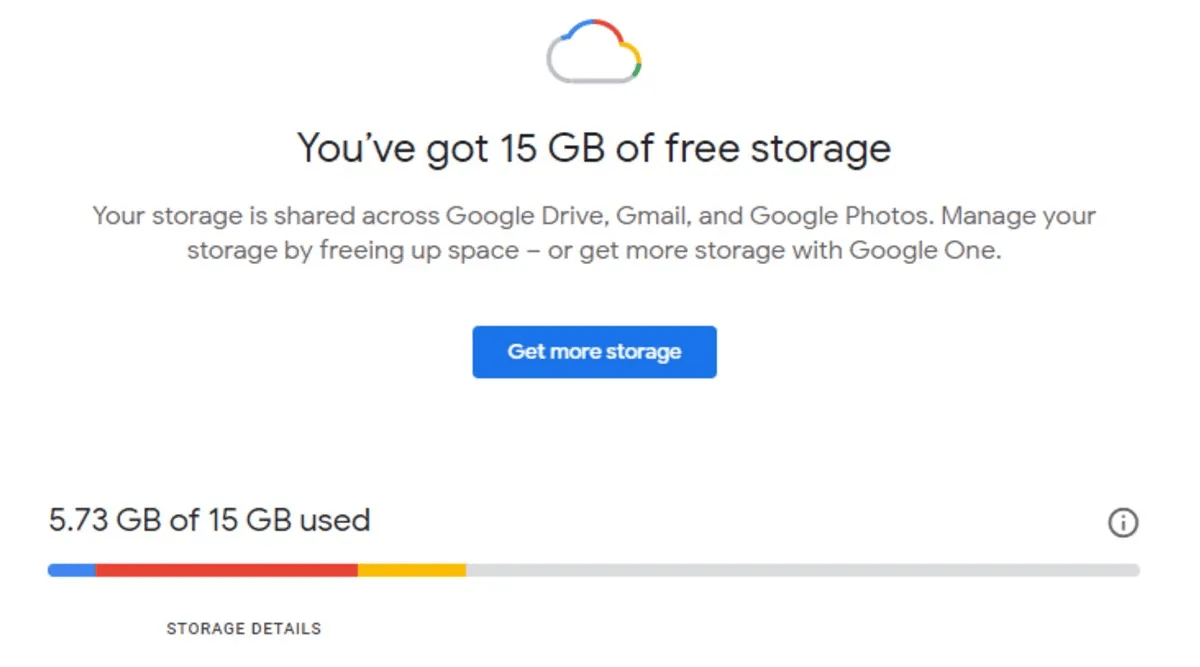
Google’s own estimate puts the average increase at around 40MB per account, which is close to nothing against a 15GB cap. For most people, this genuinely won’t register. The people who’ll feel it are the ones already sitting close to their limit from years of Gmail attachments or a Photos library that never got cleaned up.
Worth remembering too: WhatsApp backups on Android have counted toward this same 15GB pool for a while now. Android device backup joining that list isn’t Google inventing a new restriction so much as it is making the accounting consistent across the board, everything you back up from your phone now hits the same shared quota, no more exceptions.
The one good part of this change
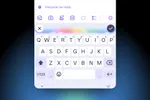
Google’s pairing this with more granular controls, which is long overdue. You now get individual on/off toggles for SMS and MMS messages, call history, and device settings, alongside the per-app data toggles that already existed.
On a Pixel, you’ll find these under Settings > Accounts and backup > Google Backup > Other device data. The rollout for these controls is happening gradually over the coming weeks, so don’t panic if you don’t see them yet.
Tips to avoid maxing out on your free storage
- Check your current usage first. Open the Google One app or go to your Google Account storage page and see how close you actually are to the 15GB ceiling before assuming this doesn’t affect you.
- Turn off backups you don’t need. If you don’t care about restoring call history or device settings on a new phone, toggle those off individually instead of leaving everything on by default.
- Clean out Gmail before Photos. Large email attachments are usually the easiest storage win, search “has:attachment larger:10M” in Gmail and clear out what you don’t need.
- Review Google Photos storage settings. If you’re backing up in original quality, switching to Storage Saver quality for older photos can free up real space fast.
- Exclude specific apps from backup. If a particular app’s data is bulky and you don’t need it restored on a new device, use the per-app toggle to skip it.
Once your account is full, Android backup, Gmail, and Photos all stop working until you free up space or buy more, so it’s worth doing this cleanup now rather than reactively.
Bottom Line
The actual storage hit here is negligible for most people, 40MB is a rounding error against 15GB. What’s more important is that Google finally gave everyone visibility and control over what’s been backing up all along. If you’ve been ignoring your Google storage for years, this is as good an excuse as any to finally go check it.

You can follow Smartprix on Twitter, Facebook, Instagram, and Google News. Visit smartprix.com for the latest tech and auto news, reviews, and guides.