TL; DR
- Gemini 2.5 Computer Use is a new AI model based on the Gemini 2.5 Pro; this is where it gets its visual understanding and reasoning capabilities.
- Using the screenshot, process, and repeat formula, Gemini 2.5 Computer Use can click buttons, type into fields, scroll the interface, drag and drop items, and navigate web pages, similar to how a human would.
- For now, the Computer Use model is optimized for web browsers and Android mobile interfaces; desktop operating system-level control isn’t supported (perhaps because developers aren’t allowing Google to do so?).
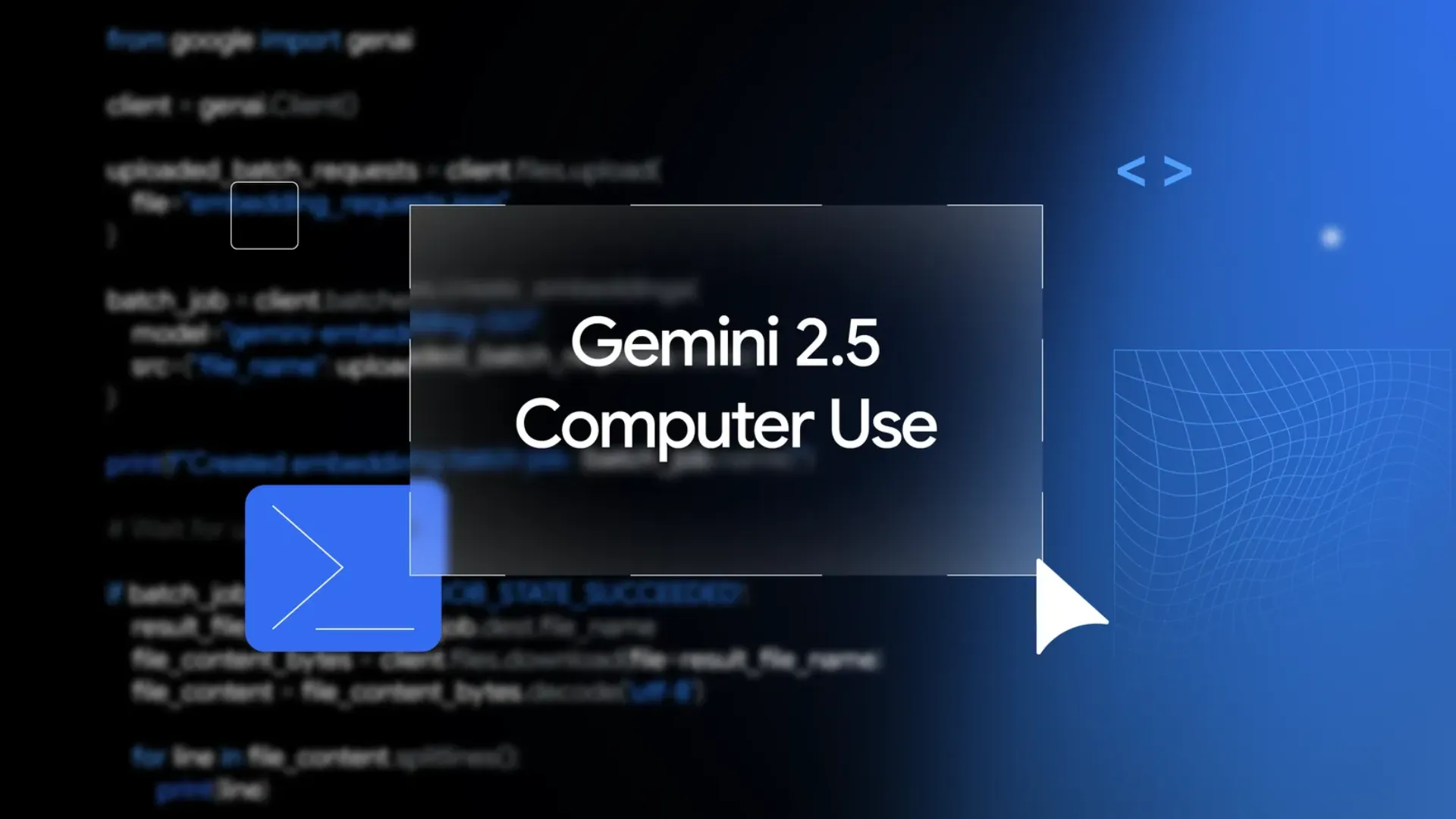
The Alphabet-owned tech giant Google has released Gemini 2.5 Computer Use, a specialized AI model designed for web browsing and interface navigation. What’s noteworthy is that the model mimics human interaction, marking a significant breakthrough in AI-driven automation.
Also Read: Sony WH-1000XM6 Review: The Best Noise-Cancelling Headphones Just Got Better
What is Gemini 2.5 Computer Use?

Gemini 2.5 Computer Use is a new AI model based on the Gemini 2.5 Pro; this is where it gets its visual understanding and reasoning capabilities. Unlike traditional digital agents that use APIs, Gemini 2.5 Computer Use operates directly in the graphic user interface.
- It does so by capturing screenshots in response to the user’s request.
- Then it generates the required UI action (such as clicking or typing) and executes it.
- Once the task is complete, it takes another screenshot to update the context. The model continues this process until it completes the required task.
For now, the Computer Use model is optimized for web browsers and Android mobile interfaces; desktop operating system-level control isn’t supported (perhaps because developers aren’t allowing Google to do so?).
Also Read: Find X9 Ultra To Run On Snapdragon 8 Elite Gen 5 SoC: Tipster
What Can You Do With Gemini 2.5 Computer Use?
Using the screenshot, process, and repeat formula, Gemini 2.5 Computer Use can click buttons, type into fields, scroll the interface, drag and drop items, and navigate web pages, similar to how a human would. At present, the AI model is capable of executing 13 such actions.
In real-world terms, this translates to filling and submitting online forms, managing dropdown menus, and logging into online accounts (though that includes providing the AI model access to your credentials). The model is available for preview to developers via Gemini API, Google AI Studio, and Vertex AI.
Other use cases of the AI model include automating data entry, UI testing, research and data collection, e-commerce workflows, and agentic features in AI Search Mode.
Also Read: realme GT 8 Pro vs. OnePlus 15 vs. iQOO 15: Camera Comparison
Is It Safe To Use Google’s New AI Model?
Recognizing the risks associated with providing AI agents with control over on-screen content and data, Google has implemented robust security measures. First, some guardrails restrict the model from bypassing CAPTCHA or executing high-risk actions without approval. Sensitive operations should also require user approval.
Moreover, the launch of Gemini 2.5 Computer Use signifies the emergence of general-purpose AI agents that can operate digital applications. They are expected to boost productivity for businesses and individuals alike.

You can follow Smartprix on Twitter, Facebook, Instagram, and Google News. Visit smartprix.com for the latest tech and auto news, reviews, and guides.