How to identify Apps that are pushing pop-up ads on Android Phone?

Main Image
  • Like
  • Comment
  • Share

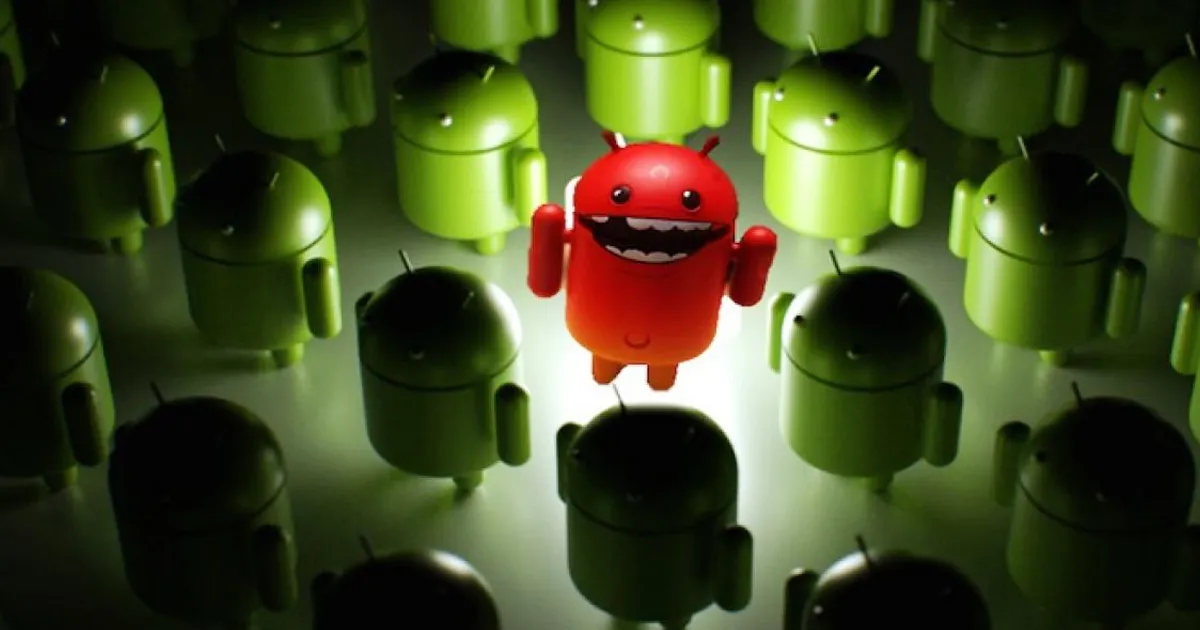
Which app is pushing pop-up ads on my Android phone? This is a question we get frequently from Android users. There are quite a few malware-ridden apps on the Play store that don’t judiciously use system resources. And since the pop-up ads don’t often name the app that’s responsible, zeroing in on the culprit can be a tad annoying. Here are a few things that you can do.

How to detect apps that are pushing Multiple ads on your phone

Here is how you should approach the issue

1. Check Recently Installed apps

If you recently downloaded a few apps for a specific purpose, say, if you were looking through a few stop-watch or timer apps and ended up installing 4 to 5 of these. Or if you have a kid at home who keeps installing random game apps on your phone, You can start with uninstalling the extras that you don’t need.

Now, for the ones you keep and you suspect, head to the Google Play Store page of the app, and check for reviews. If other users are facing similar issues, just uninstall.

2. Identify rogue apps from Notifications

If an App is as generous with ads, it must also be hogging your notification shade. So, if you see an add or suggestion in the Notification shade that shouldn’t be there, just long press the notification and you will see the name of the app pushing the notification.

Now that you have the name of the app, just uninstall the app that pushed the notification.

If it was a rogue app misbehaving, there are good changes that your issue will be resolved after this step. If it’s an app that you use and one that bothering you with notifications only, you can try turning off notifications for the same as well

3. Install Ad-detector apps

If the above steps fail to work, you will have to rely on Ad-detector apps to smoke out the adware. You can try apps like Addons Detector and Kaspersky Mobile Antivirus. These are good tools for narrowing down on adware files or unknown apps that might be installed on your phone.


How to detect app that’s pushing ads on my phone?

These are some of the methods you can use to narrow on shaddy apps pushing pop-up ads. If nothing works, you might have to resolve to a factory data reset to resolve the issue. You can avoid malware by being careful about the apps you install to your phone, especially unreliable games or lesser known apps that you install for specific purposes. You should also check for “Verified by Play Protect” label before installing apps from Play Store.


Deepak SinghDeepak Singh
Deepak Singh is a technology journalist and editor with over 13 years of experience covering consumer electronics. A computer engineering graduate, he has developed deep expertise in chipsets, displays, and hardware performance.

Over the past decade, Deepak has reviewed more than 700 products, including smartphones, laptops, TVs, and audio gear. He currently leads the editorial team at Smartprix, focusing on accurate, useful, and hands-on tech reporting.

When he’s not testing new devices, Deepak enjoys reading and spending time with his family.

Related Articles

ImageApple Back to School 2026 Offers: What’s Actually Worth Buying?

Apple’s Back to School sale (officially the “College Student Offer” now) is live in India, running until August 27, 2026, through Apple’s Education Store online and in select retail locations. It arrives a few weeks after Apple raised prices across the Mac and iPad lineup, so the education pricing here is partly just softening a …

ImageHow to quickly share apps between Android phones using Nearby Share

Sharing your personal apps between Android phones has been a challenge for Android users overs. This is where Apple Air drop feature clearly shines as it allows instant sharing between iOS and Mac devices. In the past third-party apps like Shareit, SuperBeam addressed this problem to some extent but they where not as smooth as …

ImageDynamic Island app on Play Store crossed 1mn+ mark

On September 7, Apple launched the next-gen iPhone 14 series, and the world was taken by storm with the finesse of iPhone 14 Pro’s Dynamic Island. Sure, you might have heard numerous memes about how Apple has added a visual notch to hide its pill-shaped notch. However, many users loved the function, especially those who …

ImageMoto Edge 70 Max vs. vivo X200T: Which Is The Better ₹60,000 Premium Mid-Range Android Phone?

Motorola’s Edge 70 Max arrived on July 15 with one of the most ambitious battery-and-display combinations the company has ever put into an India-focused phone. It also comes with the segment’s first Qi 2.2 wireless charging. vivo’s X200T (review), on the other hand, has been on shelves since January. It counters with a triple 50MP …

ImageOPPO Rolls Out ColorOS 16 April 2026 Update with New Photos App Features

OPPO India has started pushing the April 2026 ColorOS 16 monthly update to eligible smartphones. This month’s release focuses on new Photos app tools, adding one football-themed feature and one media playback improvement for supported devices. The main addition is a new UEFA Champions League watermark inside the Photos app. Users can now apply the …

Discuss

Be the first to leave a comment.