ChatGPT’s Android app is getting an edit button

Main Image
  • Like
  • Comment
  • Share

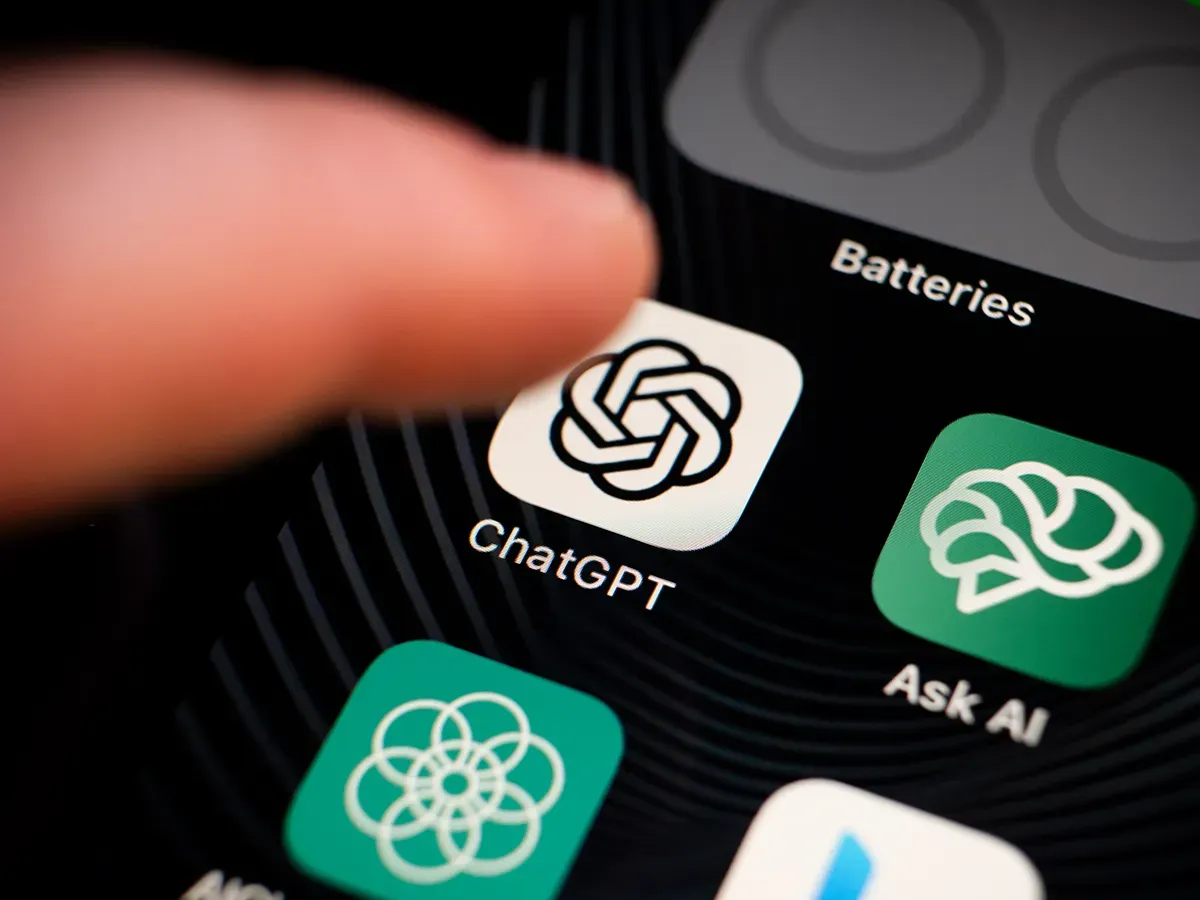
ChatGPT has become a household name ever since it launched in 2022. Since then, we have seen ChatGPT spread across various iterations as well as web, iOS, and Android clients as well. Having a dedicated app makes it convenient to use, however, a critical feature was absent in ChatGPT mobile apps. I am talking about the ‘Edit Button’ that you must have seen on the web version. However, things are about to change as OpenAI is working on an ‘Edit’ button for Android clients at the time of writing this.

Caught on ChatGPT Android Beta v1.2024.115, the feature makes it convenient for users to iron out any typos while prompting the generative AI to spill out blogs, content strategies, generate reports, and whatnot.

Having an edit button means you don’t have to type or copy-paste the prompt in case of a typo or mistake initially. You can edit the prompts ‘n’ several times and ChatGPT will generate a response based on the prompt entered.

ChatGPT's Android app is getting an edit button

It is great for those who make typos while typing or those who want to elaborate or give angles to their prompts after entering it once. For instance, you could be searching for ‘What Makes A High-Performance Gaming Laptop Worth A Buy?‘. Later, you could edit it as ‘What Makes a High-Performance Intel Gaming Laptop from XYZ Brand Worth a Buy at INR 1,00,000?’, and ChatGPT should be able to fine-tune the answer based on this prompt.

The ‘Edit’ button is already available across the web version as well as the iOS version. It will be good for Android users as well once the feature rolls out during future updates.

Note that OpenAI recently announced free services without creating an account. This is an attempt to keep its stronghold against competitors such as Google Gemini AI which has been making strides with cutting-edge features including responses with live prompts and the ability to summarize PDF files among others. 

You can follow Smartprix on Twitter, Facebook, Instagram, and Google News. Visit smartprix.com for the most recent tech and auto news, reviews, and guides


Related Articles

ImageNothing Phone 4a Series Prices to Be Hiked by Up to ₹5,000

According to Sanju Chaudary on X, Nothing is preparing to increase prices across its current lineup: Nothing Phone 4a (review), Nothing Phone 4a Pro (review), and Nothing Phone 3a Lite (review). The changes are expected to apply only to new stock, while existing inventory will continue to sell at older prices until it runs out …

ImageHow to Download ChatGPT for Android in India: Features Explained

In order to tap the rapidly growing popularity of artificial Intelligence tools, OpenAI (San Francisco-based company) has extended the availability of its chatbot, ChatGPT to Android users in 4 more countries- India, Bangladesh, Brazil, and the United States. The announcement comes a week after OpenAI announced taking a significant step in the expansion of ChatGPT’s …

ImageChatGPT for Android will be available soon; Pre-register on Play Store

Two months after the iOS app made its debut, ChatGPT on Android is now available for pre-register via Google Play Store. ChatGPT has garnered quite a lot of attention for its ability to answer questions with personalized inputs and prompts, give content ideas, etc. Just like iOS, OpenAI is expecting big numbers of users to …

ImageWhatsApp Web Finally Gets Voice and Video Calls in Your Browser (No Desktop App Needed)

WhatsApp Web is finally catching up to what the desktop apps have offered for years. Yes, WhatsApp has started rolling out voice and video calling directly inside the browser, starting with one-on-one calls for beta users. If you have access, you’ll see the familiar voice and video buttons at the top of an individual chat, …

ImageWhatsApp Is Testing Notification Bubbles on Android

WhatsApp is now testing notification bubbles for Android users in its latest beta release. The new feature brings floating chat bubbles that stay on screen and let users reply to messages without fully opening the app. How It Works Once available, incoming messages from personal chats or groups can appear as small circular bubbles on …

Discuss

Be the first to leave a comment.