iPhone Voicemail: How To Set Up And Use The Feature?

Main Image
  • Like
  • Comment
  • Share

Voicemail, or Visual Voicemail, is a feature that enables the caller to leave a voice message in case you’re unavailable to pick up a call. The feature tells the other person that they’ve reached Voicemail and can record a message. You, on the other hand, can listen to the voice message through your iPhone’s Phone app, as and when you’re available.

ALSO SEE: Mediatek Dimensity 7300 Mobile Phones Price List 2024

How To Set Up Voicemail On Your iPhone?
How To Set Up Voicemail On Your iPhone
  • Head to the Phone app and tap on Voice at the bottom right corner.
  • Then, hit Set Up Now.
  • Your iPhone will ask you to enter a password. Remember this password, as you’ll need it to listen to the Voicemails.
  • Now, choose a greeting, which is an audio recording that the other person hears when you send their call to Voicemail.
  • The Default greeting consists of a robotic message informing the other person that they’ve reached the voice as the person they’re trying to reach is busy.
  • However, you can also tap on Custom to record a personalized message that you want callers to hear whenever they reach your Voicemail.
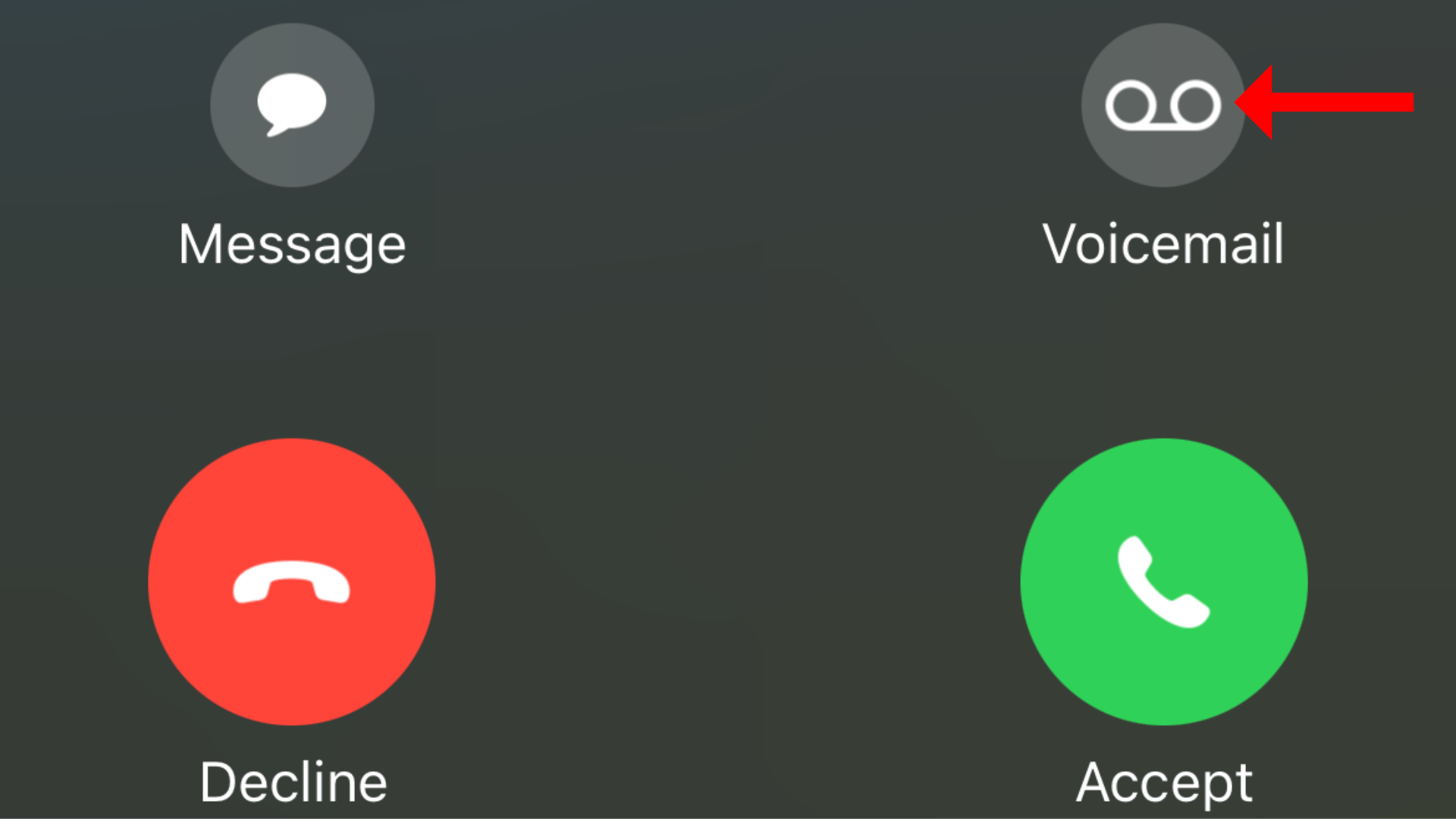
  • Once set up, you can send a caller to Voicemail by tapping on the button that shows on the screen with the contact poster or the name of the person who is calling you.

To listen to Voicemails, head to Phone > Voicemail, and tap on the entry you wish to hear. You get the option to play, pause, delete, or share a voice message. Further, the transcripted version of the Voicemail is also shown as a notification on the screen.

ALSO SEE: Hero Bikes Price List in India

What Are Live Voicemails?
What Are Live Voicemails

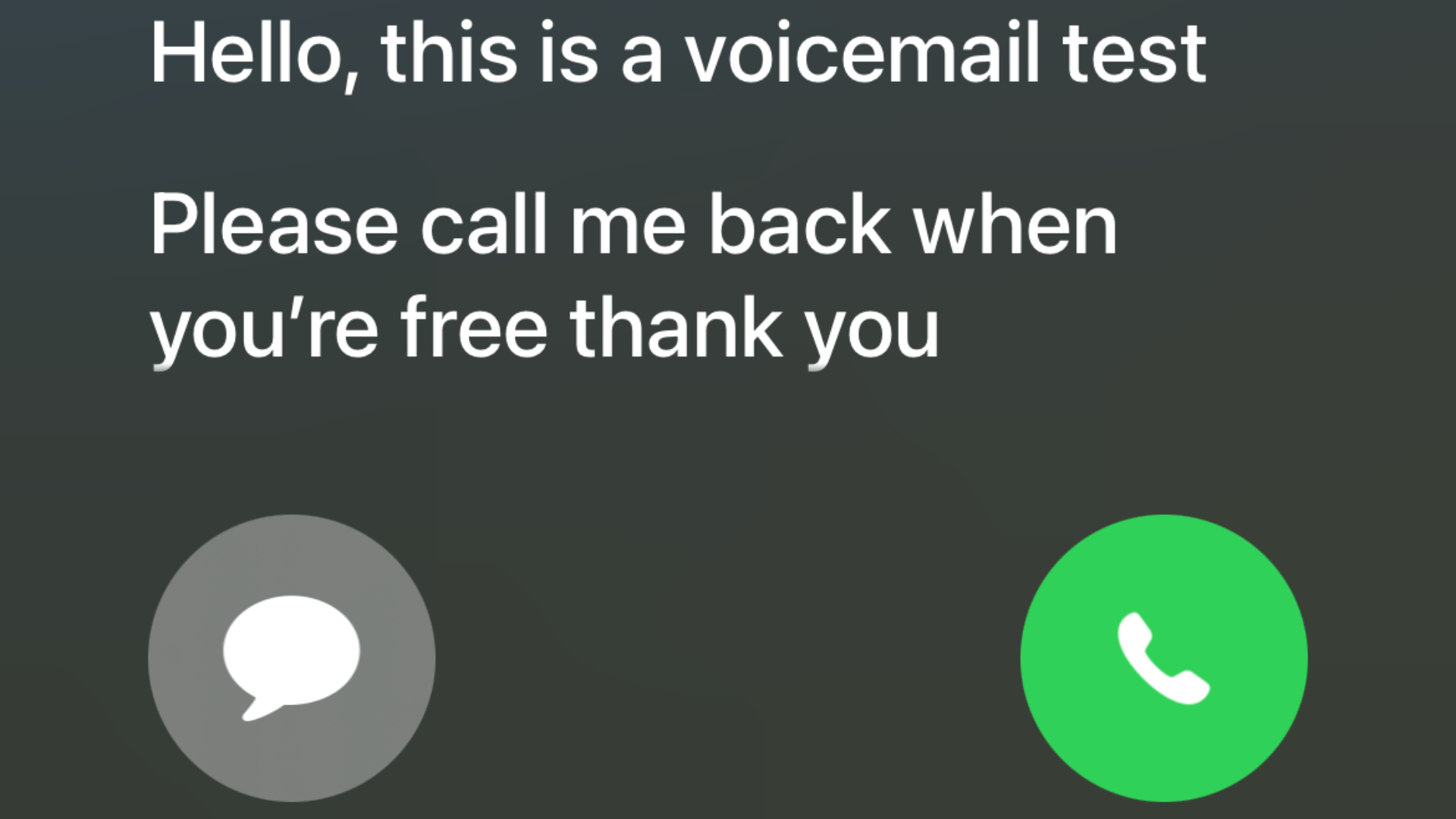
While Voicemail lets you hear a message that the other person records for you, Live Voicemail is a feature that lets you automatically see a real-time transcription as the other person is leaving a voicemail message. You can either read the transcription or pick up the call mid-transcription. However, while you’re reading the transcription, the other person won’t be able to hear you.

  • To enable Live Voicemail, head to Settings > Apps > Phone.
  • Then, tap Live Voicemail and then turn the feature on.

ALSO SEE: Intel Core Ultra 9 CPU Laptops

You can follow Smartprix on TwitterFacebookInstagram, and Google News. Visit smartprix.com for the latest tech and auto newsreviews, and guides.

Shikhar MehrotraShikhar Mehrotra
Shikhar Mehrotra is a seasoned technology writer and reviewer with over five years of experience covering consumer tech across India and global markets. At Smartprix, he has authored more than 1,700 articles, including news stories, features, comparisons, and product reviews spanning automobiles, smartphones, chipsets, wearables, laptops, home appliances, and operating systems. Shikhar has reviewed flagship devices such as the iPhone 16, Galaxy S25+, and Sennheiser HD 505 Open-Ear headphones. He also contributes regularly to Smartprix’s growing automotive section.

With a deep understanding of both iOS and Android ecosystems, Shikhar specializes in daily tech news, how-to explainers, product comparisons, and in-depth reviews. His DSLR photography in product reviews is recognized as among the best on the team.

Before joining Smartprix, Shikhar wrote for leading publications including Forbes Advisor India, Republic World, and ScreenRant. He holds a Bachelor of Arts in Journalism and Mass Communication from Amity University, Lucknow.

Related Articles

ImageSamsung Galaxy Z Fold8 Official Renders Leak

Android Headlines has published what appear to be official renders of Samsung’s upcoming Galaxy Z Fold8, giving us our best look yet at the company’s new foldable strategy for 2026. The biggest change is the shape itself. Samsung has moved away from the tall and narrow Fold design and gone with a wider, more compact …

ImageBest of iOS 17 Features: All New Features Coming to Your iPhone on September 18

Best of iOS 17 Features: All the new features that will Apple is will be coming to your iPhone with iOS 17.

ImageApple Siri will now Interact with You in Hindi: More India-specific updates rolled out for iOS 18

Apple first unveiled its next generation, iOS 18 software update during the World Wide Developers Conference in June 2024. iOS 18 is one the biggest software updates by Apple in the last few years as it includes Apple AI or what is being called Apple Intelligence capabilities for upcoming iPhones. Cupertino-based tech giant has now …

ImageiOS 27’s Most Important Features Aren’t About AI. They Make Your iPhone Faster

You could sum up WWDC 2026 like this: Apple announced Siri AI, added a child safety system, and gave Liquid Glass a slider. That’s all true. But it leaves out the part of the keynote that will actually affect more people, more often, than any of those features. Apple used a big part of WWDC …

ImageiPhone 18 Pro Tipped to Feature Larger Camera Module for Variable Aperture System

Apple could be preparing one of the biggest camera hardware upgrades in years for the iPhone 18 Pro series. According to a Chinese tipster, the iPhone 18 Pro and iPhone 18 Pro Max will feature a noticeably larger main camera module than their predecessors. The leak claims the camera bump could grow by roughly 2mm, …

Discuss

Be the first to leave a comment.

Related Products