Income Tax Department has rolled out AIS for taxpayers app; Know how to use it

Get all the information on your smartphone

Main Image
  • Like
  • Comment
  • Share

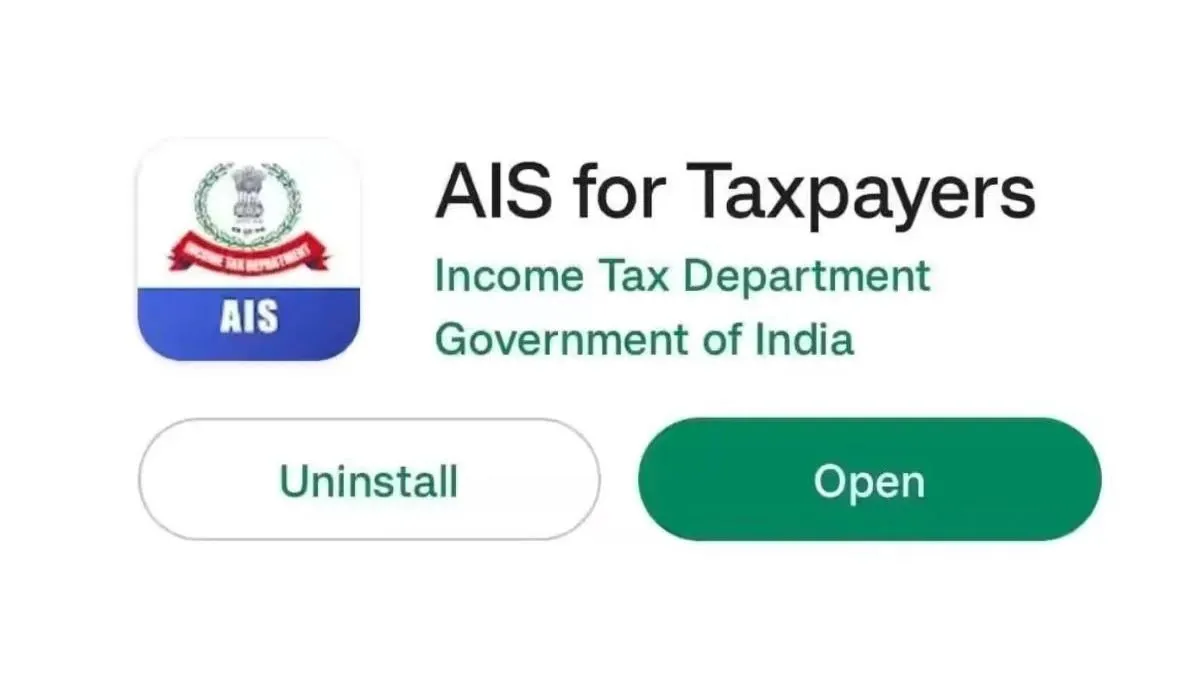
The wave of digital India is pretty prominent, and most of the government departments are riding on it. In a recent development, the Income Tax Department of India has rolled out a new smartphone application names AIS for Taxpayers. The application will help the taxpayers to see all their information related to the Taxpayer Information Summary (TIS) pr Annual Information Summary (AIS). The AIS application shows all the information collected from multiple sources. The application can be downloaded from both Android and iOS devices from Google Play Store and Apple App Store, respectively.

That said, users can also get their hands on the application to view information like foreign remittances and GST data. The user will be allowed to give feedback regarding the information displayed on the application too. Some of the best features of the AIS for Taxpayers application are that it will let users view their details on a smartphone screen, access taxpayer information (TIS) and annual information statement (AIS), have a look at the activities list, download AIS-based information like providing and consolidating feedback in PDF format, interact with the chatbot in the application to get answers for specific queries.

How to use the AIS for taxpayers application?

  • Download the AIS for taxpayers application from Google Play Store or the Apple App Store according to your requirement.
  • Now open the AIS for Taxpayers app and tap on the register button.
  • Put your PAN number in the mentioned field and then tap on the continue button.
  • After that, you will receive an OTP on your registered smartphone number as well as the email address.
  • Enter the OTP and then tap on the Verify button.
  • Now you will be supposed to set a 4-digit M-PIN to get into the mobile application after the verification.

Nishit Raghuwanshi RudraNishit Raghuwanshi Rudra
A career journalist who spent three plus years playing around with smartphones, associated apps and more. As a hobby, Rudra enjoys researching mobile games. When he's not busy in the world of gadgets, he is busy with a paper and pen writing poems or engaging with his growing digital audience on the Hindi rap circuit.

Related Articles

ImageNothing Phone (4b) Launched in India: Check Pricing and Specifications

Nothing has officially launched the Phone (4b) in India as its latest mid-range smartphone. The new model brings a refreshed design, a larger battery for India, Essential AI features, and the company’s new Glyph Bar interface. Alongside the standard variants, Nothing also revealed a limited-edition Phone (4b) RCB Edition with Royal Challengers Bengaluru branding. Nothing …

ImageIncome Tax Return Filing: Learn how you can file your ITR online in easy steps and other related things

It needs great attention to file annual income tax returns and this time, the last date for filing the ITR for the fiscal year 2021-22 is July 31. Over a period of time, the Income tax department has simplified the IT returns filing process for individual taxpayers. However, if you are filing your return for …

ImageHow To E-File Your Income Tax Returns Online

Income Tax (IT) is among the few revenue streams for the Government of India (GOI) where it can be used to repay in the form of better infrastructure, better standard of living, and so on. Every person in India earning more than INR 2.5 lacs is required to file an Income Tax Return (ITR). With …

ImageAdobe Updates Creative Cloud Apps With AI Culling, Offline Remote Tool, And New Video Effects

Adobe has pushed a bunch of updates across its Creative Cloud apps, including Lightroom, Photoshop, Premiere Pro, and After Effects. The updates are rolling out to Creative Cloud subscribers (₹1,675.60 per month for individuals) from this week. The most meaningful change here, in my opinion, is Photoshop’s Remote Tool; you can now use it offline. …

ImageSiri AI Explained: What Is It And What It Can Do?

Apple’s Siri has been the center of criticism for a few years, especially since Google launched its Gemini-powered AI voice assistant and OpenAI’s ChatGPT got an iOS app. Both these assistants used to be smarter, faster, and more useful, while Siri remained the one that you used to set an alarm or a timer.  At …

Discuss

Be the first to leave a comment.

Related Products