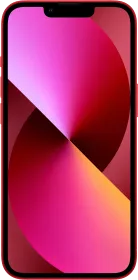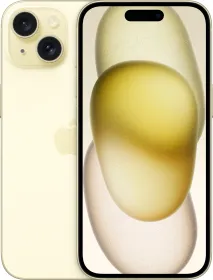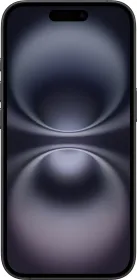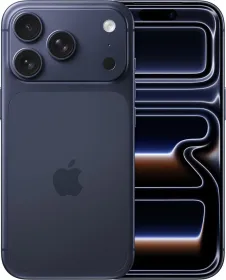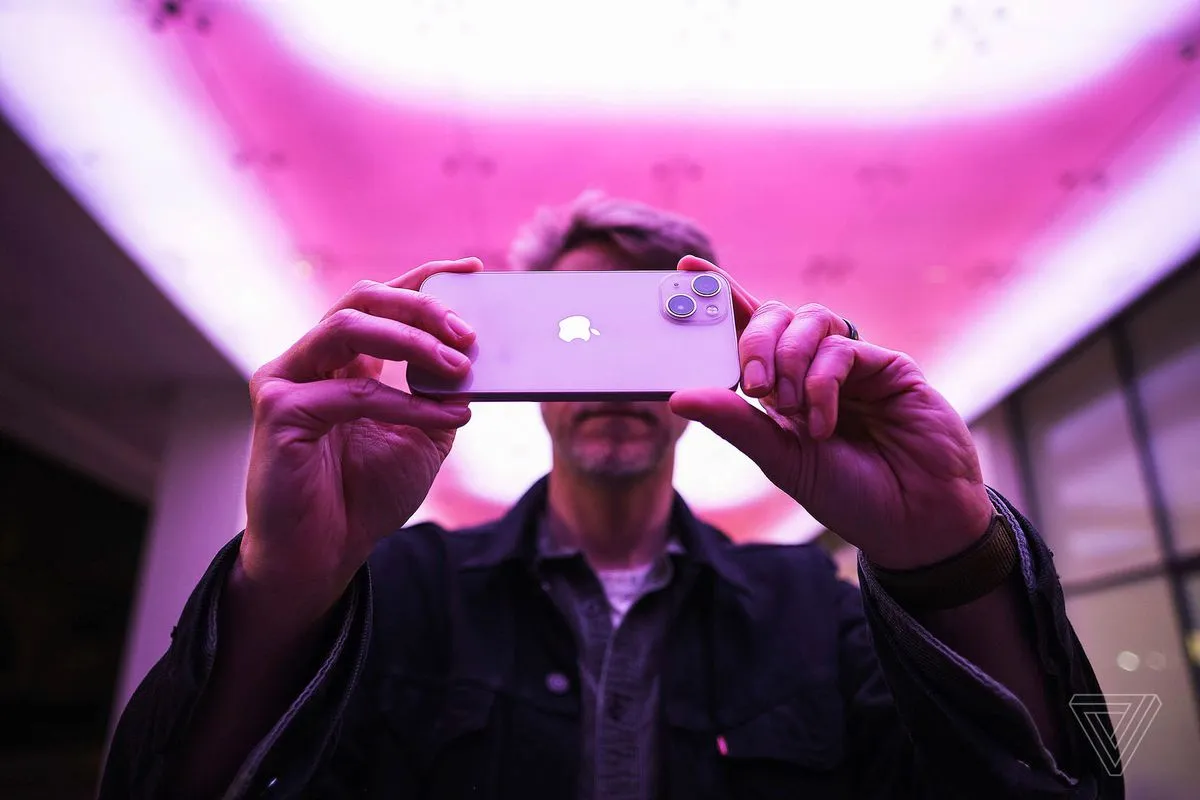
Phones have become an integral necessity in our daily lives. However, no matter how powerful your phone is, the battery is certainly an influential feature that can make or break things. Apple iPhone 13 series is undoubtedly the most powerful iPhone series to date and in fact, the iPhone 12 series and all previous series of devices are comparatively equally powerful as well. However, the battery draining issue is a mainstream issue that needs to be fixed.
Usually, what we do in an attempt to save a mAh on our battery is close apps that are running in the background. Technically, a running app consumes resources including battery and RAM. Closing unused apps in the background should technically save you that unnecessary consumption of precious juice in the battery, right? Well, the answer is NO and this applies to every iPhone from iPhone 13, iPhone 12, and before.
Why shouldn’t close background apps on iPhones?

Well, the thing is, when you minimize an app on your iPhone, instead of closing directly, it goes into a background standby mode. It enables users to retrieve a background app for better navigation and multitasking. You can simply keep navigating across 20 odd apps at once on iPhones and it won’t budge.
However, trying to force stop an app with the intention of improving battery life will surely hit it adversely. It is because you are closing an app and every time you re-launch it, the system will consume more energy and time to restart an entire app. It’s a logical thing that the energy expenditure when retrieving an app from the recently used (or background apps) is better when compared to relaunching an app.
In fact, iPhones are designed to keep background apps in a frozen “standby mode” thereby limiting their expenditure be it the RAM, storage, battery, or other resources. Let’s dive into how you can improve your battery life on iPhone 13 and before with this simple trick.
How To Close An App On Your iPhone 13 and More?
In order to close an app on your iPhone 13 safely, here’s what you need to do.

For iPhone X to iPhone 13:
Step #1: First up, unlock your iPhone, and perform a swipe-up function on the home screen from the bottom till you reach the middle of the screen. You will access the “recently used” apps preview.
Step #2: Swipe right and left to find the app that you want to close. You will have to roll through the list of apps in case there are too many apps in this list.
Step #3: Simply swipe up on the app that you want to close and bingo, the process is done.
For iPhone SE, iPhone 8, and earlier:
Step #1: On your iPhone SE and earlier, double-click on the home button and that’s how you will get the “recently used apps”.
Step #2: Perform the swipe right or left to find the app that you want to close.
Step #3: “Swipe Up” on the app that you want to close and there you have it.
Few Additional Tips On How To Improve Battery Life On iPhones?
- Turn ON “Dark Mode”.
- Enable “Low Power Mode”.
- Turn OFF “5G” if you aren’t using it.
- Tweak your iPhone’s brightness, lower during night and mid-to-higher during the day.
- Toggle “Background App Refresh” to exclude those that you don’t want to update content dynamically while in the background.
- Turn OFF location services when not in use. Go to “Settings >> Privacy >> Location Services”.
- Disable Dynamic Backgrounds.
- Turn OFF WiFi, Bluetooth, and NFC when not in use.
And there you have it. A simple trick on how to improve your iPhone 13’ battery life and how you can utilize a whole lot of other tricks to counter the effect of draining the battery.