

TL;DR
I free up about 300GB, start the preload (up to 212GB), plug in with Ethernet, turn on automatic updates and rest or sleep mode, secure my account, and clean my console’s vents. No PS4, Xbox One, or PC version has been announced.
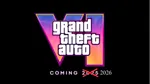
Grand Theft Auto VI unlocks this Thursday, November 19, and preloading has been open since November 10, so you can get the biggest download out of the way before the rush. I don’t want to spend launch night staring at a progress bar, and I bet you don’t either. It’s time to prep your console.
Here’s what I do to save time and hassle, step by step. I’ll show you how long the download takes, where to find the right settings, and what to check if you play in India. If you’re in a hurry, the quick answer is just below.
How long will the GTA 6 download take?
It all depends on your connection speed, so I always check my real number before starting. These are best-case estimates for a 212GB file, but real-world speeds usually fall short of what your plan promises.
Connection speed Approximate download time
50 Mbps about 9.5 hours
100 Mbps about 4.7 hours
300 Mbps about 1.6 hours
1 Gbps about 30 minutes
If my console tests slower than my plan promises, that’s my cue to fix things before launch night. Both PS5 and Xbox have a built-in connection test in their network settings, so I always run it before settling in for a long download.

ALSO READ: Rockstar Confirms GTA VI Targets 30 FPS On Current Consoles Including The PS5 Pro
Clear space today, and aim for 300GB free.
Rockstar says the GTA 6 preload needs up to 212GB of free space, depending on your device. I keep closer to 300GB free, just in case. Rockstar hasn’t said whether a day-one patch is coming or how big it might be, and if you only have 215GB free, any patch could still force you into an uninstall-and-wait routine right when you want to play.
This hits hardest if you own a base model. A 512GB Xbox Series S leaves you with well under 400GB of usable space after the system takes its share, so a 212GB game eats up more than half. I almost always have to uninstall something to make room.

Here’s how I sort out my options, in order:
Delete games you won’t play this month. You can re-download them later, and your saves sync to the cloud if you have the right subscription or backup turned on.
Add internal storage if you want to keep everything. PS5 owners can fit a compatible M.2 NVMe SSD in the expansion slot, and it needs a heatsink. Xbox Series X|S owners can use the Xbox Storage Expansion Card.
Don’t count on an external USB drive to run the game. On both consoles, USB storage can hold games for transfer, but it generally can’t run native PS5 or Xbox Series titles.
I do this today, not at 11:45 PM the night before launch.
- Start the preload immediately.
If you pre-ordered digitally, start the download right now. PS5 preloading opened at midnight local time on November 10, and Xbox Series X|S opened at 12 AM GMT, which is 5:30 AM in India. The game stays locked until launch, so there’s no downside to starting early.
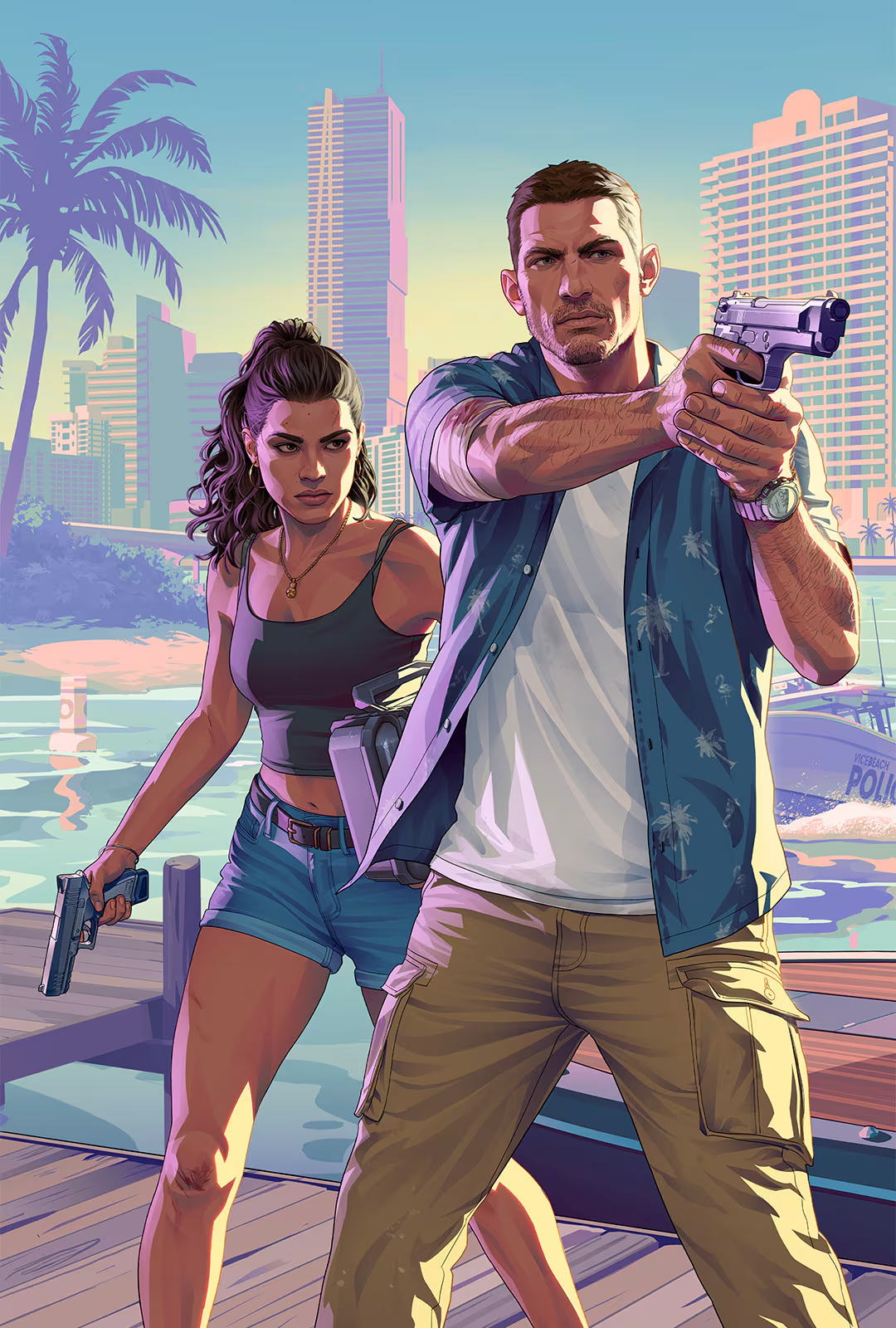
If you bought a physical copy, you get a code, not a disc. Rockstar says code-in-box copies should be at retailers from November 12. If yours has arrived, redeem the code on the PlayStation Store or Microsoft Store and start the download. If it hasn’t, don’t wait around. Every day you delay is a day of buffer you lose.
Once the preload finishes, the game icon stays locked until launch. Rockstar says it unlocks at midnight local time on November 19 in every region. I always check my region’s exact time on Rockstar Support before planning to stay up, since that’s the list that matters.
ALSO READ: GTA 6 Cars and Vehicles List: Every Confirmed and Leaked Vehicle So Far
Hardwire your connection and check your data cap.
Wi-Fi works until it doesn’t, and 212GB is a long time to trust a wireless signal. I always plug an Ethernet cable straight into my console for steadier speeds. If my router is in another room, I use a powerline adapter or a longer cable instead of risking a weak wireless link.
If I have to use Wi-Fi, I connect to the 5GHz band and move the router closer. In India, I always check whether my broadband plan has a monthly data cap or a fair-usage limit. A 212GB preload can eat up a big chunk of a capped plan, and some plans slow your speed after a certain point. I check my remaining allowance before hitting download, and if I’m not sure, I ask my provider.
- Turn on automatic updates and rest or sleep mode.
Preloading puts the base game on your drive, but patches can drop at any time. Rockstar hasn’t announced a day-one patch, but I don’t want to find out about one at midnight. I set my console to update on its own so it handles everything while I’m asleep or out.
PS5: Enable “Stay Connected to the Internet” under the Rest Mode settings in Power Saving, and turn on automatic downloads and installs for games.
Xbox Series X|S: Turn on “Keep my games & apps up to date” in Updates settings, and use Sleep mode instead of fully shutting down the console.
Menu names change with system updates, so if I can’t find a setting, I search the Settings screen for “Rest Mode” or “Updates.” Then I leave the console in rest or sleep mode overnight through launch week, with Ethernet plugged in.
Secure your account and ignore the scams.
Fake GTA 6 early-access offers have circulated since before pre-orders opened in June. Rockstar has not announced any early access or beta, so any offer for one is a scam. The usual aim is to steal your login, your payment details, or both.
Watch for these red flags:
A site or ad promising to let you play before launch, or selling “VIP access.”
A request to pay in cryptocurrency.
An email or message saying your pre-order “failed” and asking you to log in to fix it.
A “preload file,” “launcher,” or “crack” offered as a download from outside your console’s store.
Any request for your PlayStation or Microsoft password.
I protect my account by turning on two-factor authentication (2FA) and setting up a passkey if my account supports it. I only buy and download through the PlayStation Store, the Xbox Store, Rockstar’s official site, or authorised retailers. My GTA 6 purchase lives on that account, so ten minutes of setup is worth it.
Clean your console’s vents.
Long sessions in a big open-world game keep my console’s fans busy, and dust only makes things harder. A console with clogged vents runs louder and hotter, and I want to avoid sustained heat during a long launch-night session. The fix only takes a few minutes.
Power the console off and unplug it.
Use a soft brush or short bursts of compressed air to clear the vents and fan intake.
Keep the can upright, use short bursts, and never use a vacuum cleaner directly on the vents.
I always give my console room to breathe, with space around the vents and never inside a closed cabinet.
If you aren’t comfortable doing it, or the console is under warranty, take it to an authorized service centre instead of opening it up.
Your three-day plan: Day Do this
Today (Monday): I check my storage and my data cap. I delete or add storage as needed. I run a connection test.
Tuesday: I start the preload, wired if I can. I turn on automatic updates and rest or sleep mode. I secure my account.
Wednesday: I confirm the preload finished. I clean the console. I check Rockstar Support for my region’s unlock time.
What happens at launch
When the game unlocks, the icon should become playable, and my console may check for an update first. If there’s a patch, a fast wired connection and enough free space keep that step short. Rockstar hasn’t said whether a patch is coming, so I treat it as something to be ready for, not something confirmed.
Launch day can get busy on Rockstar’s and the console makers’ services. If things seem slow, I check the official status pages for PlayStation Network, Xbox, and Rockstar before troubleshooting my own setup.

GTA 6 in India: price, platforms and what to check
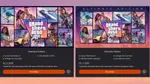
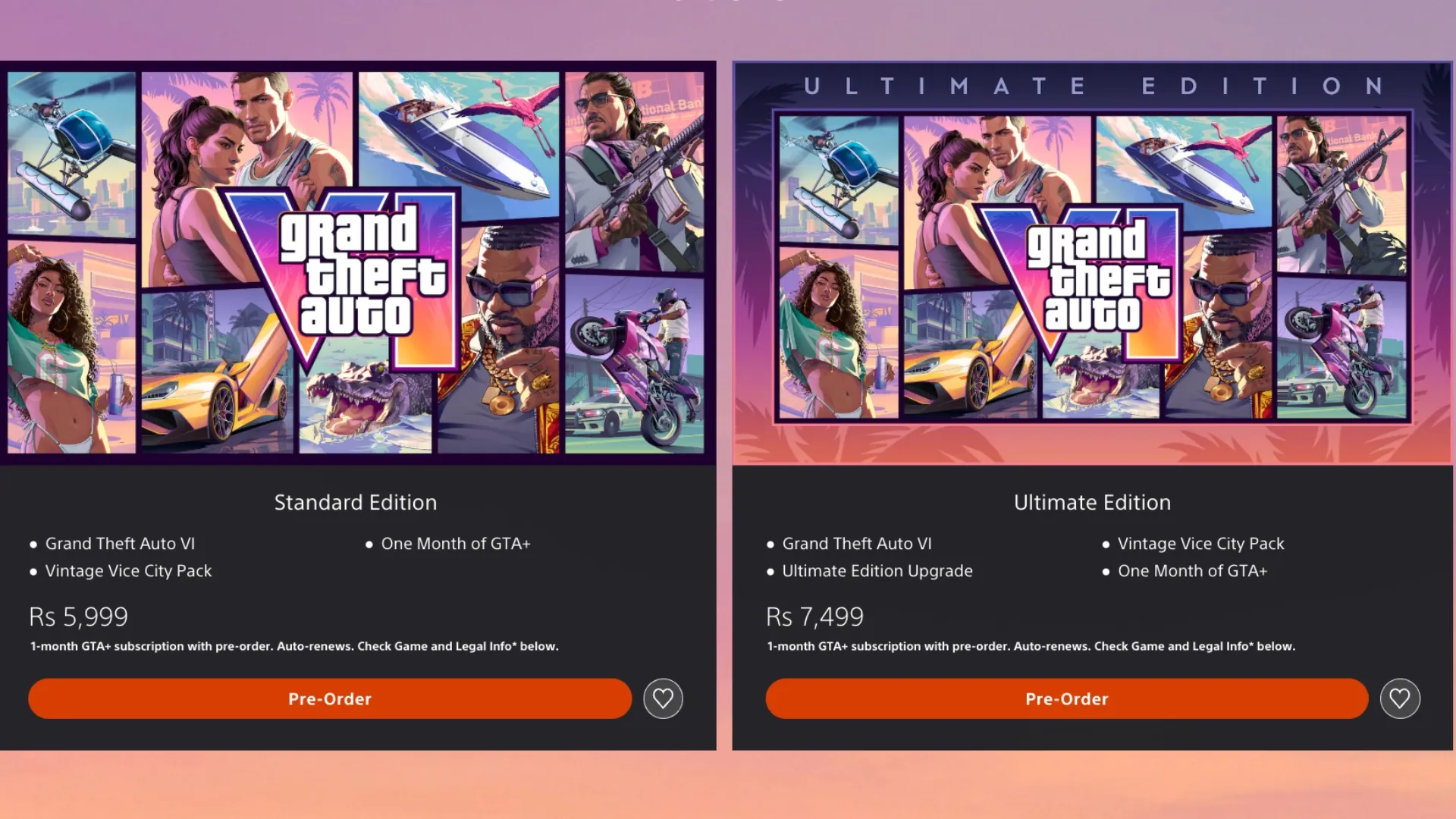
PlayStation Store India lists GTA 6 at Rs 5,999 for the Standard Edition and Rs 7,499 for the Ultimate Edition. Check the Xbox Store for Xbox pricing, since I couldn’t confirm a figure. Prices can change, so check the store listing before you pay.
To play, you need a PlayStation 5 or an Xbox Series X|S. There’s no PS4 or Xbox One version, and no PC version has been announced. Buying a console for one game is a big decision, so if I’m on the fence, I remind myself there’s no rule saying I have to play on day one.
GTA 6 launch FAQ
Can you preload GTA 6?
Yes. Preloading has been open since November 10 for digital pre-orders on PS5 and Xbox Series X|S.
How big is the GTA 6 download?
Up to 212GB, depending on your device, according to Rockstar.
How long does it take to download GTA 6?
It depends on your speed. At 100 Mbps, expect roughly five hours in the best case, and longer if your real speeds are lower than your plan promises.
How much free space do I need for GTA 6?
At least 212GB, and we recommend about 300GB. Rockstar hasn’t said whether a day-one patch is coming or how big it would be.
What time does GTA 6 unlock?
Rockstar says it unlocks at midnight local time on November 19 in every region. Confirm your exact time on Rockstar Support.
Is there a GTA 6 early access period?
No. Rockstar has not announced any early access or beta, so any offer for one is a scam.
Can I play GTA 6 on PC, PS4, or Xbox One?
No. It launches on PS5 and Xbox Series X|S, and no PS4, Xbox One, or PC version has been announced.
How much does GTA 6 cost in India?
PlayStation Store India lists Rs 5,999 for Standard and Rs 7,499 for Ultimate. Check the Xbox Store for Xbox pricing.
You can follow Smartprix on Twitter, Facebook, Instagram, and Google News. Visit smartprix.com for the latest tech and auto news, reviews, and guides.